



9 Best Color Palette Generators for Designers
Discover the best color palette generators for designers to create, generate, and manage perfect color schemes for branding, UI, and web design.

Dudu
Jan 17, 2026
Last Updated Jan 17, 2026
Image Credit: Toolfolio
Colors decide how a design feels before anyone reads a word. A good palette makes a design clear, trusted, and easy to use. A bad one makes it noisy, confusing, or forgettable.
But choosing the right colors is not simple. Even experienced designers get stuck mixing shades, matching brand colors, or keeping designs consistent across screens. Guesswork wastes time and often leads to rework.
Color palette tools remove that friction. They help you build balanced color schemes, explore new combinations, and stay consistent across projects. Whether you work on UI, branding, or web design, the right tool can turn color from a problem into a strength.
This guide covers the best color palette generators for designers and how each one helps you work faster and design better.
Must-Have Color Palette Generators
1. Super Color Palette
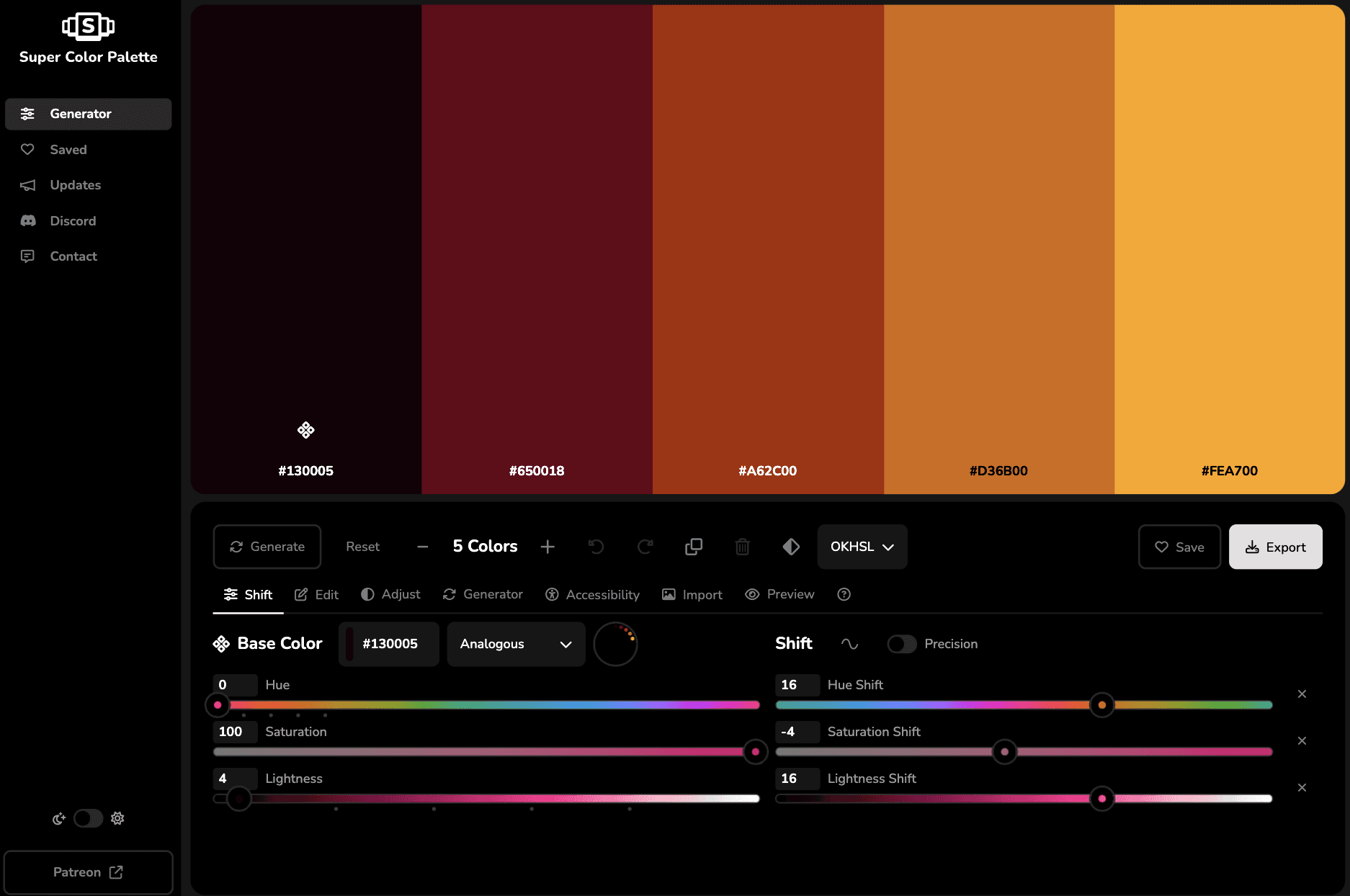
Super Color Palette is built for designers who want control, not randomness. You start with one base color and build a full palette by shifting hue, saturation, and lightness. Every change feels intentional and easy to understand.
The tool lets you generate palettes using clear color harmonies like monochromatic, analogous, complementary, triadic, and more. You can lock colors you like, undo or redo changes, and edit each color by hand.
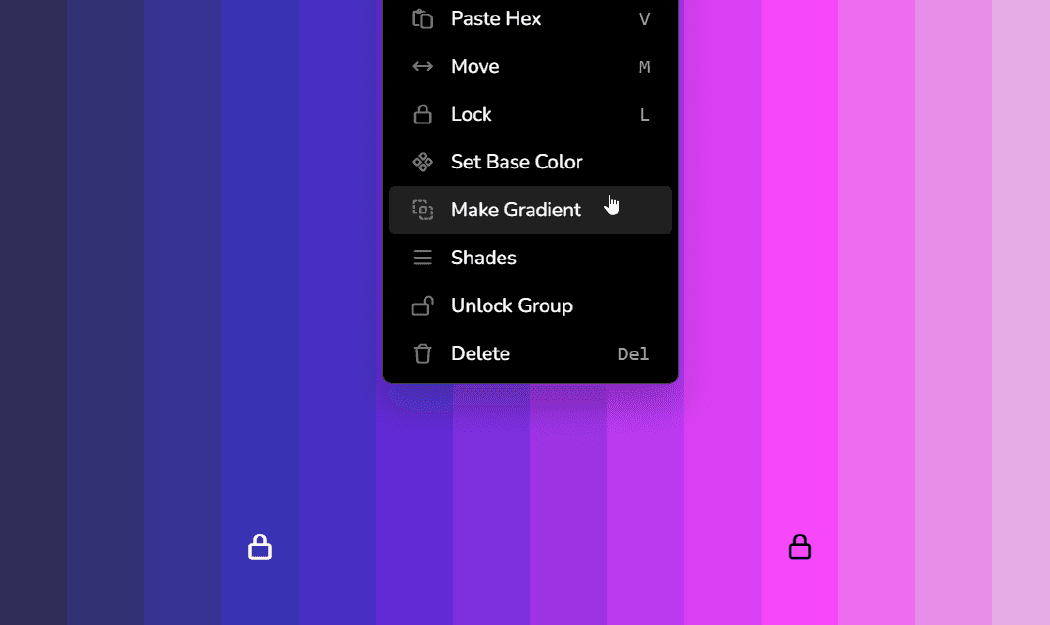
You can also adjust the whole palette at once, which helps when a design feels too bright, too dull, or off balance.
It supports multiple color spaces like OKHSL, HSL, HSV, LCH, and HWB.
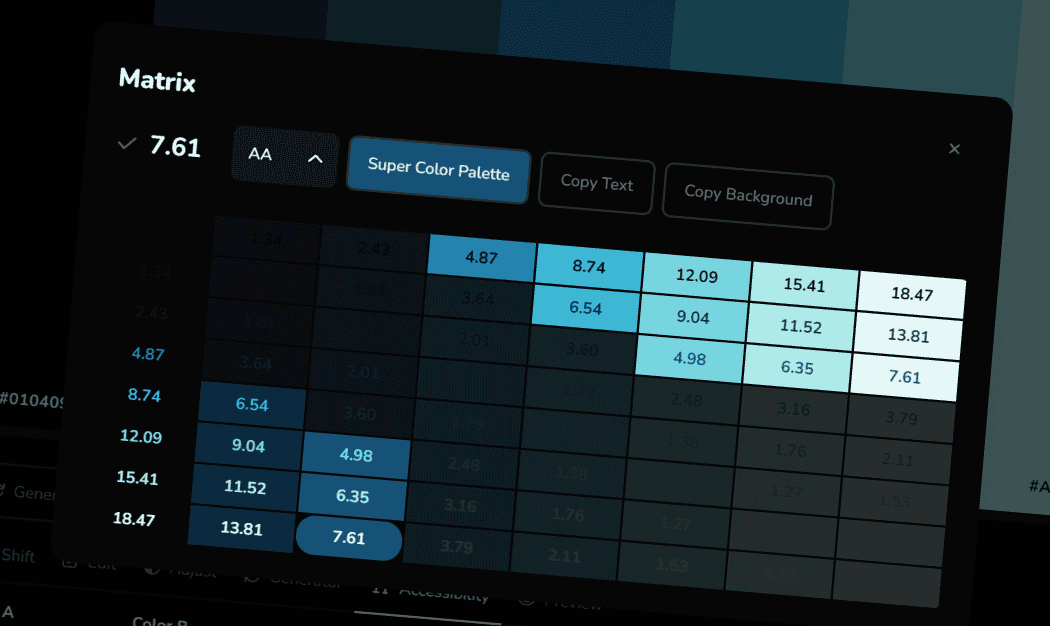
You can create up to 24 colors, group them, clone groups, and test variations fast. You can import an image to pull useful colors, check contrast for accessibility, preview palettes in different layouts, and export in common formats. It even supports transparency. Best part is it is fast, has no ads, and is fully free for generating, saving, and exporting palettes.
2. Coolors
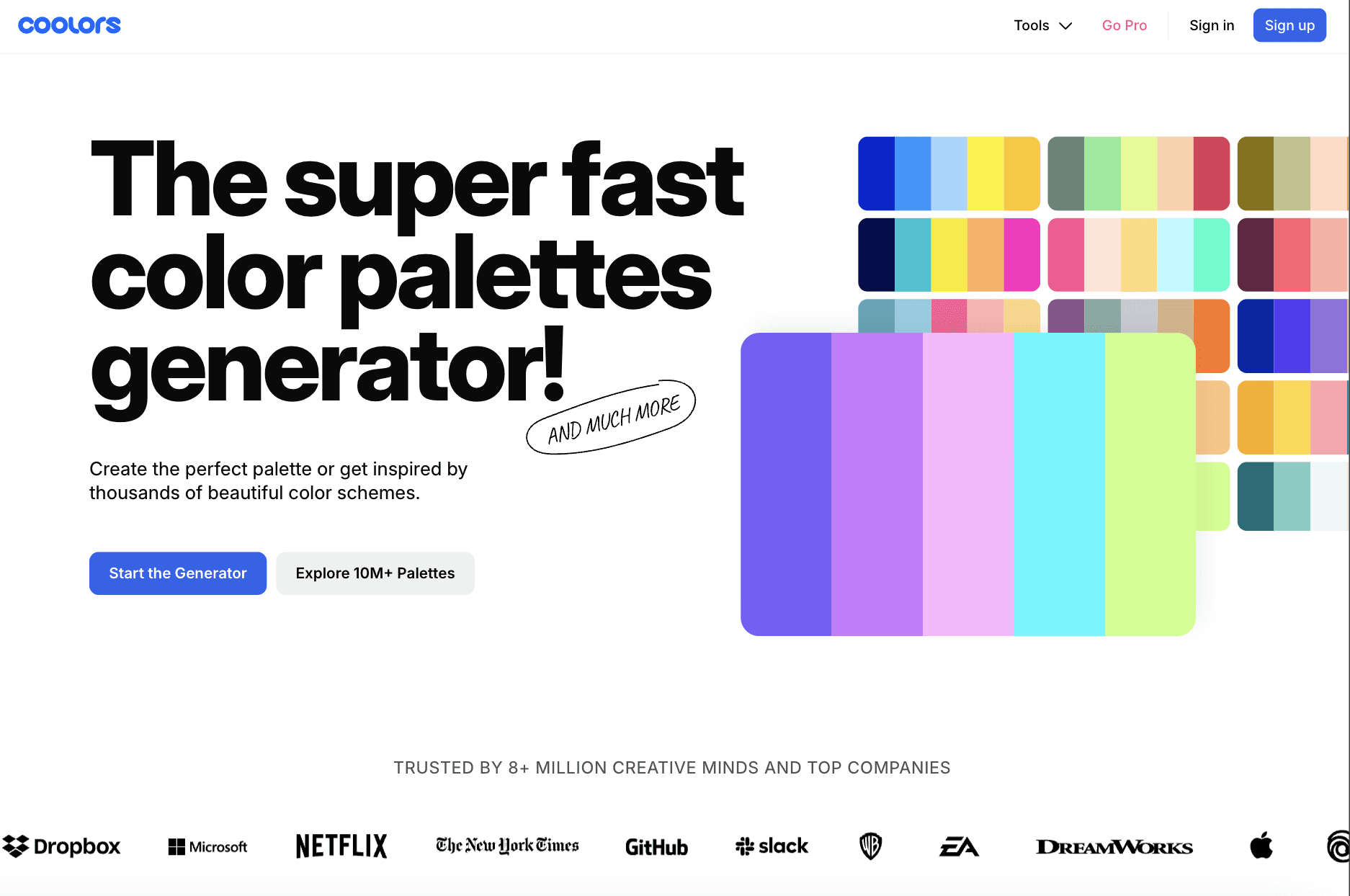
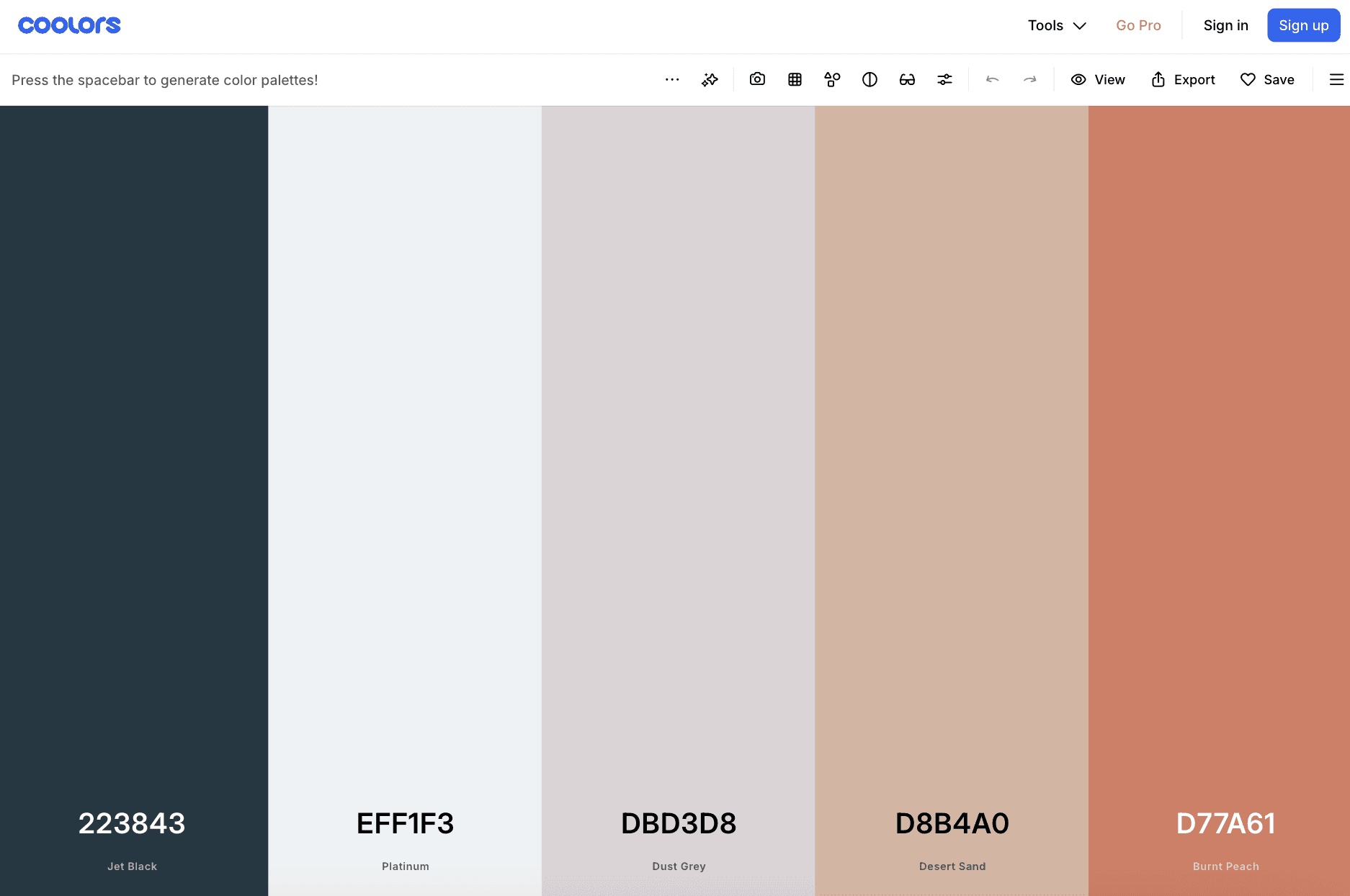
Coolors is one of the fastest ways to create a color palette. You press the spacebar and new palettes appear instantly.
You can lock colors you like and keep generating until it feels right. This makes it perfect when you need ideas fast or want quick inspiration.
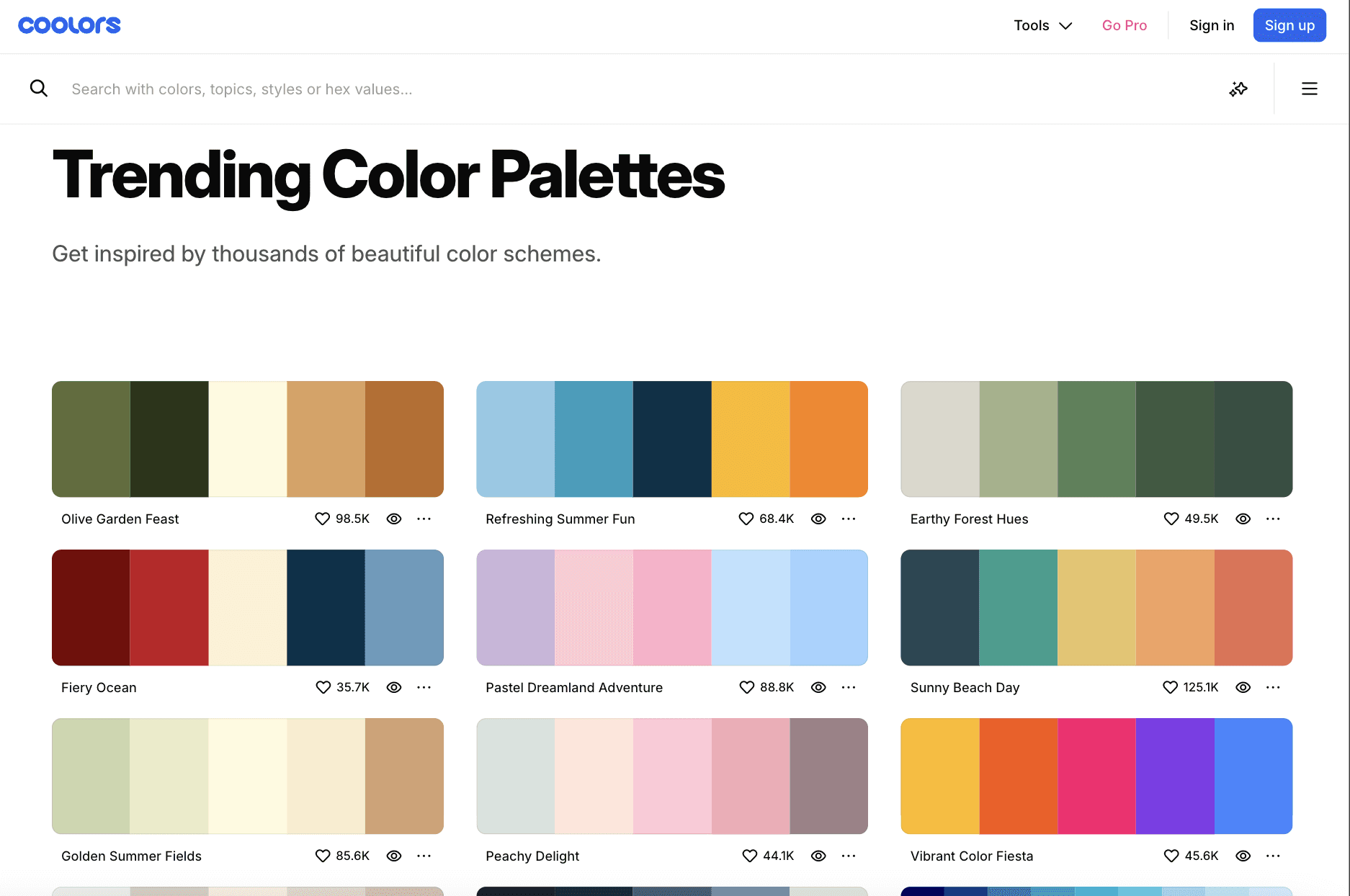
You can also explore millions of palettes made by other designers. Search by color, mood, style, or hex code. Coolors lets you pull colors from images, check contrast for accessibility, and preview palettes on real designs before using them.
This helps avoid bad color choices early.
Coolors works across web, apps, and plugins like Figma, Adobe, and Chrome. You can organize palettes into projects and export them in many formats.
3. ColorPalette Pro
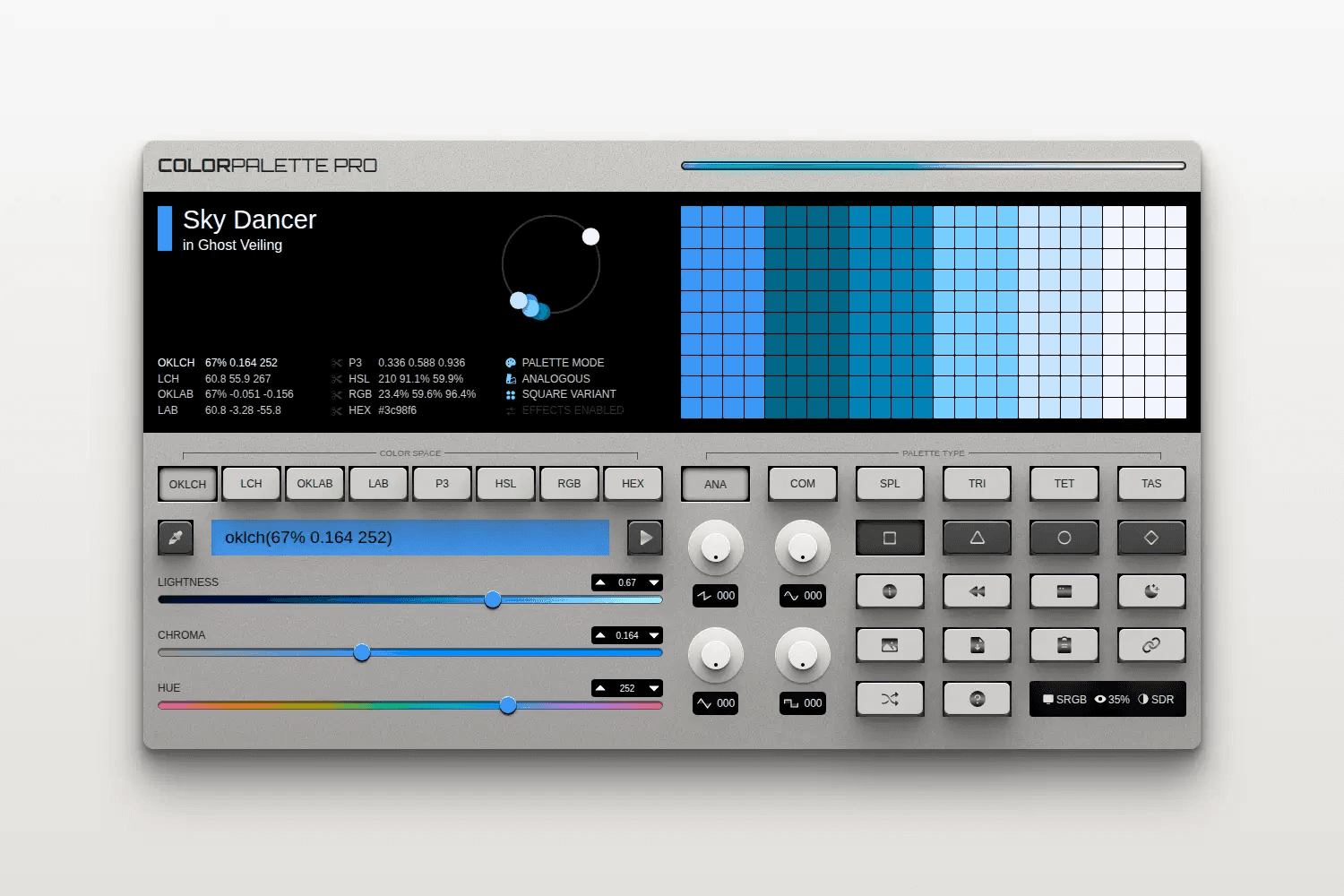
ColorPalette Pro generates structured palettes from a single base color. It creates sets like analogous, complementary, split complementary, triadic, tetradic, and tints and shades.
The palettes are built to stay balanced and usable, especially for UI and theme design.
The interface works like a color synthesizer. You adjust lightness, chroma, and hue using knobs and sliders that change based on the color space.
It supports modern spaces like OKLCH and LAB, which helps avoid harsh or broken color combinations. Colors can be added through hex, RGB, names, sliders, an eyedropper, random picks, or a shareable URL.
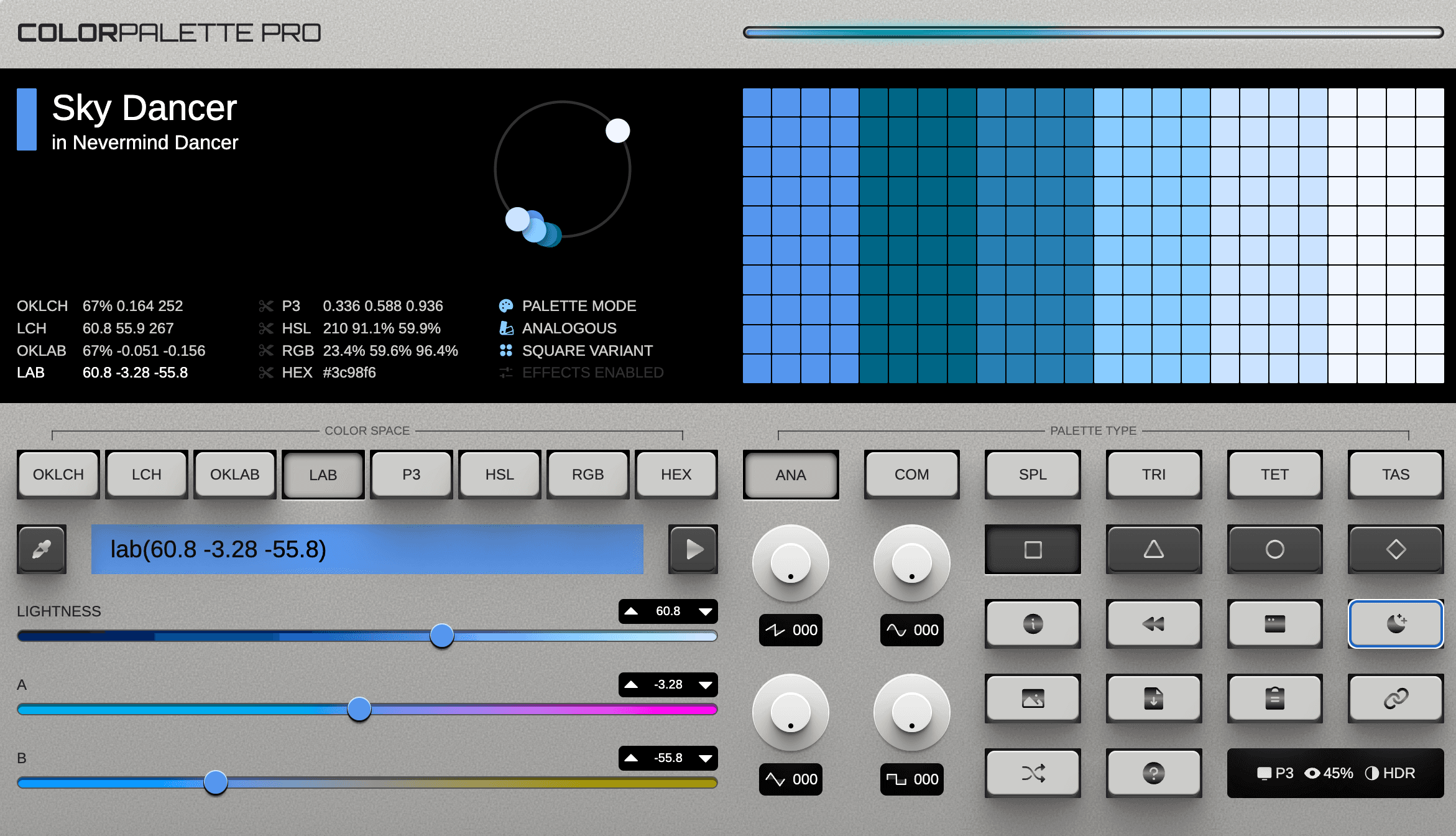
You can export palettes as CSS variables, download CSS files, or generate palette images for design tools. Built-in contrast handling makes the palettes easier to apply in real interfaces.
4. Inclusive Colors
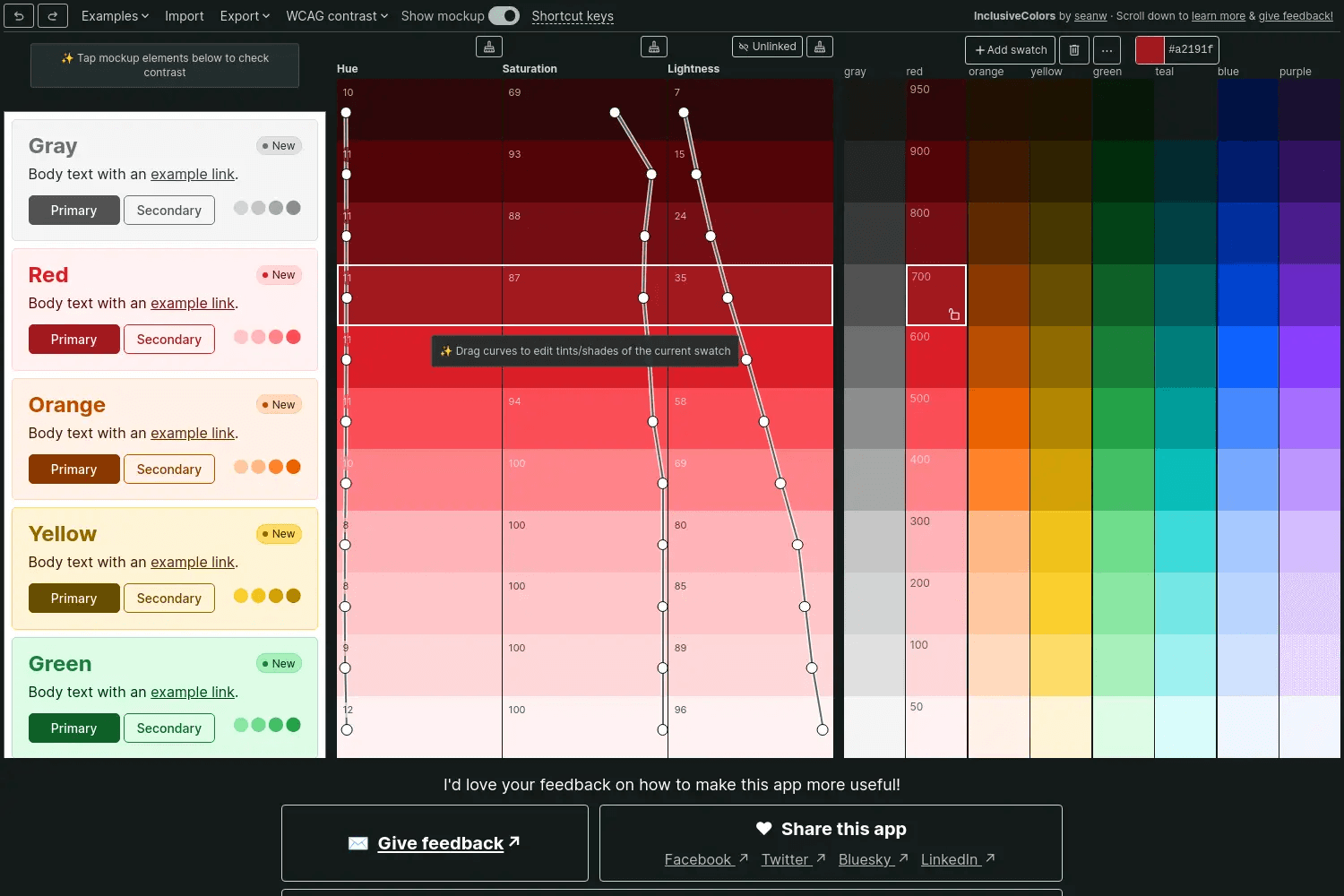
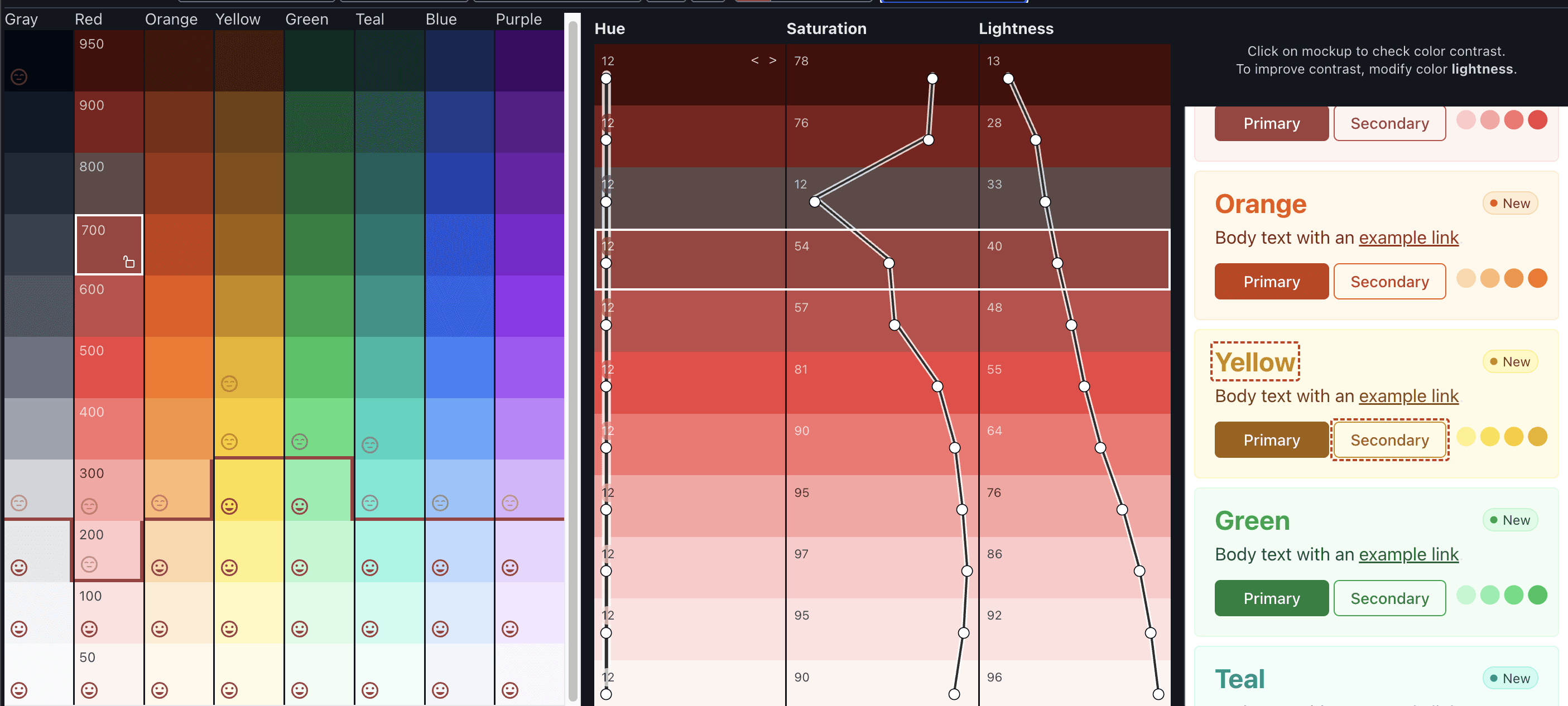
Inclusive Colors helps you build color palettes that meet accessibility rules from the start. You create full palettes with precise control over every shade and tint, not auto generated guesses.
As you edit, the tool shows which color pairs pass contrast rules, so you know what works for headings, body text, buttons, and backgrounds.
The tool uses HSLuv instead of regular HSL. This keeps brightness stable when you change hue or saturation, which makes it much easier to design accessible colors.
You can switch between WCAG 2 and APCA contrast checks to see how colors behave in light and dark themes. This is especially useful for UI and design system work.
Inclusive Colors supports many export formats. You can export to Tailwind config files, CSS variables, Figma, Adobe tools, Procreate, and more. It works best for designers who want accessibility built into their palette, not fixed later.
5. Realtime Colors
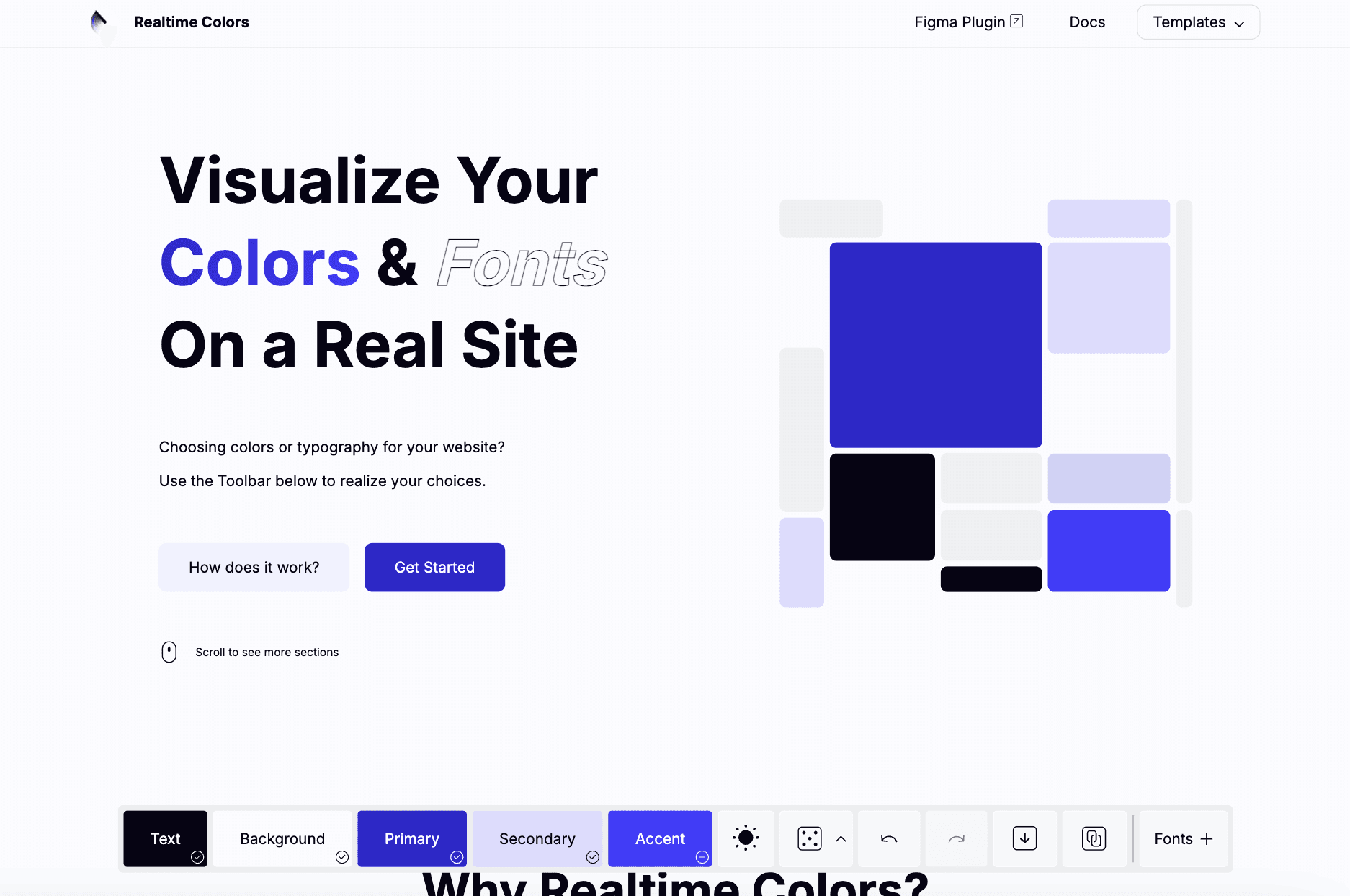
Realtime Colors lets you see your color palette on a real website layout. Instead of guessing from swatches, you watch colors apply to text, buttons, sections, and cards in real time. This makes it easier to judge contrast, hierarchy, and overall feel.
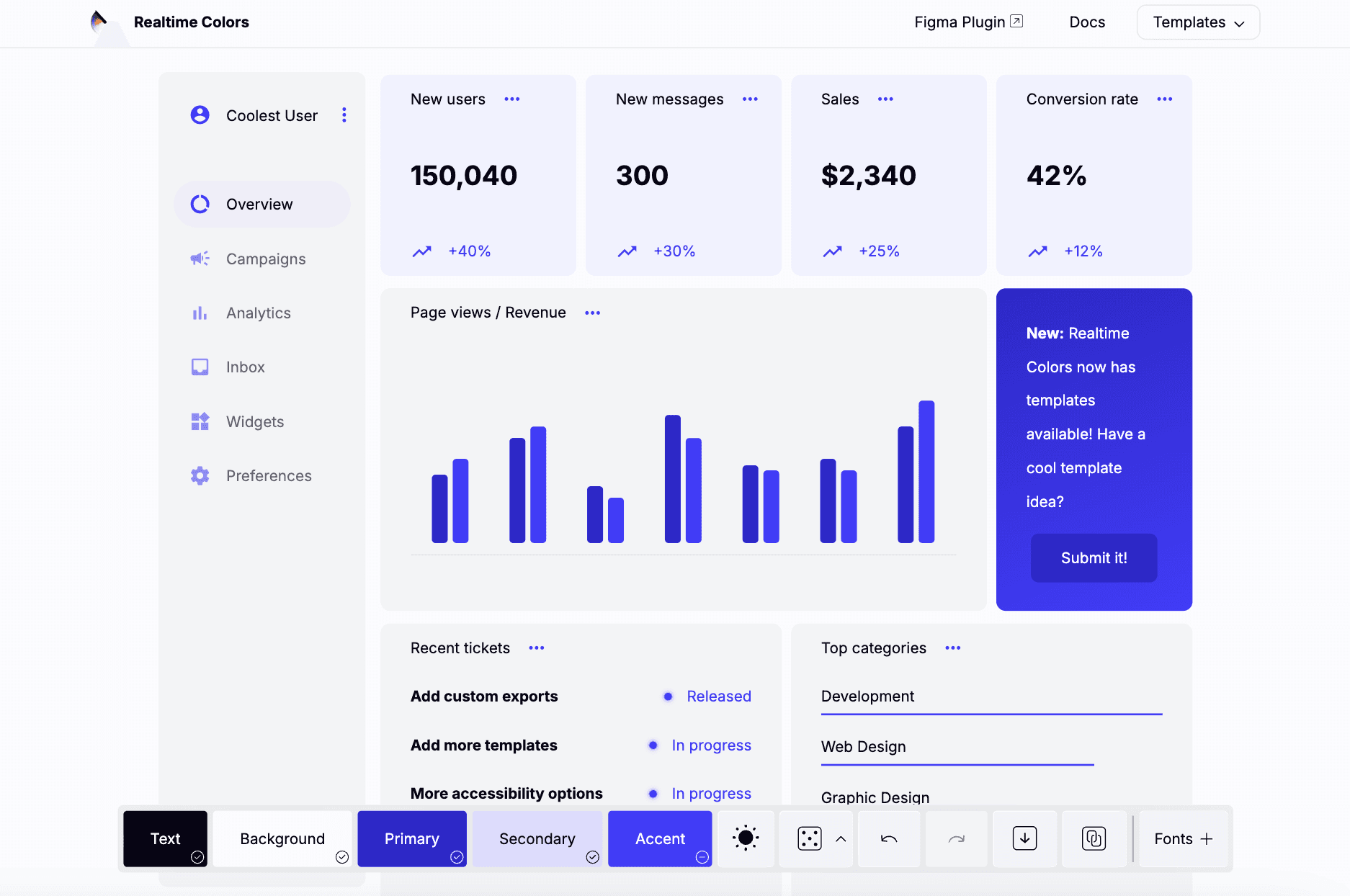
You start with background and text colors, then add primary, secondary, and accent colors. The tool places them automatically across a realistic page. You can tweak colors and fonts and see changes instantly, which helps you decide faster without building mockups.
Realtime Colors is free and simple to use.
You can export palettes as CSS, SCSS, images, ZIP files, and more. It works well for web designers and founders who want quick, confident color decisions for real sites.
6. Colors.tools
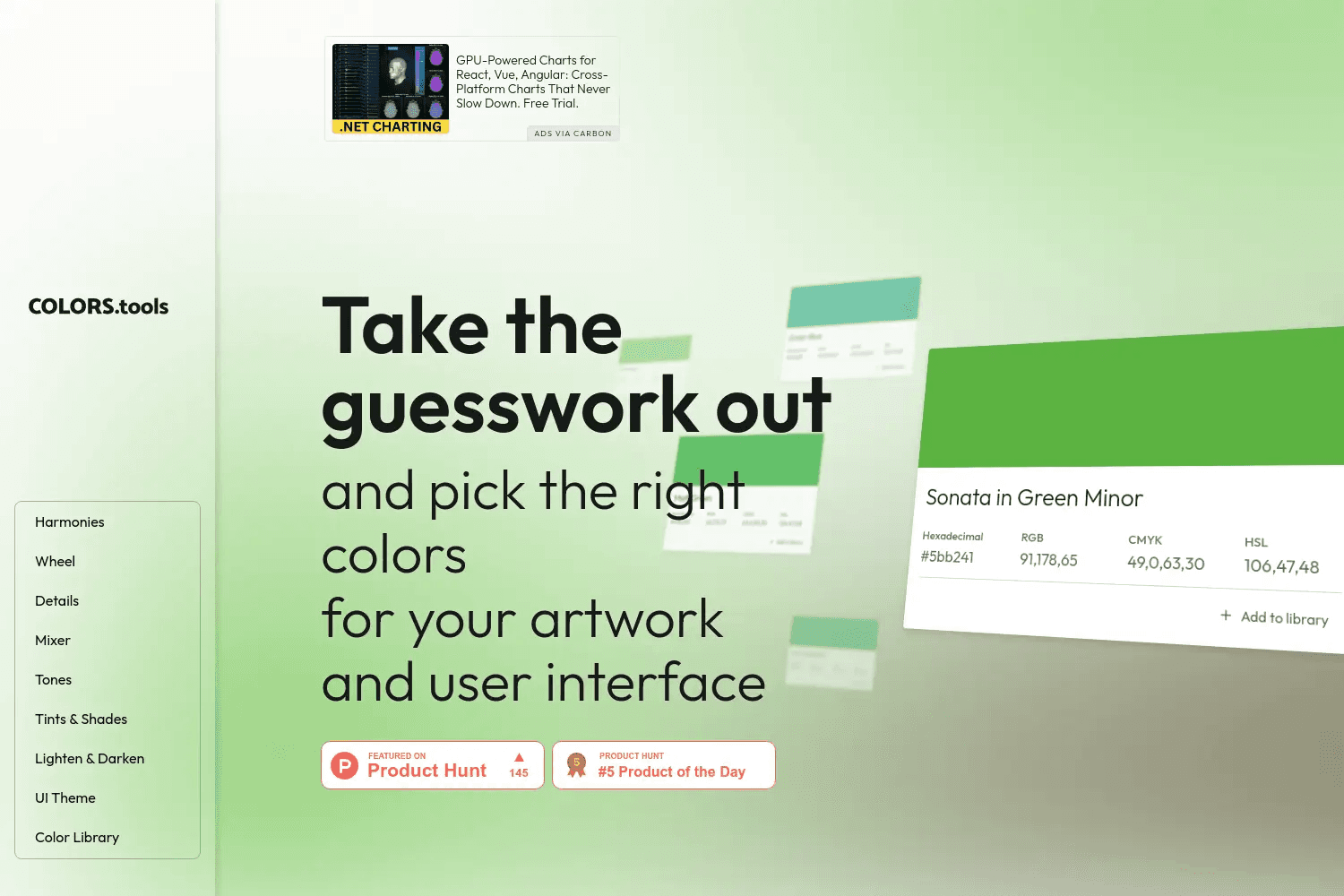
Colors.tools helps you understand and build colors with precision. You can explore exact values in hex, RGB, CMYK, and HSL, along with clear color names. This makes it useful when you need accuracy across design and print.
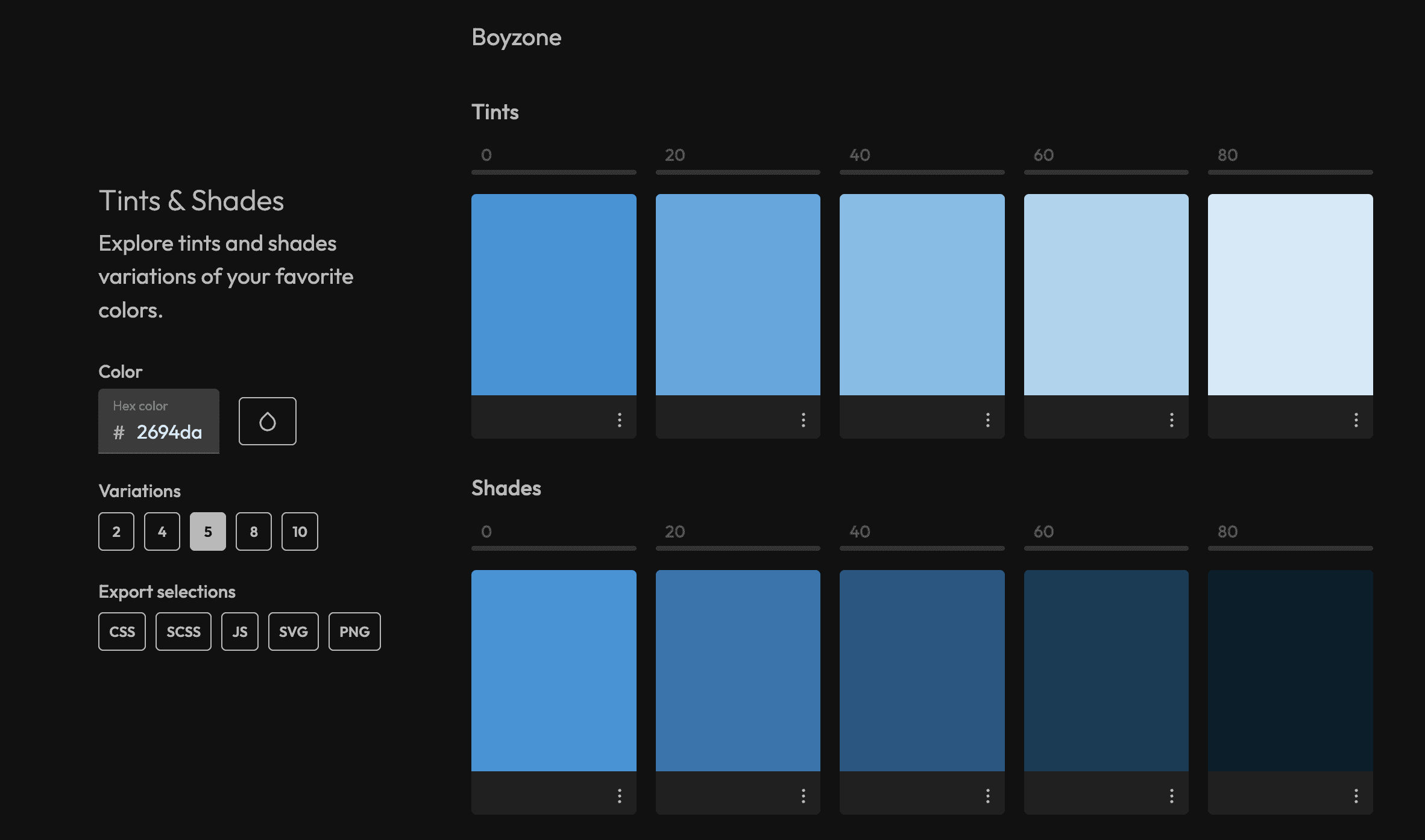
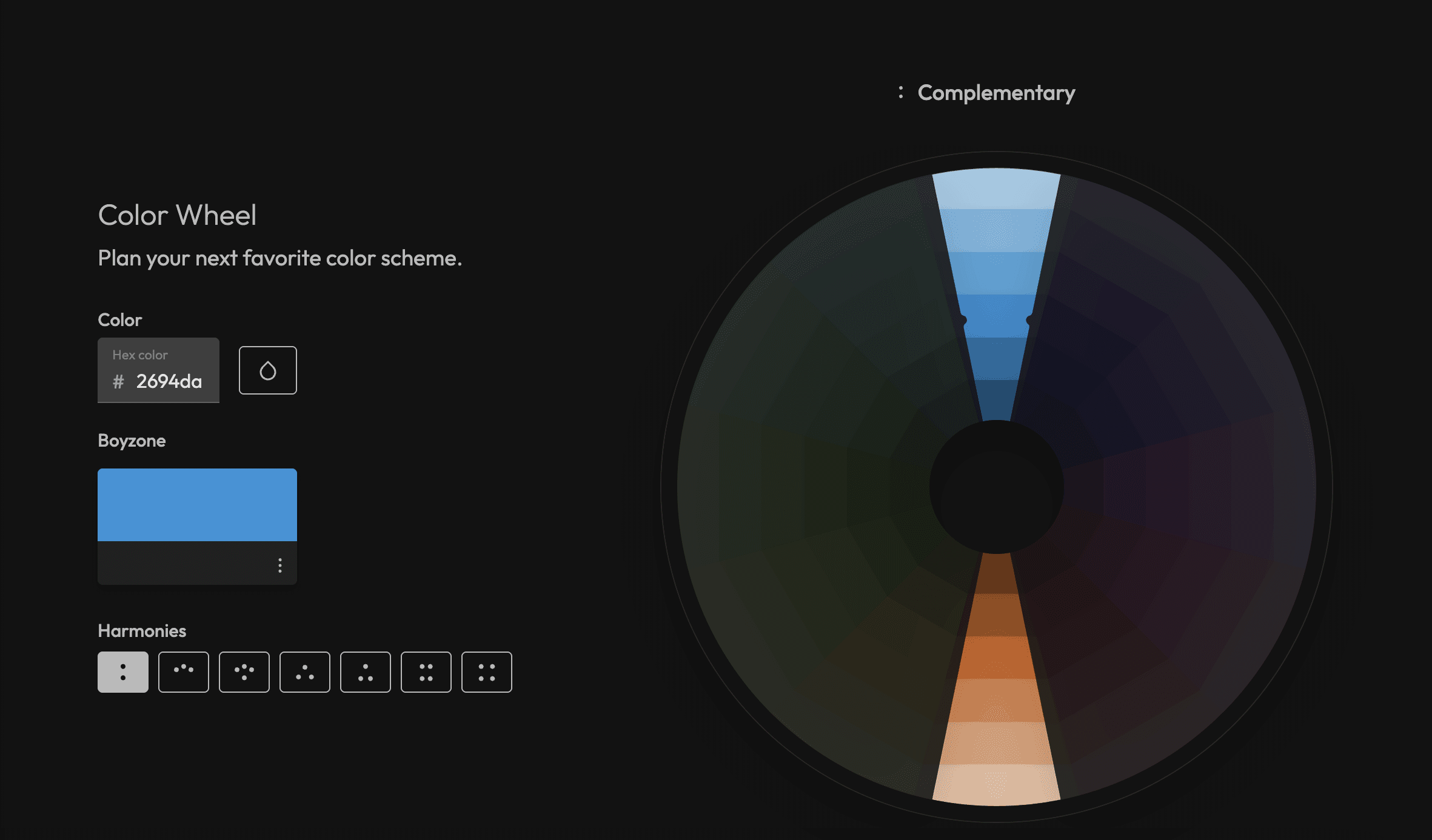
The tool lets you generate harmonies like complementary, analogous, triadic, split complementary, tetradic, and square. You can mix colors, create tints and shades, adjust luminance, and study tones. It also helps you see how colors behave when made lighter, darker, more vivid, or muted.
Colors.tools includes UI palette generators for systems like Tailwind and Chakra UI, with scales from 50 to 900. You can save large color libraries, organize palettes, and export them for design or development work.
7. Happy Hues
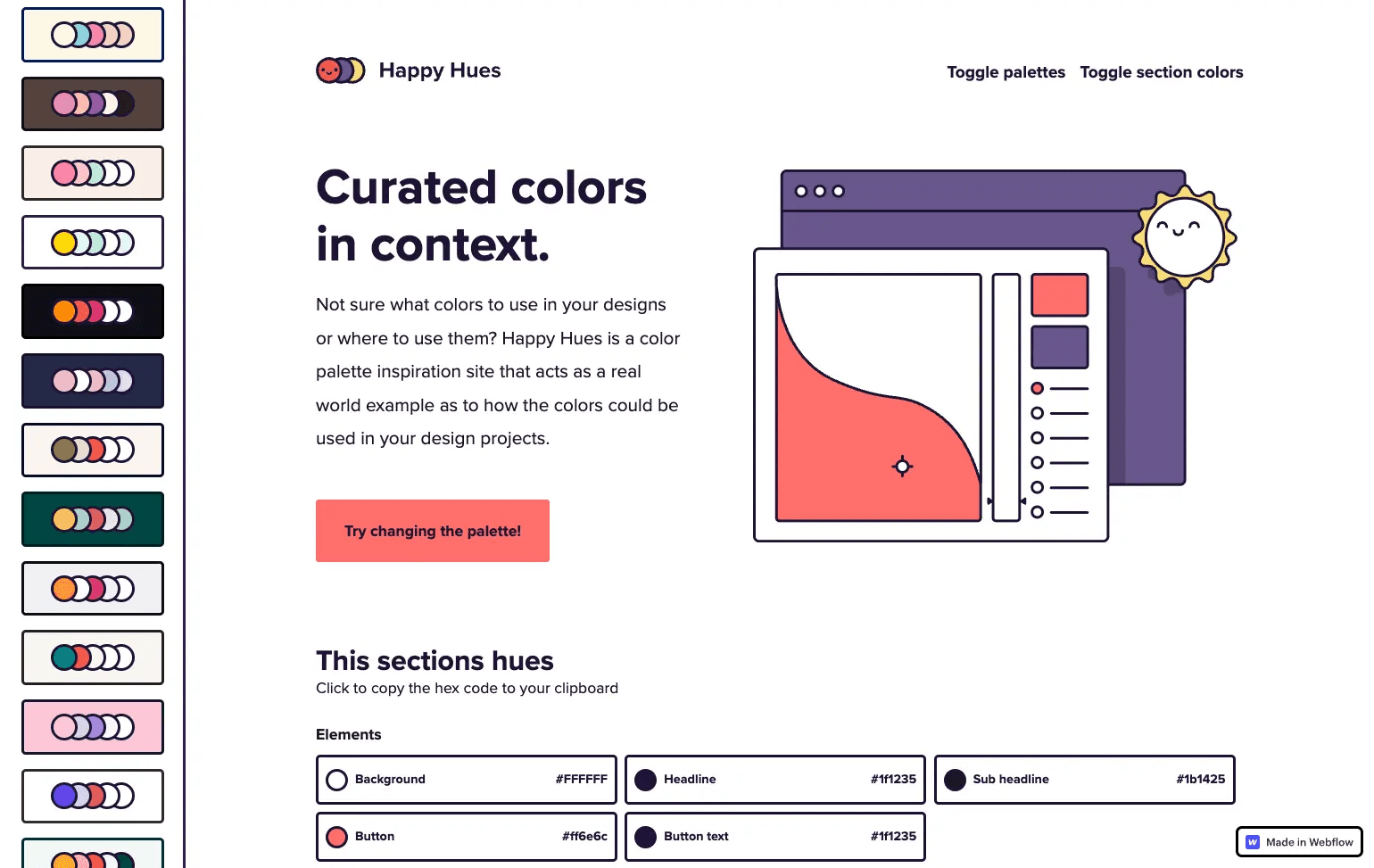
Happy Hues shows color palettes in real design context. Instead of just listing colors, it shows where each color is used, like background, text, buttons, cards, and highlights.
This helps you understand how a palette actually works in a layout.
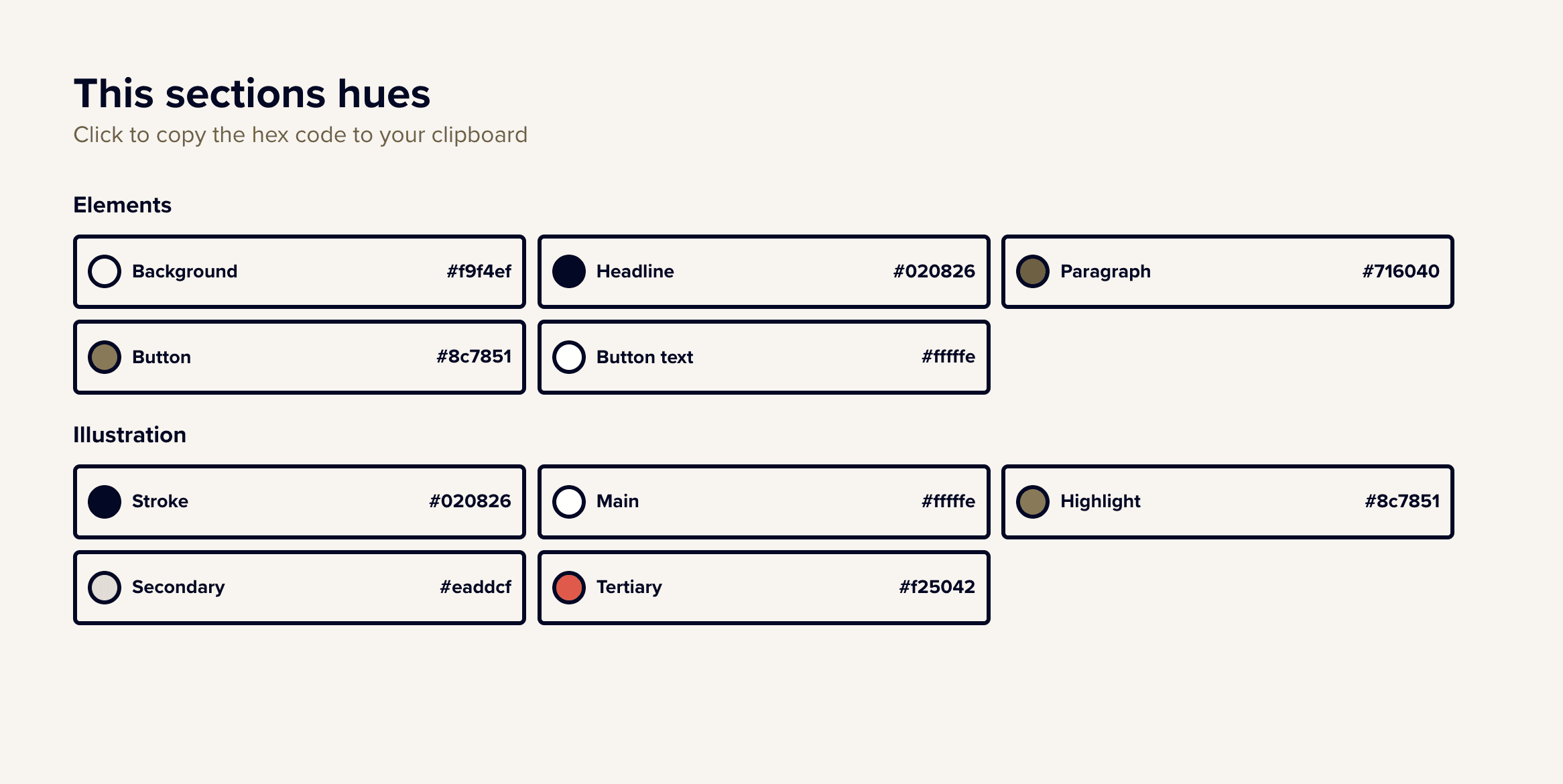
You can switch palettes and copy hex codes for each element instantly. The site also explains basic color concepts like hue, tint, shade, tone, and saturation. It includes simple guidance on color psychology, which helps when choosing colors for mood and branding.

Happy Hues works best for designers who struggle with color placement. It is useful for web, UI, and illustration work where seeing colors in action matters more than theory alone.
8. Radix UI
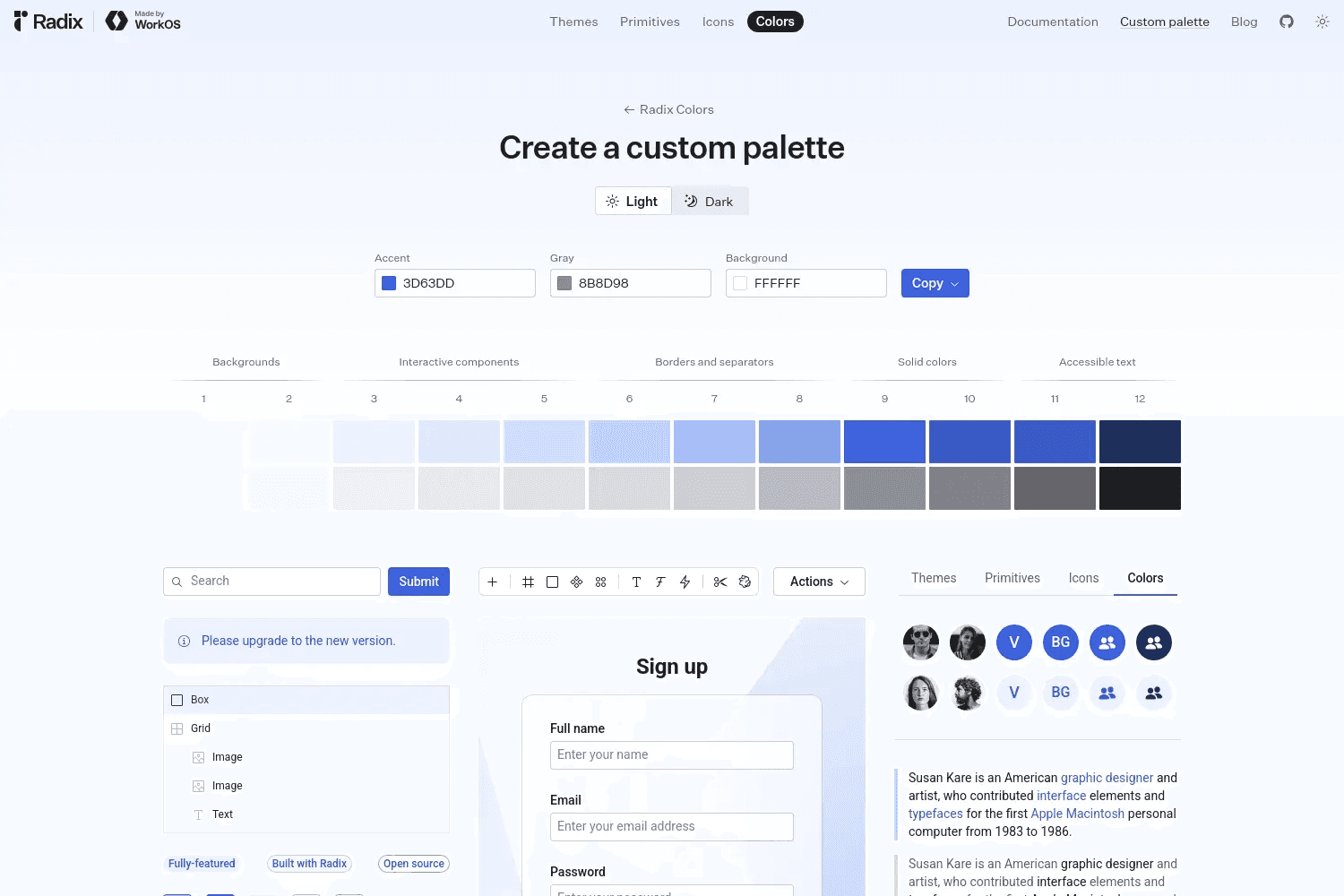
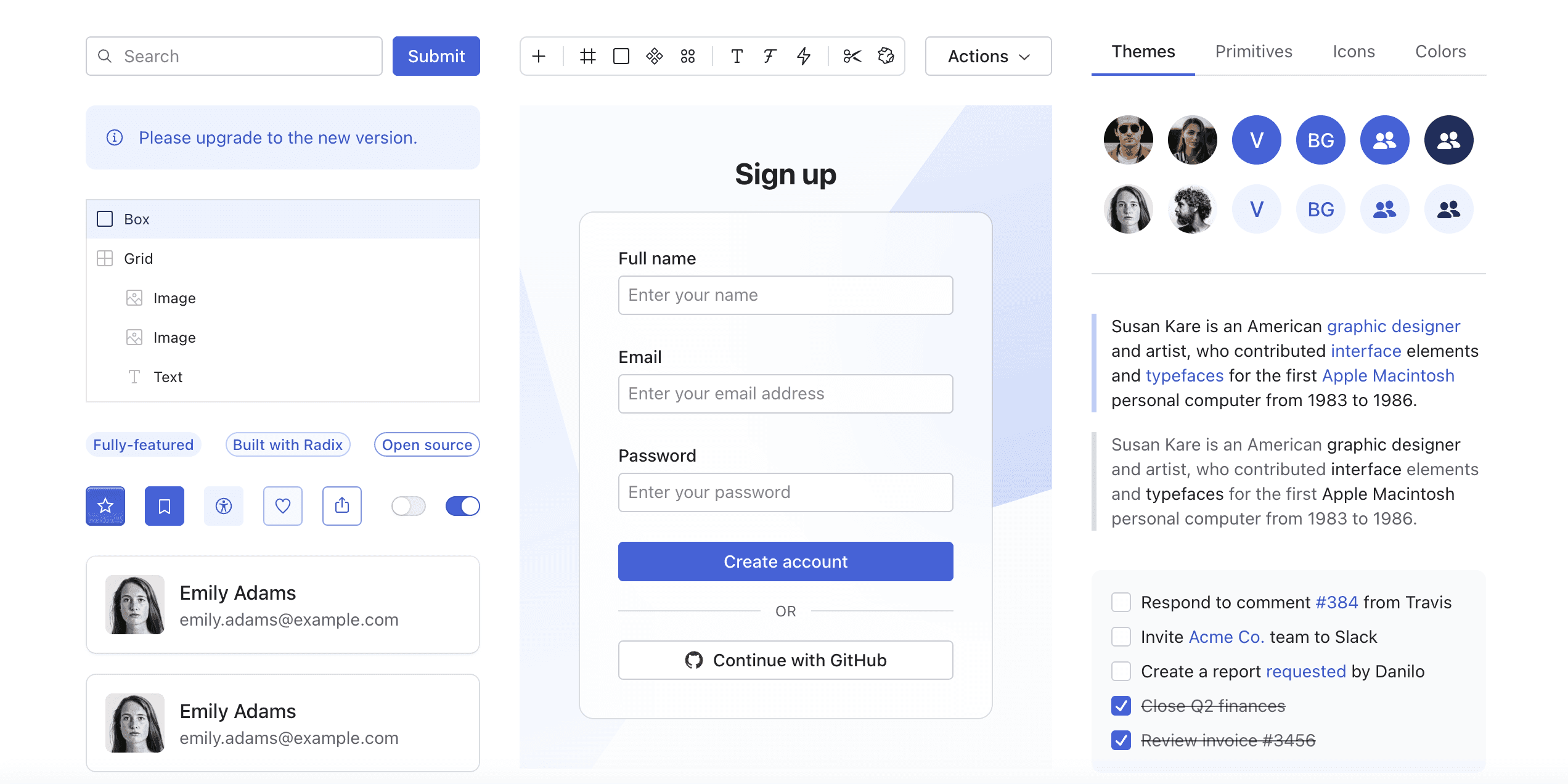
Radix UI includes a well built color system made for user interfaces. The palettes are designed to work across light and dark modes while keeping strong contrast and readability. Each color scale is structured so it fits real UI states like hover, active, disabled, and focus.
The color system is fully customizable and pairs cleanly with Radix UI components.
It helps teams stay consistent without hand tuning every shade. The colors are tested for accessibility, which reduces contrast issues in production.
Radix UI works best for developers and design system teams building web apps.
9. PPPalette
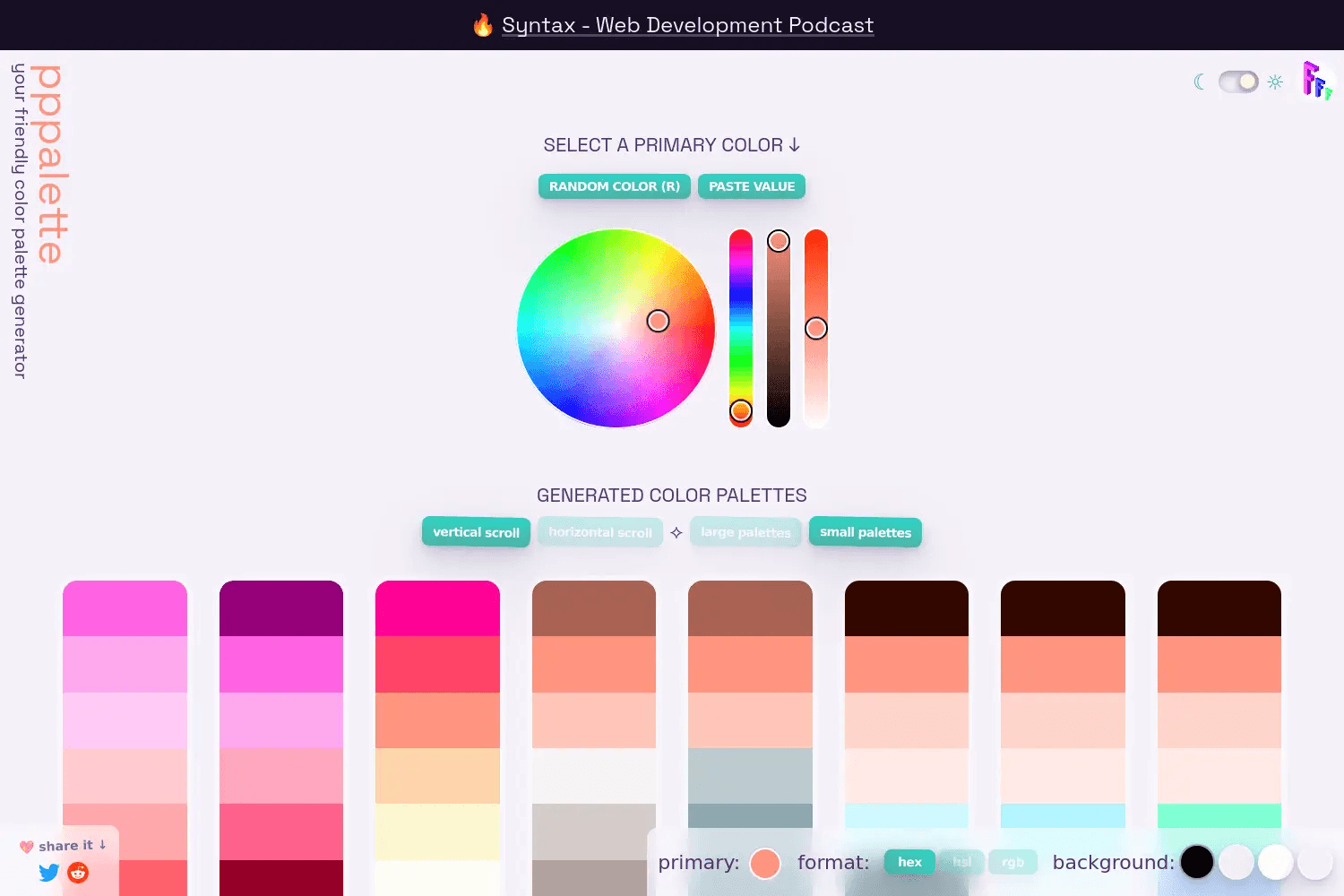
PPPalette generates full color palettes from a single primary color. You pick a starter color and the tool creates many ready to use palettes using harmonies like complementary, split complementary, analogous, triadic, and monochromatic. You can copy colors in hex, RGB, or HSL with one click.
A standout feature is blended palettes. You can mix one color across the entire palette using blend modes like multiply, overlay, screen, or darken.
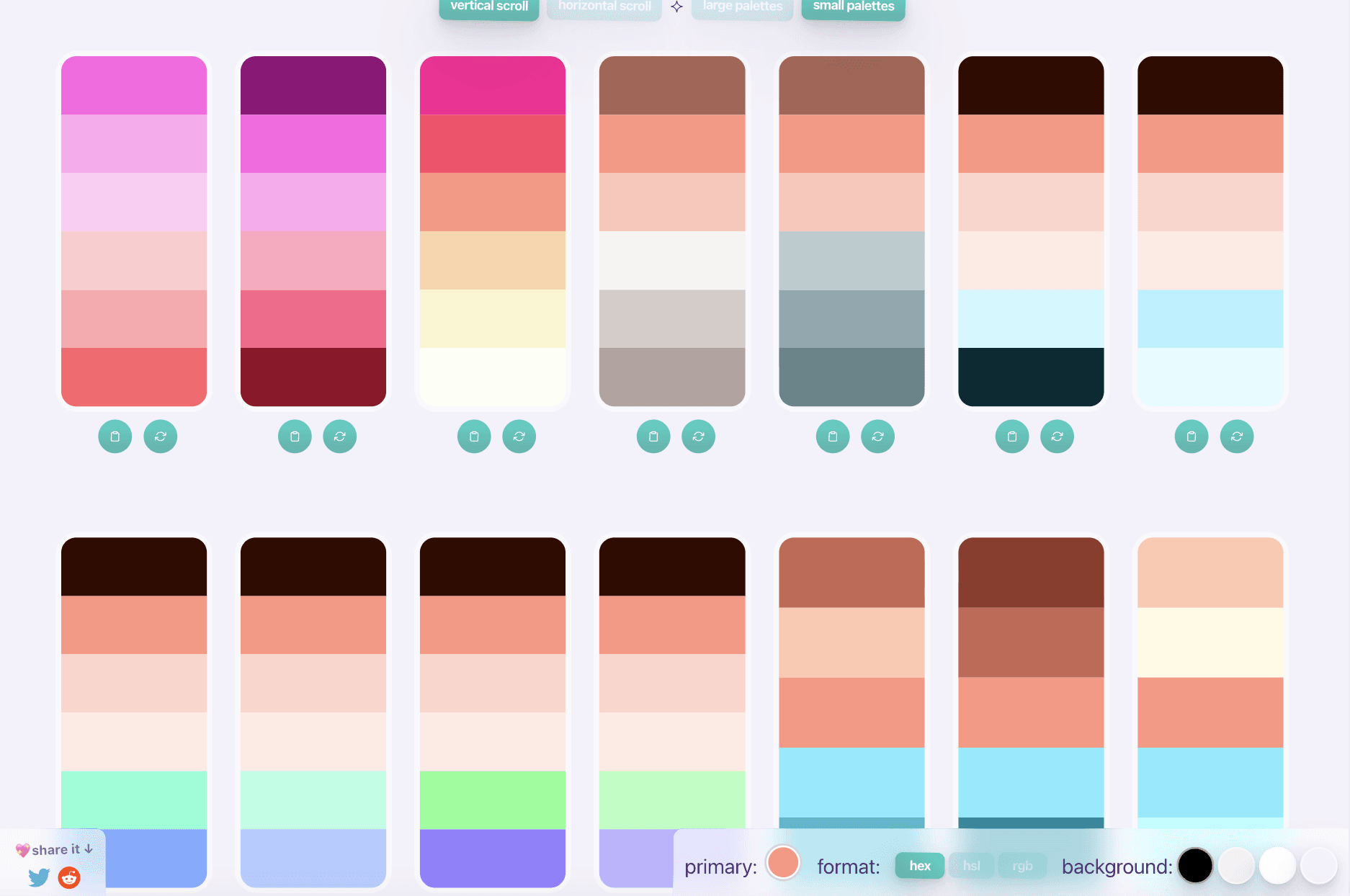
This adds unity and makes palettes feel more cohesive, which is useful for branding and UI themes.
PPPalette also lets you preview colors on light or dark backgrounds and randomize palettes fast using keyboard shortcuts.
Wrapping Up: Best Color Palette Generators
The tools in this guide cover every need, from fast inspiration to deep control, accessibility, and real world previews. Some tools focus on speed and ideas. Others focus on structure, accessibility, or UI readiness.
Pick the one that matches how you work, not just what looks good.
If you want to explore more color palette tools, design resources, and UI helpers, check out our full collection of color and design tools.
Also, do not forget to explore more resources to improve your design workflow and decision making:
You May Also Like













Featured Tools








Newest Additions





















AI Image & Video Generation

































Vibe Coding Library



























































Screenshot & Screen Recording Tools
















