




6 Best AI Tools for Podcasters for 2026
A concise list of the best AI tools that help podcasters create, edit, and grow their shows with speed and accuracy

Dudu
Dec 1, 2025
Last Updated Dec 1, 2025
Image Credit: Toolfolio
You know how fast podcasting moves. Every week you juggle ideas, recording, editing, and getting your show in front of listeners. It is exciting, but the workload can drain your time and energy.
AI tools now make that load lighter. They help you shape cleaner audio, fix mistakes, write scripts, and turn one episode into posts, clips, and summaries. You spend less time wrestling with software and more time creating the conversations you want to share.
In this post, you will find a clear look at the best AI tools for podcasters and how they can speed up your entire workflow.
1. Riverside: All-in-One Recording Studio
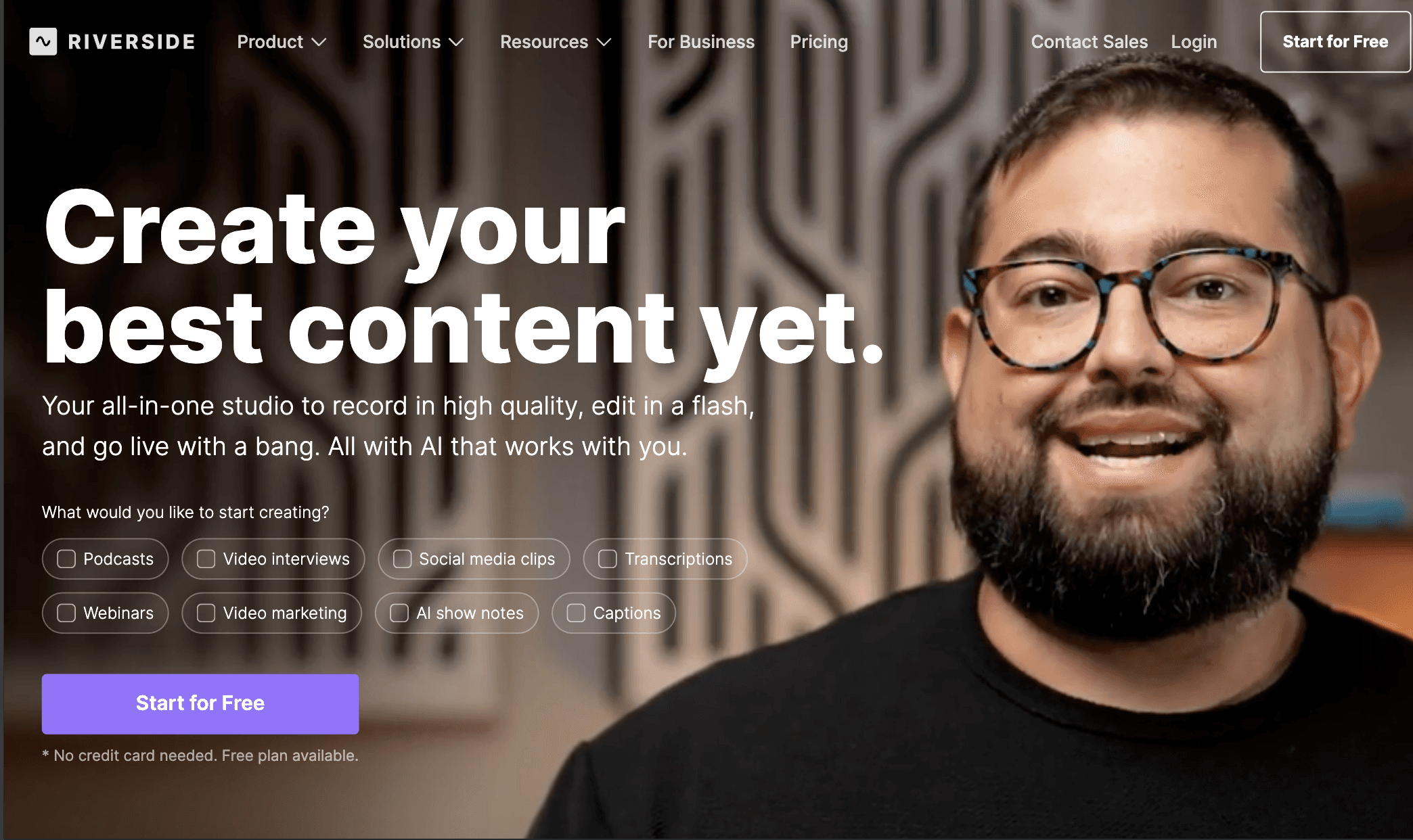
Riverside gives you a complete production setup built for high-quality podcast and video creation. It records each participant locally, so you get clean 4K video and uncompressed audio even when internet drops.
Its built-in editor lets you cut, clean, and rearrange your recording through a transcript, so you can edit like you edit text. This removes the usual learning curve of video timelines.
The platform uses AI to handle tasks that slow you down. You can fix mistakes with voice cloning, sync lips with AI overdubs, clean filler words, remove silences, and polish audio with one click.
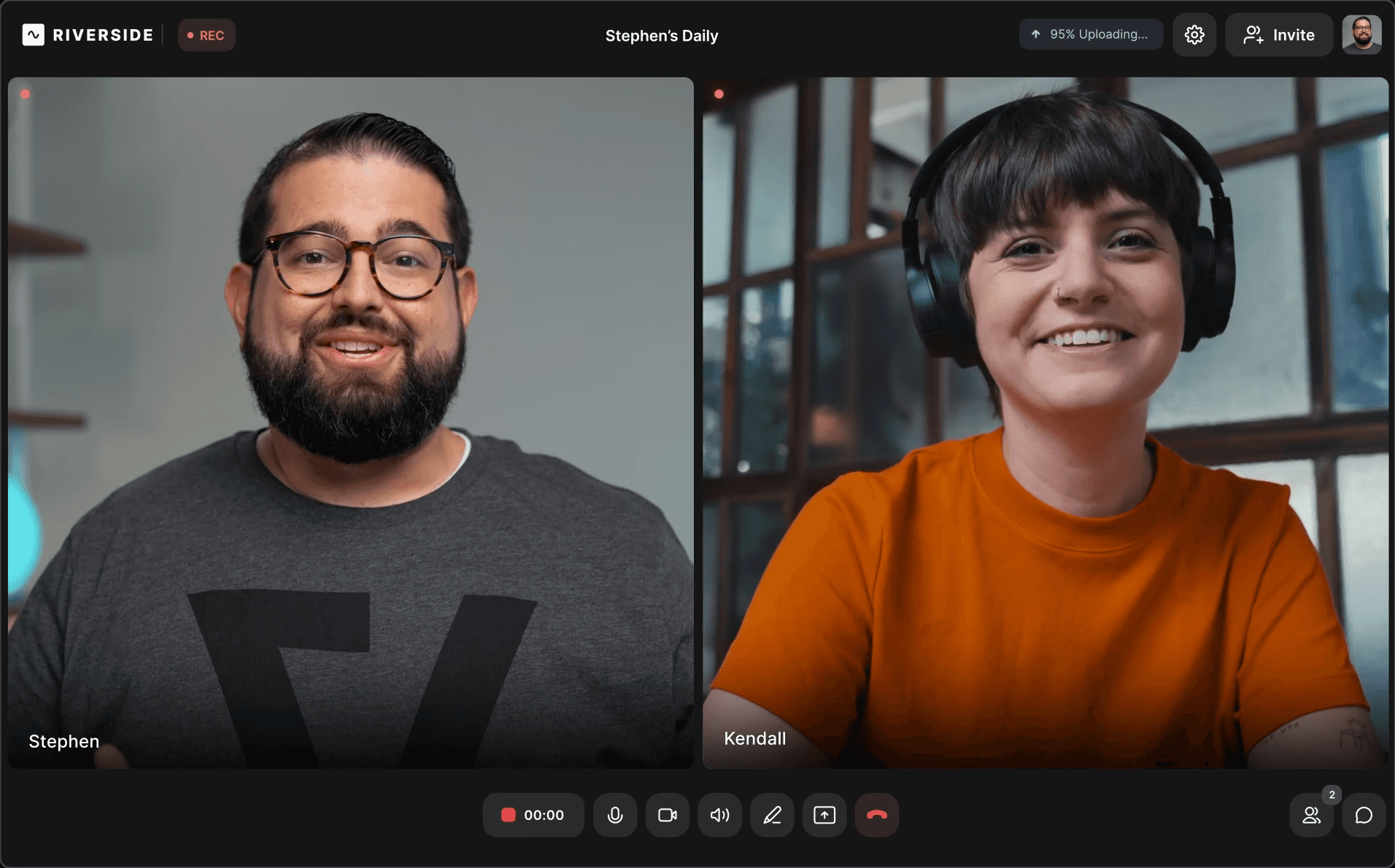
Captions, show notes, and social clips come ready for publishing, which shortens your workflow from hours to minutes. These tools turn one long recording into multiple assets you can share across channels without extra software.
Riverside also supports live streaming, webinars, and branded studio setups. You can host and publish your podcast directly, track analytics, and collaborate with teams inside one dashboard.
Key features:
Local 4K recording with separate tracks
AI text-based editing with voice cloning and VideoDub
Magic Audio, cleanup tools, captions, and transcription
Magic Clips and AI Show Notes for fast repurposing
Live streaming, hosting, webinars, and branded studios
Async recording, mobile apps, and team collaboration
Pricing
Free plan available; paid plans start at $18 per user/month, and enterprise users must contact sales for advanced features.
2. Descript: AI Video and Podcast Editor
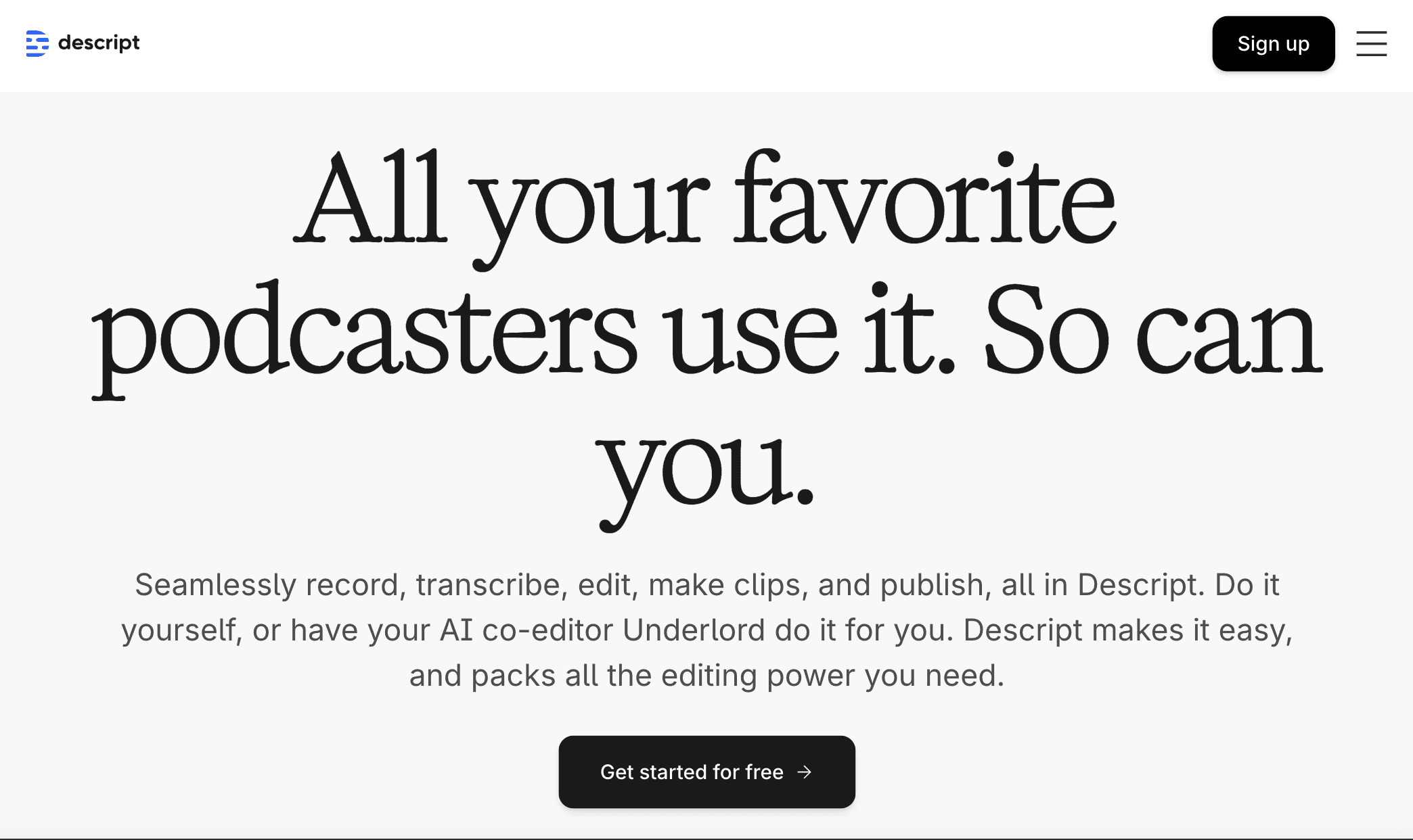
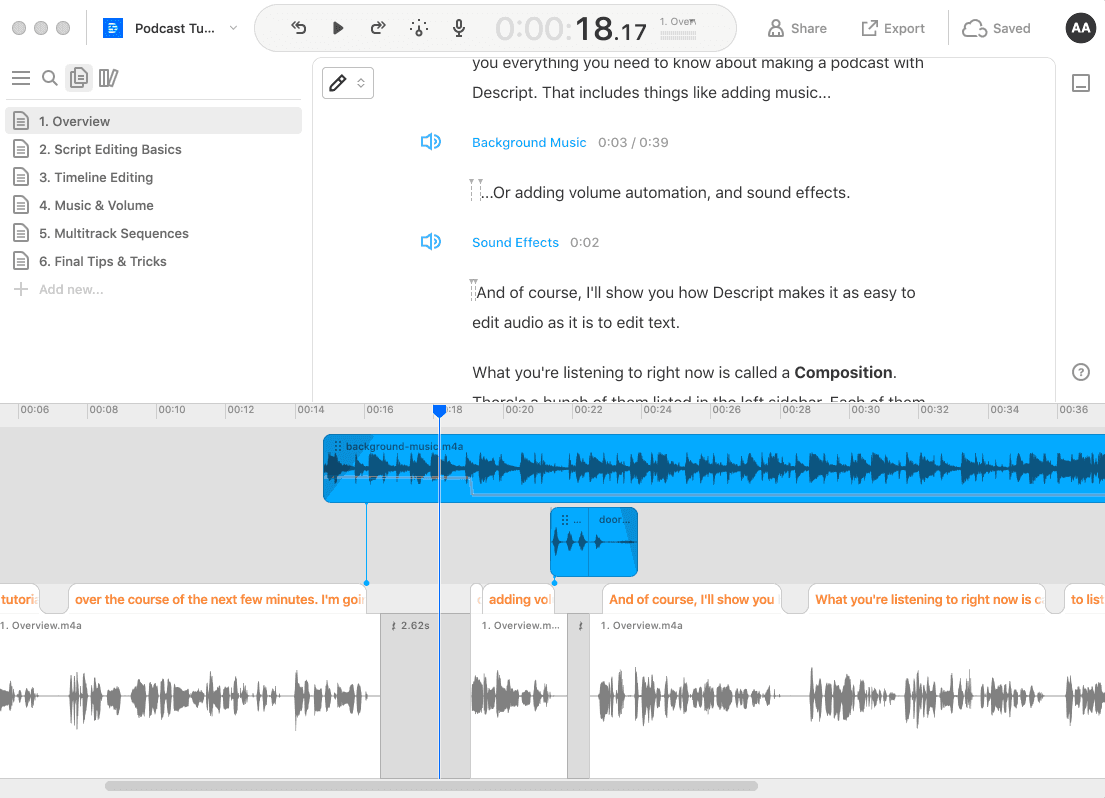
Descript centers your workflow around text-based editing, letting you fix audio and video by editing the transcript.
You can drag in recordings or capture them inside Descript, then clean filler words, adjust timing, regenerate voice lines, and polish sound with Studio Sound.
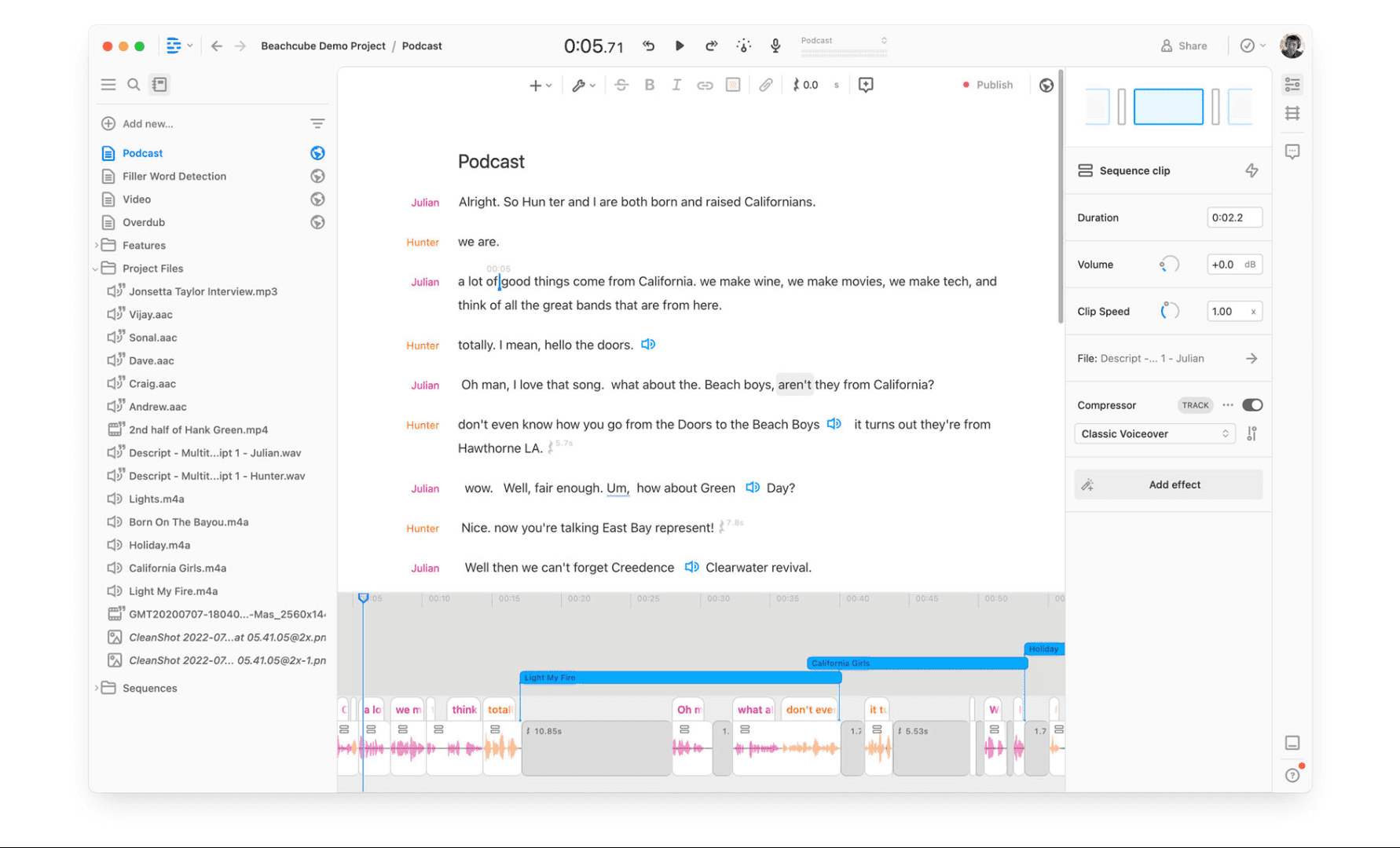
Its AI agent, Underlord, handles scriptwriting, layout design, and custom video generation, which turns rough ideas into ready-to-use content with minimal manual work.
The editor also supports full podcast production with recording, editing, publishing, and clip creation in one place.
You can swap backgrounds with Green Screen, maintain perfect eye contact, generate captions, and translate content for wider reach.
Key features:
Text-based editing with instant transcription
Underlord AI for scriptwriting, design, and video generation
Studio Sound, filler-word removal, and voice regeneration
Green Screen, Eye Contact, captions, and translation
Clip creation with AI-selected highlights
Timeline editing and precision controls for advanced adjustments
Pricing:
Free plan available; paid plans start at $16 per person/month, while advanced Creator features cost $24 per person/month with higher media hours and AI credits.
3. ClickUp: Podcast Workflow Management
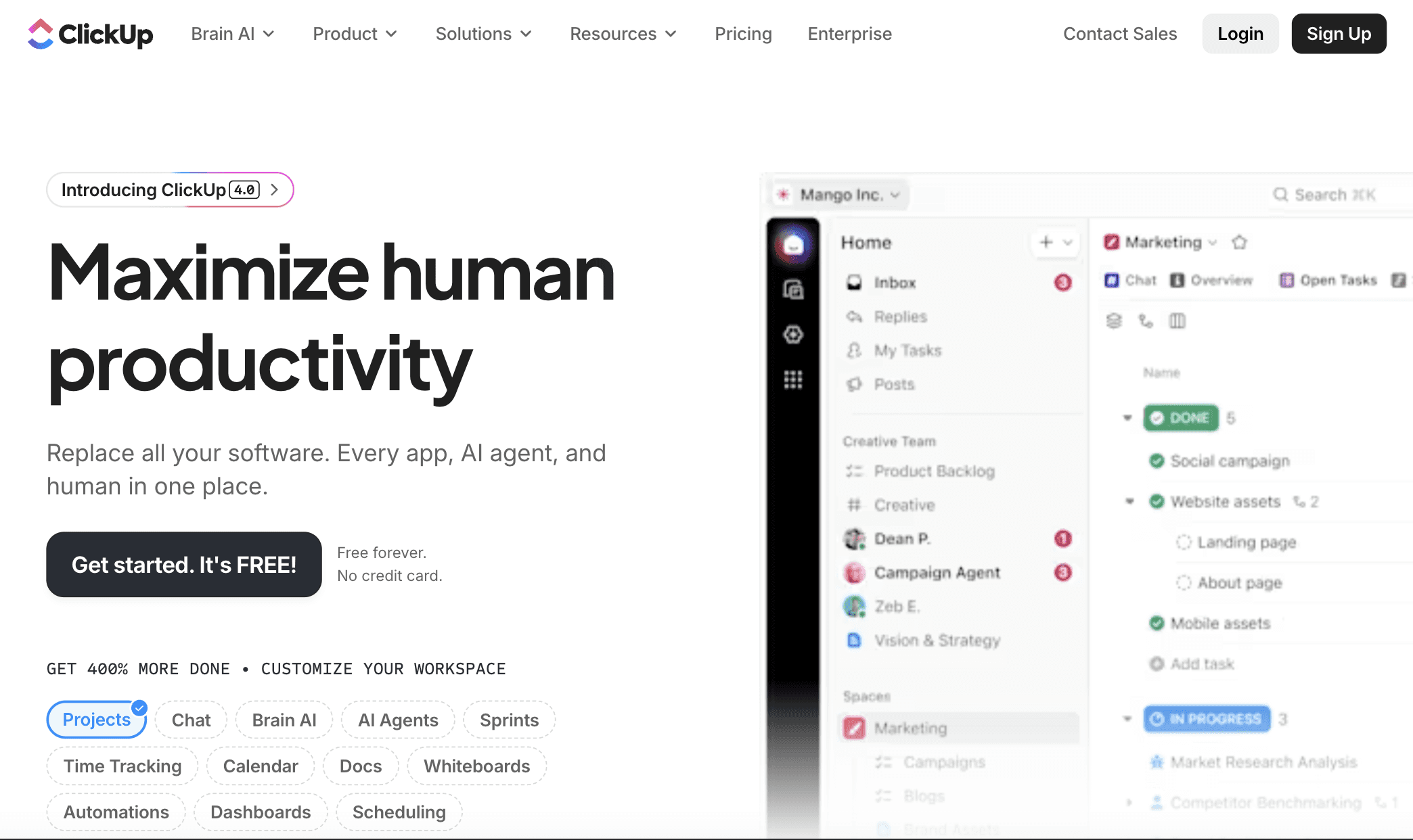
ClickUp works as a full command center for planning, producing, and managing every podcast episode in one place.
It supports your entire workflow with task management, AI writing, templates, calendars, and real-time collaboration so you can move from ideas to publication without switching tools.
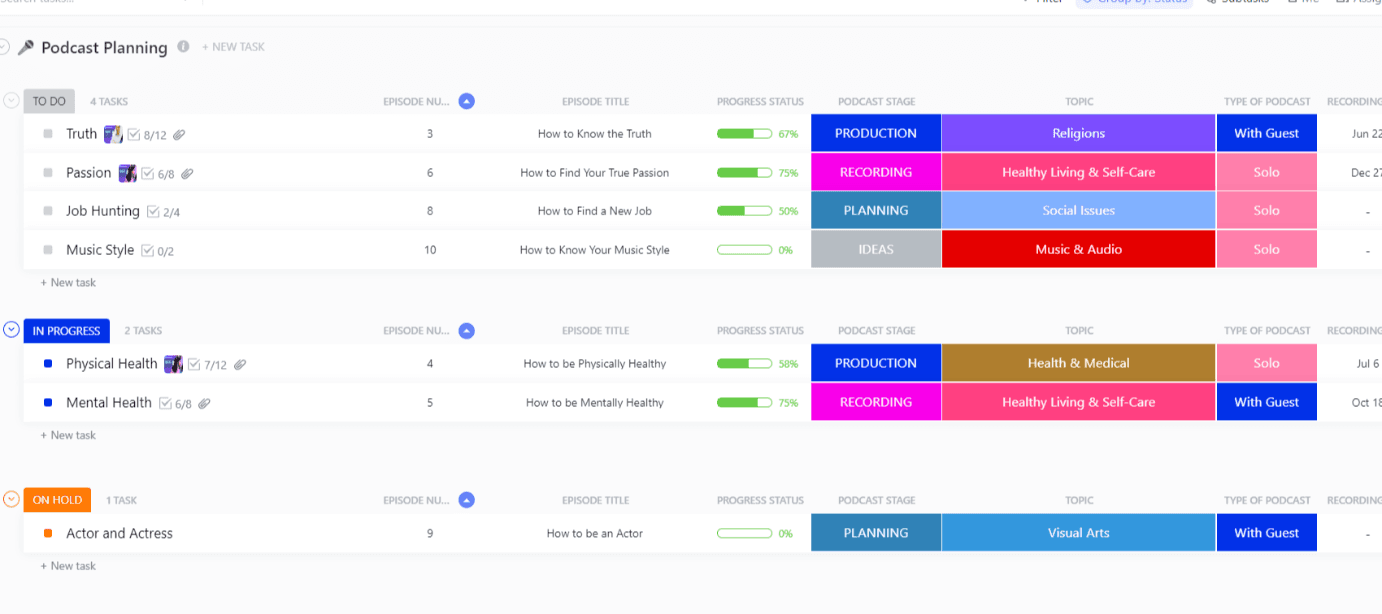
You can outline scripts in ClickUp Docs, set team goals, assign tasks, track deadlines, and keep assets organized across a single unified workspace.
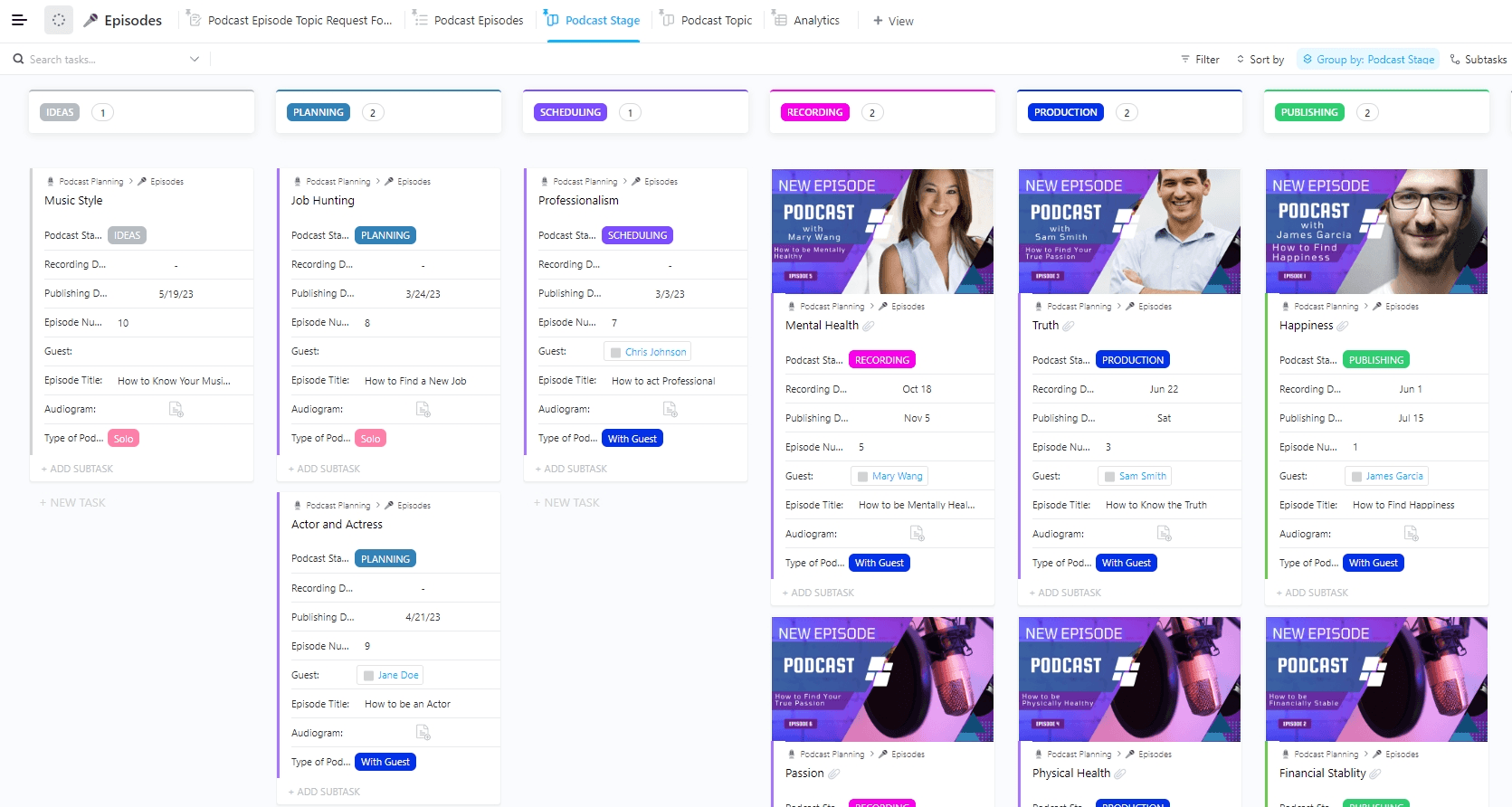
The platform also replaces several external tools by tying your recording apps, hosting platforms, cloud storage, and social channels into one system.
You can use ClickUp Brain to brainstorm topics, shape scripts, and organize thoughts, while ClickUp Clips captures recordings and turns them into instant transcripts for repurposing.
Key features:
End-to-end workflow management with customizable dashboards
ClickUp Docs for scriptwriting, notes, and live collaboration
ClickUp Brain for ideation, outlining, and fast AI-assisted writing
Podcast templates for planning, guest booking, and episode tracking
ClickUp Clips for screen recording and automatic transcription
1,000+ integrations for recording, hosting, cloud storage, and social channels
Pricing:
Free Forever plan available; paid plans start at $7 per user/month for Unlimited and $12 per user/month for Business, with Enterprise pricing on request. ClickUp Brain adds $5 per Workspace member/month.
4. AI Transcription: Offline Speech-to-Text Tool
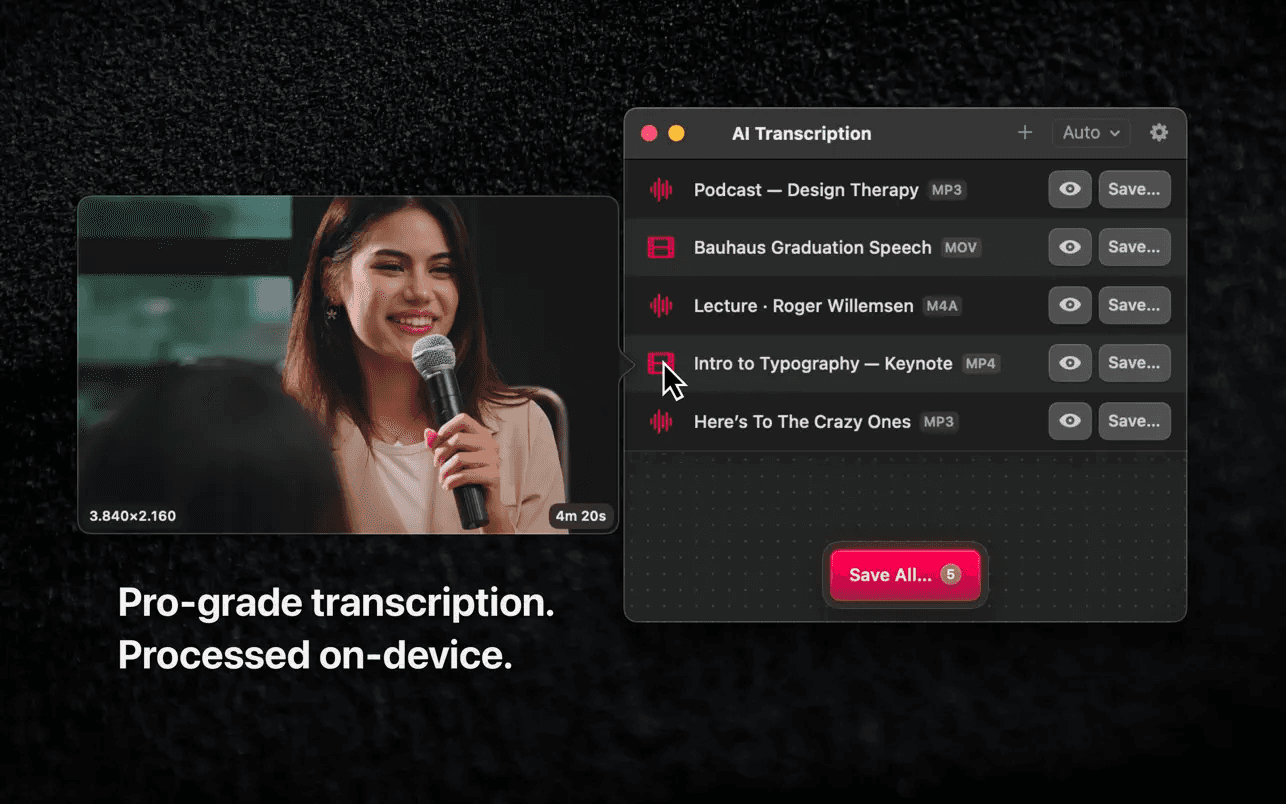
AI Transcription converts audio and video to text directly on your Mac with no internet required. Powered by Whisper, it delivers fast, private transcription through a simple drag-and-drop workflow.
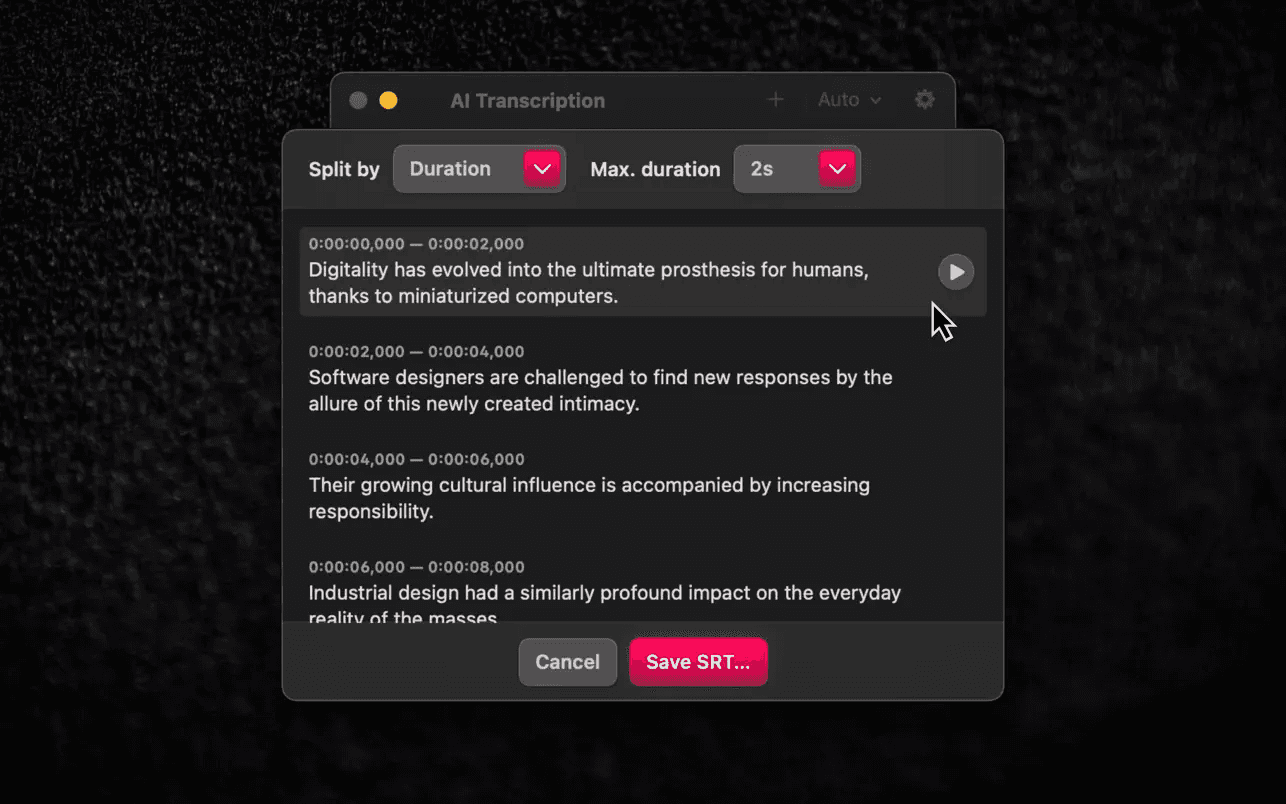
You can process single files or batch multiple recordings at once, and the app handles them automatically in the background without slowing you down.
The tool supports detailed transcript outputs with flexible exports. You can save your files as TXT, CSV, SRT, or VTT, and split text into words, sentences, or custom time segments.
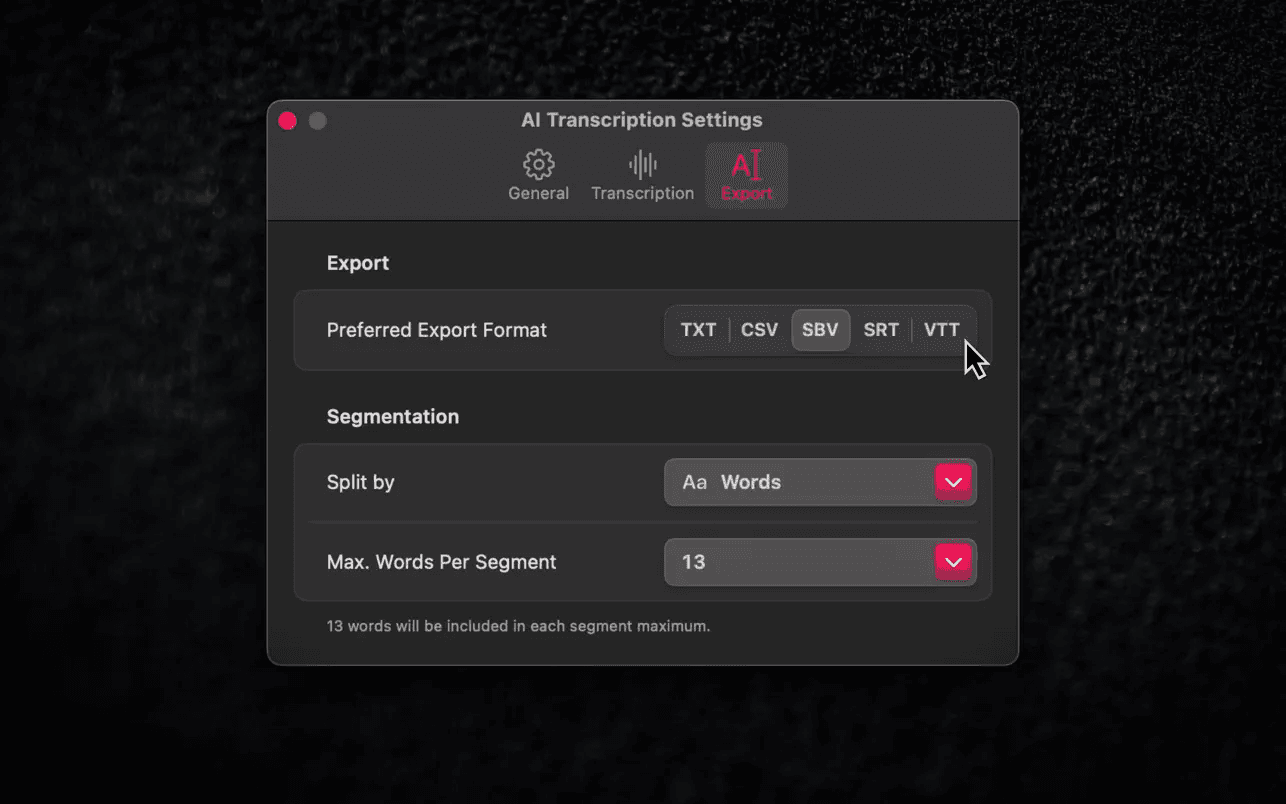
This makes it useful for podcasters who need accurate dialogue, captions, or structured materials for editing and repurposing. Its lightweight interface keeps the process clean and quick, making offline transcription efficient for creators who want security and control.
Key features:
Whisper-powered offline transcription on macOS
Batch processing for multiple audio and video files
Export to TXT, CSV, SRT, and VTT with custom segmentation
Full privacy since no internet connection is needed
Simple drag-and-drop design with fast processing
Pricing:
AI Transcription is available on the Mac App Store for a one-time purchase of $19.99.
5. ElevenLabs: AI Voice and Podcast Production
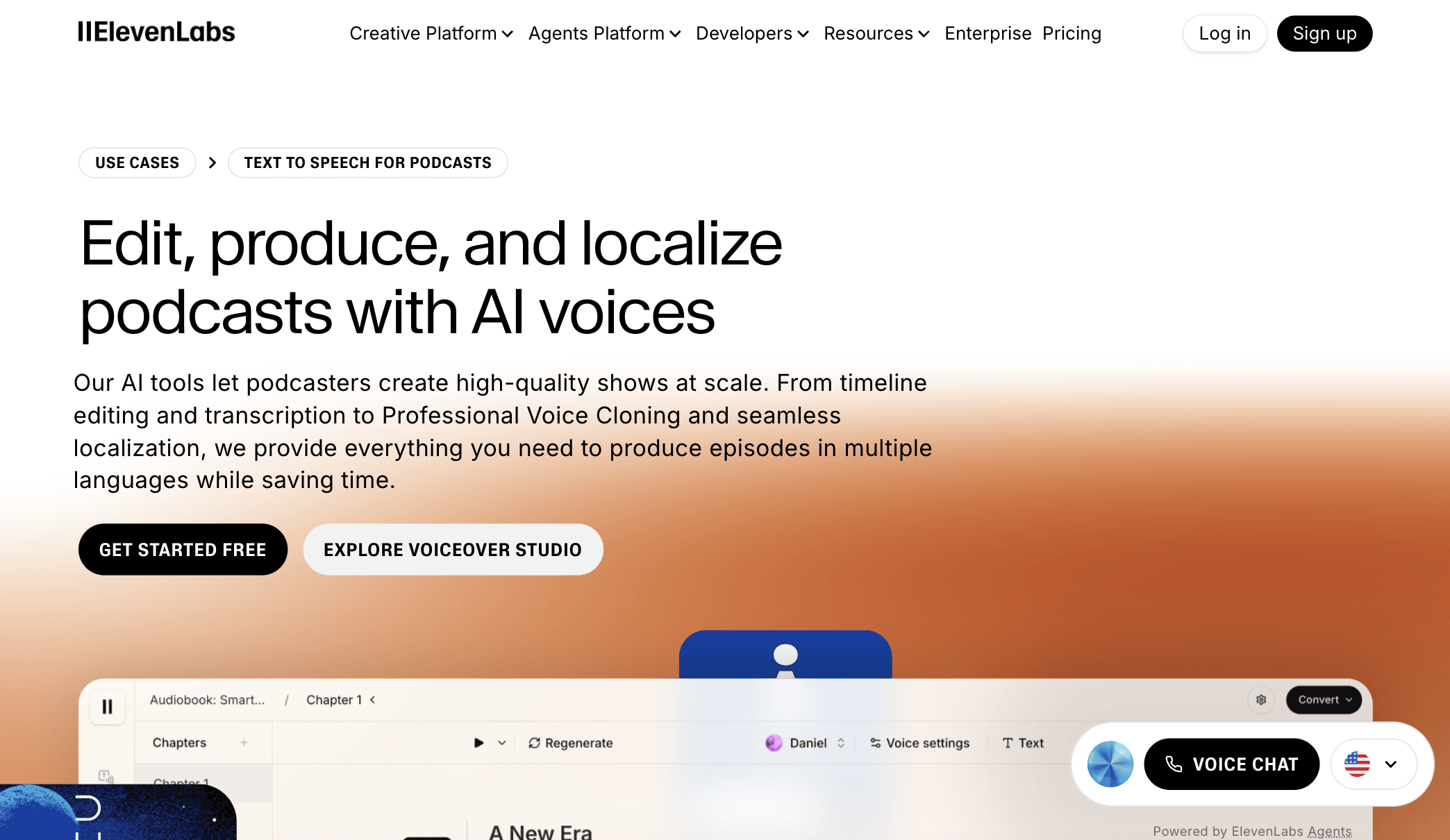
ElevenLabs gives podcasters a complete AI audio engine for creating, editing, translating, and scaling episodes across languages.
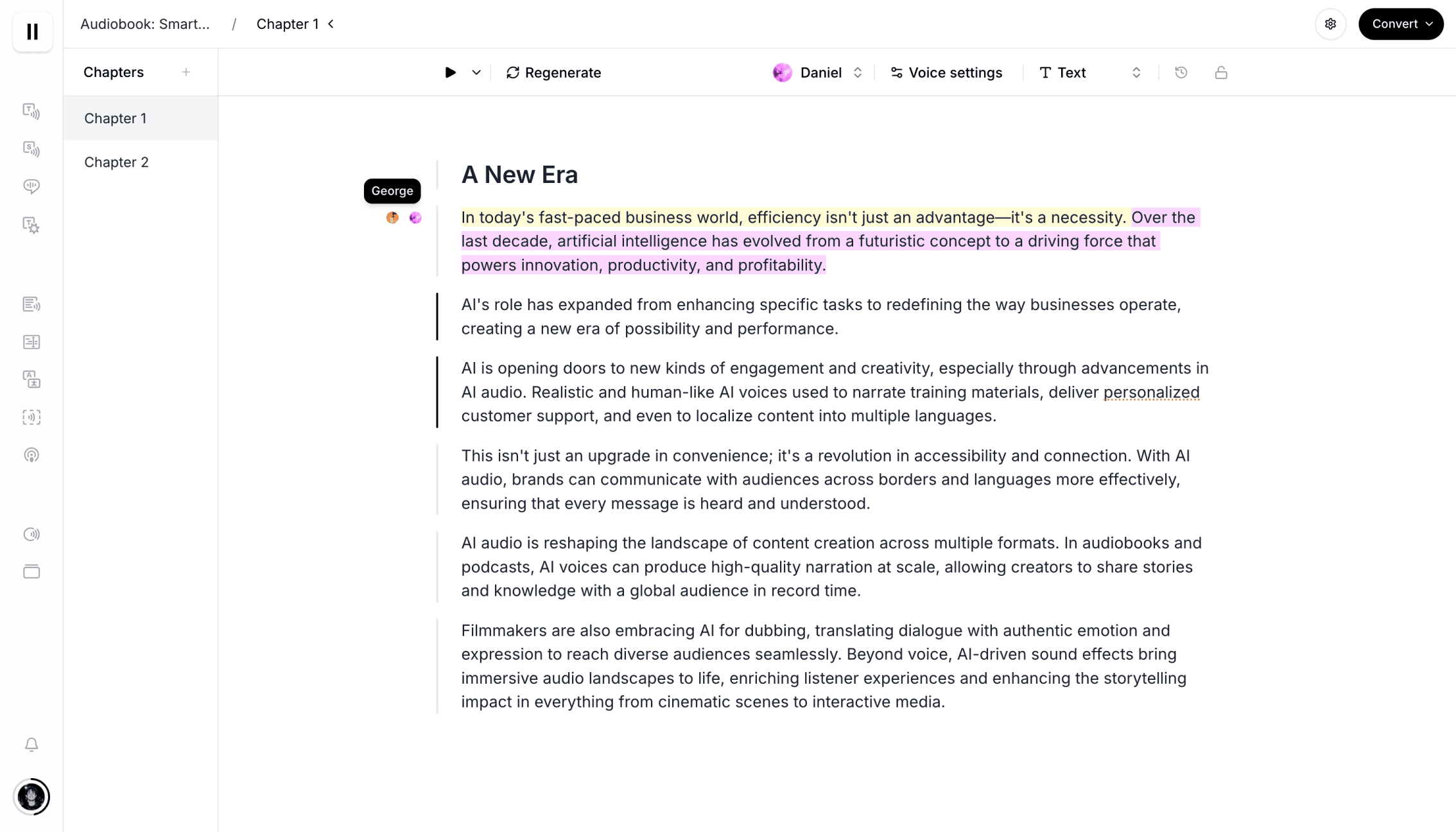
Its text-to-speech tools turn scripts into natural, expressive narration, while the timeline editor lets you refine episodes directly in the browser without complex software.
You can choose from thousands of voices, design your own, or clone your real voice for a consistent delivery across every episode. This makes long-form production faster and gives creators full control over tone, pacing, and sound quality.
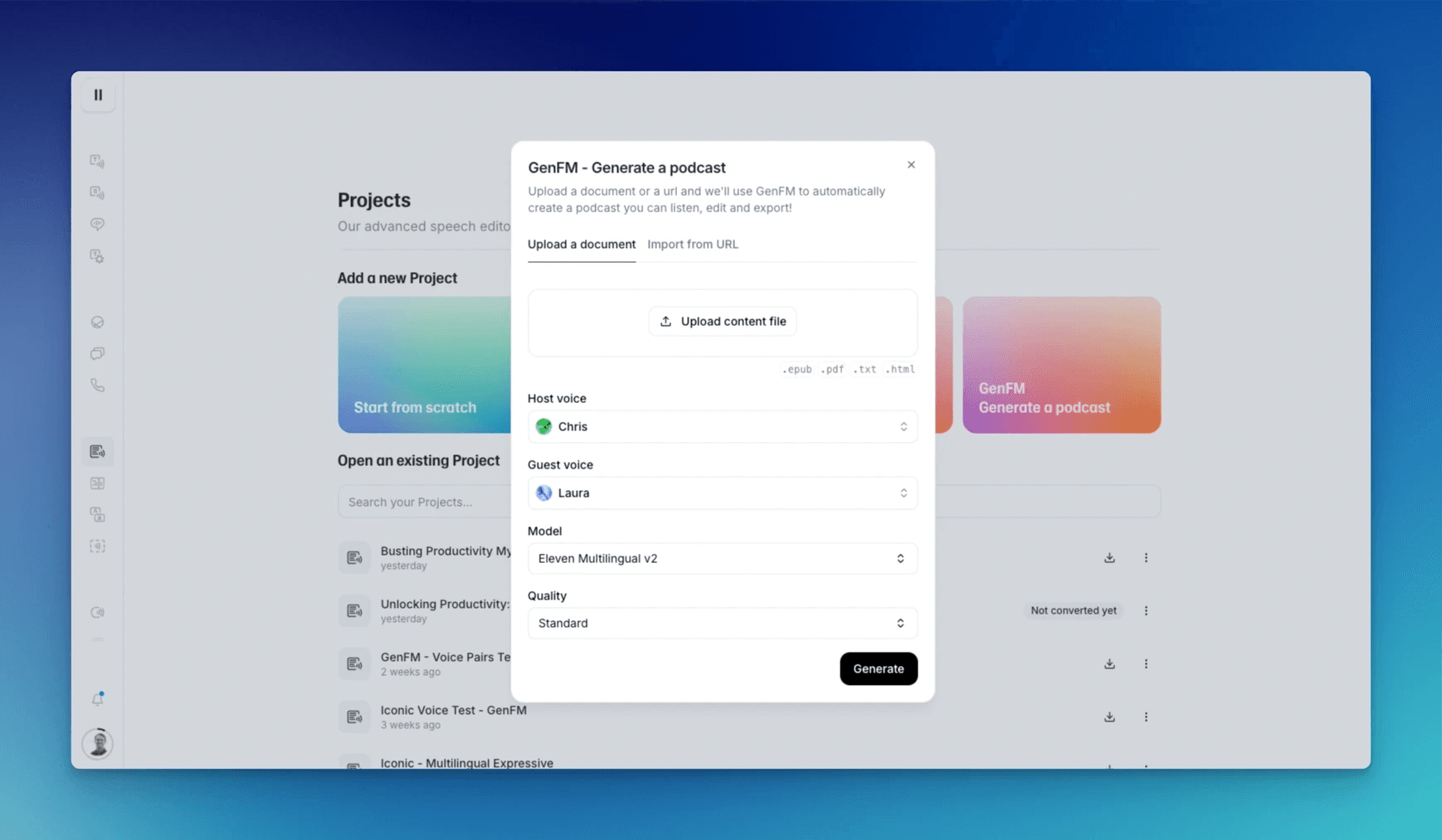
With features for script editing, multilingual narration, and AI-generated conversations, ElevenLabs enables podcasters to produce and repurpose content at scale.
Key features:
Natural text-to-speech with thousands of voices and custom voice creation
Professional voice cloning for consistent narration across episodes
Timeline editor for browser-based podcast editing
AI dubbing in 32 languages with emotion-preserving translation
Voice isolation, sound effects generation, and Studio for full production
Support for turning written content into podcast episodes with GenFM
Pricing:
Free plan includes 10k credits/month; Starter begins at $5 per month (first month often discounted), Creator starts at $22 per month with professional voice cloning and higher-quality audio, and advanced tiers scale with usage.
6. Veed: AI Video and Podcast Production Suite
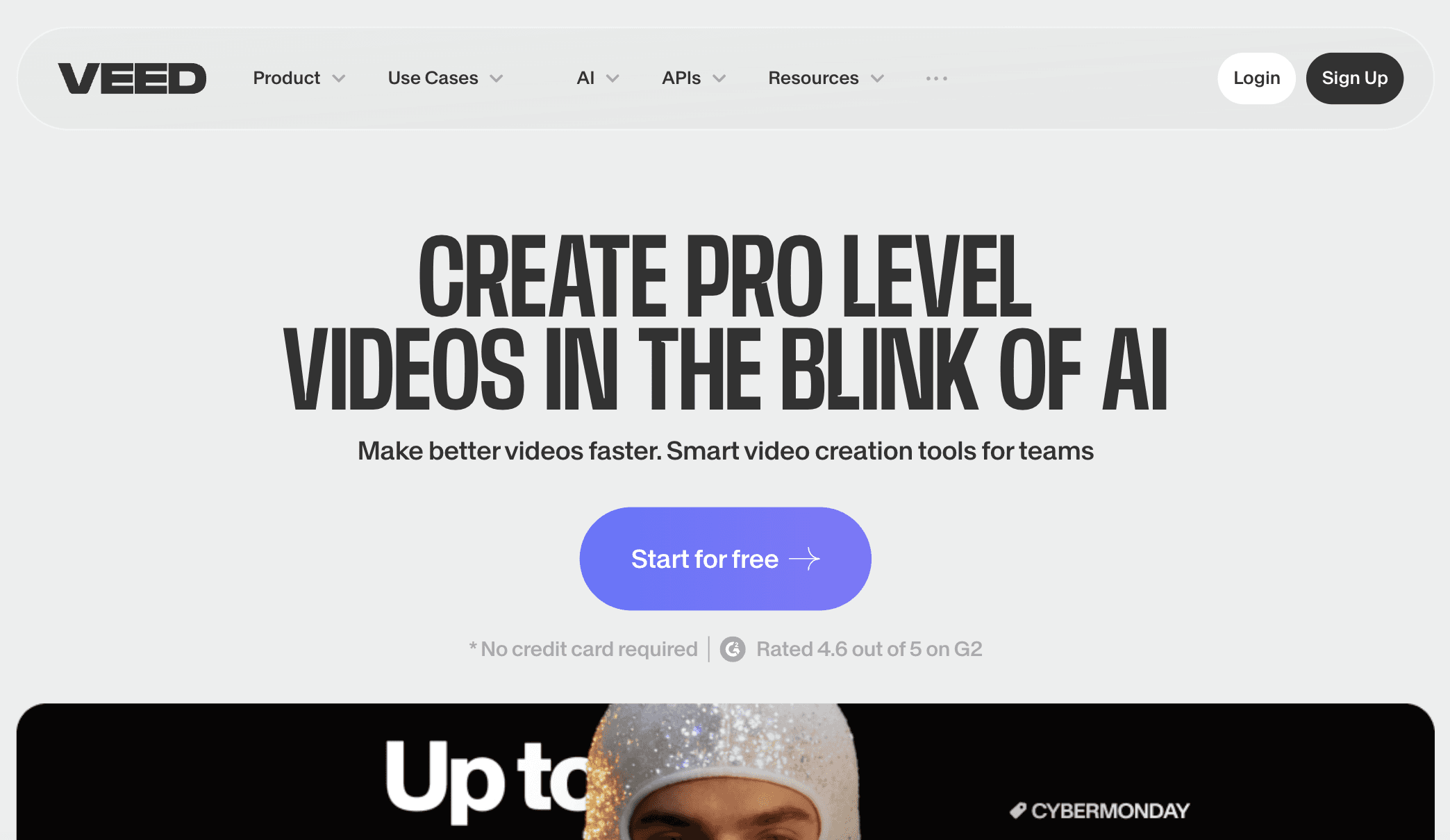
Veed gives podcasters an all-in-one editing workspace for creating audio and video episodes directly in the browser. Its timeline editor makes cutting, trimming, rearranging, and polishing clips simple, while AI tools clean background noise, remove silences, fix filler words, and generate accurate subtitles.
You can record your webcam or screen in Veed, pull from a large stock library, or upload raw files and edit everything in one streamlined interface. This makes it easy to produce studio-quality podcasts without heavy software or technical setup.
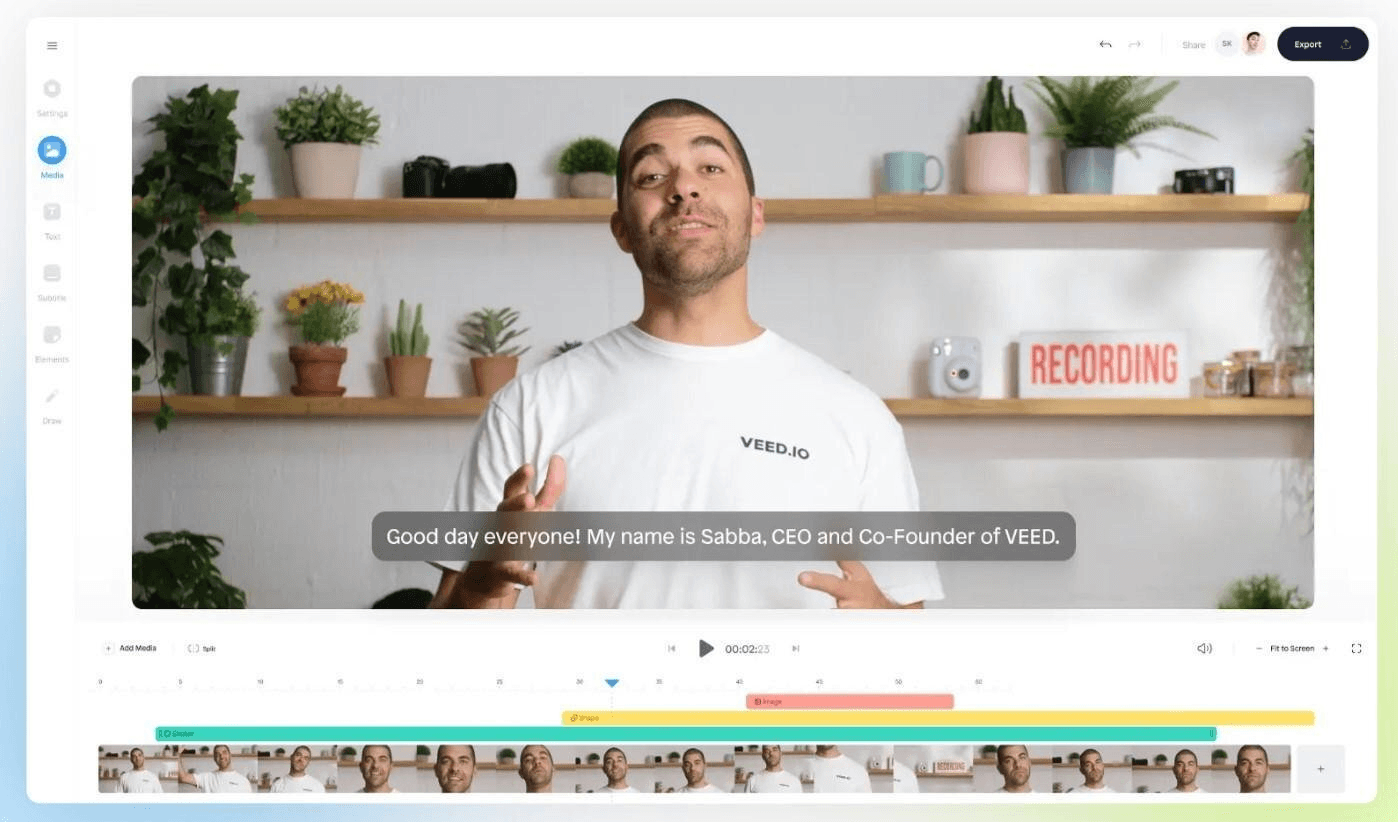
The platform also supports AI voice generation, text-to-podcast creation, and AI avatars that can narrate your episodes on camera.
You can convert scripts into natural-sounding audio, create talking-head videos with your own digital clone, and translate content to reach more listeners.
Key features:
Browser-based editing with trimming, splitting, and timeline control
AI noise removal, silence removal, filler-word cleanup, and Dolby-powered audio enhancement
Auto subtitles, translation, and text-to-speech narration
AI avatars and voice cloning for talking-head podcast videos
Screen and webcam recording with instant editing
Large royalty-free stock library and team collaboration tools
Pricing:
Lite starts at $12 per editor/month (billed yearly); Pro starts at $29 per editor/month with unlimited Gen-AI Studio videos.
Wrapping Up: Best AI Tools for Podcasters
AI tools now make podcasting faster, smoother, and easier to scale, whether you need help with recording, editing, scripting, or repurposing. The platforms above give you clear ways to produce high-quality episodes, automate repetitive tasks, and grow your audience without adding extra hours to your workflow. As AI continues to improve, creators who use these tools will move quicker and publish more polished content.
If you found this guide useful, check out our other tutorials and posts for more podcasting tips, workflows, and tool breakdowns.
You May Also Like













Featured Tools







Newest Additions





















AI Image & Video Generation

































Vibe Coding Library


























































Screenshot & Screen Recording Tools
















