

Mobbin vs. Refero: Which is Better?
Compare Mobbin and Refero to see which UI UX inspiration tool is better for real-world design patterns, user flows, and practical design research.

Dudu
Feb 23, 2026
Last Updated Feb 23, 2026
Image Credit: Toolfolio
If you are a designer, product manager, or founder, you have likely searched for UI and UX inspiration at some point. Not for fancy concepts. Not for Dribbble shots that look good but never ship. You want real screens from real products that actually work.
That is usually when tools like Mobbin and Refero show up in search results. Both promise design inspiration. Both show real products. But they solve slightly different problems, and choosing the wrong one can waste time and money.
This comparison exists for one simple reason, if you are confused between Mobbina and Refero and you want to know which tool is better for your work then this comparison will help you pick the right one.
What is Mobbin?
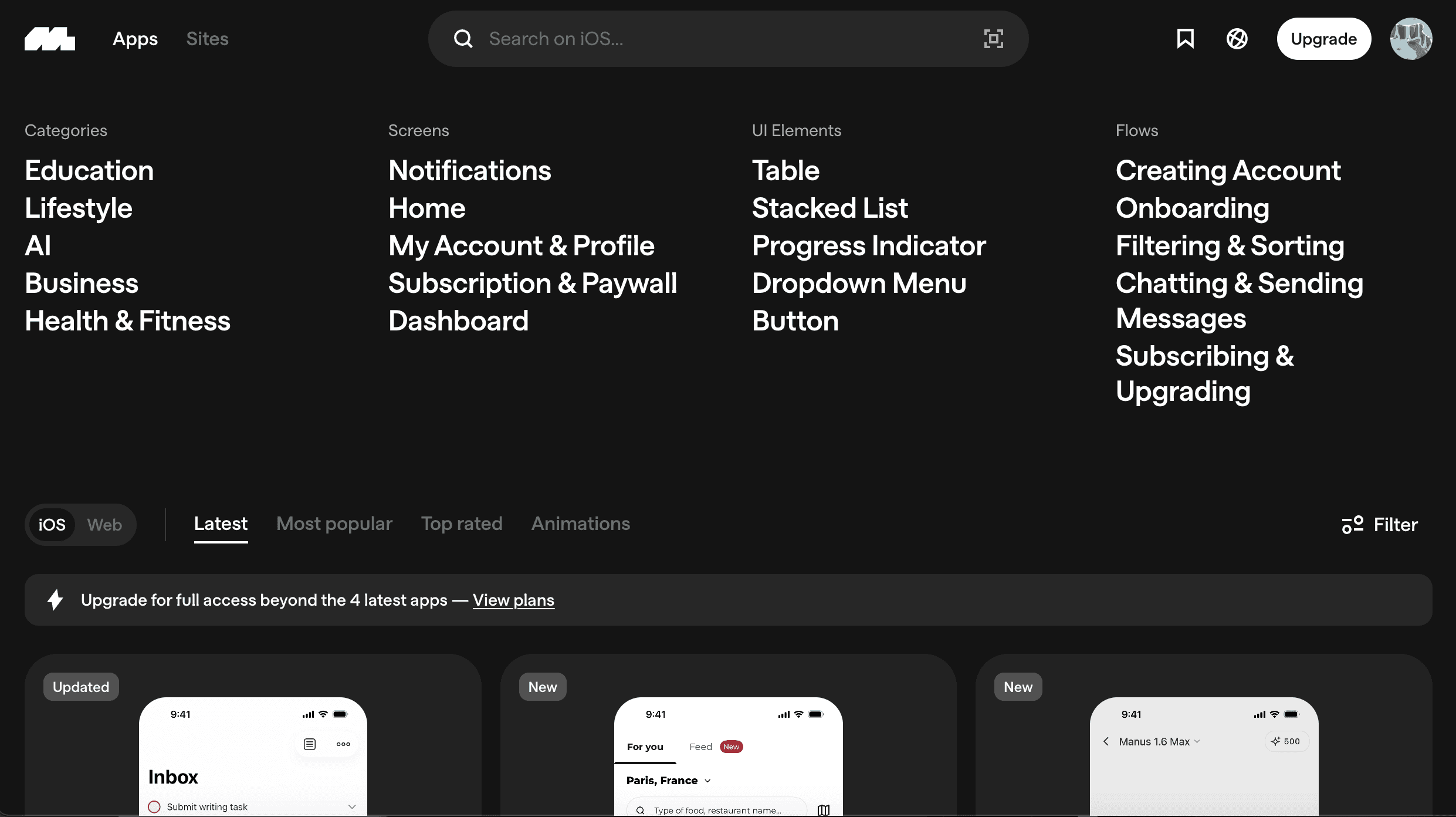
Mobbin is a large design library used by UI and UX professionals. It helps you find real design examples from apps and websites people actually use.
Mobbin does not show concept designs or visual shots made only for likes. It collects real screens and full user flows from live products. These are apps that are already in the market, used by real users, and built by real teams.
Instead of downloading many apps just to study their design, Mobbin puts everything in one place. You can browse onboarding flows, login screens, checkout pages, settings, paywalls, and more.
The main value of Mobbin is speed. You can search for a specific pattern, like a user profile or empty state, and see how top companies solved it. Since these designs are already live, you know they are practical and feasible to build.
Mobbin also works well for teams. You can save screens to collections, add notes, share them with teammates, and copy designs directly into Figma using its plugin. It even shows animations and transitions, so you can see how flows feel, not just how they look.
In short, Mobbin is a research tool. It helps you design faster by learning from what already works in the real world.
What is Refero?
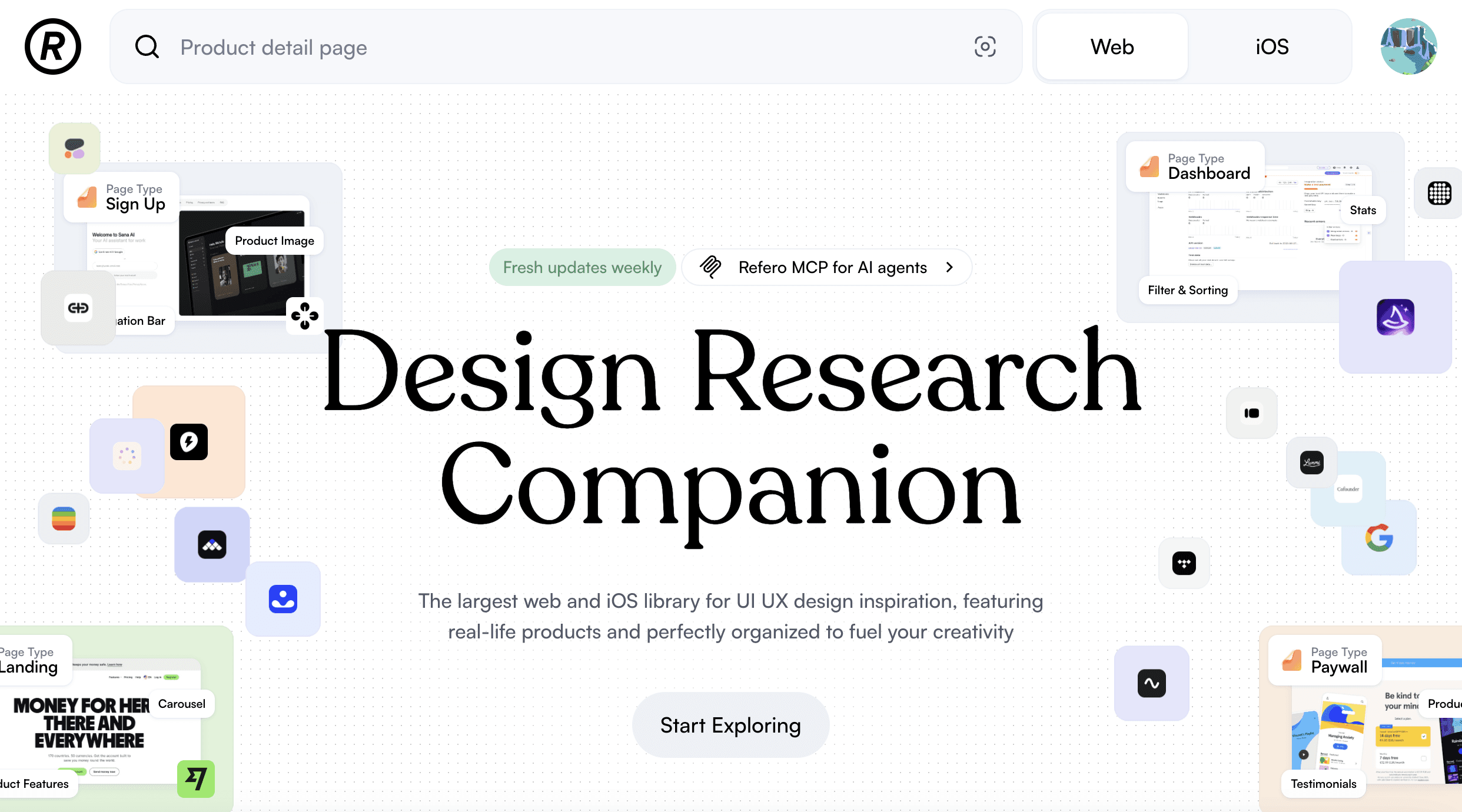
Refero is a design inspiration library built for quick and focused research. It mainly targets web and iOS interfaces and keeps everything clean, curated, and easy to explore.
Refero focuses on visual inspiration more than full user journeys. You browse real screenshots from live products like landing pages, dashboards, and marketing sites. The goal is to help you spot patterns, layouts, and ideas fast, without noise.
The core strength of Refero is search. You can explore designs using tags like page type, UX pattern, or UI element. You can also combine tags to narrow results, search by visible text on screens, or look up designs from a specific website.
Refero also lets you switch between web and iOS with one click. This makes it easy to compare how the same ideas show up across platforms.
In short, Refero is best for early-stage inspiration. It helps you explore ideas, layouts, and styles quickly when you want visual direction rather than deep UX flows.
Mobbin vs Refero: Features, Pricing, and Use Cases Compared
Core Purpose and Focus
Mobbin and Refero both help designers find real UI inspiration, but they focus on different depths of work.
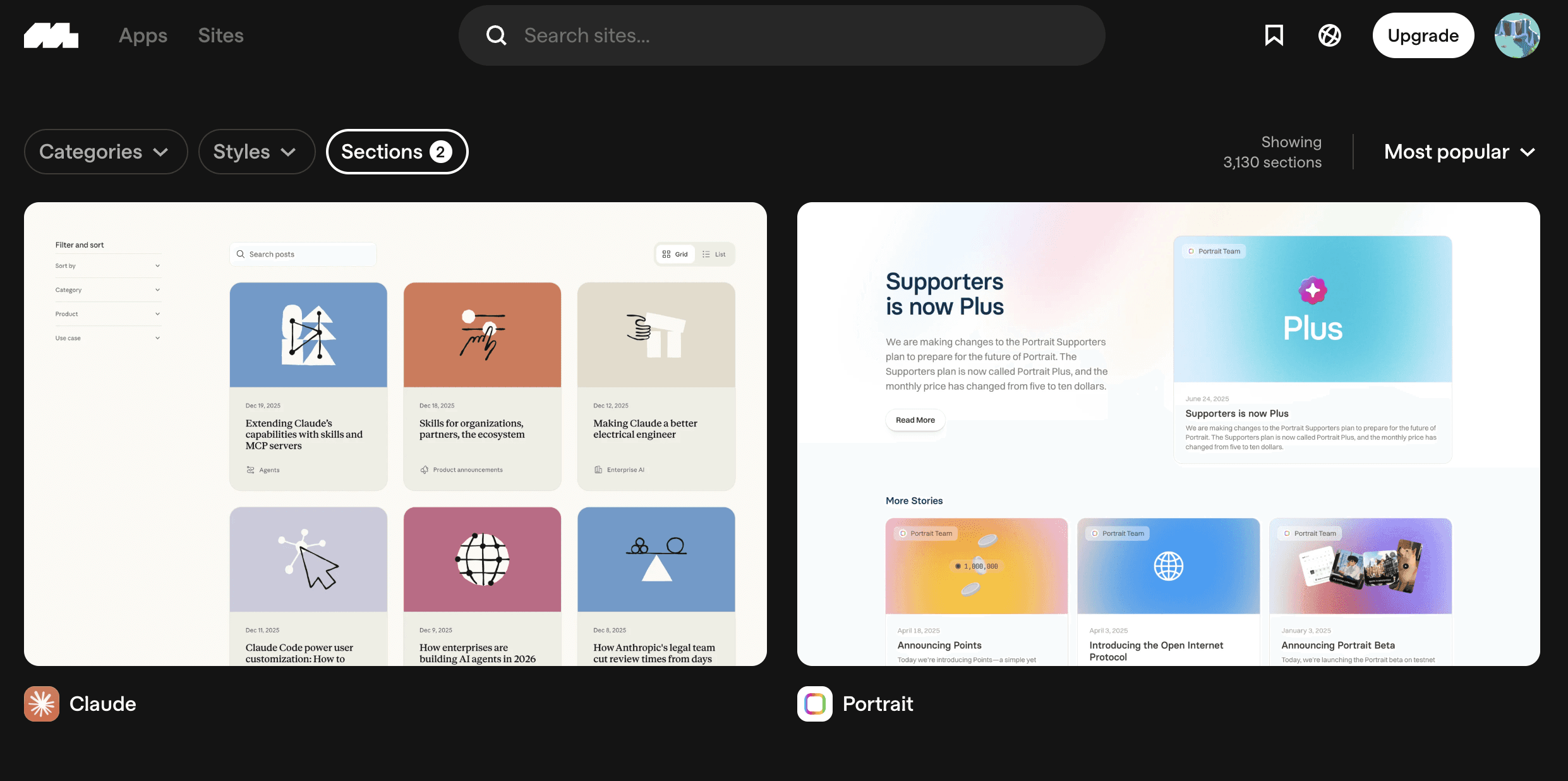
Mobbin is built for deep product design research. It is best when you need full user flows, edge cases, and proven patterns from live apps. It answers questions like how real products handle onboarding, paywalls, settings, and upgrades.
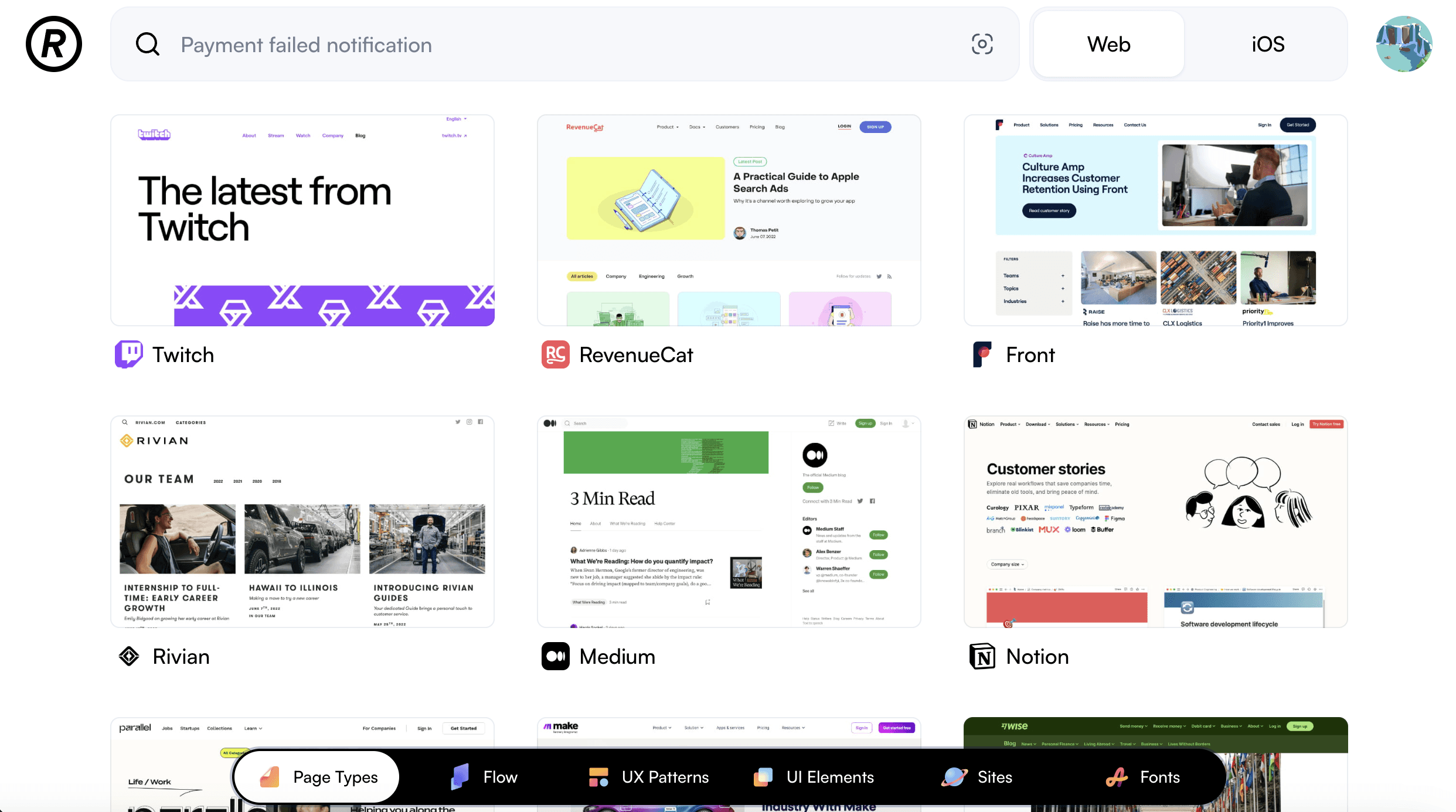
Refero is built for fast visual inspiration. It is best when you want layout ideas, UI patterns, or page structure without digging into full flows. It answers questions like how landing pages look, how dashboards are laid out, or how a section is visually designed.
Library Size and Depth
Mobbin has one of the largest libraries in this space. It includes over a thousand iOS and web apps, hundreds of thousands of screens, and tens of thousands of full user flows.
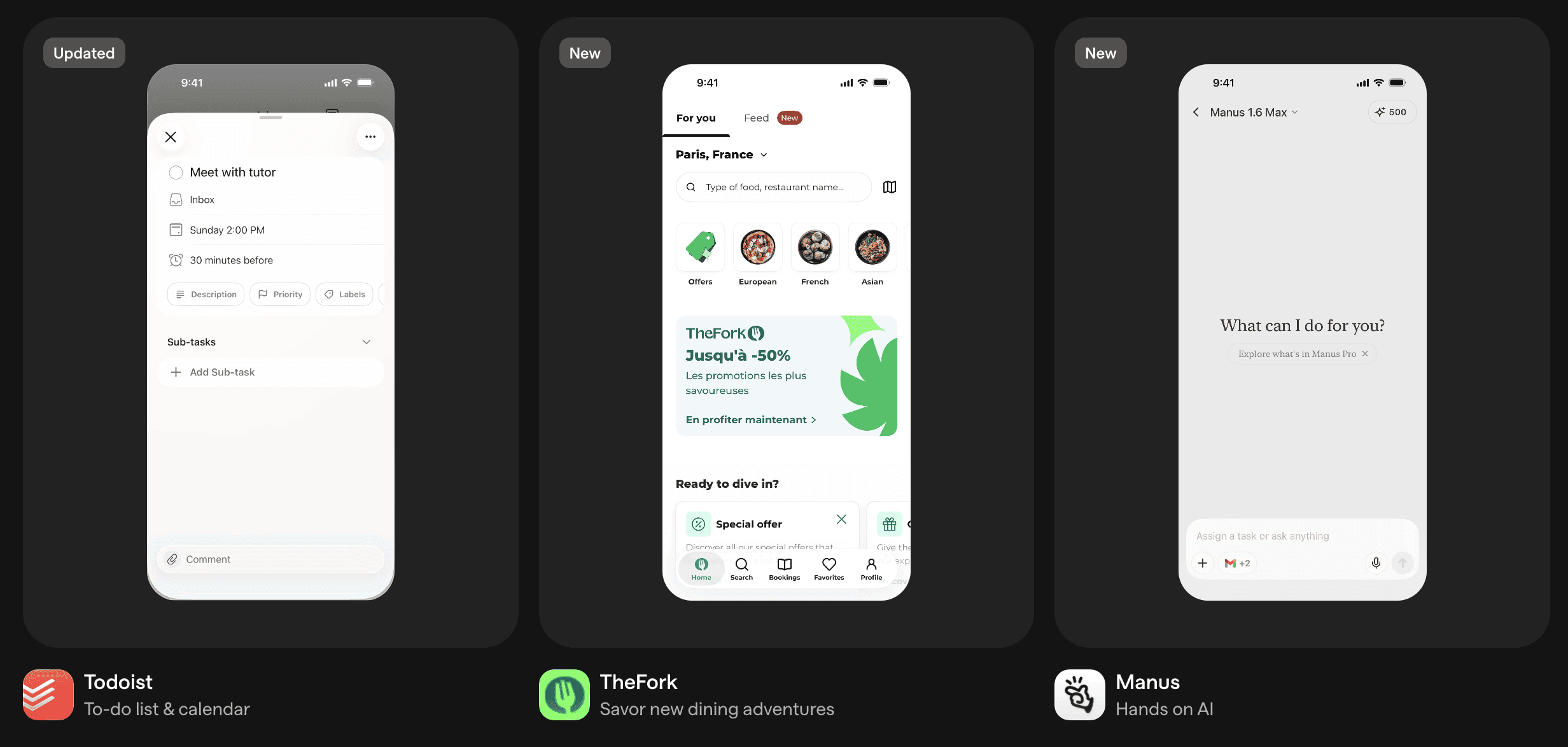
Many flows include animations and transitions, which helps you understand behavior, not just visuals.
Refero’s library is smaller but still strong. It focuses mainly on web pages and iOS screens. The strength here is curation. Screens feel clean, relevant, and easy to browse, but you usually see single screens instead of full step-by-step journeys.
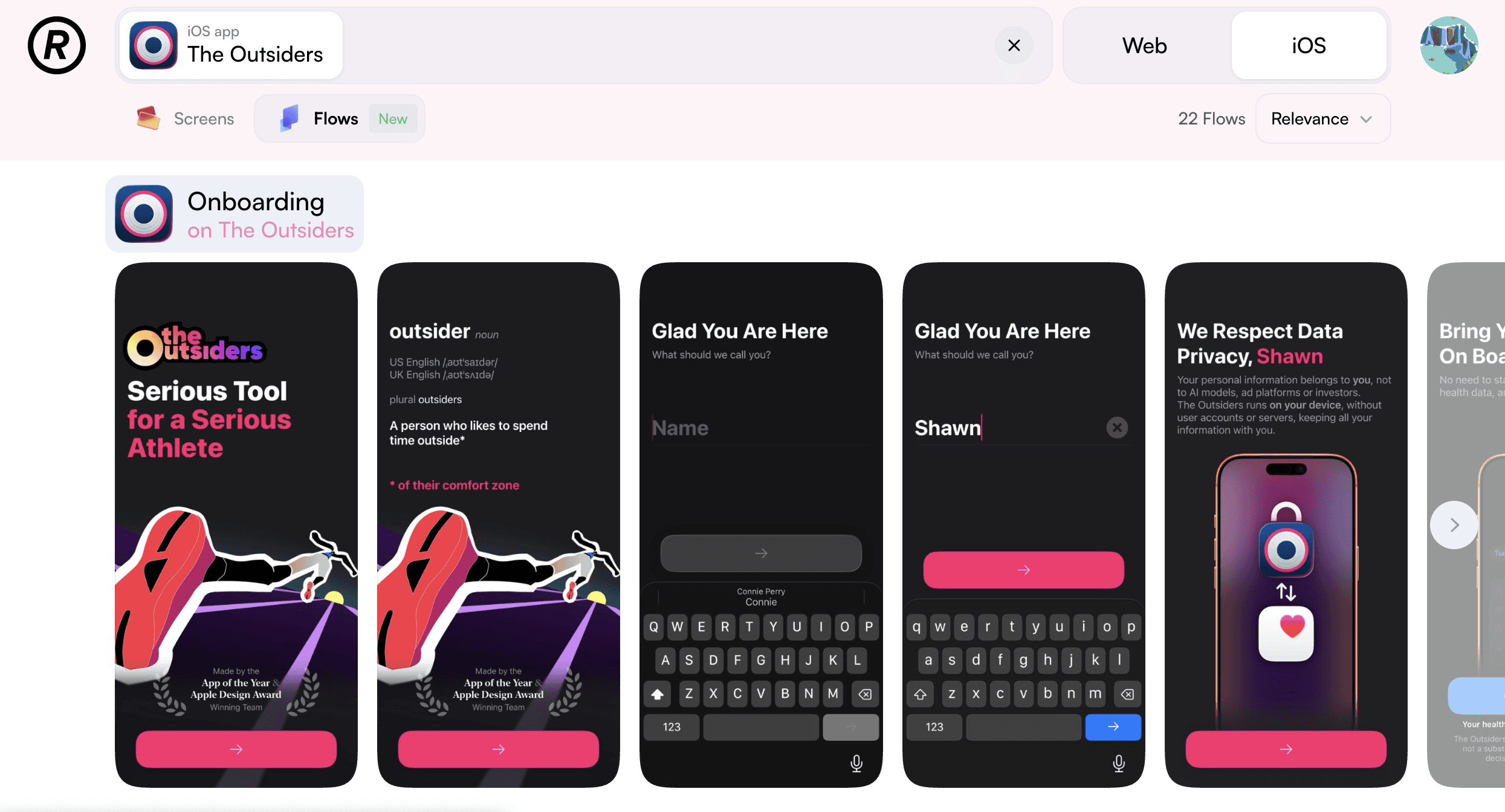
If depth matters, Mobbin wins. If browsing matters, Refero feels lighter and faster.
Search and Discovery
Mobbin focuses on pattern-based discovery. You search by UI elements, screens, or flows like login, checkout, or onboarding.
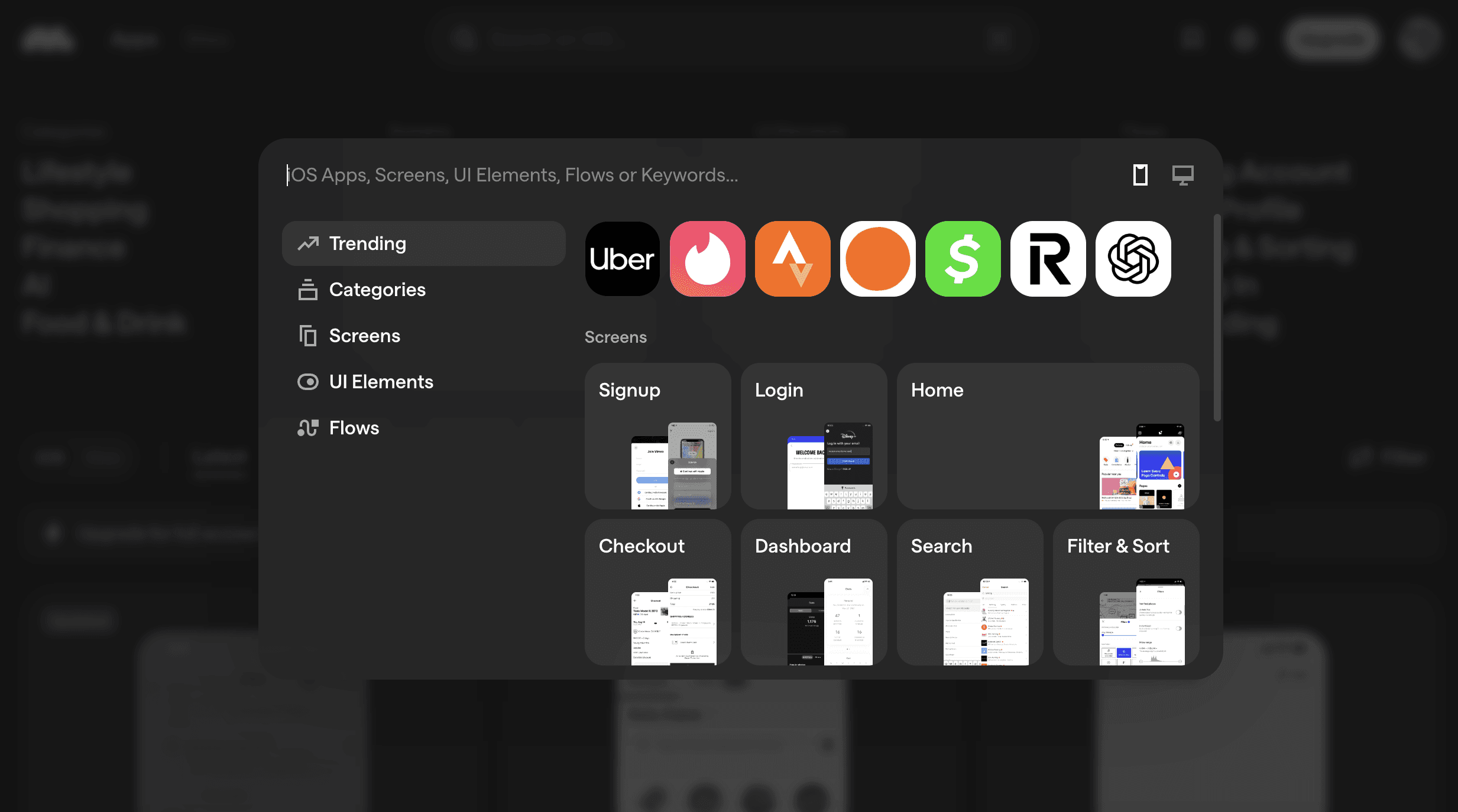
Filters help narrow results, but the real value is seeing how a full experience is built across steps.
Refero shines in search flexibility. You can search by tags, combine tags, search by visible text, or search by a specific website. This makes it very fast when you know what you want visually.
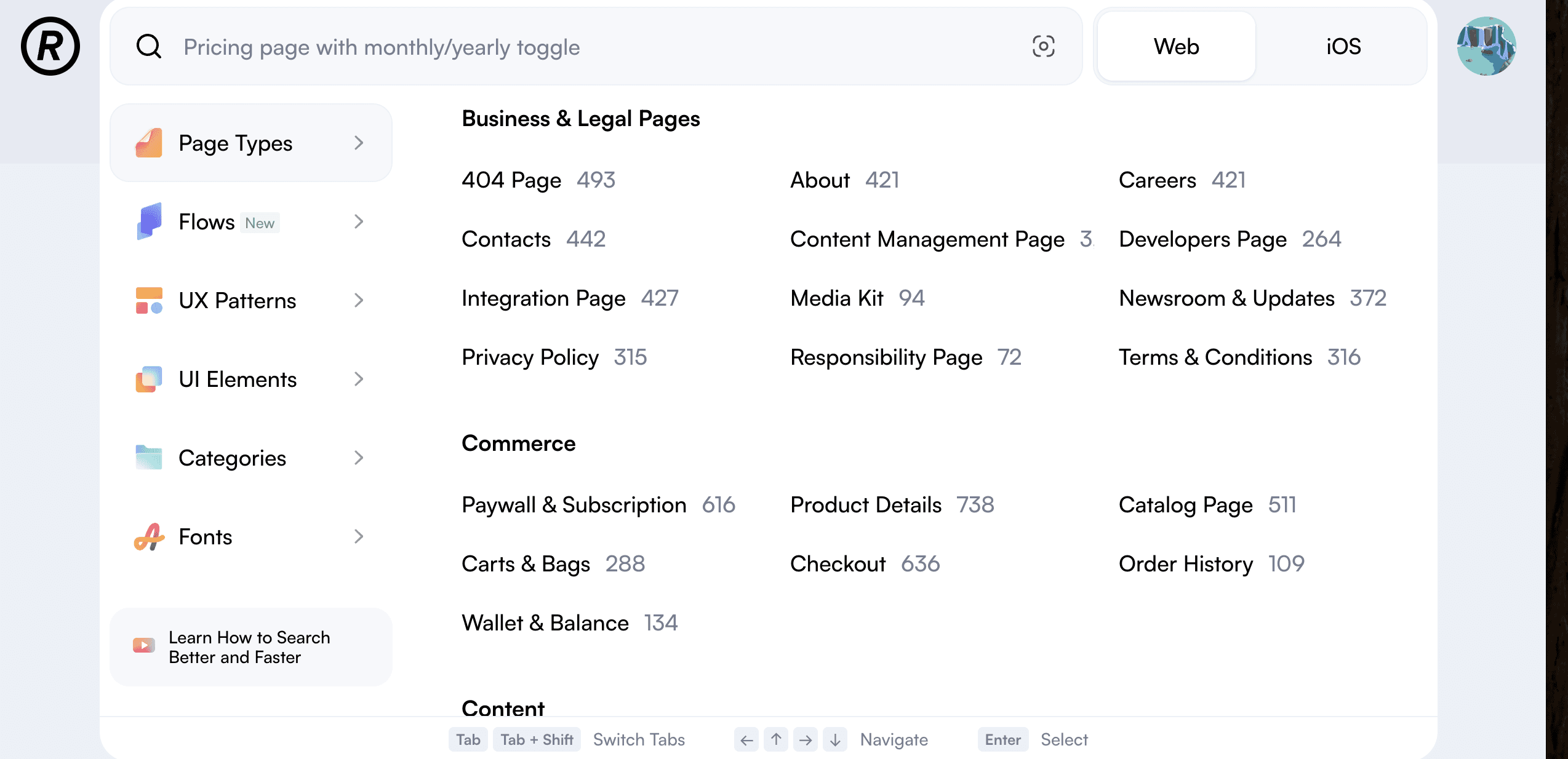
Mobbin is better for UX problems. Refero is better for visual exploration.
User Flows and Animations
Mobbin clearly leads here. You can explore entire user journeys from start to finish. Many flows include animations, transitions, and micro-interactions. Prototype mode lets you step through flows at your own pace.
Refero does not focus on flows. It shows screens, not experiences. You do not see how one step leads to another.
If you design complex products, Mobbin is far more useful.
Collaboration and Team Use
Mobbin is built for teams. You can create shared collections, leave comments, mention teammates, and manage seats with admin controls. There is also a Figma plugin that lets you copy screens directly into your design files.
Refero supports bookmarks and shared access on team plans, but collaboration is lighter. It works well for sharing inspiration, not managing deep design reviews.
For agencies and product teams, Mobbin fits better.
Pricing and Value
Mobbin uses a higher-priced subscription model:
The Free plan gives very limited access. You only see a few recent apps and flows, with heavy limits on search and downloads.
The Pro plan costs about $10 per month when billed yearly. It unlocks full access to apps, flows, animations, unlimited collections, and downloads. This plan is aimed at individual designers.
The Team plan costs about $12 per member per month when billed yearly. It adds team collections, comments, admin tools, and centralized billing. This plan is clearly built for companies.
Refero is more affordable:
The Free plan gives access to only a small part of the library, around a few percent, but it is enough to understand the product.
The Pro plan costs $8 per month when billed yearly. It unlocks full access to web and iOS screens, advanced search, and user flow grouping.
The Team plan costs $10 per month per seat when billed yearly. It adds collaborative bookmarks and shared access.
Refero wins on price. Mobbin costs more but delivers more depth.
Mobbin vs Refero: Comparison Table
Category | Mobbin | Refero |
|---|---|---|
Core focus | Deep UX research and real product flows | Fast UI inspiration and visual references |
Best for | Product designers, mobile apps, UX-heavy work | Web designers, quick inspiration, early ideas |
Platforms | iOS and Web | Web and iOS |
Library size | Very large. 1,000+ apps, hundreds of thousands of screens and flows | Medium. 100,000+ curated screens |
User flows | Full end-to-end flows with steps | Limited. Mostly single screens |
Animations | Yes. Transitions and micro-interactions | No |
Search style | Pattern, screen, and flow based | Tags, text search, site search |
Tag combining | Limited | Strong support |
Search by text on screen | No | Yes |
Figma integration | Yes | No |
Collections | Yes. Unlimited on paid plans | Yes. Bookmarks |
Team collaboration | Strong. Comments, mentions, admin tools | Basic. Shared bookmarks |
Free plan | Very limited access | Very limited access |
Paid pricing (individual) | ~$10/month billed yearly | ~$8/month billed yearly |
Paid pricing (team) | ~$12/member/month billed yearly | ~$10/member/month billed yearly |
Overall depth | Very high | Medium |
Overall cost | Higher | Lower |
Wrapping Up: The Verdict
Mobbin and Refero are not direct substitutes. They serve different stages of the design process.
Mobbin is the better choice when depth matters. If you design mobile apps, complex products or need to study real user flows, Mobbin justifies its higher price. It saves research time and reduces guesswork.
Refero is the better choice when speed and budget matter. If you want clean UI ideas, layout inspiration, or quick references for web projects, Refero does the job at a lower cost.
If you can only pick one, choose based on how you work. For serious product design, Mobbin wins. For lightweight inspiration, Refero is enough.
You May Also Like













Featured Tools







Newest Additions




















AI Image & Video Generation

































Vibe Coding Library




























































Screenshot & Screen Recording Tools
















