




7 Best Figma Make Alternatives for Designers
Looking for tools like Figma Make? Find the best AI-powered platforms that generate UI, prototypes, and working apps directly from prompts.

Dudu
Apr 13, 2026
Last Updated Apr 13, 2026
Image Credit: Toolfolio
Design is changing fast. What used to take hours in design tools and days in development can now start with a simple prompt.
Tools like Figma Make let you describe an idea or upload a design and turn it into an interactive prototype or even a working app. You no longer need to rely fully on handoffs or long build cycles just to see something working.
But, at the same time, Figma Make is not perfect for everyone. Some users want more control over the code it generates. Others need better accuracy, more advanced features, or smoother workflows with their existing tools.
In this guide, we will break share the best Figma Make alternatives available today, so you can choose the right tool based on how you design, build, and launch products.
What is Figma Make
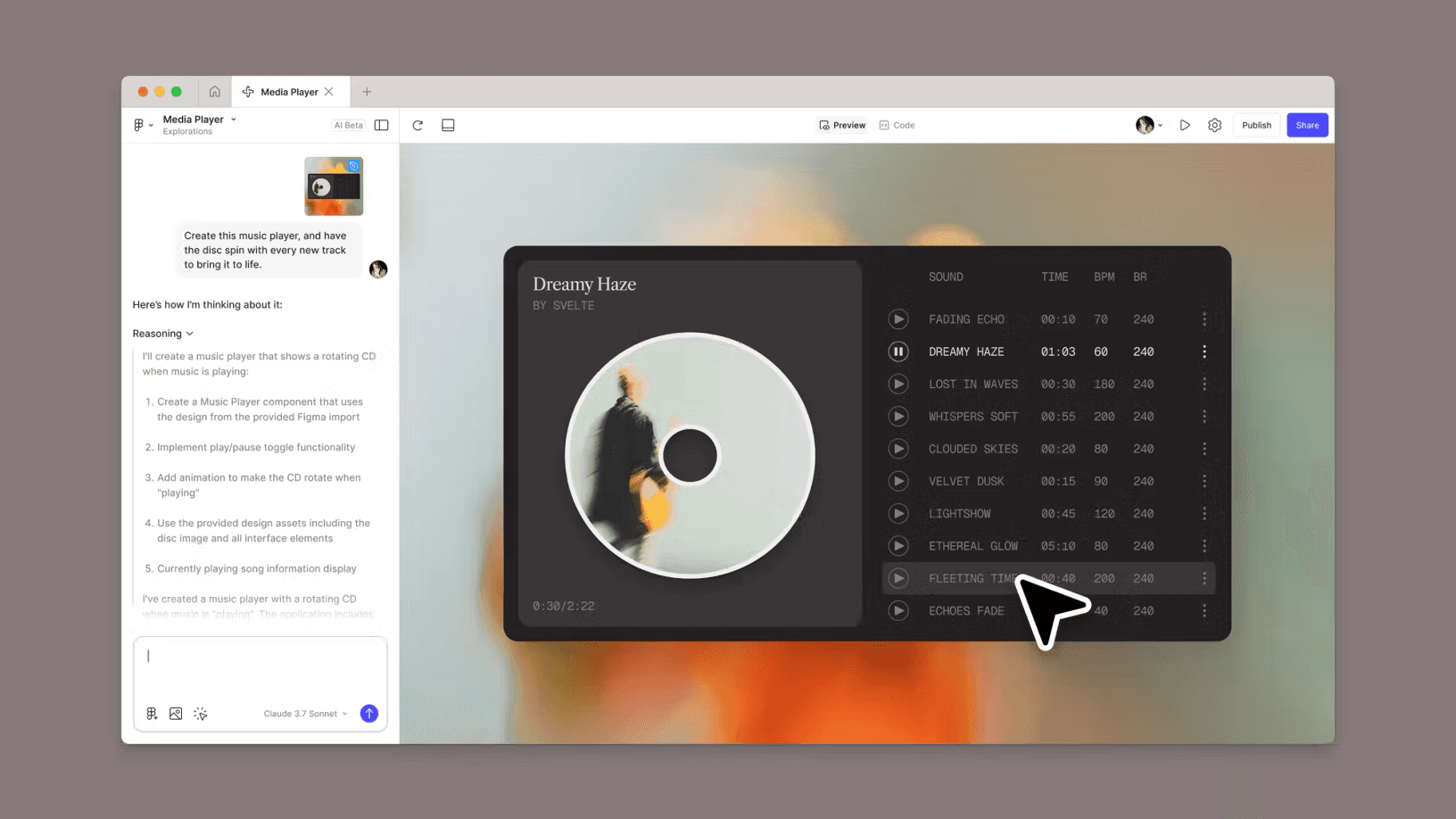
Figma Make is an AI-powered tool by Figma that turns simple inputs into working interfaces. You can describe an idea, upload an image, or start from an existing design, and it generates an interactive prototype or a basic web app with real code behind it.
The goal is to reduce the time between thinking of an idea and seeing it in action. Instead of moving between design and development tools, everything happens in one flow.
The tool works through a chat-style interface where you guide the output using prompts. You can ask it to change layouts, update styles, or add interactions without writing code yourself.
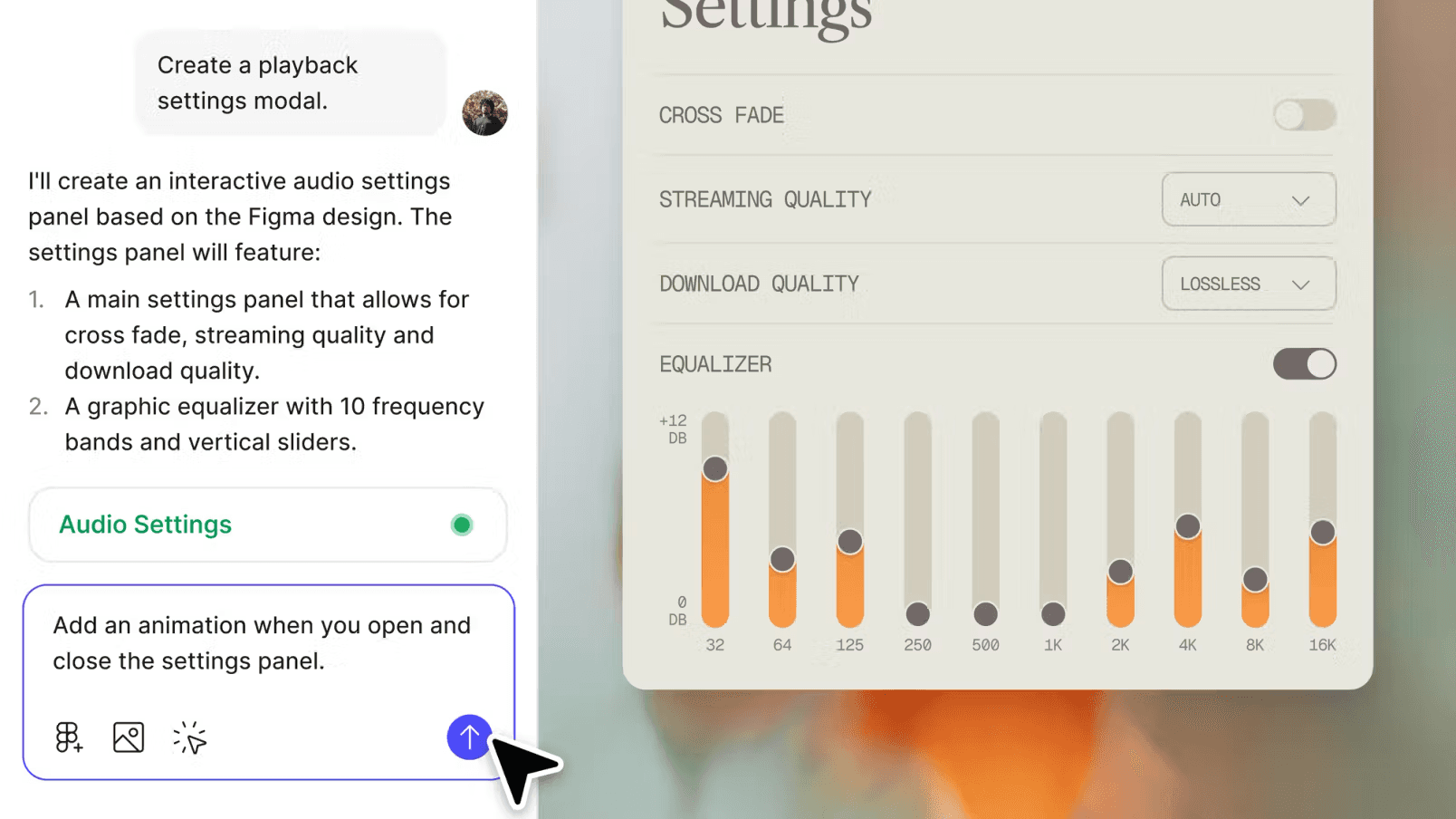
It also allows you to preview how your design behaves, edit the generated code if needed, and share or publish the result as a live web experience.
Figma Make is mainly built for fast ideation and early-stage product work. It helps test ideas, explore UI directions, and create shareable prototypes quickly. However, it is not a full replacement for development tools.
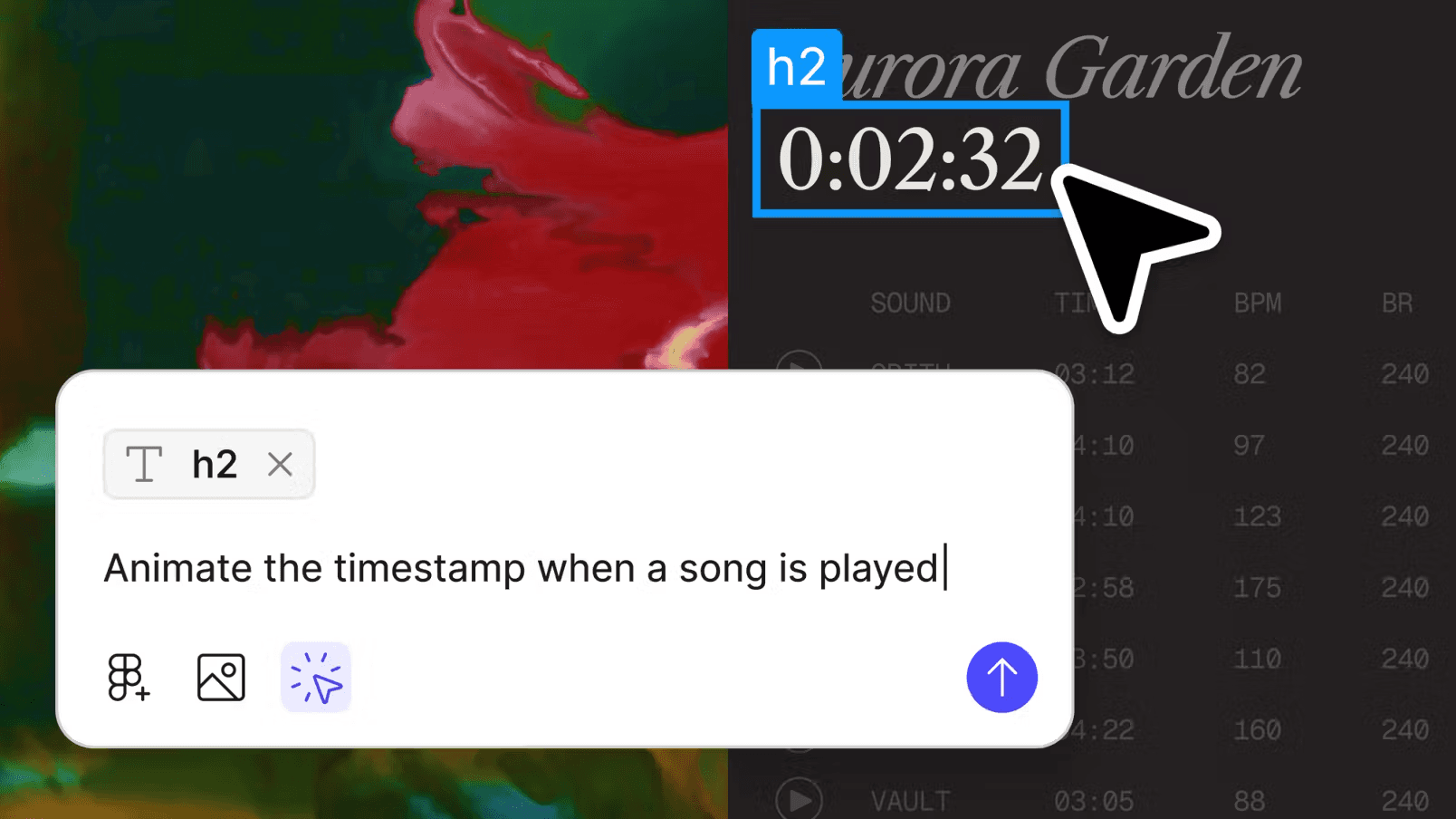
While it can connect to basic data and APIs, it still struggles with complex apps, detailed logic, and production-level reliability. This makes it useful as a starting point, but often not the final step.
Pros and Cons of Figma Make
Pros
Fast way to turn prompts into working UI and prototypes
No coding required for basic use, accessible to designers and non-developers
Supports real code output and simple web app publishing
Easy iteration through chat-based editing
Built-in collaboration and sharing within the workflow
Cons
Not reliable for complex or production-ready applications
Can introduce unexpected changes during AI edits
Limited control over detailed logic and multi-screen flows
Outputs can feel generic without strong input guidance
Still has bugs and rough edges in real-world use
Best Figma Make Alternatives
1. Lovable
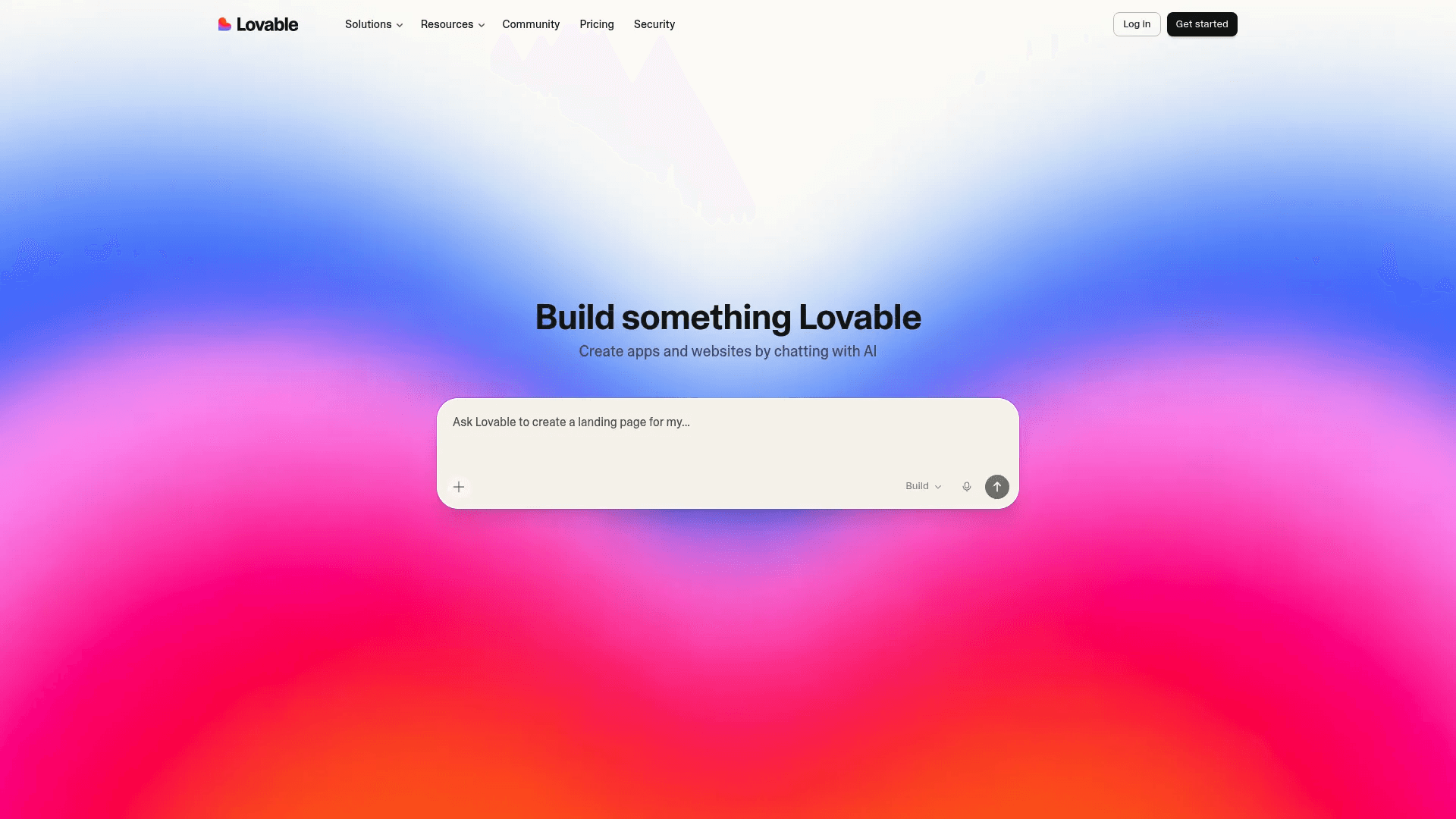
Lovable is one of the closest alternatives to Figma Make if your goal is not just prototyping, but actually building and shipping real apps.
It works in a very simple way. You describe what you want in plain English, or drop in screenshots and ideas, and it builds a working app or website in front of you. The focus is on speed and execution. Instead of stopping at a prototype, Lovable pushes you toward something you can publish and use.
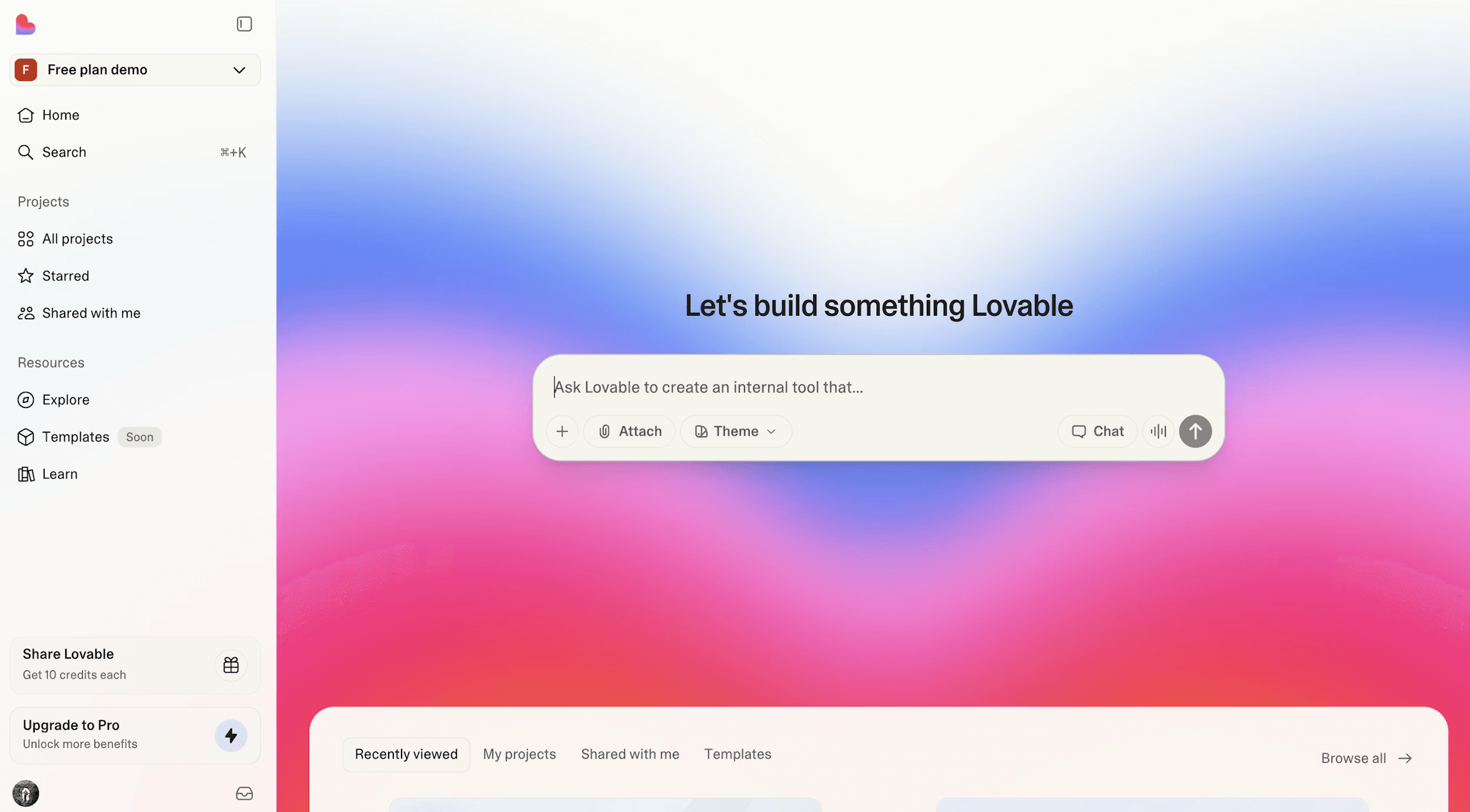
The platform feels more like an AI developer than a design tool. It can generate full-stack apps, handle basic backend logic, and even help with deployment in one flow. You can keep refining your app through prompts, change layouts, add features, and connect data without writing code yourself.
Pricing starts with a free plan that gives limited credits, then moves to $25 per month for the Pro plan and $50 per month for Business features.
The main advantage is how fast and easy it is to go from idea to a real product, with strong support for building and deploying apps. However, the credit system can feel restrictive, especially during heavy use, and costs can add up quickly.
It also has limits when you try to build more complex or highly customized apps, and sometimes the generated output needs fixing due to bugs or inaccuracies.
2. Replit
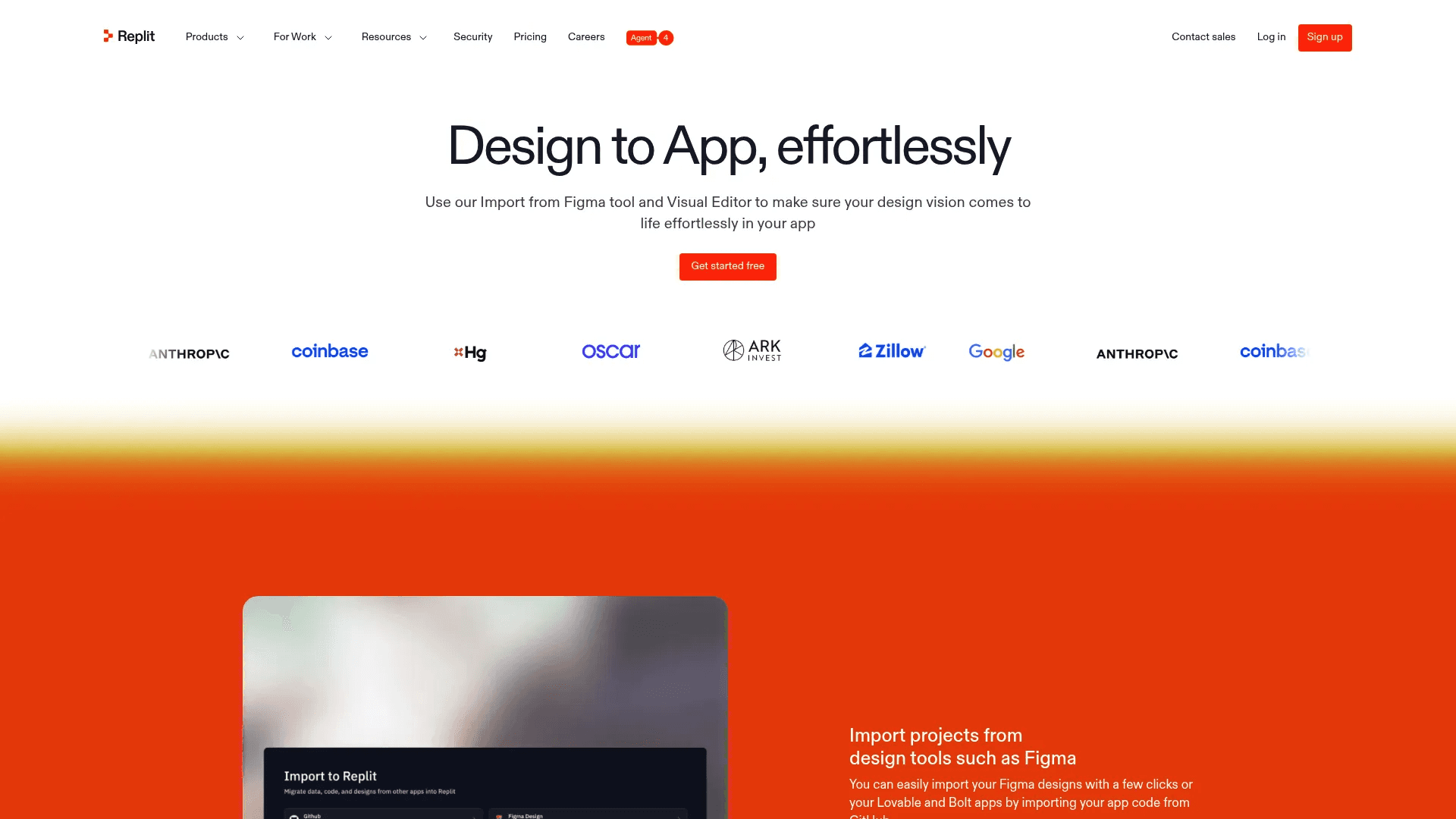
Replit is a strong alternative to Figma Make if you want more control and a clearer path to production. While Figma Make focuses more on quick prototypes, Replit goes deeper into building real applications with working backend, database, and deployment already handled.
You can describe your idea in simple language, and its AI Agent generates both the UI and the logic behind it. It also lets you import designs directly from Figma and turn them into functional apps with near pixel accuracy, then refine everything using a visual editor or code.
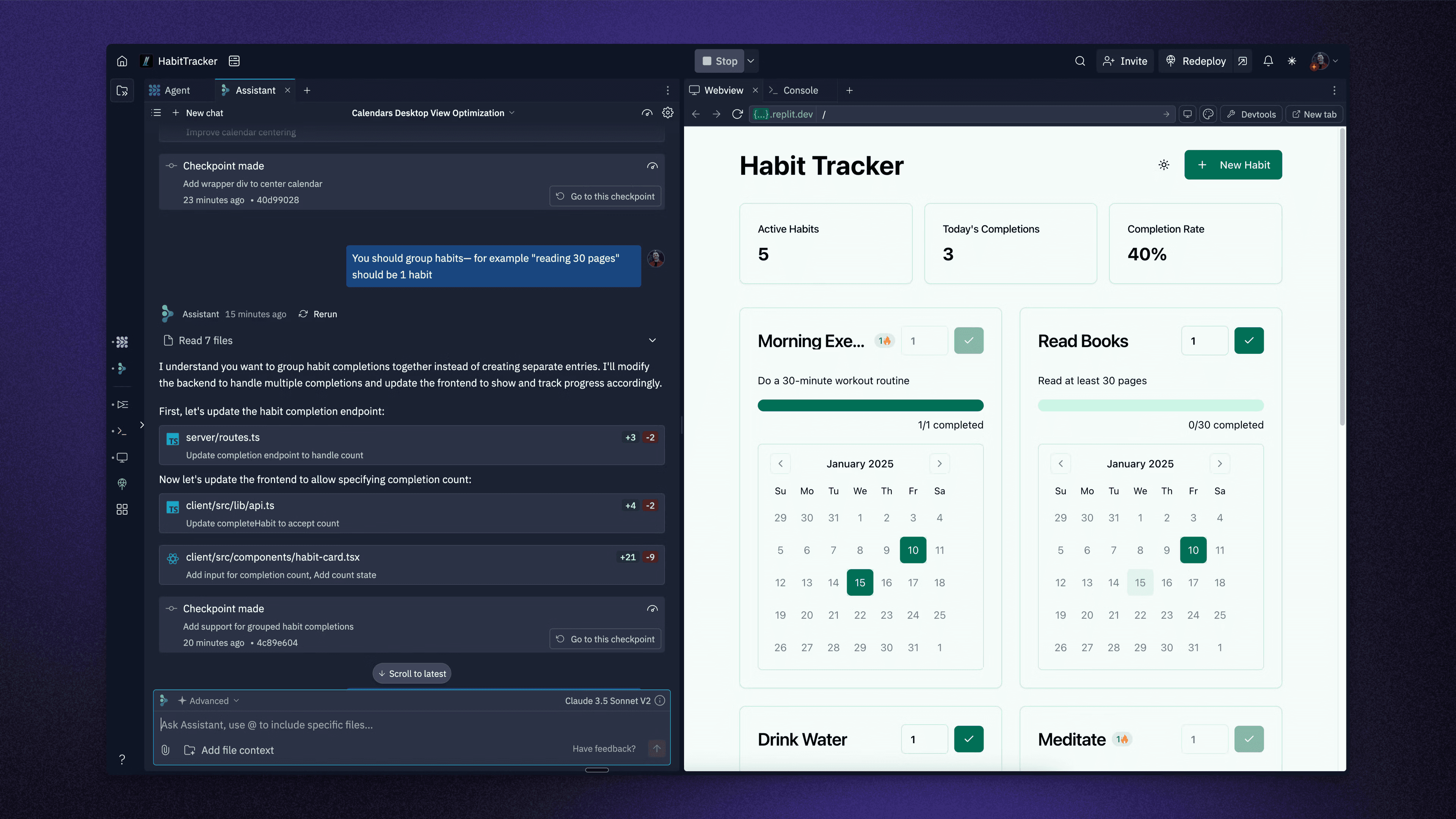
What makes Replit different is how it balances AI with actual development power. You get instant previews before full builds, so you can adjust early instead of fixing later. You can edit UI visually, tweak styles, and at the same time access real code, databases, authentication, and integrations.
Pricing starts with a free Starter plan with limited credits, then $18 per month for Core, and $90 per month for Pro.
The main advantage is that it produces more production-ready apps compared to most prompt-based tools, with strong support for scaling and integrations. However, it is slightly more complex than tools like Lovable or Figma Make, especially for beginners.
3. Anything
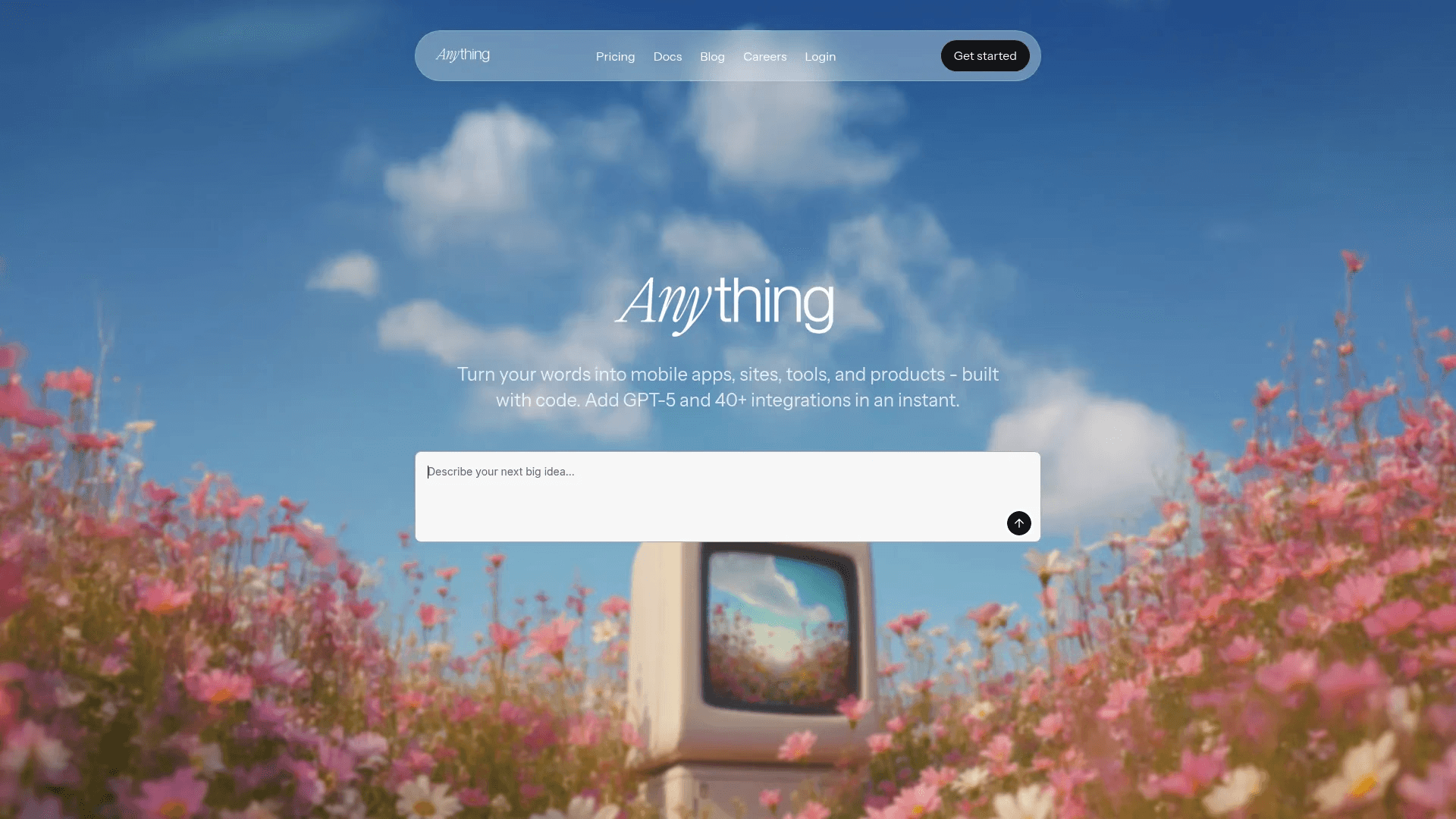
Anything.com is a strong Figma Make alternative if you want to go beyond prototypes and directly build full apps across web and mobile.
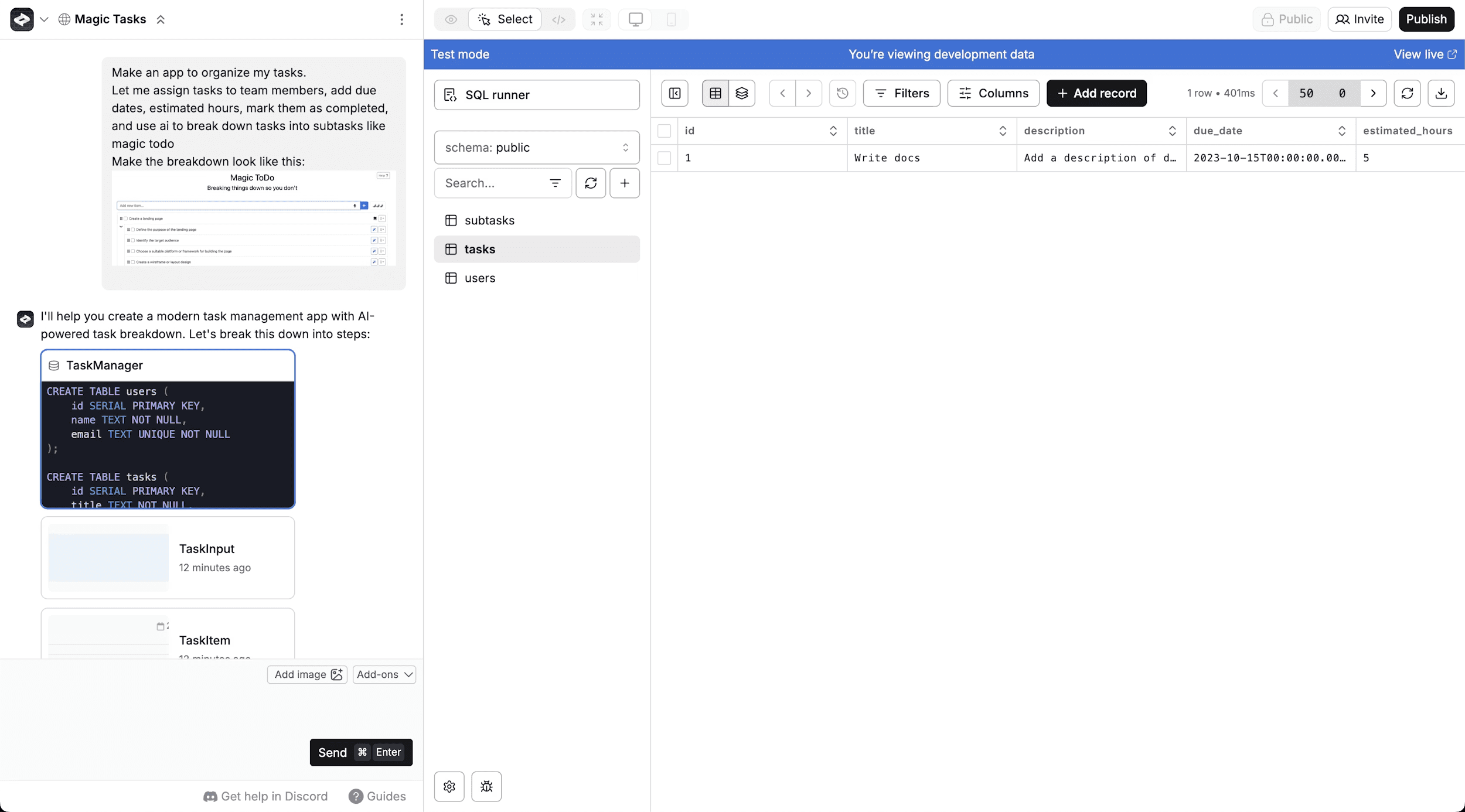
It follows a simple idea. You describe what you want, and it builds the entire product for you, including UI, backend, database, authentication, and even payments. Unlike tools focused only on design or front-end, Anything tries to handle everything in one place so you do not need to set up infrastructure or connect multiple services.
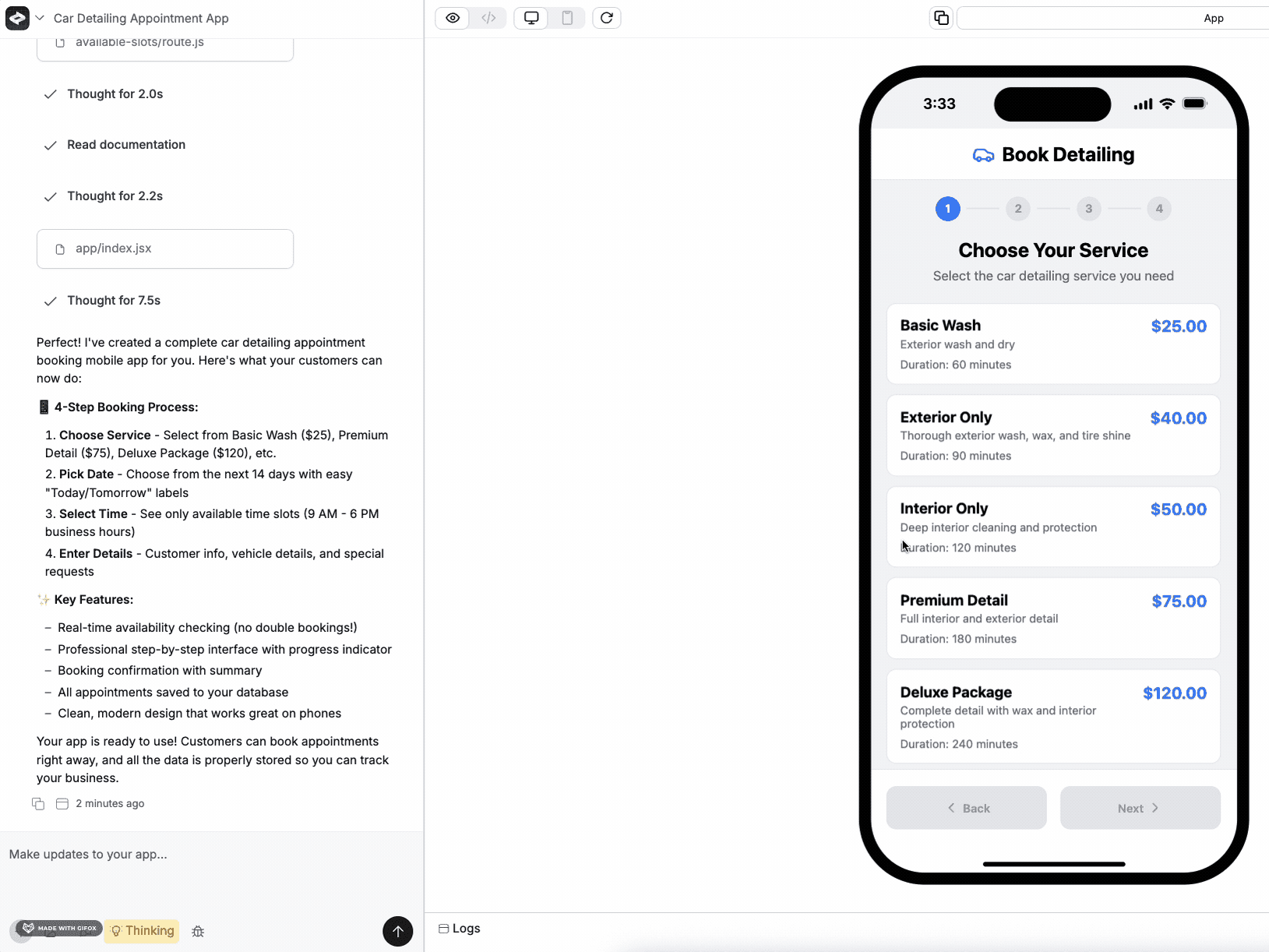
The platform stands out because it supports both web and native mobile apps in the same workflow. You can generate a full app, preview it, and publish it without touching code.
It also includes built-in integrations like Stripe, databases, and AI models, which saves time during early product development. Another useful feature is its ability to fix errors on its own and keep improving the app as you prompt changes.
Pricing starts at $0 per month with limited credits, then moves to $19 per month for the Pro plan and around $199 per month for higher usage tiers with more credits and advanced models.
The biggest advantage is how much it automates, from UI to backend to deployment, which makes building apps much faster. However, the quality depends heavily on how clearly you write prompts, and complex apps can still break or loop during generation.
4. v0
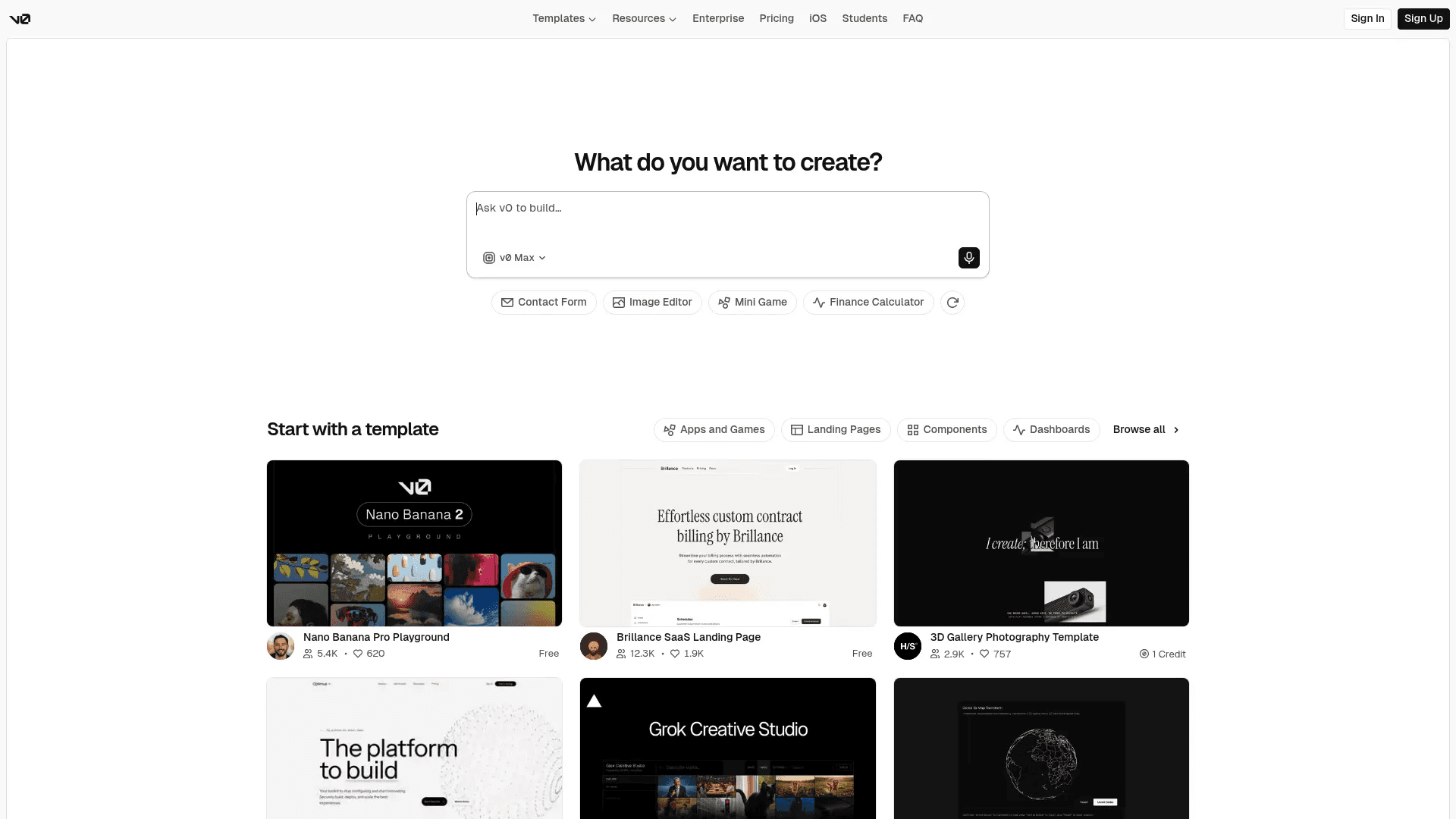
v0 by Vercel is a strong Figma Make alternative if your focus is clean UI and production-ready frontend code. It takes a prompt and turns it into real React components using modern tools like Next.js, Tailwind, and shadcn/ui.
Instead of stopping at a visual prototype, it gives you code that you can directly use in a real product. This makes it especially useful for developers and designers who want to move fast without compromising on code quality.
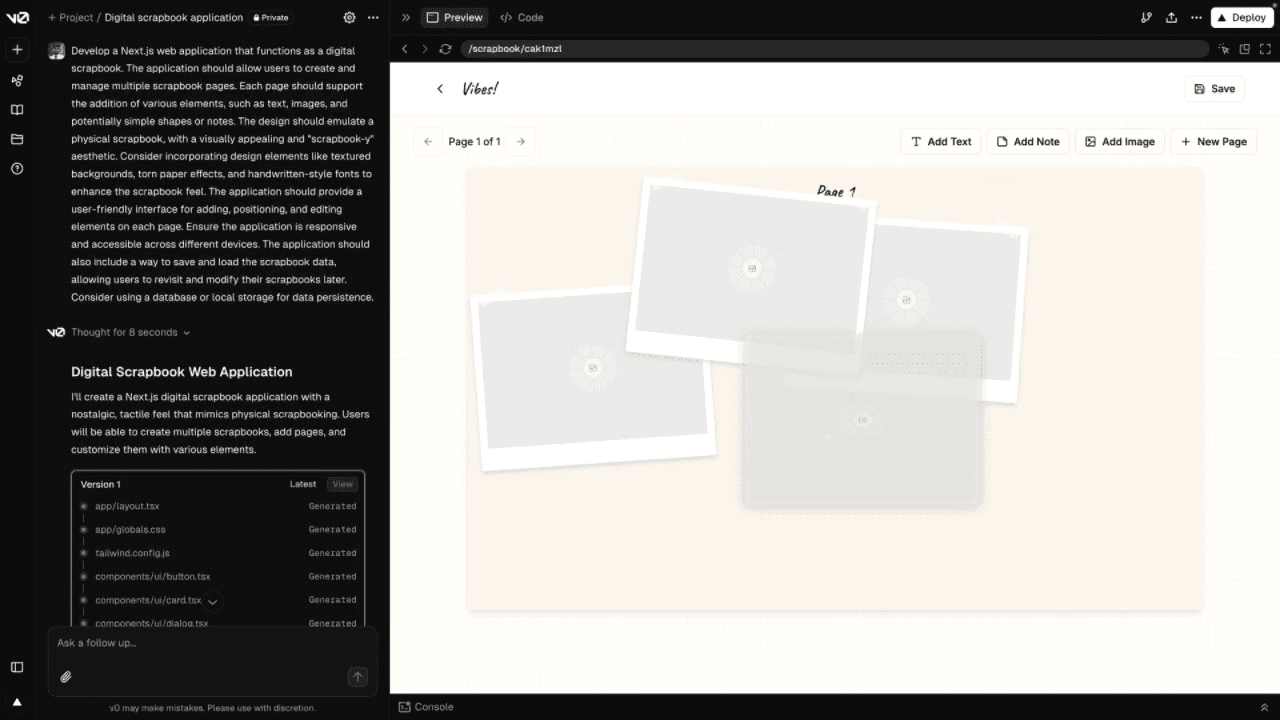
The workflow is simple but powerful. You describe what you want, and v0 plans and builds the UI with live previews.
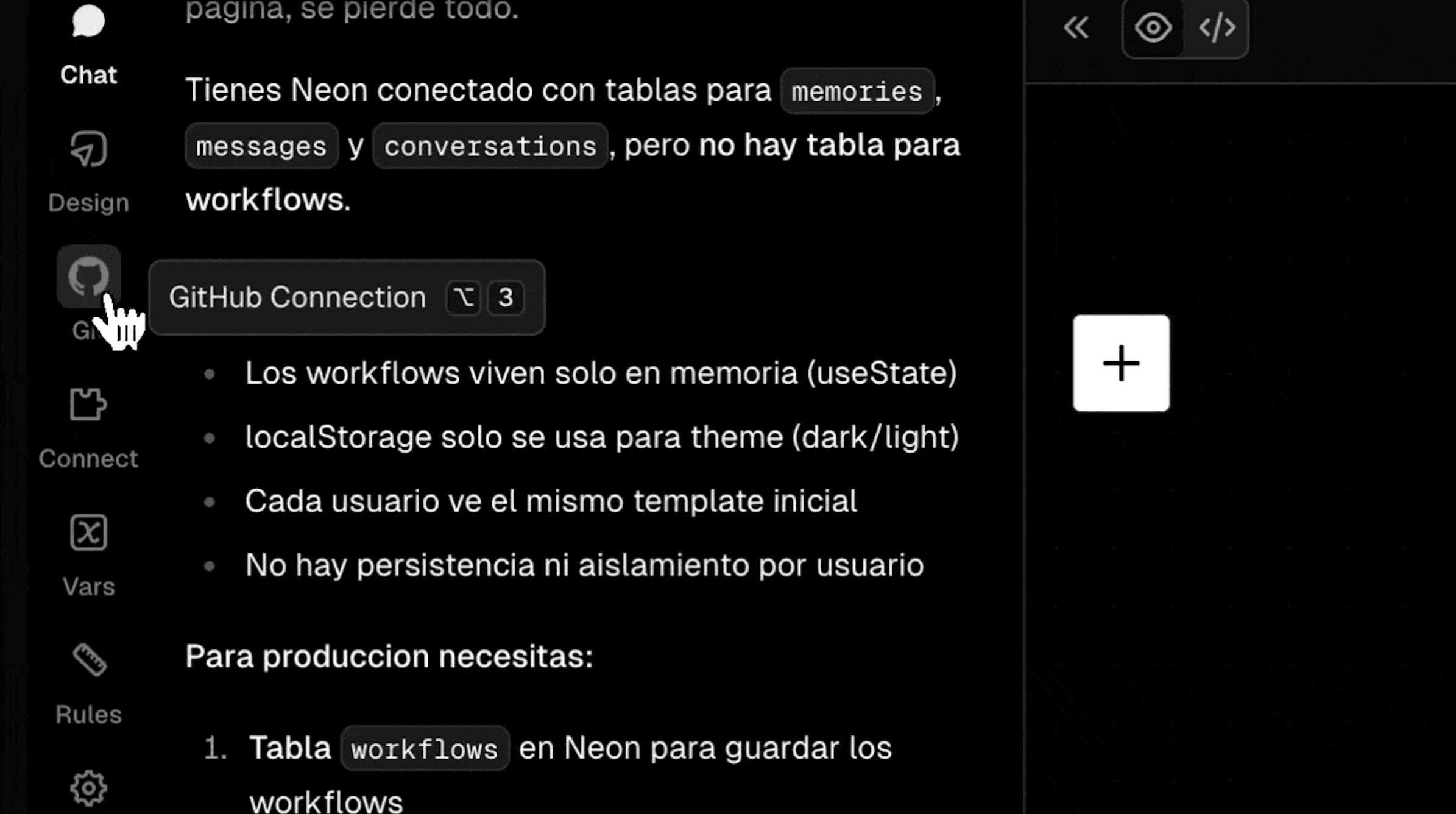
You can edit everything visually using its design mode, connect it to GitHub, and deploy instantly using Vercel. It also supports templates and design systems, which helps you keep consistency across projects.
Compared to Figma Make, it feels more focused and structured, especially if your goal is to build real frontends that are ready to ship or extend further.
Pricing starts at $0 per month with limited credits, then $30 per user per month for the Team plan and $100 per user per month for Business. The main advantage is the quality of code and how close it gets you to a production-ready frontend with very little effort.
However, it only handles frontend, so you still need to set up backend, database, and logic separately. It can also be sensitive to prompts, and costs can increase quickly if you use higher-end models or generate many iterations.
5. Base44
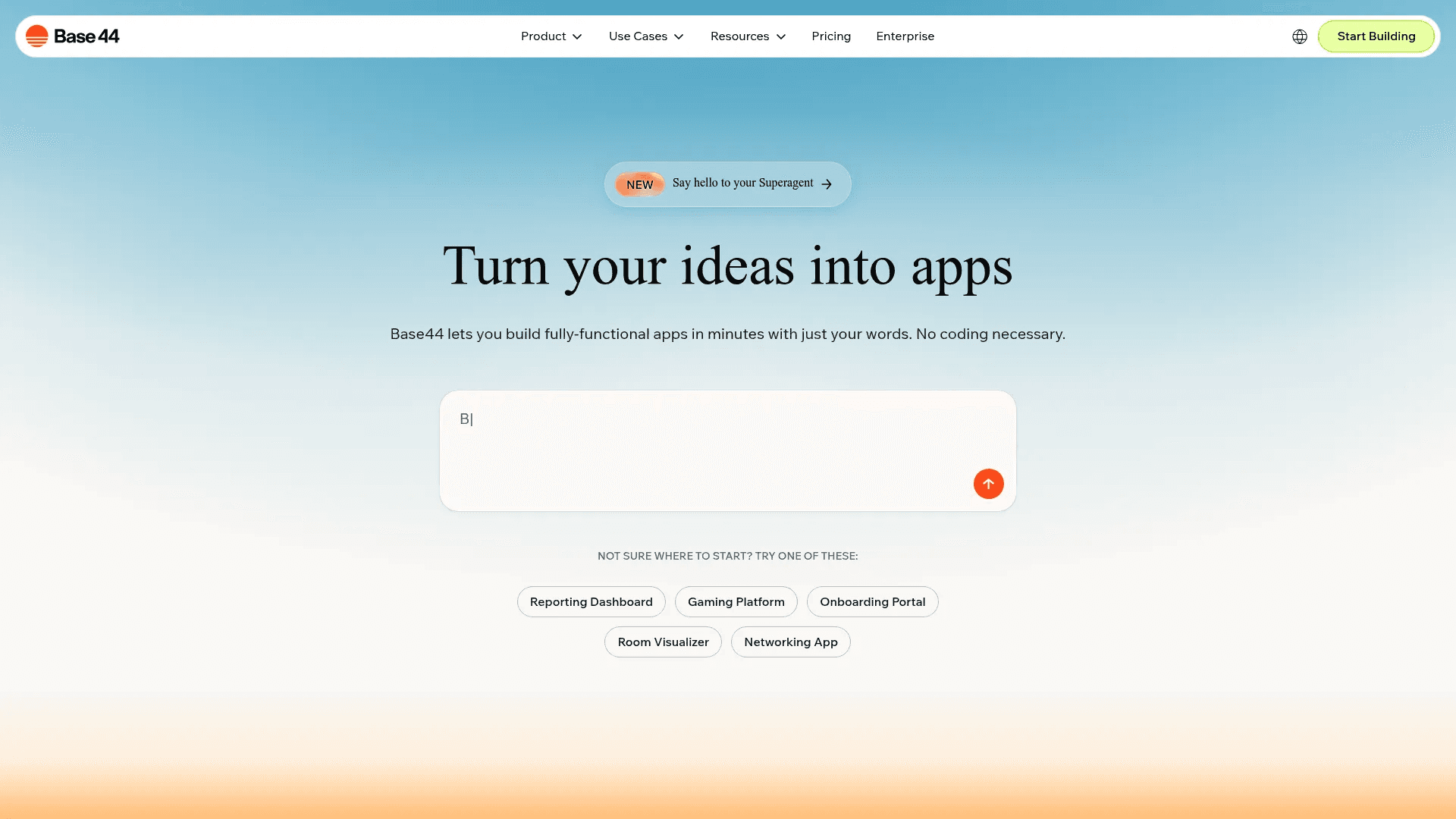
Base44 is a strong Figma Make alternative if you want a complete app, not just a prototype. It turns simple prompts into fully working applications with both frontend and backend already set up.
You describe your idea, and it builds the UI, user flows, database, authentication, and logic in one go. This makes it closer to tools like Lovable or Anything, but with a cleaner focus on structured app building and real use cases like dashboards, portals, and internal tools.
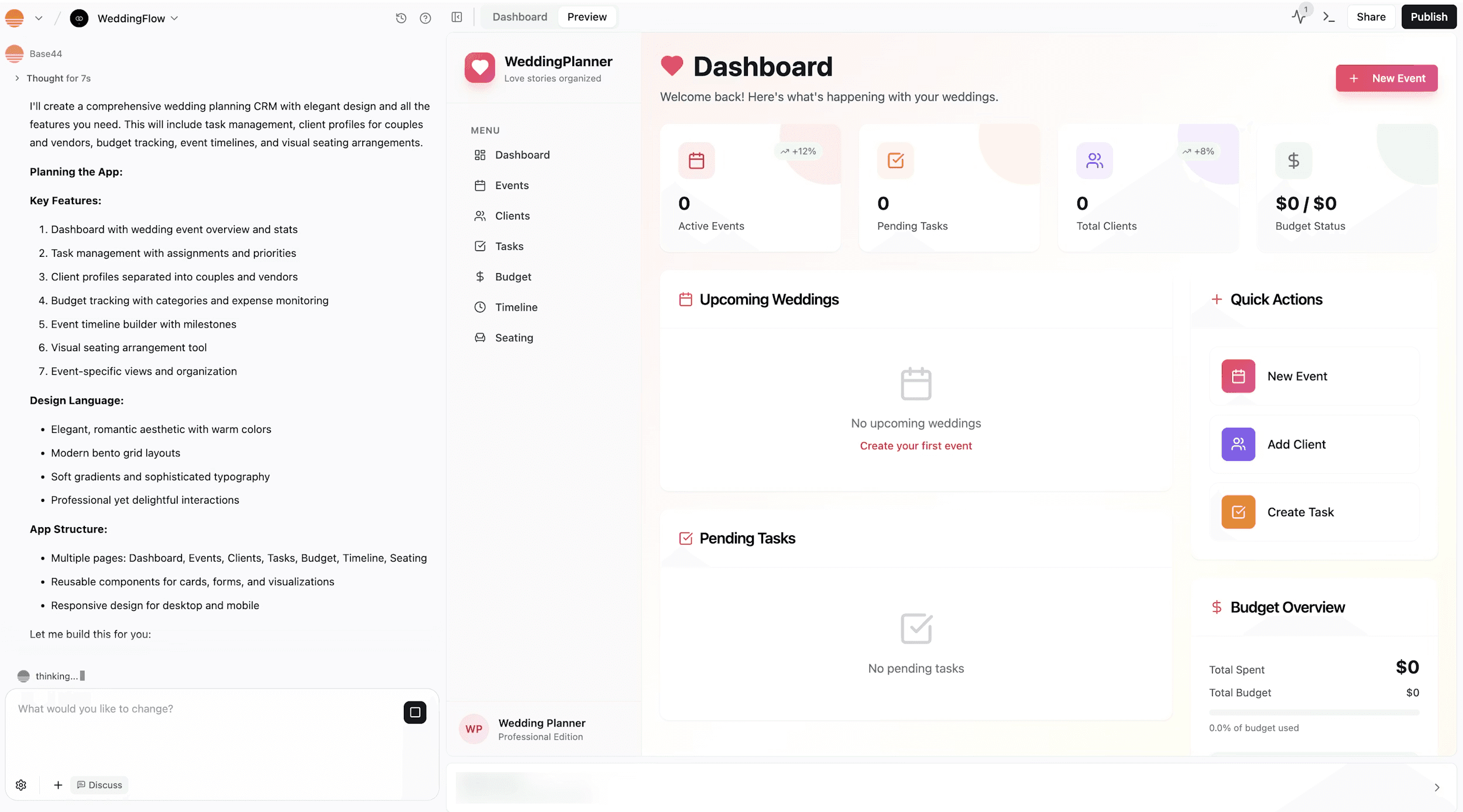
What stands out is how much it handles automatically in the background. While you focus on shaping the idea, Base44 sets up hosting, database, user roles, and integrations without asking you to configure anything. You can keep refining the app using prompts, edit code if needed, and publish it with a custom domain in one click.
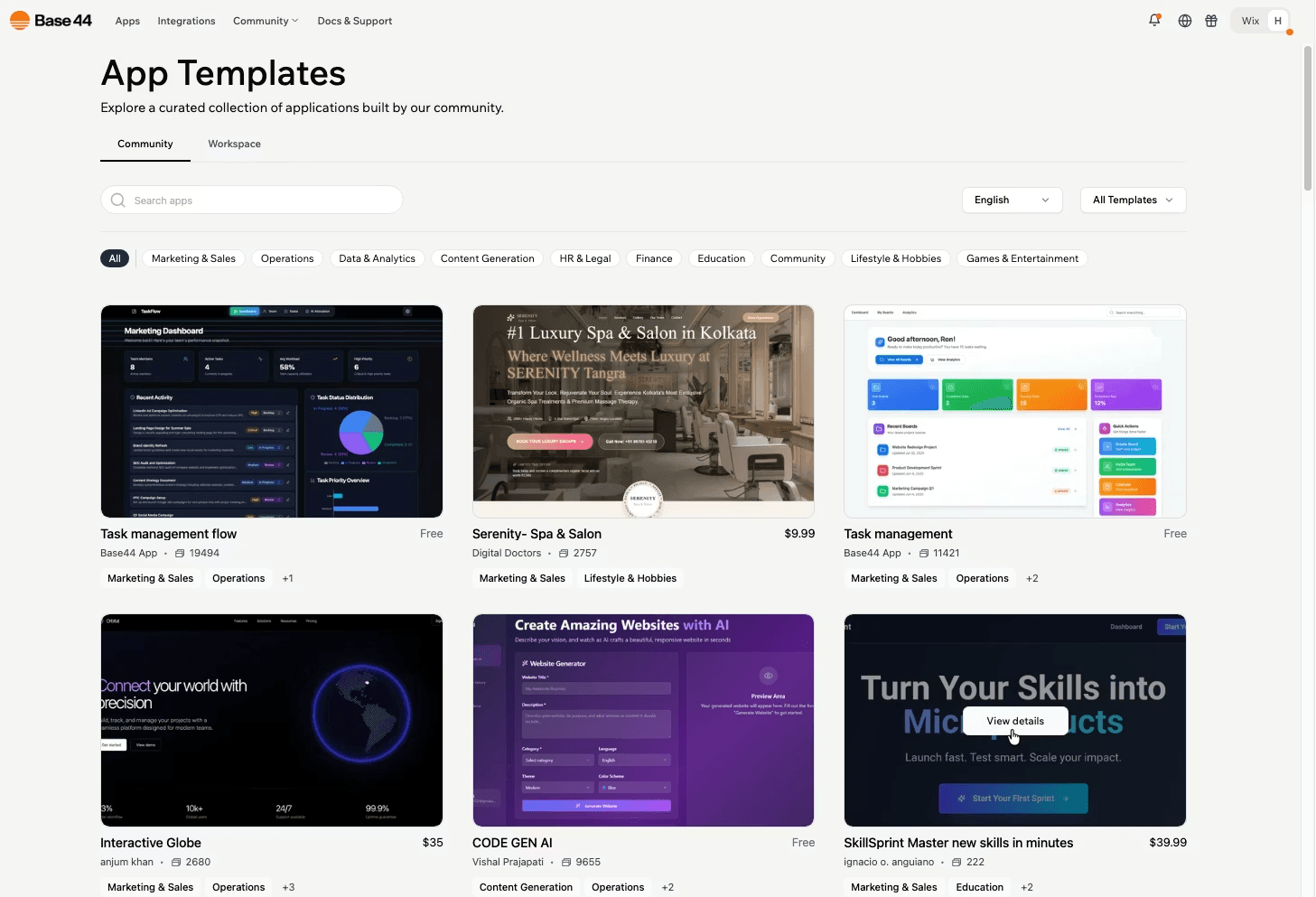
Pricing starts at $0 per month with limited credits, then around $16 per month for Starter and $40 per month for Builder plans. The main advantage is how complete the output is, since you get a working app with backend included from the start.
6. Magic Patterns
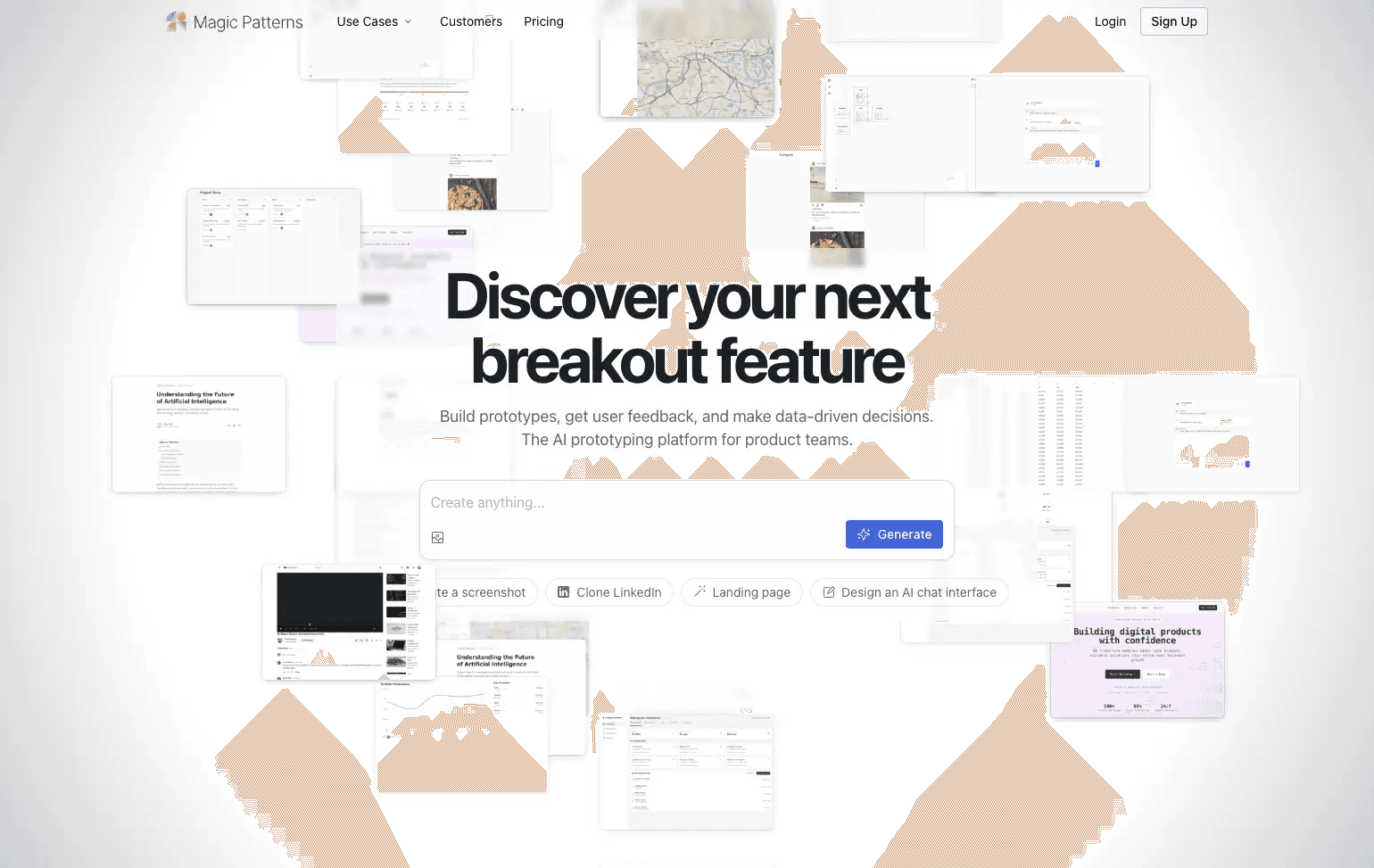
Magic Patterns is a different kind of Figma Make alternative. It focuses more on UI design and rapid prototyping instead of full app building. You can generate components, screens, and flows using AI, then refine them visually and share with your team for quick feedback.
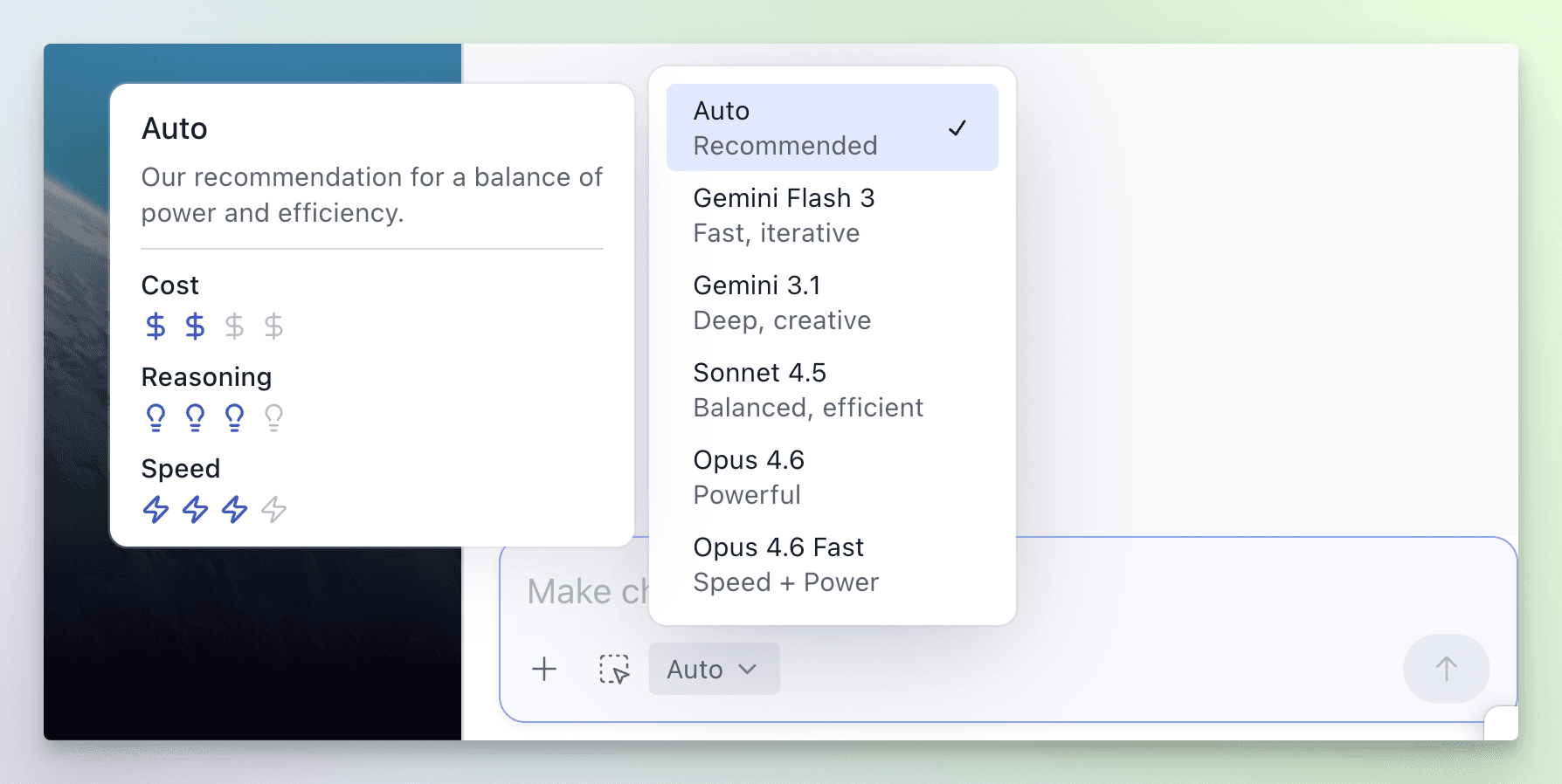
What makes it useful is how well it works with existing designs. You can import your current UI, match styles, and generate new features that feel consistent with your product. It also includes a multiplayer canvas for real-time collaboration, so teams can design and iterate together without switching tools.
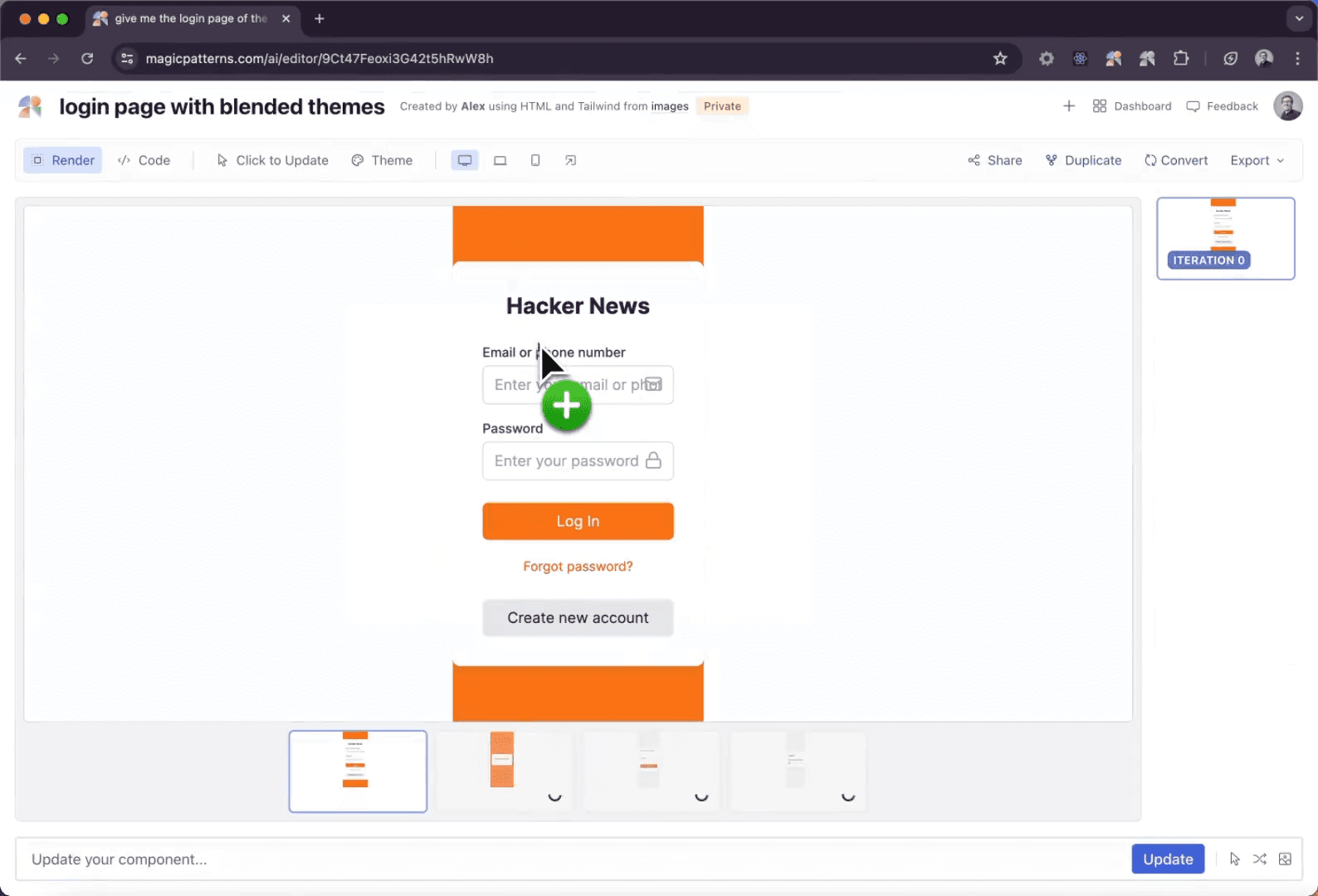
There is even a Chrome extension to pull design inspiration from other websites, which helps when you are stuck or starting from scratch. Compared to tools like Lovable or Base44, it is more focused on design quality and speed rather than building full backend systems.
Pricing starts at $20 per month per seat for the Starter plan and goes up to $100 per month for Business. The main advantage is how fast it helps you create polished UI that matches real products, which is useful for testing ideas and showing concepts to users or teams.
7. Banani
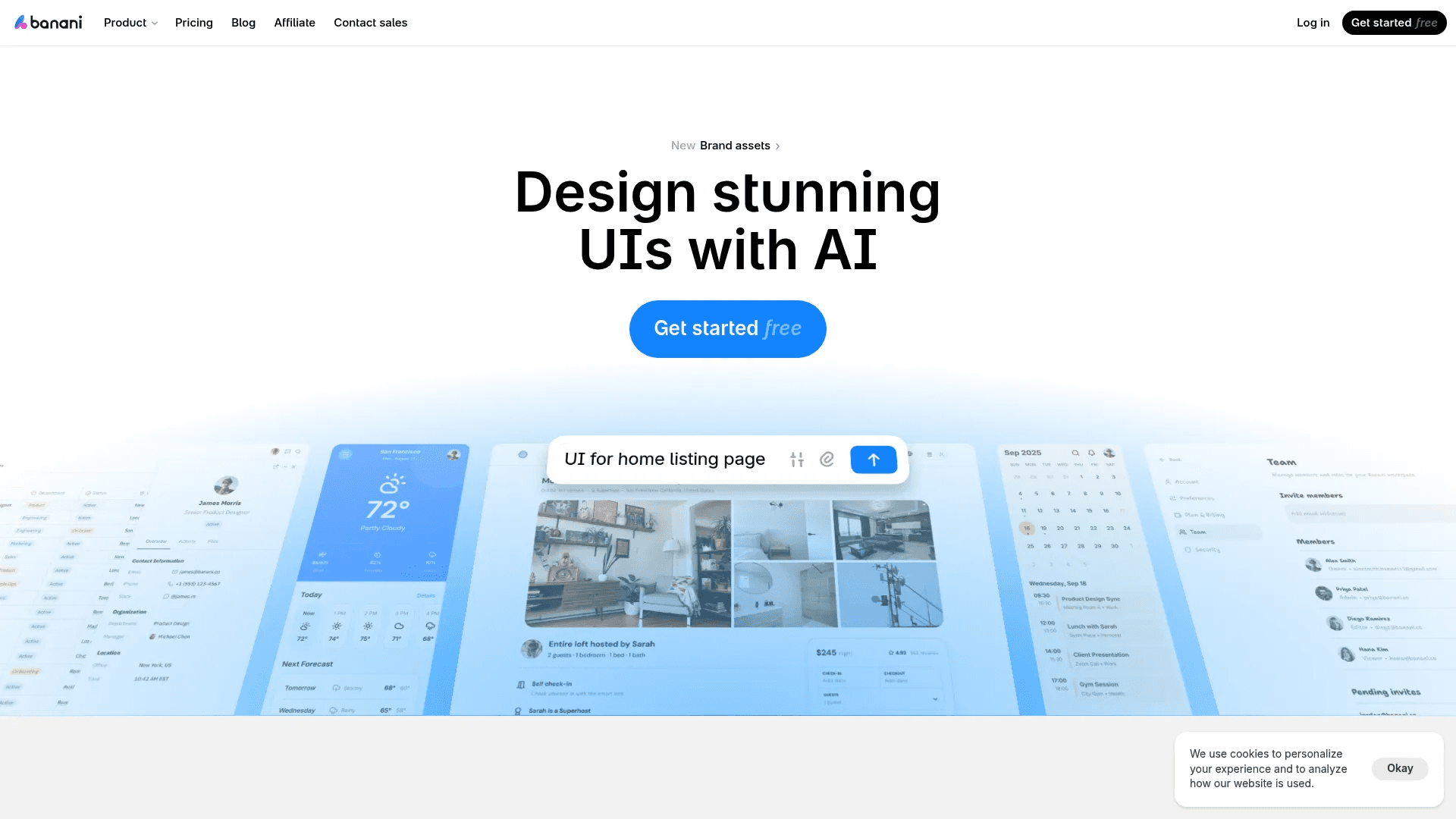
Banani is a simple and focused Figma Make alternative built mainly for UI design and prototyping. It takes your idea in plain English and turns it into clean, multi-screen UI designs in seconds. You can also upload screenshots, Figma links, or references, and it recreates or adapts the style into new designs.
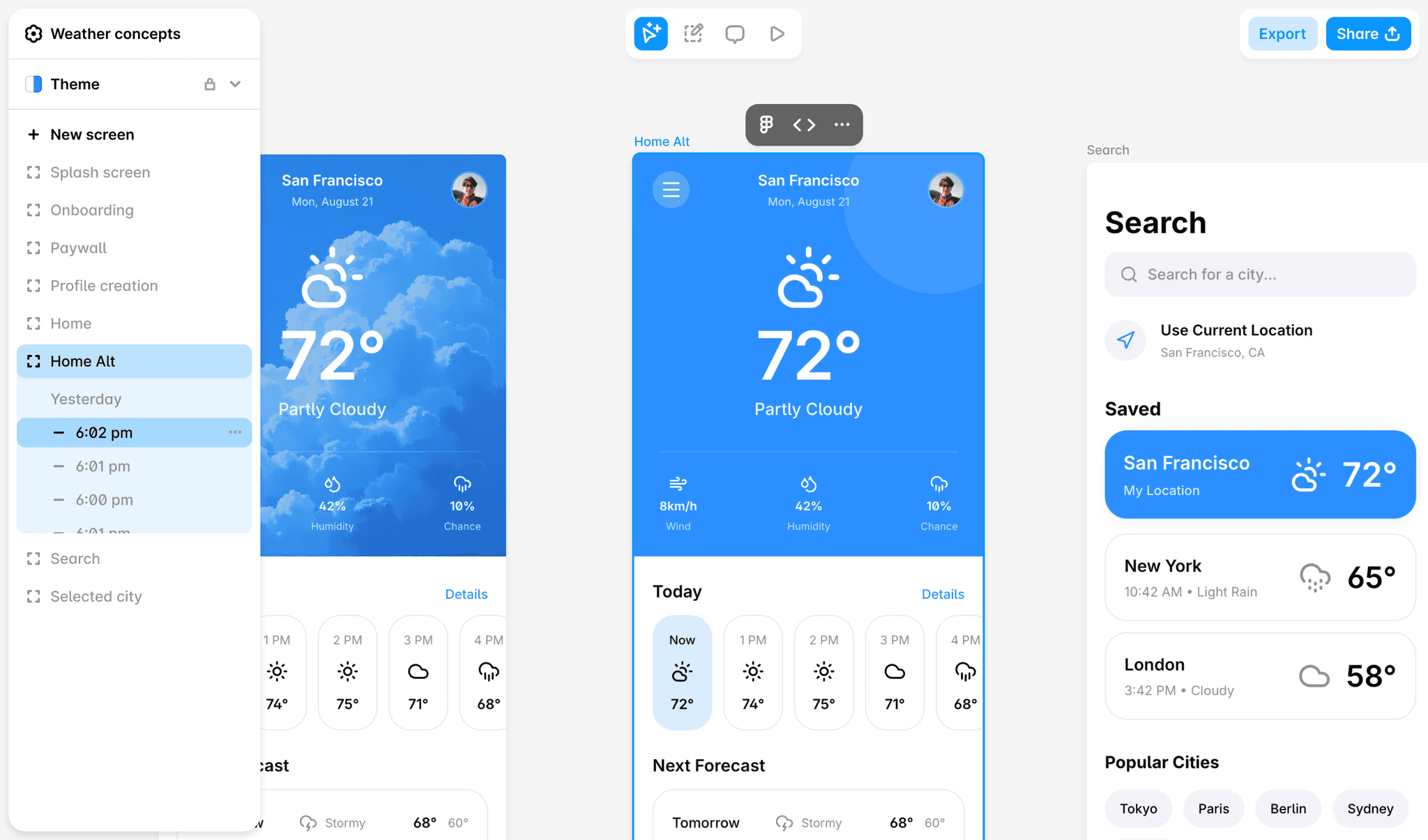
What makes Banani useful is how easy it is to use and how fast it generates results. You can click on elements, adjust styles, change layouts, and instantly see updated screens. It also lets you export designs directly to Figma or even basic HTML and CSS, which helps bridge the gap between idea and implementation.
Pricing starts with a free plan that includes limited credits, and then moves to a paid Plus plan with more credits, faster generation, and unlimited exports. The main advantage is how quickly it produces good-looking UI with very little effort, which is useful for early ideas and rapid testing. However, it struggles with highly custom or complex designs, and outputs can feel similar if prompts are not clear.
It is also not built for full app development, so you will still need other tools if you want to turn designs into complete, production-ready products.
Best Figma Make Alternatives (Comparison Table)
Tool | Best For | What It Does | Pricing (USD) | Pros | Cons |
|---|---|---|---|---|---|
Lovable | Full app building (non-coders, founders) | Turns prompts into full-stack apps with UI, backend, and deployment | Free, $25/mo, $50/mo | Very easy to use, fast app creation, handles backend and deployment | Credit system limits usage, can get expensive, limited for complex apps |
Replit | Developers + teams building real apps | Generates full-stack apps with code, DB, auth, and deployment | Free, $18/mo, $90/mo | Production-ready apps, strong backend support, integrates with Figma and GitHub | Slightly complex, requires guidance, less design-focused |
Anything.com | MVP builders, mobile + web apps | Builds full apps (web + iOS + Android) with backend, payments, integrations | Free, $19/mo, ~$199/mo | All-in-one platform, supports mobile apps, auto-fixes errors | Prompt-dependent quality, expensive at scale, limited customization |
v0 by Vercel | Frontend developers, UI-focused builders | Generates React UI with clean code using modern frameworks | Free, $30/mo, $100/mo | High-quality code, production-ready frontend, easy deployment | No backend support, prompt sensitive, credit costs increase |
Base44 | Structured app building (dashboards, tools) | Creates full apps with backend, auth, database, hosting | Free, $16/mo, $40/mo | Complete app output, built-in backend, easy deployment | Limited flexibility, credit limits, needs fixes for complex apps |
Magic Patterns | UI prototyping for teams | Generates UI components and prototypes based on design systems | $20/mo, $100/mo | Great design quality, matches existing UI, strong collaboration | No backend or full app support, limited to design workflows |
Banani | Fast UI design, non-designers | Generates multi-screen UI prototypes from prompts or references | Free, Paid plan (credits-based) | Very fast UI generation, simple to use, Figma export | Limited customization, not for full apps, outputs can feel similar |
Wrapping Up
Figma Make is a strong starting point, but it is not the only way to turn ideas into working products. The tools in this list show how fast this space is growing. Some focus on full app building with backend and deployment, while others focus on clean UI, fast prototyping, or production-ready code.
The right choice depends on what you need. If you want to build a complete app, tools like Lovable, Replit, or Base44 are better fits. If your focus is UI and frontend, v0 or Banani will help you move faster. For design-heavy workflows and team collaboration, Magic Patterns stands out.
The key is simple. Pick a tool that matches your workflow, not just the hype. Start small, test your ideas, and choose the one that helps you move from idea to product with the least friction.
Check out more resources:
You May Also Like











Featured Tools







Newest Additions




















AI Image & Video Generation

































Vibe Coding Library



























































Screenshot & Screen Recording Tools
















