





7 Best Google Analytics Alternatives (Free & Paid)
Looking for privacy-focused analytics? Explore top Google Analytics alternatives that are simple, GDPR-friendly, and powerful.

Dudu
Apr 22, 2026
Last Updated Apr 22, 2026
Image Credit: Toolfolio
Website analytics is changing fast. What used to be simple in Universal Analytics now feels harder in Google Analytics 4.
Many users struggle to find basic data. Reports take more time. The interface feels complex for tasks that should be easy.
At the same time, privacy rules are getting stricter. Cookies, consent banners, and data tracking have become real concerns for website owners.
Because of this, many people are looking for better options.
Google Analytics is powerful, but it is not built for everyone. Some users want simpler dashboards. Others want privacy-first tracking. Some just want clear answers without digging through reports.
In this guide, we will share the best Google Analytics alternatives available today, so you can choose a tool that fits how you track, understand, and grow your website.
Why Many Teams Are Moving Beyond Google Analytics
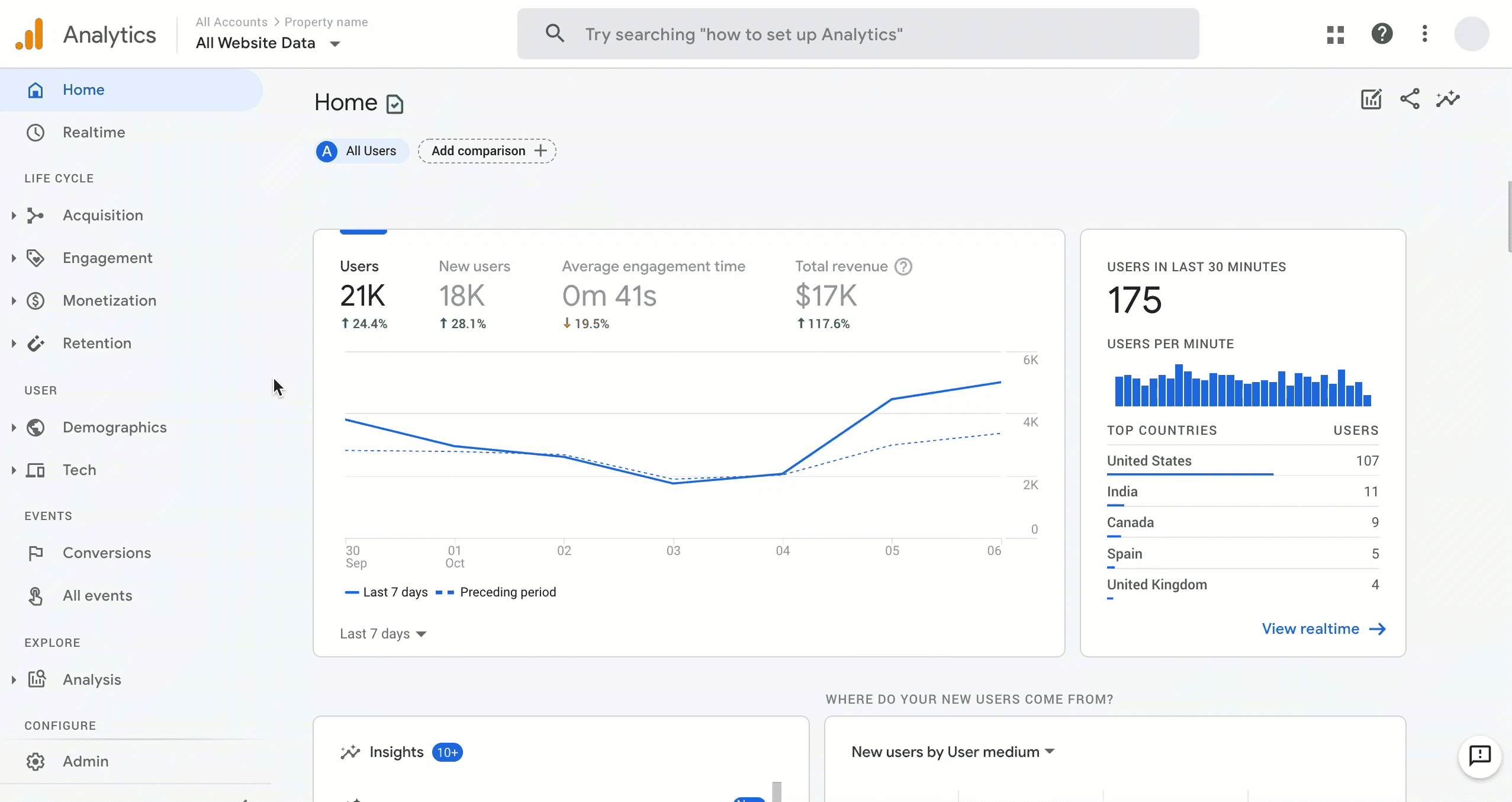
Google Analytics is still one of the most widely used analytics tools.
But it is no longer the default choice for many teams. Privacy rules have changed how data can be collected and used. Many websites now need tools that collect less data, avoid cookies, or keep everything anonymous.
This has led to the rise of privacy-first analytics tools that are easier to use and safer to run without complex consent setups.
At the same time, control over data has become more important. With Google Analytics, your data sits inside Google’s system. Some businesses prefer tools that they can host themselves or fully control.
This gives them ownership over their data and how it is processed. Others move to advanced platforms that offer deeper tracking, better attribution, and more flexibility in how data flows across their stack.
There is also a shift toward speed and simplicity. Many users find GA4 harder to navigate for basic insights. Because of this, many alternatives focus on clean dashboards, faster load times, and clear metrics.
Some tools go even further by offering features that Google Analytics does not handle well, such as product analytics, retroactive event tracking, or identifying business visitors.
Best Google Analytics Alternatives
1. Plausible
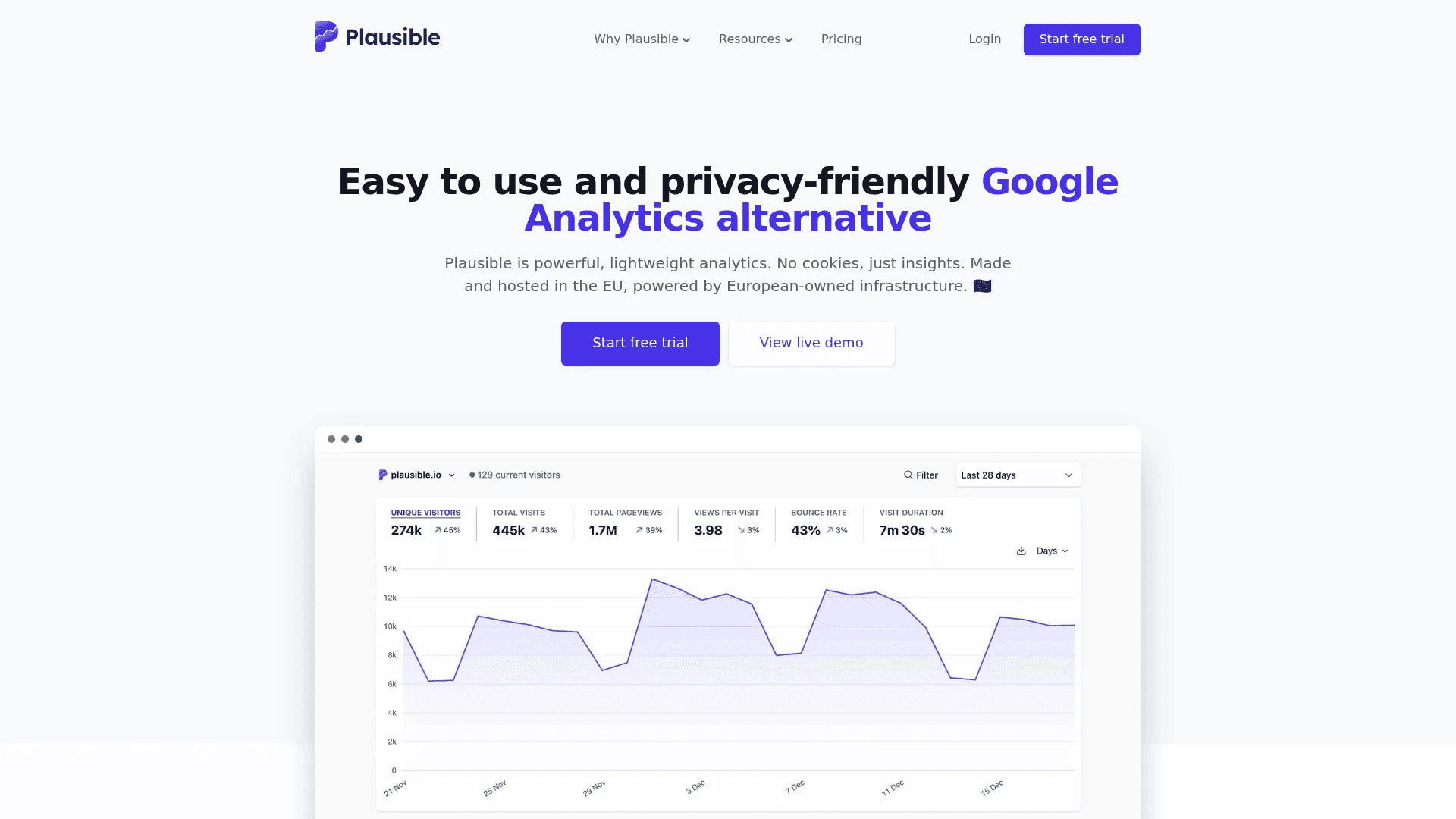
Plausible is built for people who want simple analytics without the usual mess. It gives you a clean dashboard where you can see traffic, sources, and conversions in one view.
There are no layers of reports or complex setup. It tracks things like scroll depth, clicks, and goals automatically, so you do not need extra tools or tag managers. It is also fully privacy-focused. It does not use cookies and does not collect personal data, which means you can often skip consent banners completely.
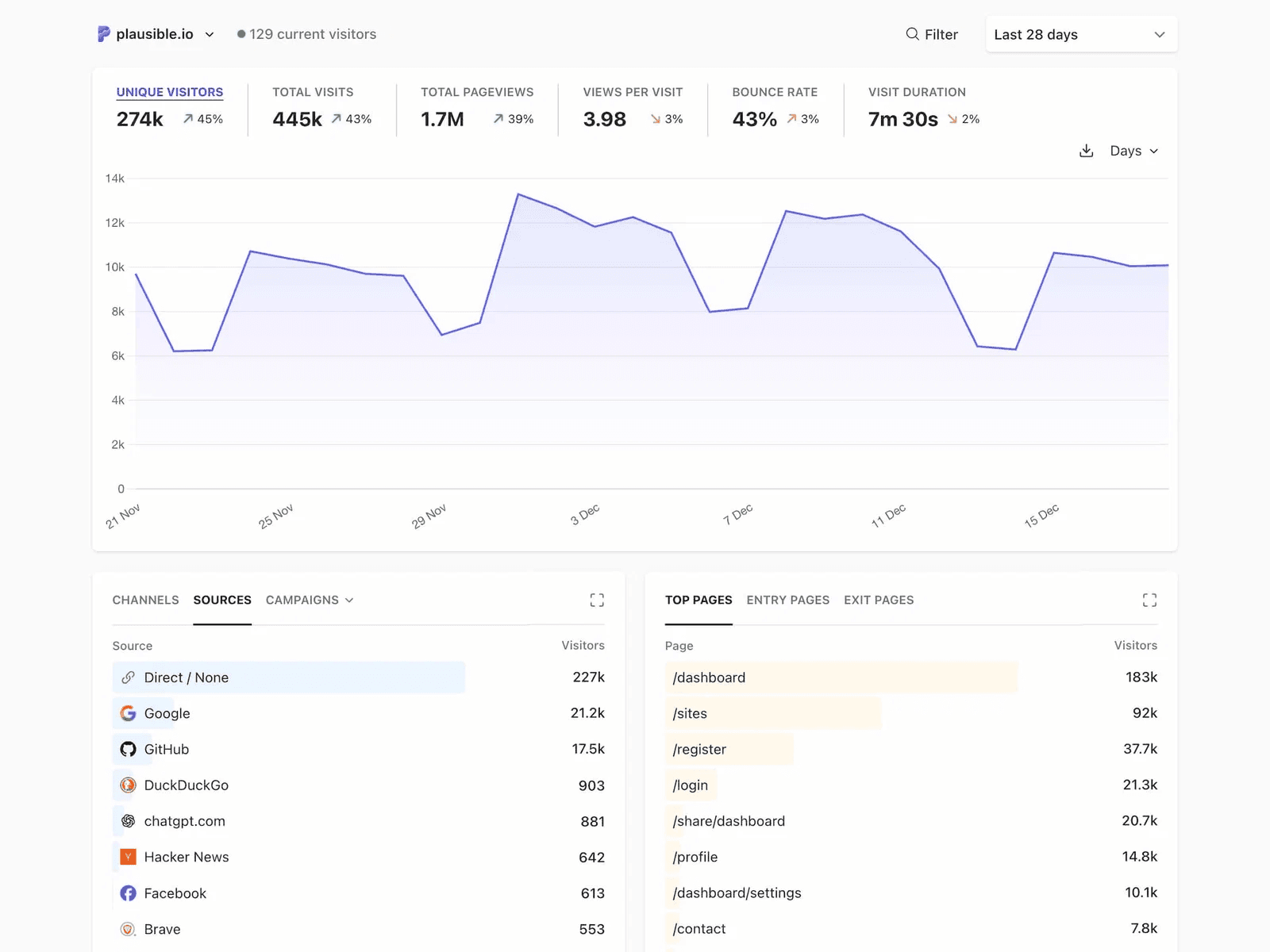
The script is very small, so your site stays fast, and you still get real-time data and clear insights.
It also covers most real use cases without adding complexity. You can track SEO performance by connecting Search Console, monitor campaigns with UTM tracking, and even see traffic coming from AI tools.
For developers or advanced use, it offers an API and integrations like Looker Studio, which makes it flexible without making it complicated.
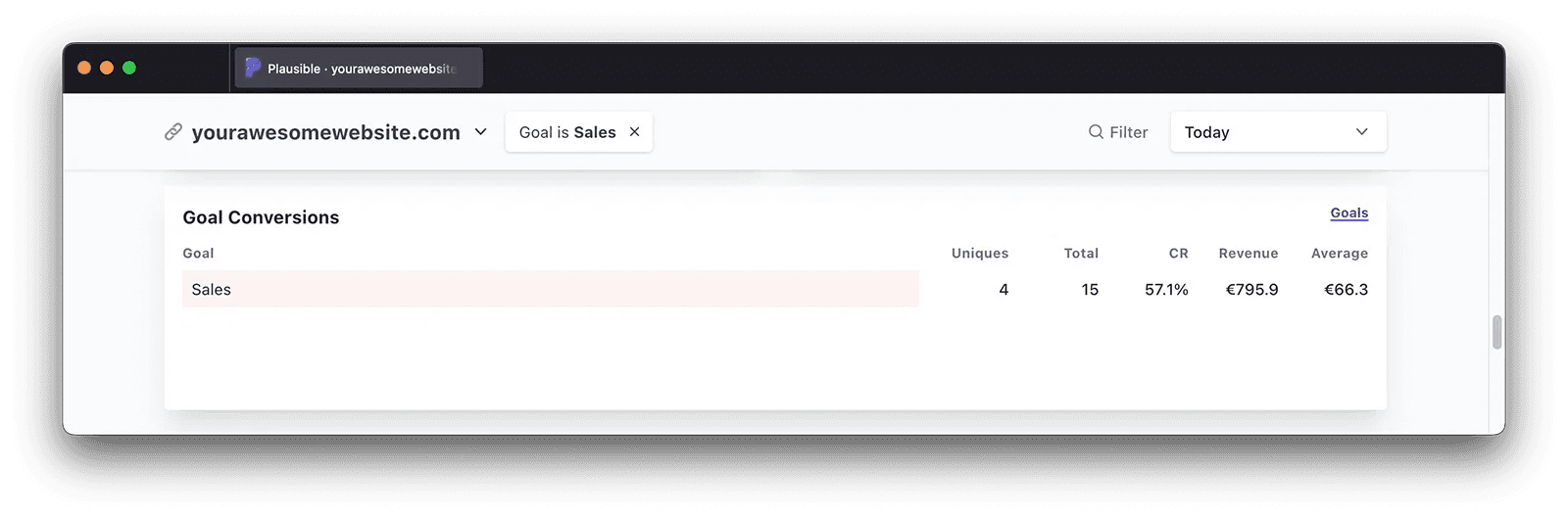
Pricing starts at $9 per month for one site with up to 10,000 pageviews. The $14 plan supports up to three sites and team members, while the $19 plan adds advanced features like funnels, ecommerce tracking, and API access.
2. Microsoft Clarity
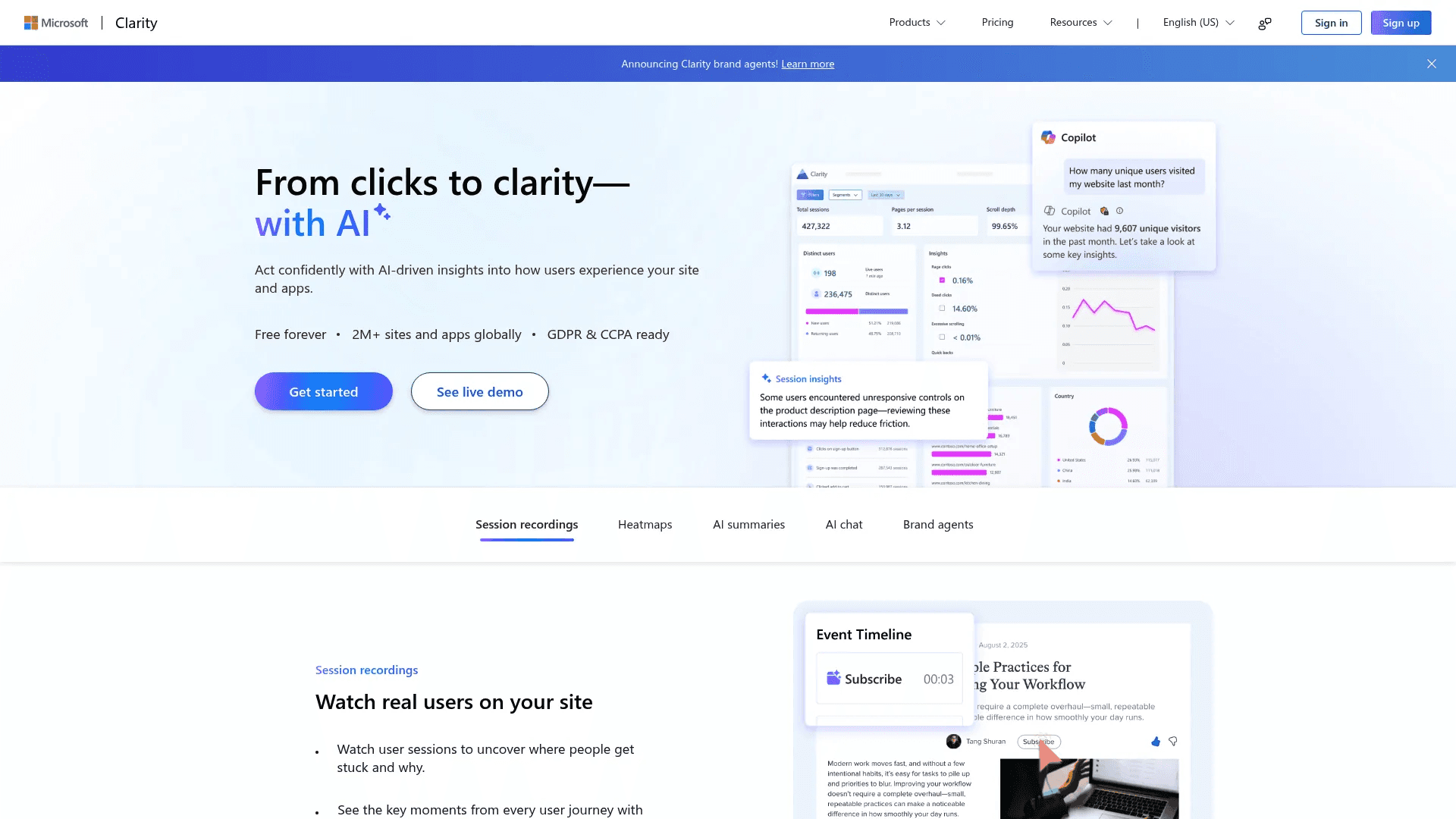
Microsoft Clarity focuses on one thing: helping you see what users actually do on your site. Instead of just numbers, it shows real behavior.
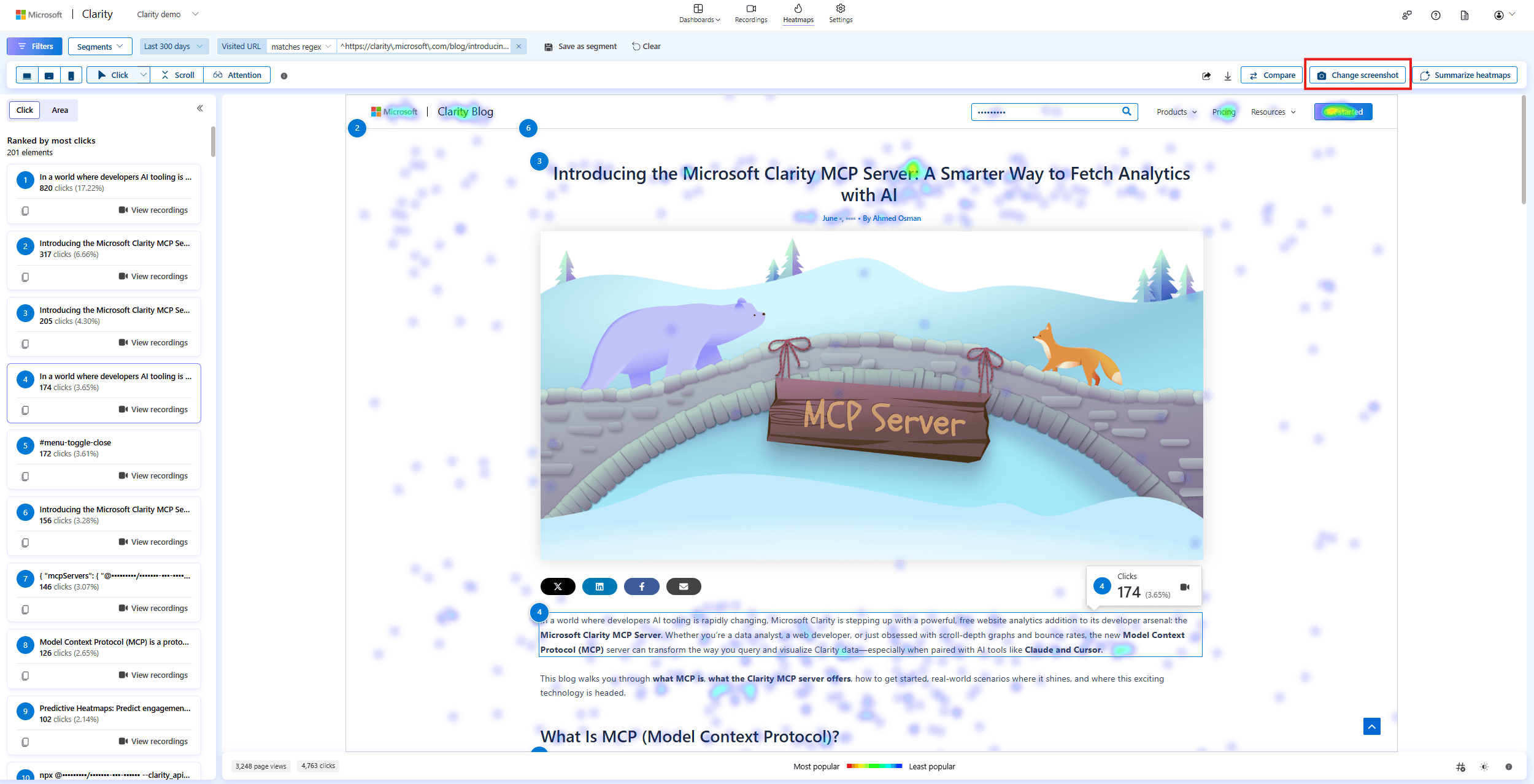
You can watch session recordings to see where users click, scroll, pause, or leave. Heatmaps show what gets attention and what gets ignored.
This makes it easy to spot problems that normal analytics tools miss. It also adds AI summaries that explain what is happening on your pages, so you do not have to dig through data manually.
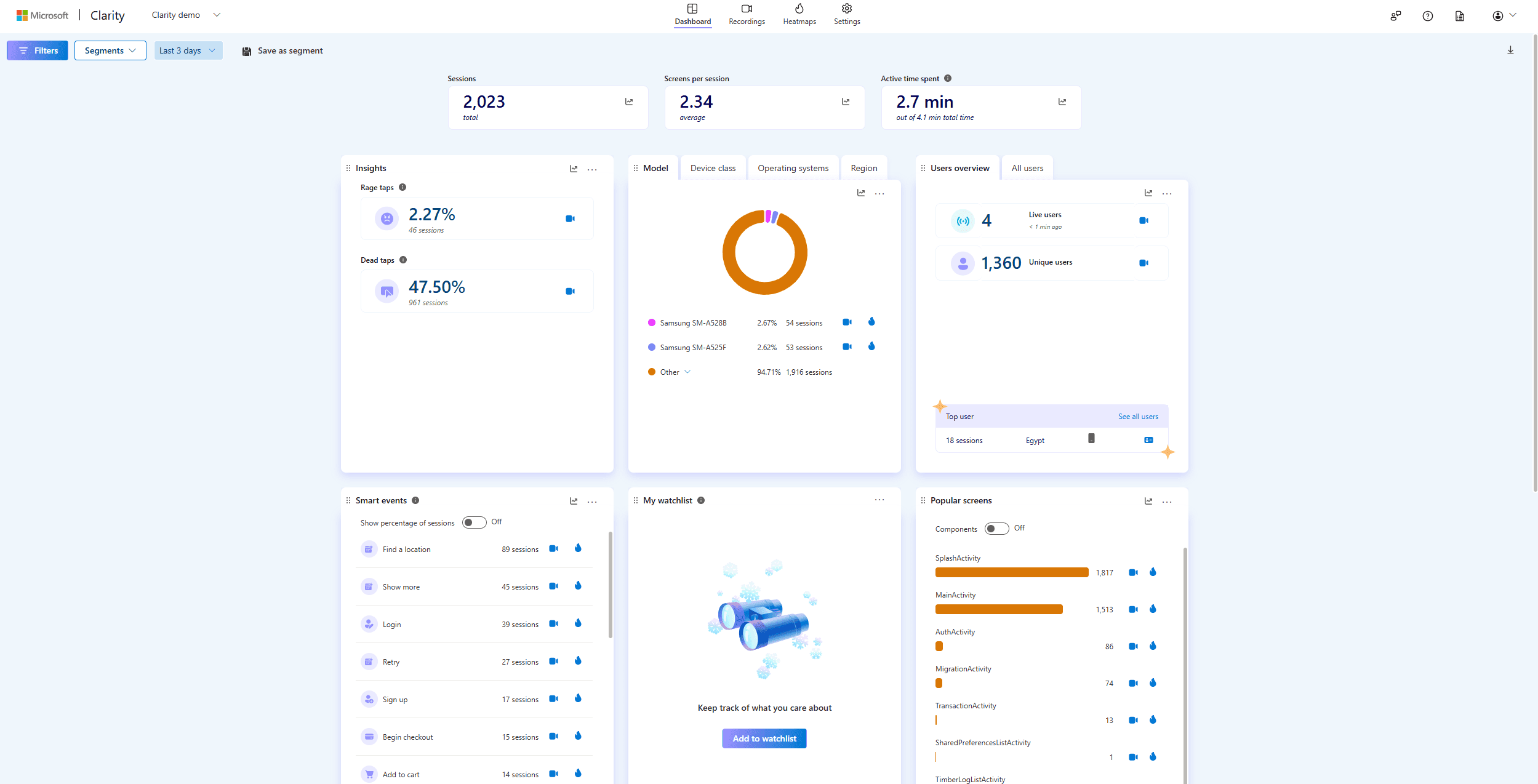
The tool goes deeper into behavior than most alternatives. You can ask questions using AI chat and get instant answers based on your data. It highlights patterns like where users struggle or drop off.
There are also features like “rage clicks” and friction signals that show where users get frustrated. Clarity works on both websites and mobile apps, and it integrates well with other tools, including Google Analytics.
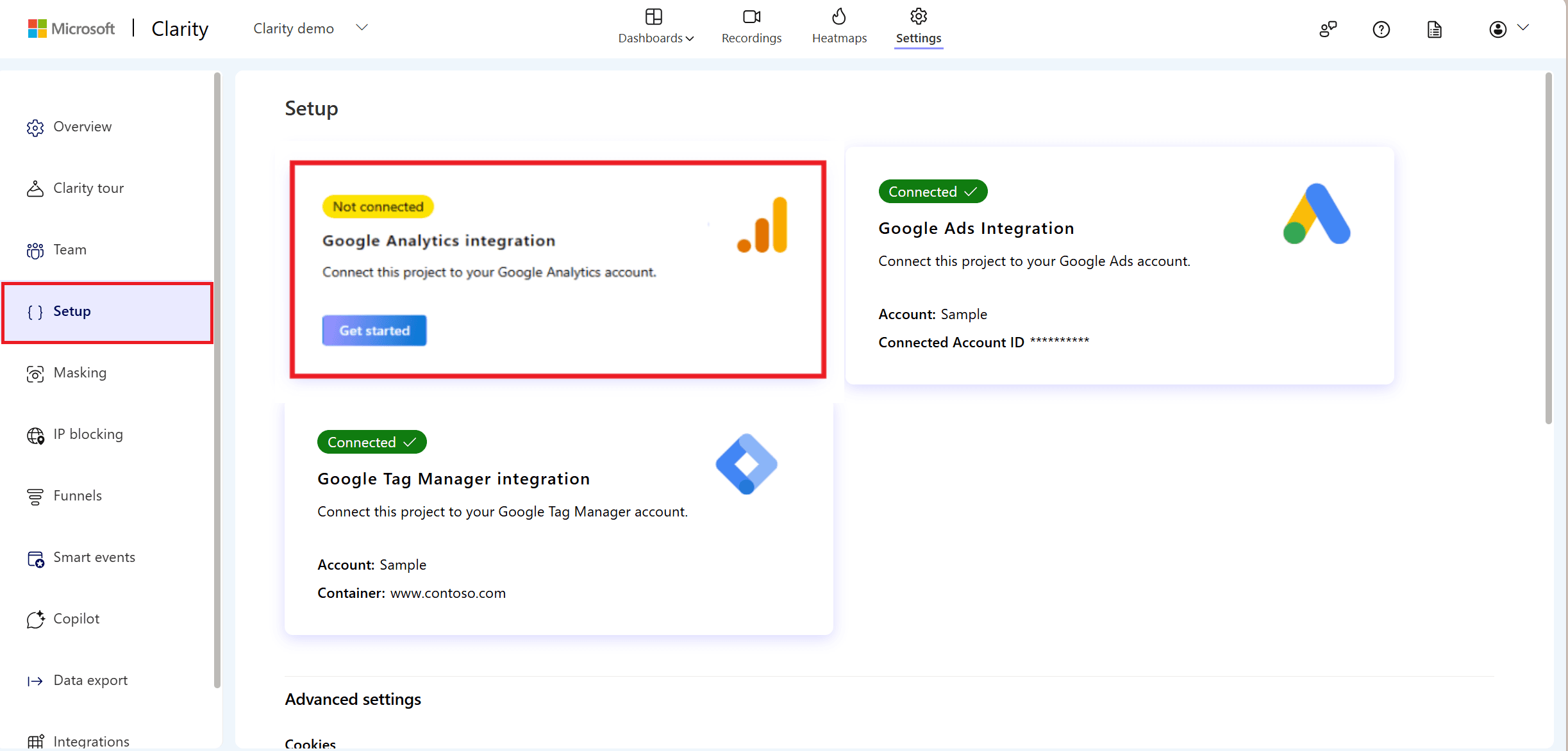
Clarity is completely free, with no traffic limits or paid plans.
3. Datafast
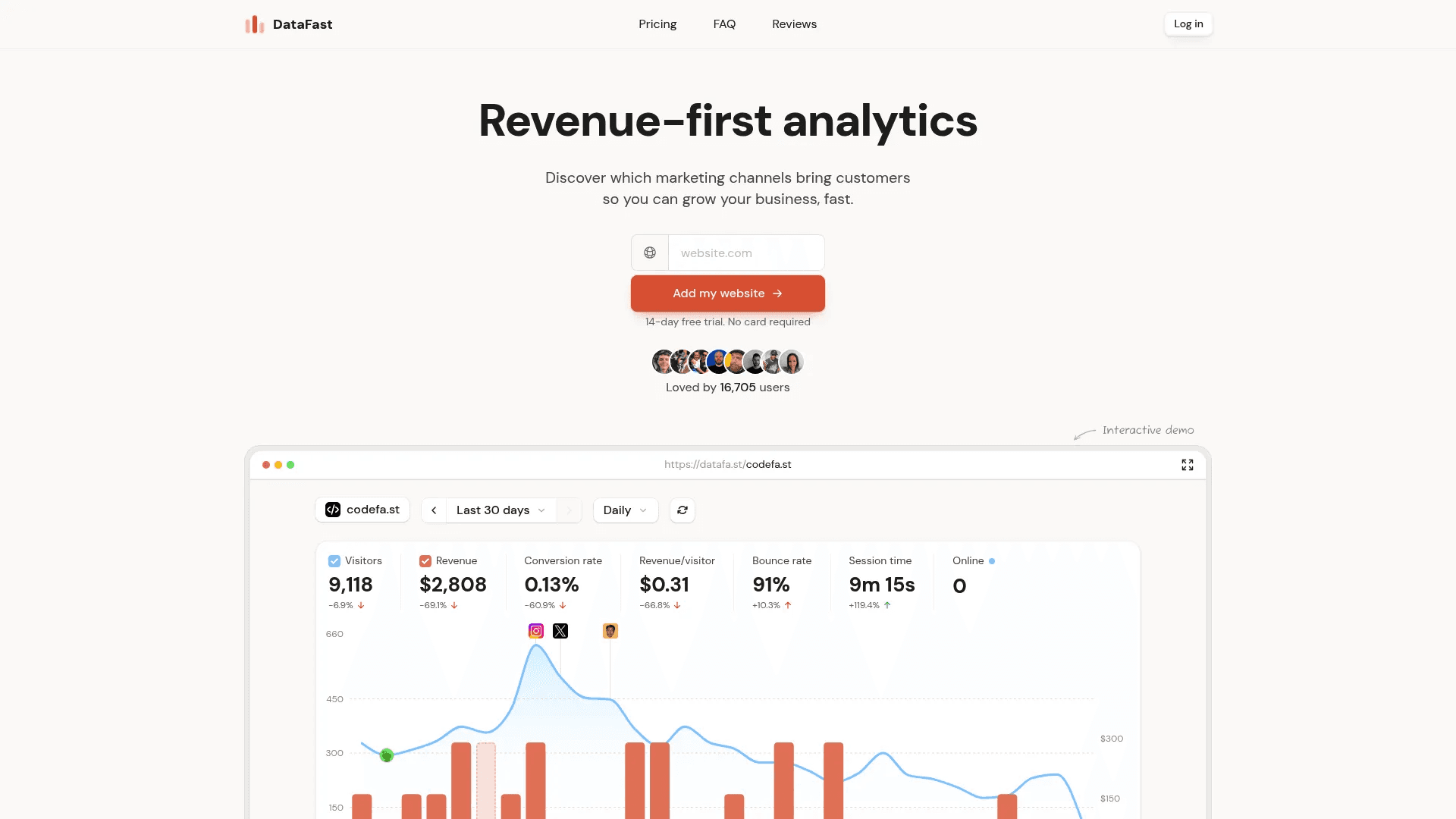
DataFast is built for one clear goal: show you what makes money. Instead of focusing on pageviews or bounce rates, it centers everything around revenue. You can see which channels bring paying customers, how much each visitor is worth, and what journey leads to a conversion.
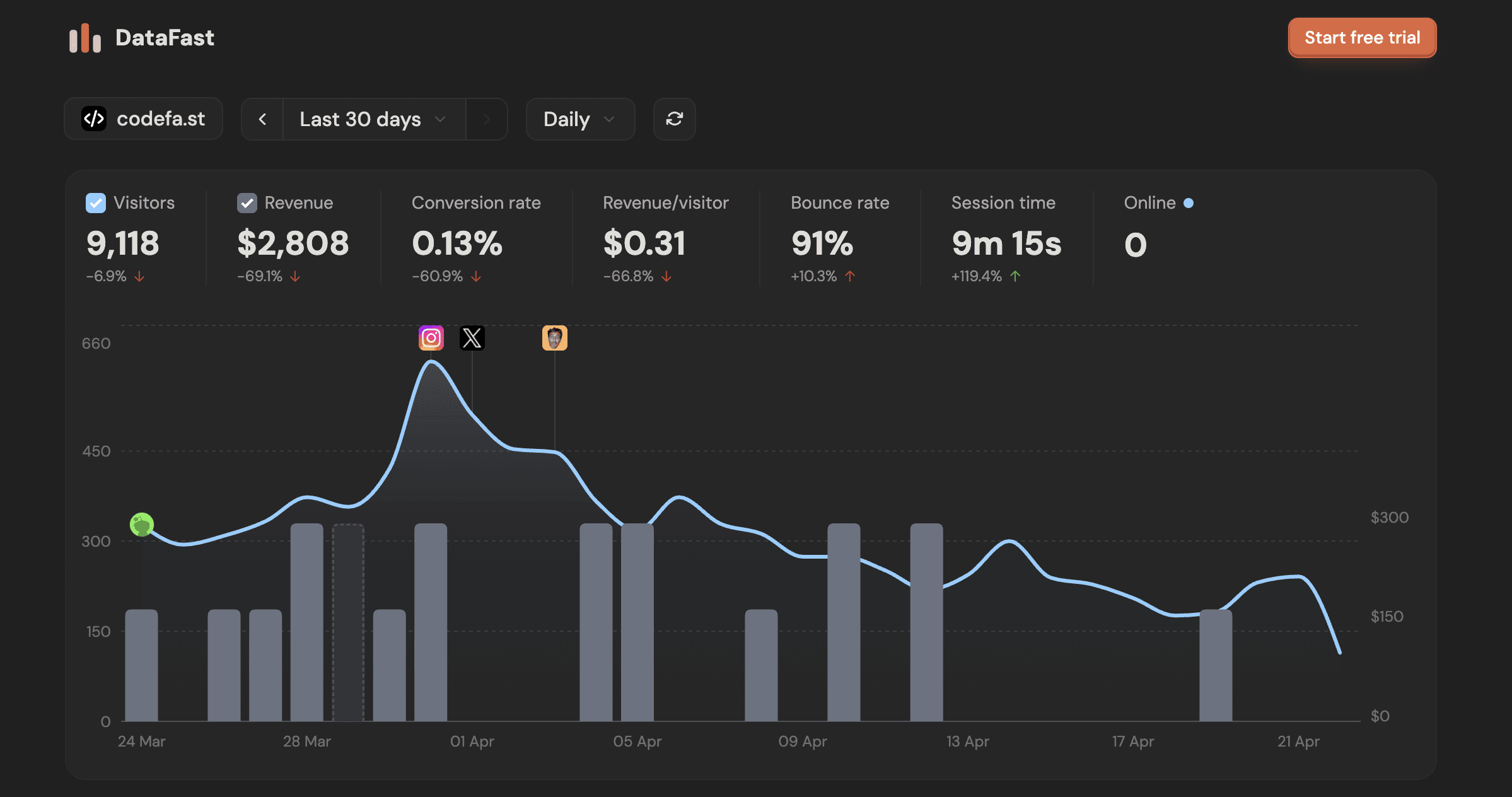
It tracks goals, funnels, and full user paths from first click to purchase, so you understand what actually drives growth. The dashboard is clean and fast, and most users can set it up in a few minutes without dealing with complex configs.
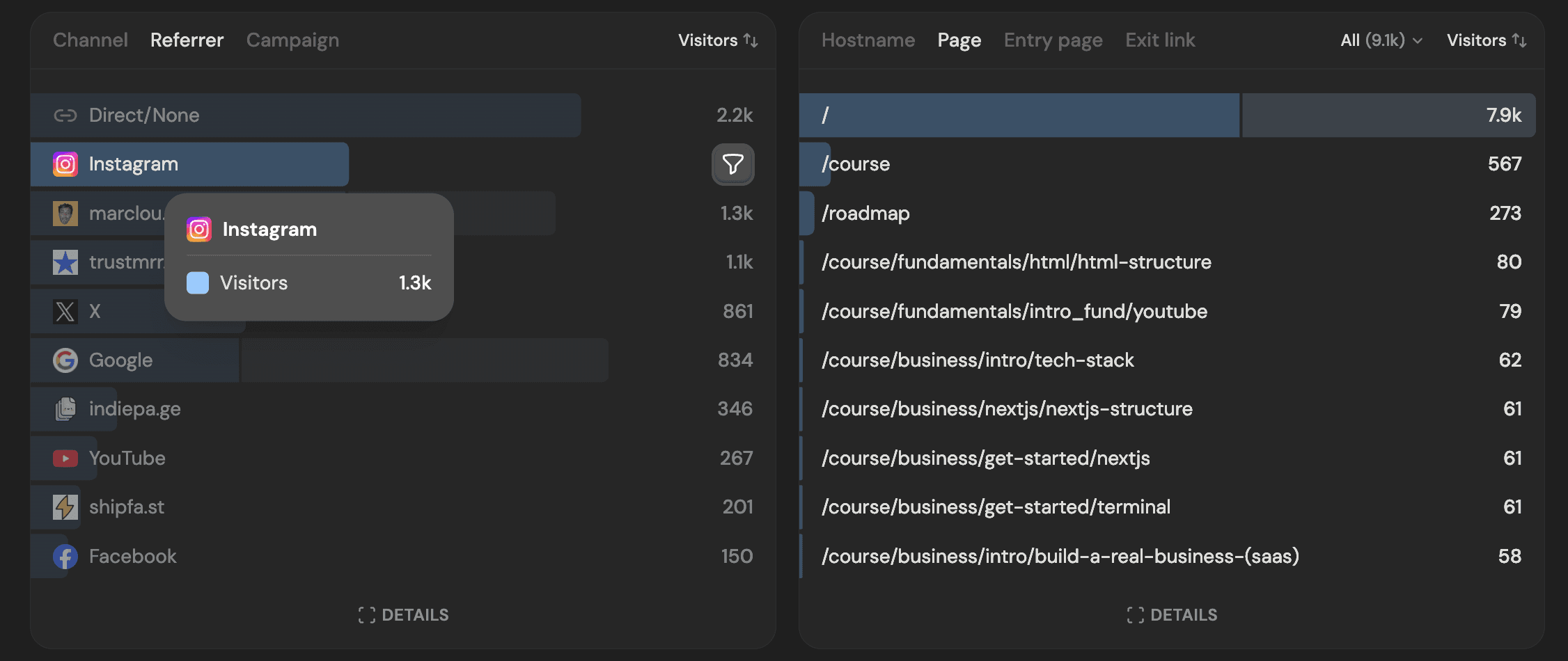
It also gives you real-time insights that feel more alive than traditional analytics. You can see visitors as they browse, track where they came from, and even connect payment tools like Stripe to tie revenue directly to traffic.
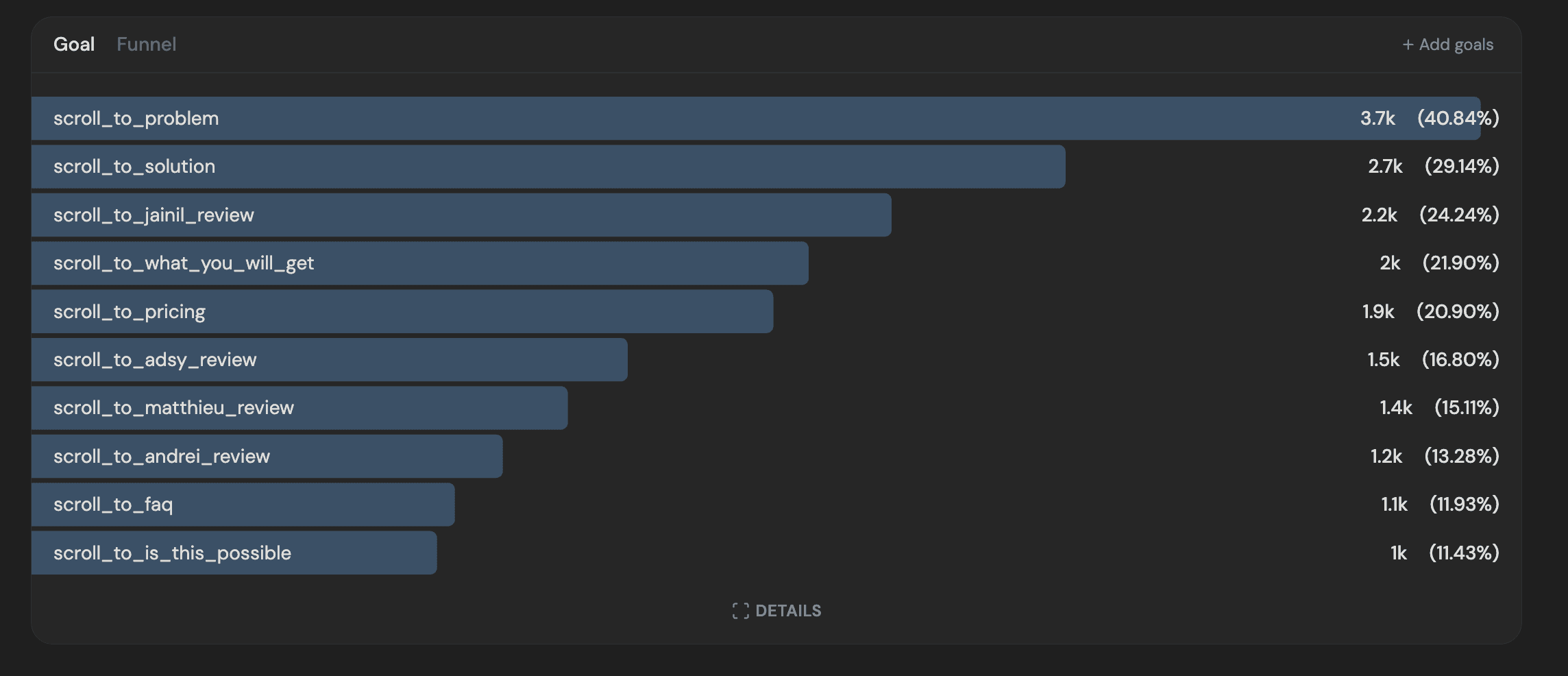
This makes it very useful for founders, SaaS products, and indie makers who care more about conversions than raw traffic. It works across many platforms like WordPress, Shopify, Webflow, and modern frameworks, so it fits easily into most setups without heavy work.
Pricing starts at $9 per month for one site with up to 10,000 events, and the $19 plan expands to more sites, team members, and longer data retention.
4. PostHog
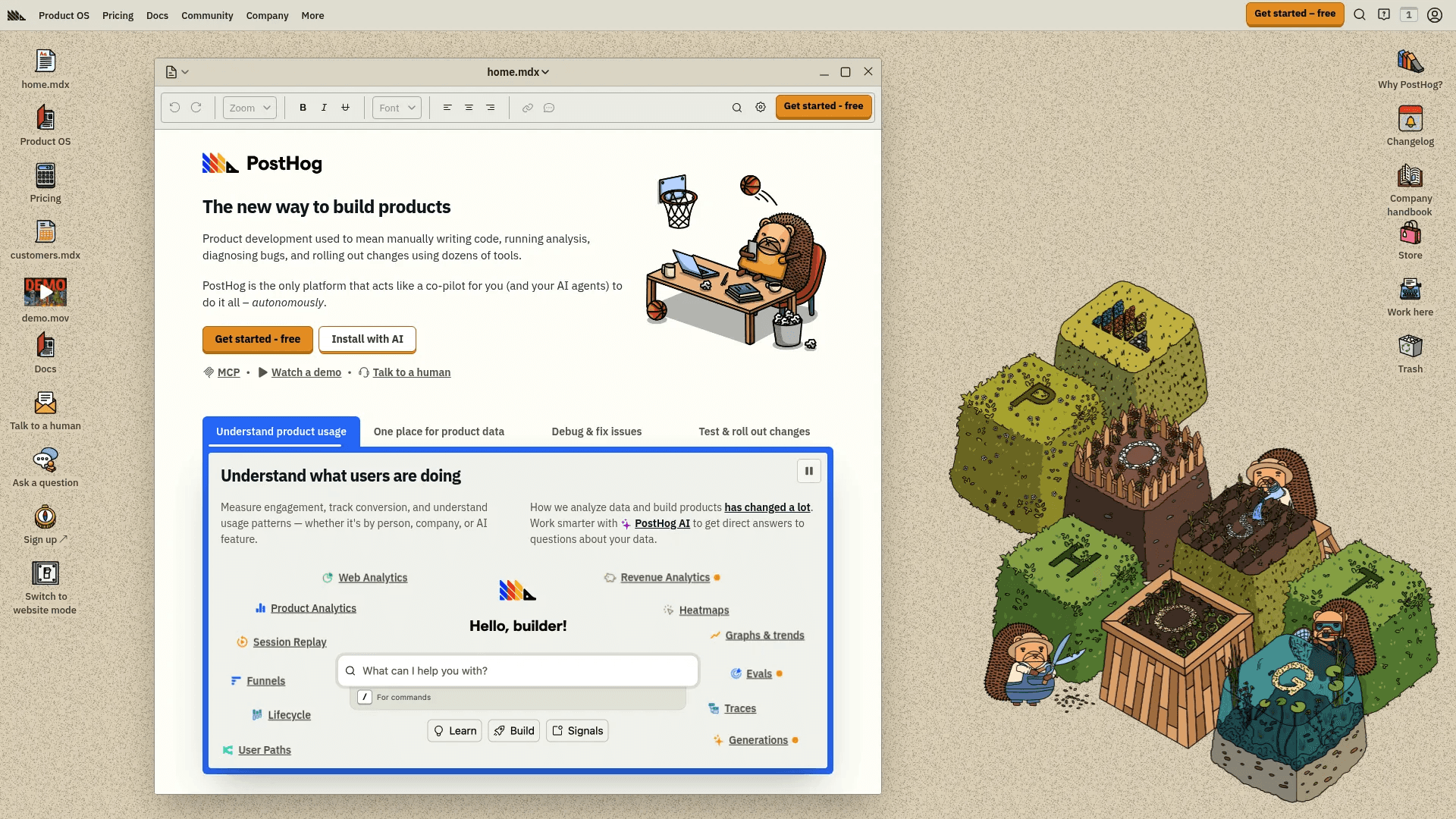
PostHog is not just an analytics tool. It is a full product analytics platform built for teams that want deep control over their data. It tracks how users interact with your product, not just your website.
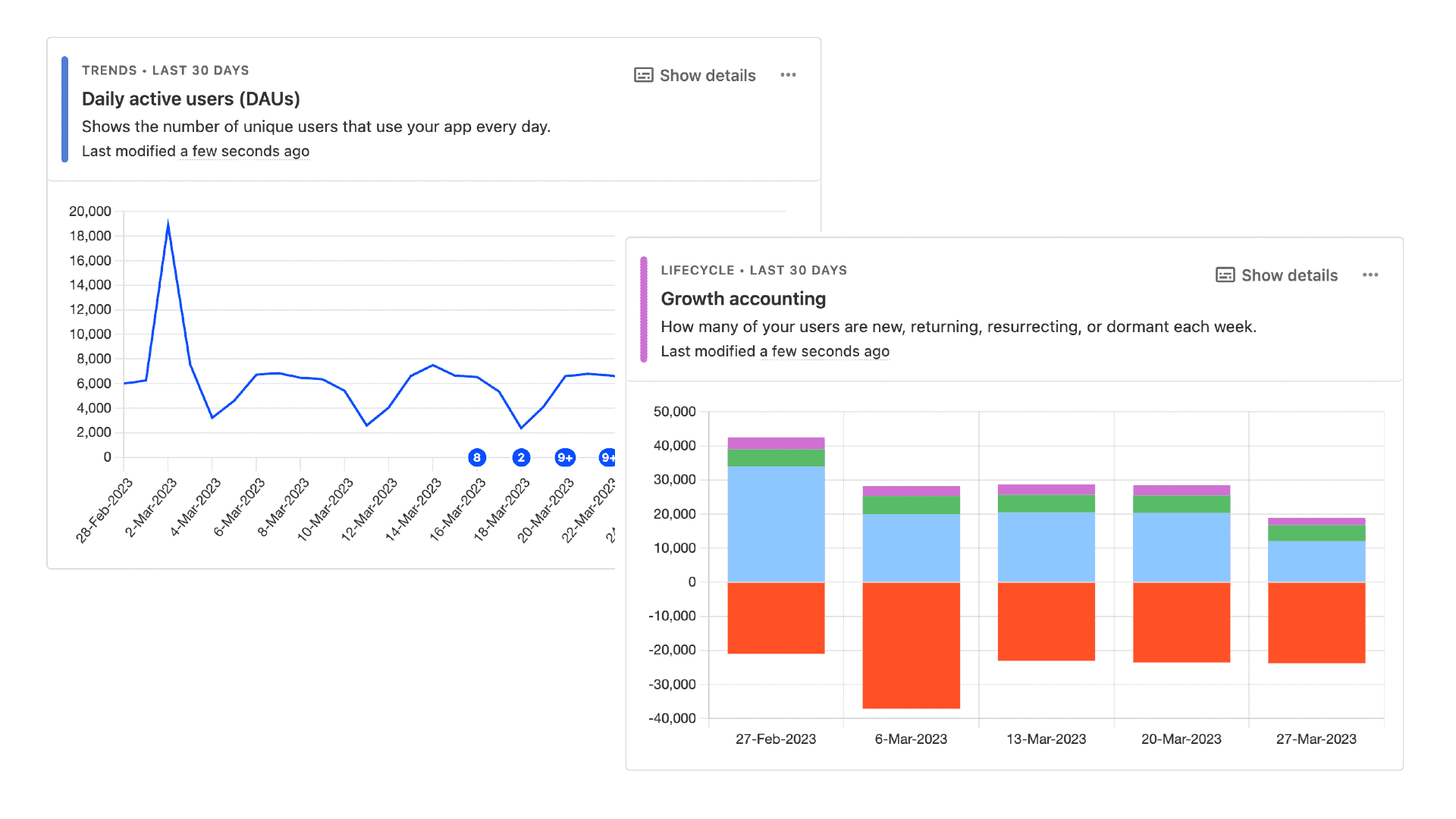
You can analyze events, funnels, user paths, retention, and revenue in one place. It also includes session replay, heatmaps, and feature flags, so you can both understand behavior and improve your product without switching tools.
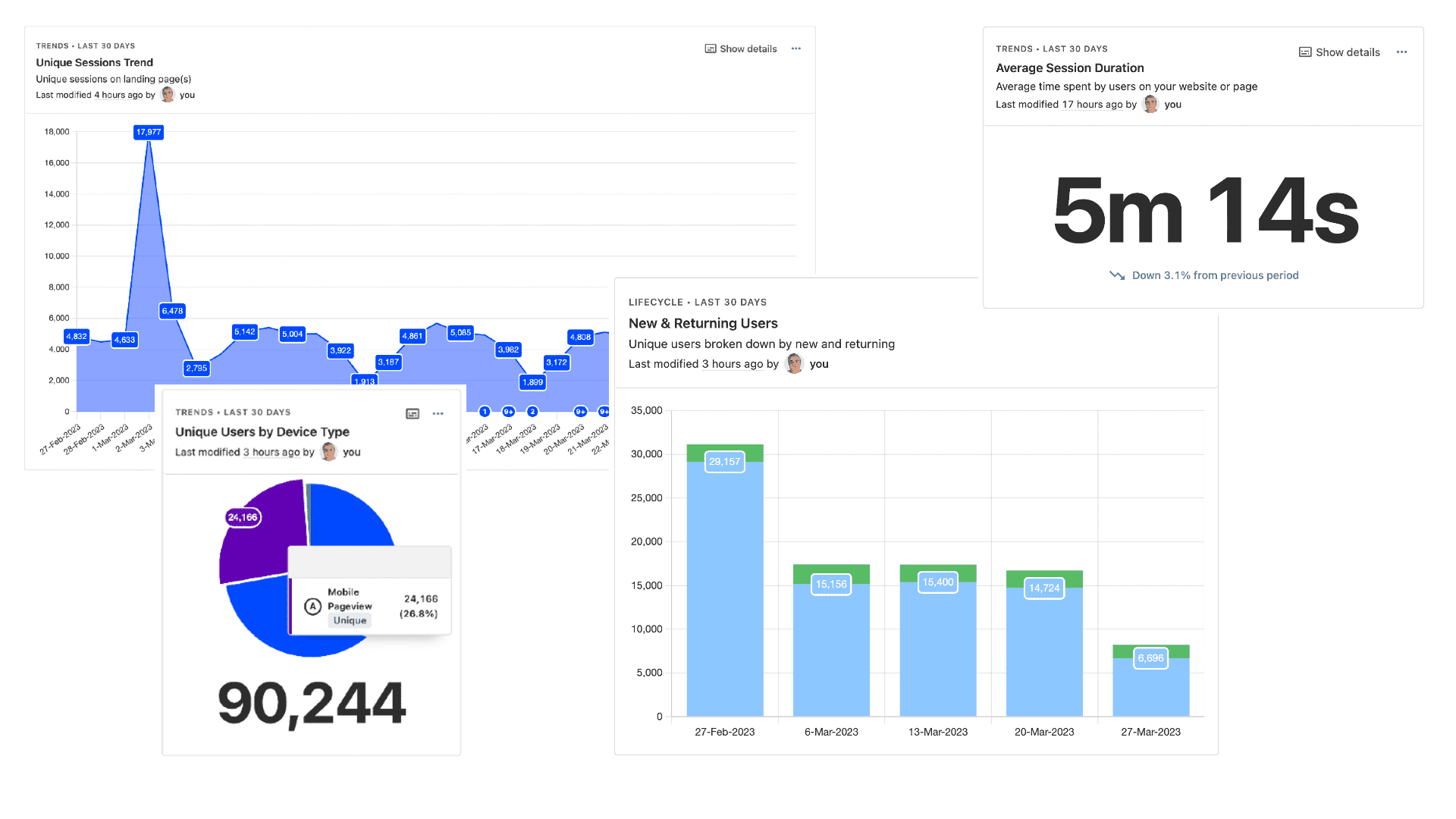
What makes PostHog different is how much it lets you do. It includes a built-in data warehouse, SQL editor, dashboards, and integrations with over 100 tools.
You can run experiments, launch features, track errors, and analyze results without leaving the platform. It also has AI features that help you explore data, generate insights, and even automate tasks like setting up experiments.
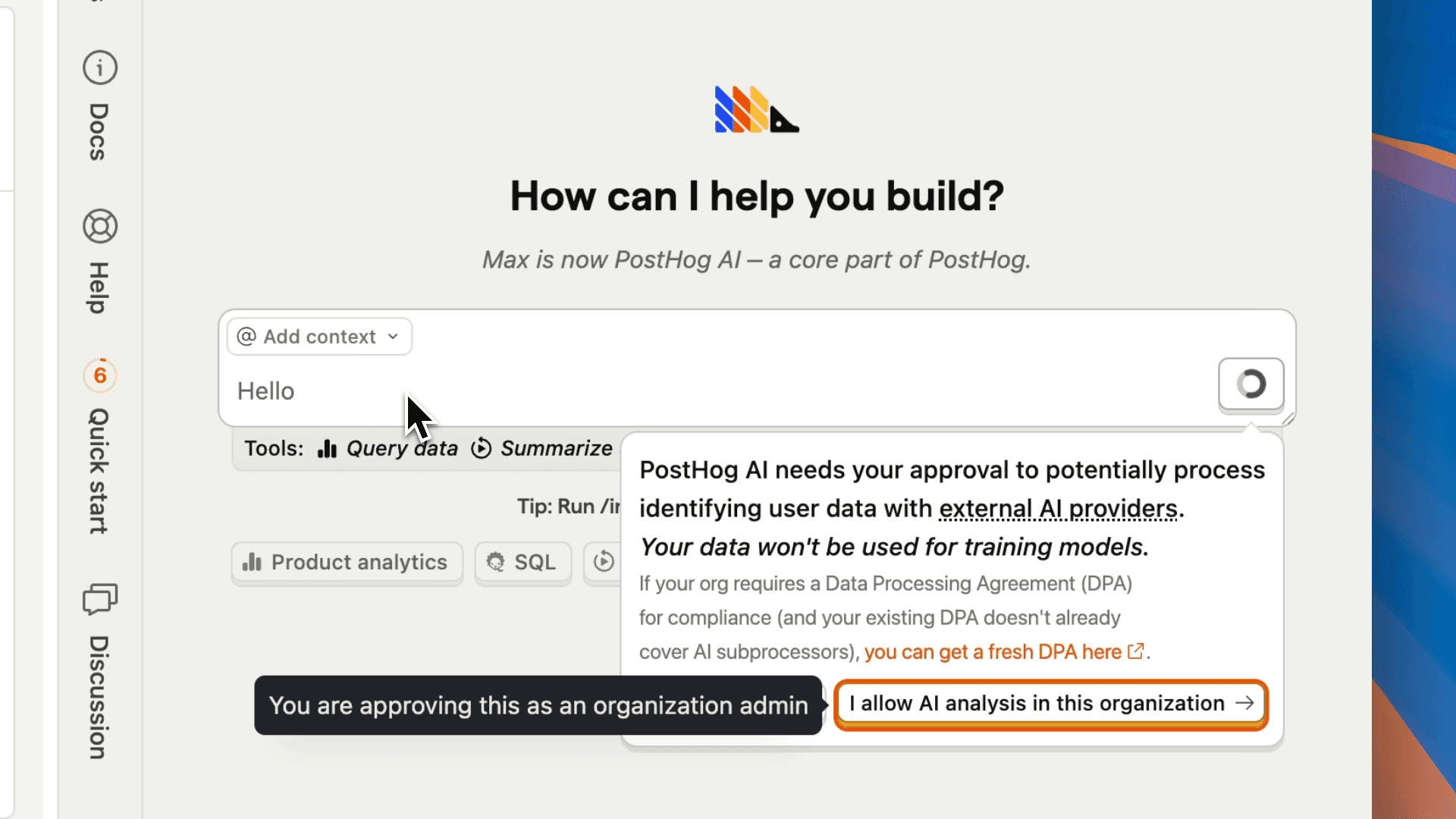
Pricing is usage-based, with a strong free tier. You get up to 1 million events per month for free, and then pay around $0.00005 per event as you scale. Session replay and other features also have free limits before usage pricing applies.
5. Fathom Analytics
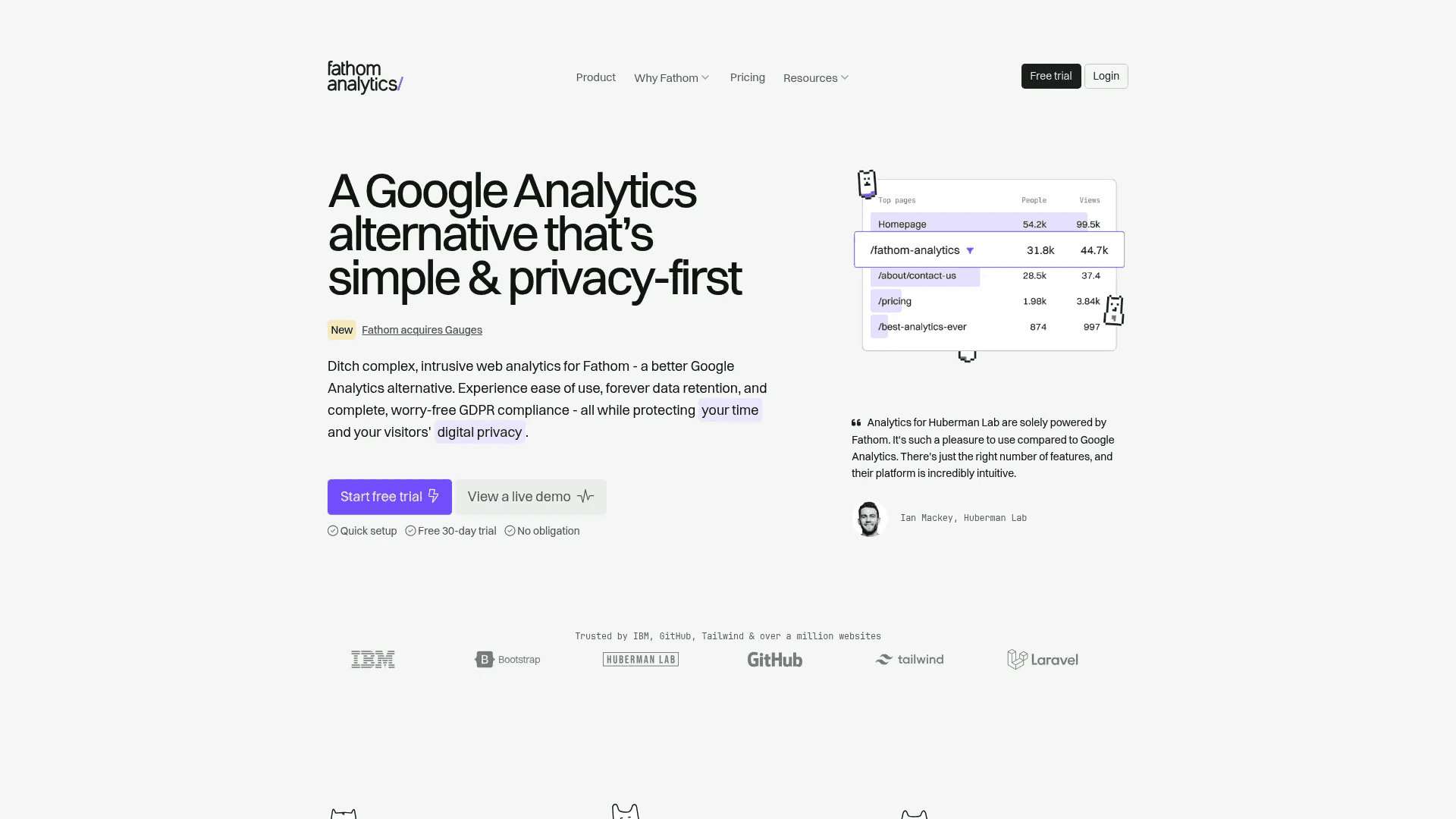
Fathom Analytics is built for people who want simple, privacy-first website analytics without the usual tracking issues. It gives you the key metrics like traffic, sources, and top pages in a clean dashboard that is easy to read.
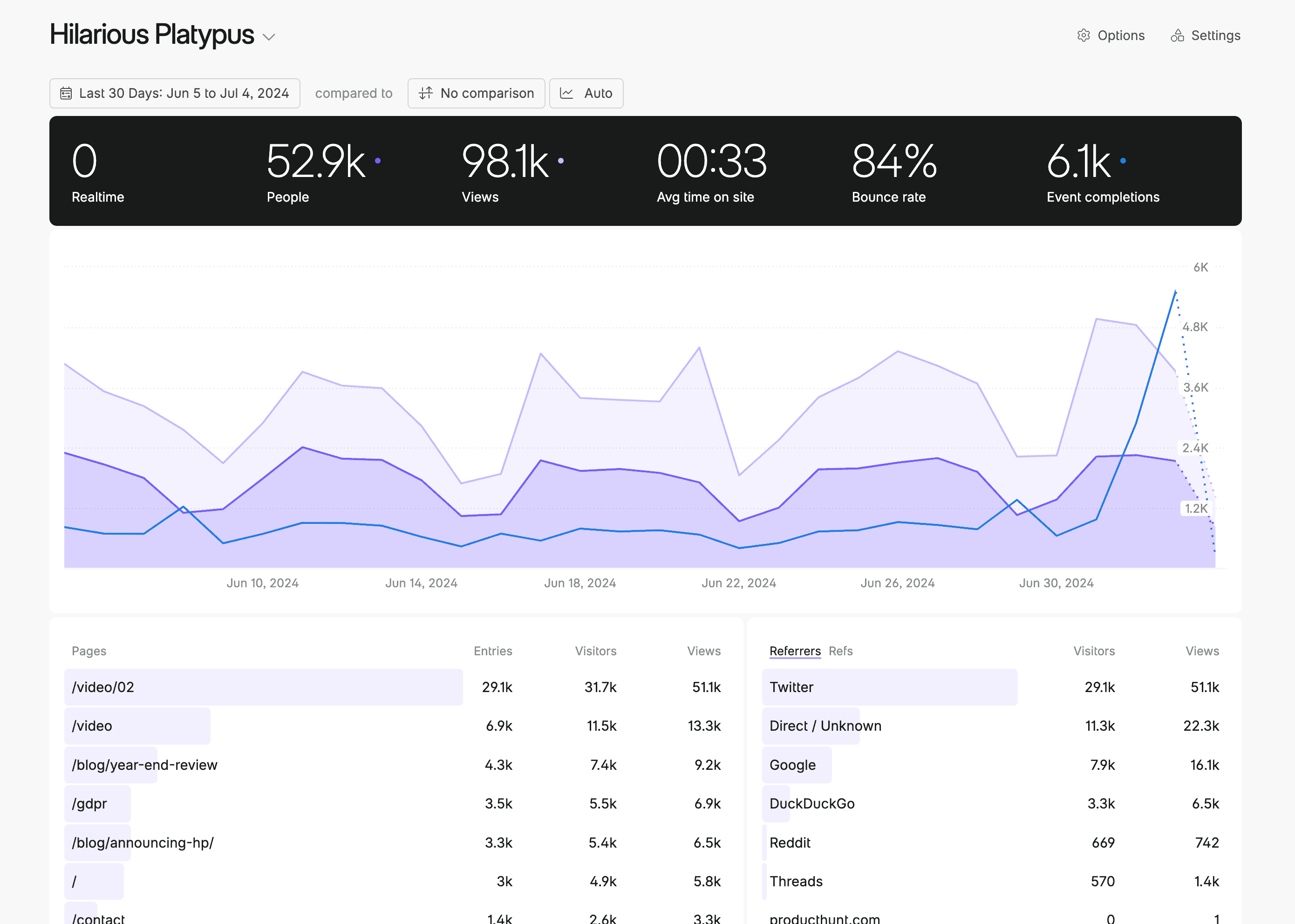
It does not use cookies and does not collect personal data, which means you stay compliant with privacy laws like GDPR without extra setup. The script is very small, so it does not slow down your site, and all data is shown in real time instead of delayed reports.
You own your data fully, and it is never sold or shared. Fathom also blocks bots and spam traffic automatically, so your numbers stay clean and accurate.
Pricing starts at $15 per month and includes up to 50 sites, with features like event tracking, API access, and unlimited reports included.
6. Seline
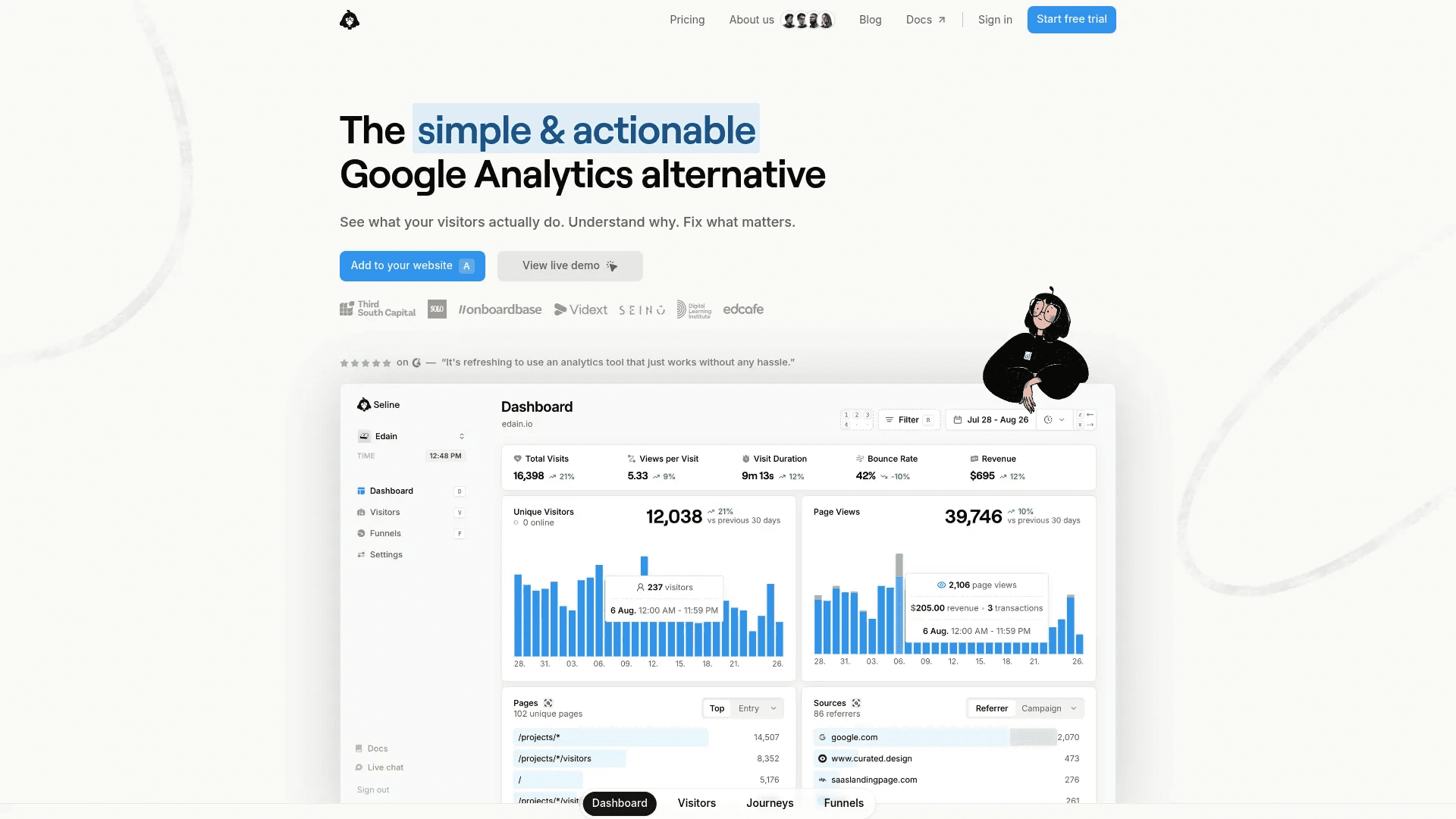
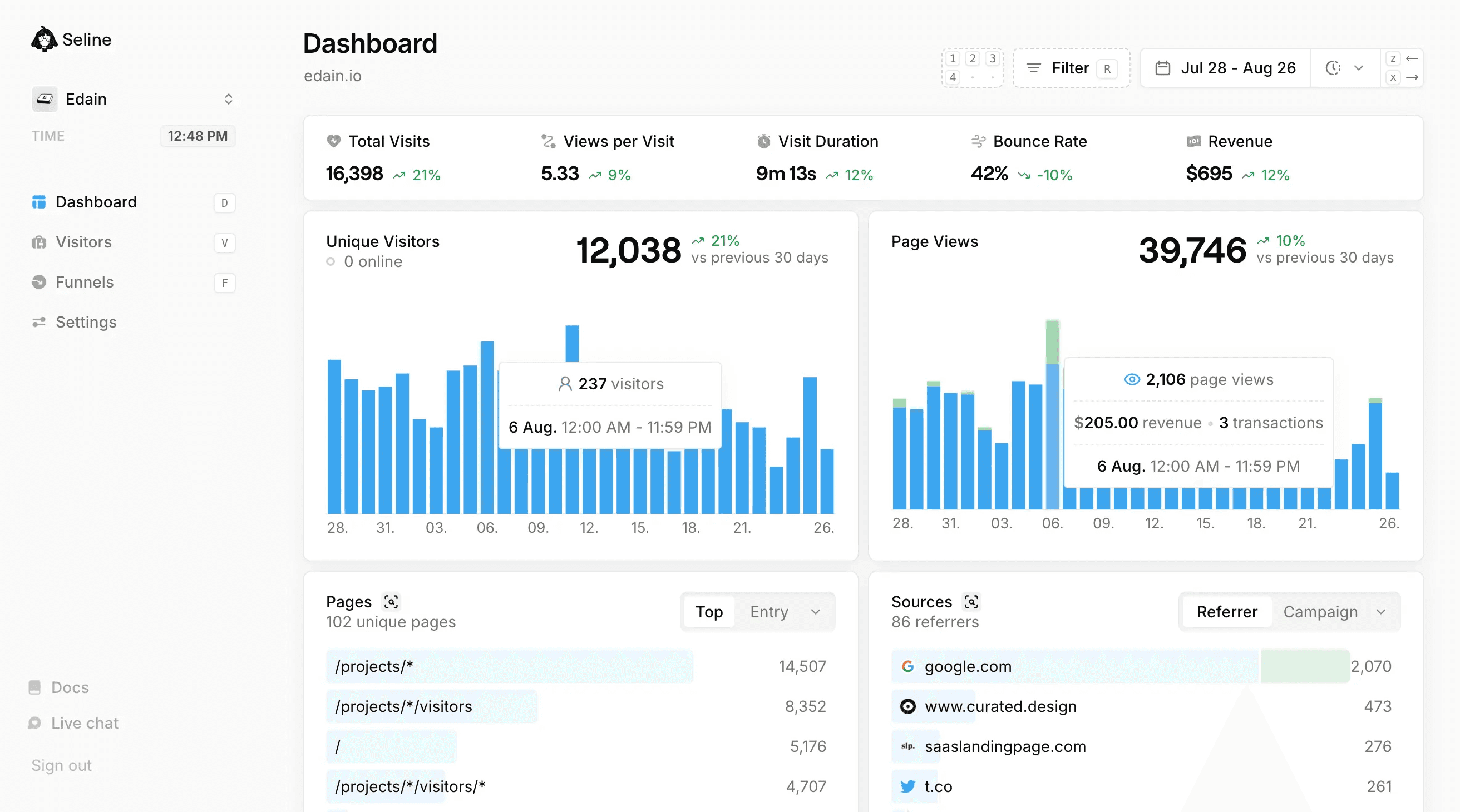
Seline is a modern Google Analytics alternative built for people who want clear insights without dealing with complex tools. It gives you a simple dashboard where you can see traffic, sources, and behavior in real time.
But it goes further by showing full visitor journeys, so you can understand how users move through your site step by step. You can track custom events, conversions, and funnels without heavy setup.
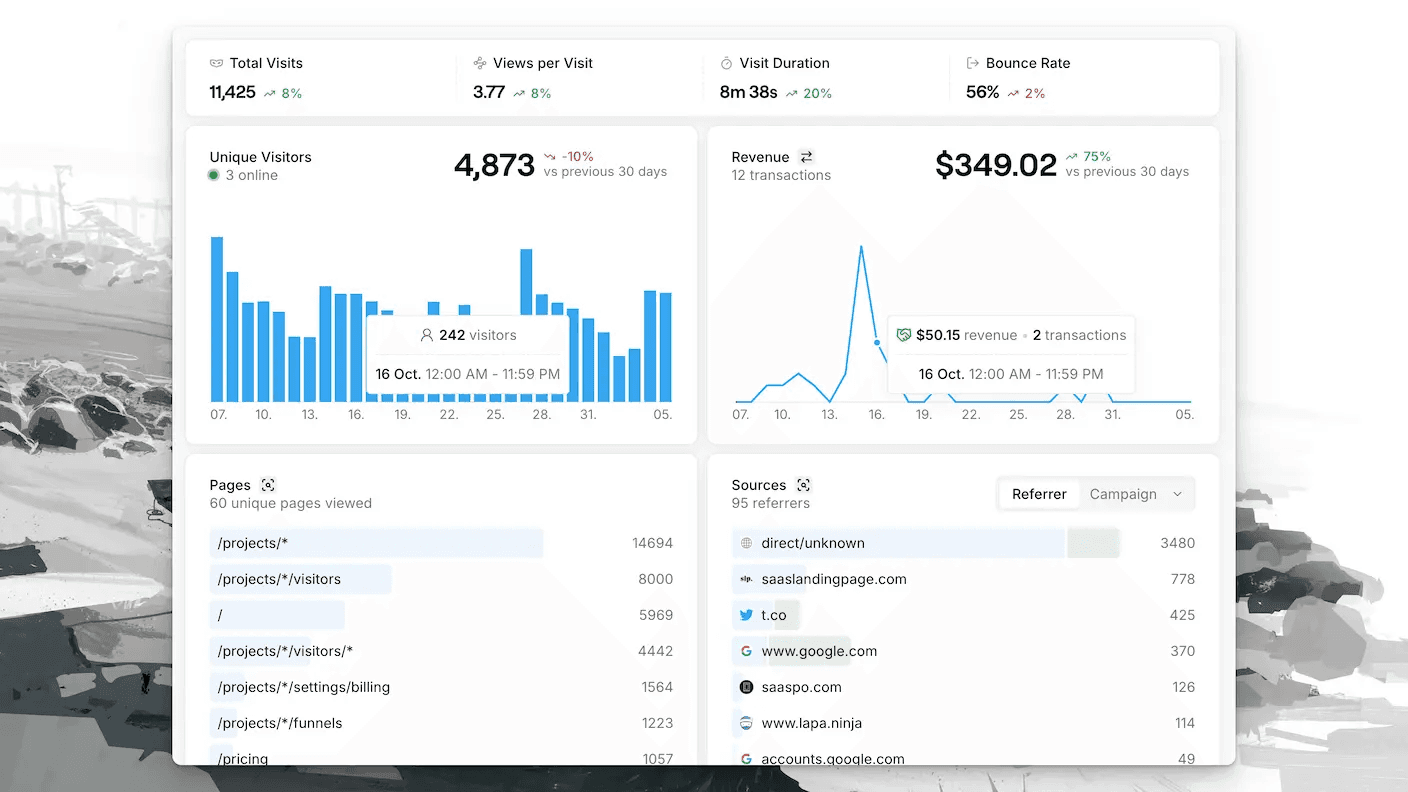
It is designed to be both simple and powerful at the same time. You can track revenue, connect Stripe, and see exactly which channels bring paying users. It also offers user profiles and churn signals, which helps if you run a SaaS or product-based business.
There is built-in AI that lets you ask questions, generate reports, and explore your data without digging through dashboards. Despite all this, the interface stays clean and fast, so you can check your numbers daily without feeling lost.
Seline uses a single Pro plan that starts at $24 per month for up to 100,000 events. It includes unlimited websites, data retention, funnels, journeys, API access, and support.
7. Databuddy
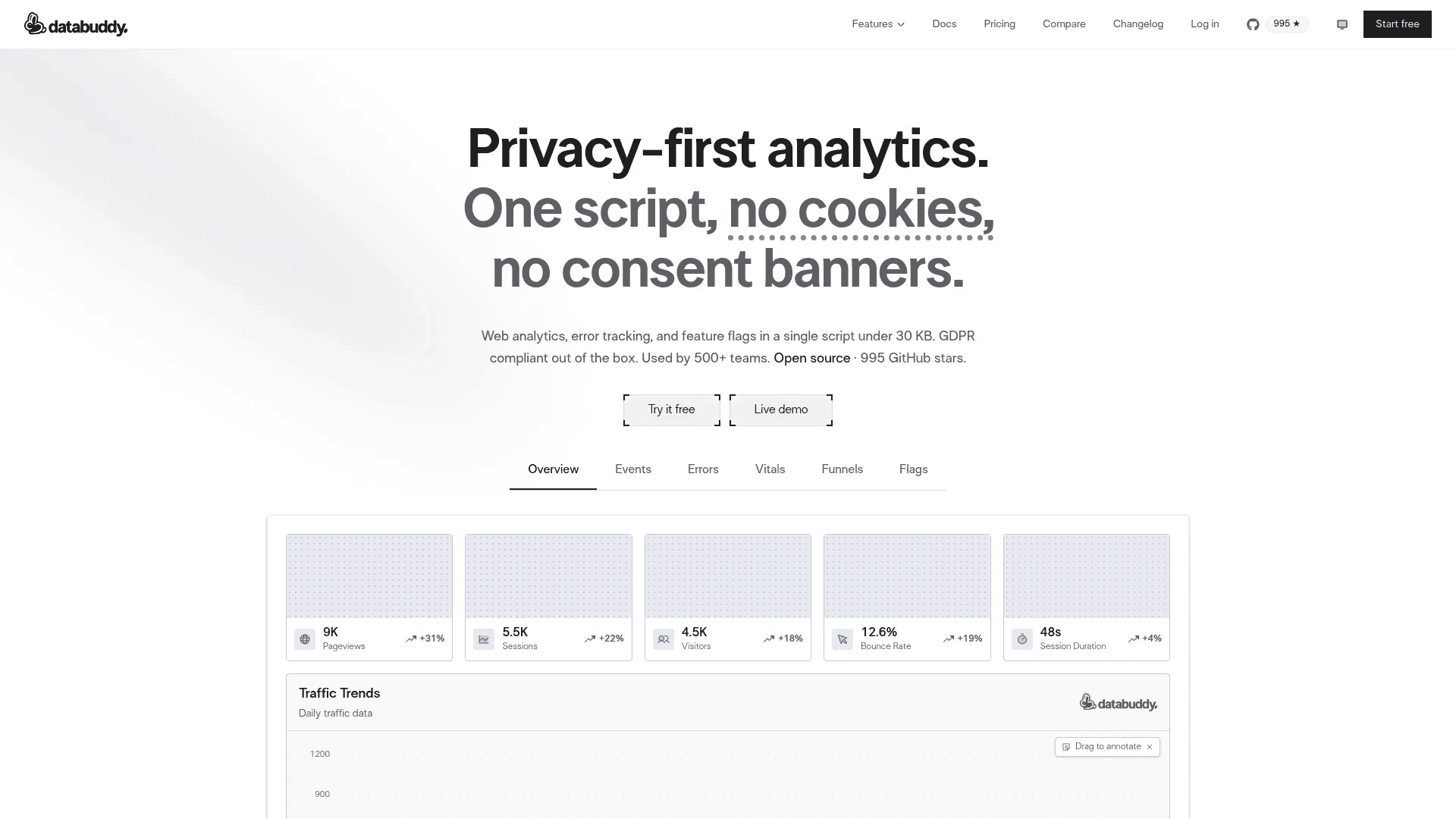
Databuddy is a privacy-first analytics tool built to keep things simple while still giving you useful insights. It focuses on fast setup, clean data, and no tracking headaches.
You can install it with a single script and start tracking events, funnels, and user behavior in minutes. It does not use cookies, so you avoid consent banners and still capture full traffic without losing users. The script is very lightweight, which helps your site stay fast while collecting real-time data.
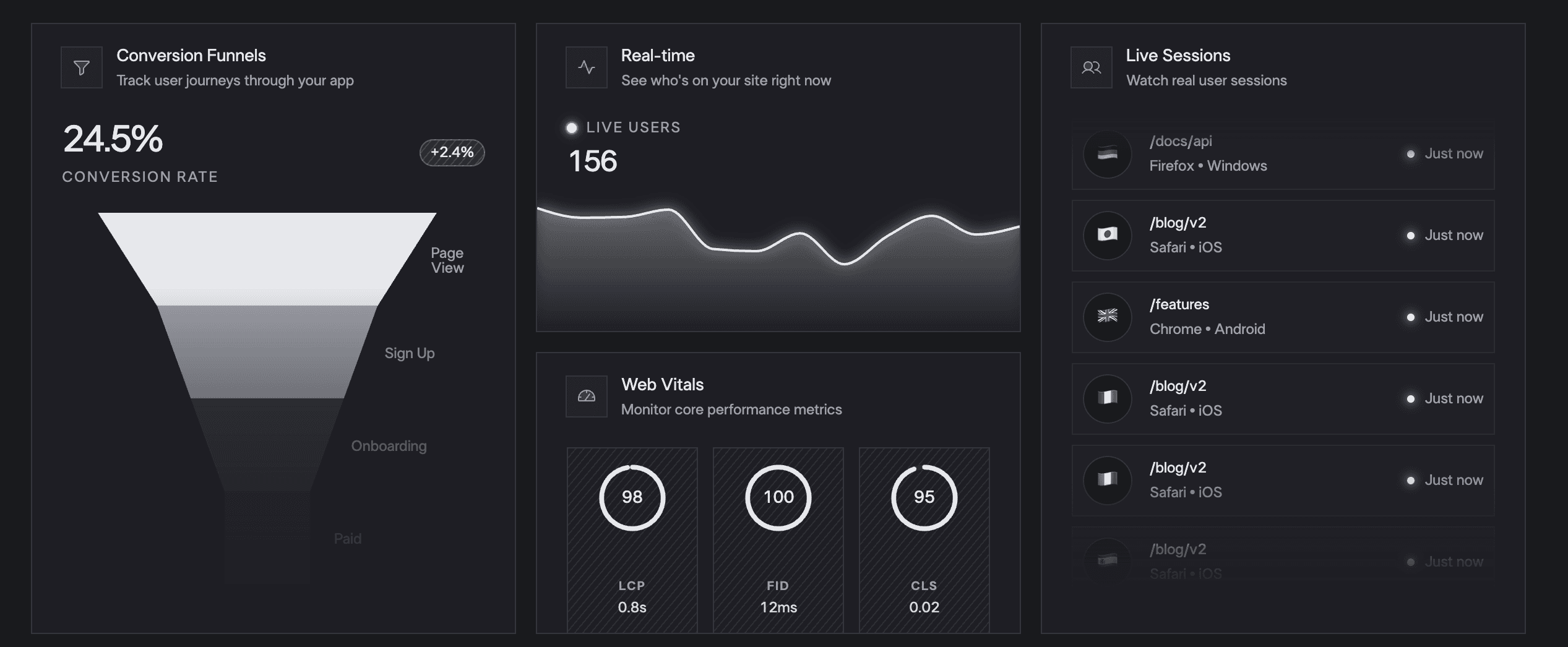
It goes beyond basic analytics by combining multiple tools into one. You get event tracking, funnels, session insights, error tracking, and even web vitals in a single dashboard.
There is also an AI assistant that lets you ask questions and generate insights without building complex reports.
Pricing starts with a free plan for up to 10,000 events per month. Paid plans begin at $10 per month after a $2 first month, and go up to $50 for higher limits and more features.
Wrapping Up
Choosing a Google Analytics alternative comes down to one thing: what you actually need.
Some tools focus on simplicity and clean dashboards. Some focus on privacy and compliance. Others go deeper into product analytics, user journeys, or revenue tracking.
If you want something easy, tools like Plausible or Fathom make sense. If you care about behavior, Clarity helps you see what users actually do. If you want revenue insights, tools like DataFast or Seline are built for that. And if you need full control and deep analysis, PostHog or Databuddy are stronger options.
Pick a tool that matches how you think, how you work, and what you want to measure. Set it up, track what matters, and focus on improving your website instead of fighting your analytics.
You May Also Like












Featured Tools








Newest Additions





















AI Image & Video Generation

































Vibe Coding Library



























































Screenshot & Screen Recording Tools
















