


6 Best AI Meeting Note Takers (2026)
Find the best AI meeting note takers. Compare top tools with real-time transcription, summaries, and no-bot options for Zoom, Meet, and Teams.

Dudu
Apr 10, 2026
Last Updated Apr 10, 2026
Image Credit: Toolfolio
Meetings sound simple. You join, listen, and take notes. In reality, you try to listen, think, and write at the same time. Something always slips. You either miss a key point or end up with notes that don’t help later.
That’s why AI meeting note takers are getting popular. They record your meetings, turn speech into text, and give you clean summaries with action items. You stay present in the conversation while the tool handles the notes.
But there are too many options now. Many tools look the same. Some are free but limited. Some join as bots. Some work quietly in the background. It’s not easy to know which one actually helps.
So we tested the best AI meeting note takers and picked the ones that are worth your time.
What to Look for in a Good AI Meeting Note Taker
A good AI note taker gets the basics right. It listens well and writes what was actually said. This is called transcription accuracy. The best tools today stay above 90–95% accuracy, even with accents, fast speech, or background noise. If the transcript is wrong, everything built on top of it breaks.
Next comes understanding who said what. In real meetings, people interrupt, overlap, and jump in. A strong tool can separate speakers clearly and label them right. This matters more than it sounds, because messy speaker tracking leads to confusing summaries and missed context.
Then comes the real value. Good tools don’t just write words. They pull out action items, decisions, and key points. The best ones understand context and give you clear next steps without you digging through the full transcript.
Finally, everything should be easy to use later. Clean summaries, fast search, and simple integrations with tools like Zoom, Google Meet, or your calendar make a big difference.
Based on these factors, we picked the best AI meeting note takers that actually help in real work.
Best AI Meeting Note Takers
1. Granola
Platforms: macOS, Windows, iOS
Works with: Zoom, Google Meet, Microsoft Teams, Slack Huddles, Webex, and any call with system audio
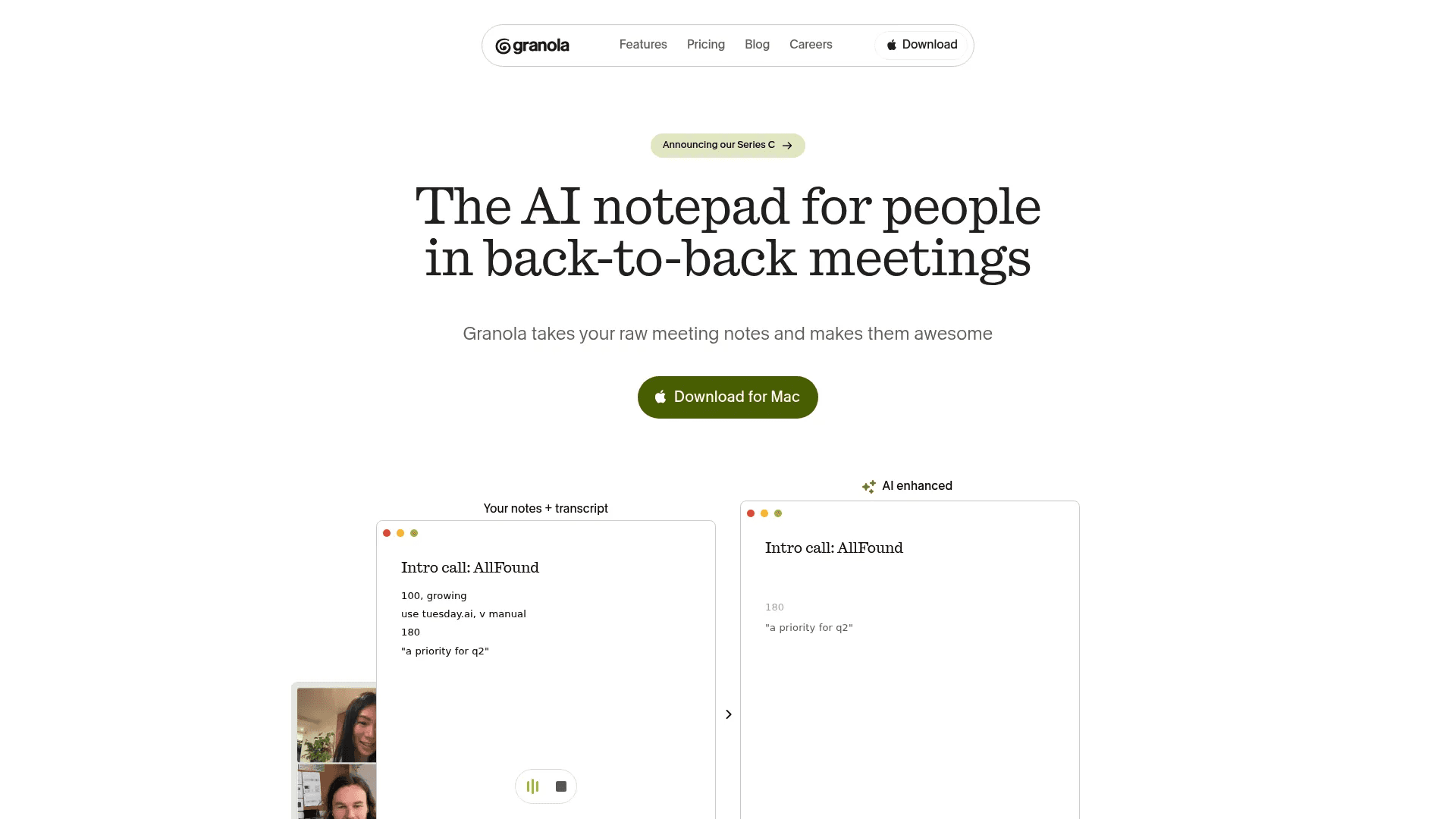
Granola is built for people who sit in back-to-back meetings all day. It does not join calls as a bot. Instead, it listens directly from your device and transcribes everything in real time. This keeps meetings clean and natural. You just join your call like usual, and Granola runs quietly in the background.
What makes it different is how it works with your own notes. You can write rough points during the meeting, and once it ends, Granola turns them into clean, structured summaries. It also lets you chat with your meetings later, so you can ask questions or find specific details without scrolling through long transcripts.
The tool is simple by design. It focuses on fast notes, clean summaries, and quick sharing. You also get templates for different meeting types and integrations with tools like Notion, Slack, and HubSpot. Pricing starts at $0 per month with limited history, and $14 per user per month for full access.
Pros:
No bot joins your meetings
Very accurate real-time transcription
Turns rough notes into structured summaries
Clean, simple interface with fast setup
AI chat across meetings
Cons:
No video or audio recording
Limited features for large teams
Free plan has restricted history
Fewer advanced features than some competitors
2. Amie
Platforms: macOS, Windows, iOS
Works with: Zoom, Google Meet, Microsoft Teams, Slack Huddles, and most audio-based calls
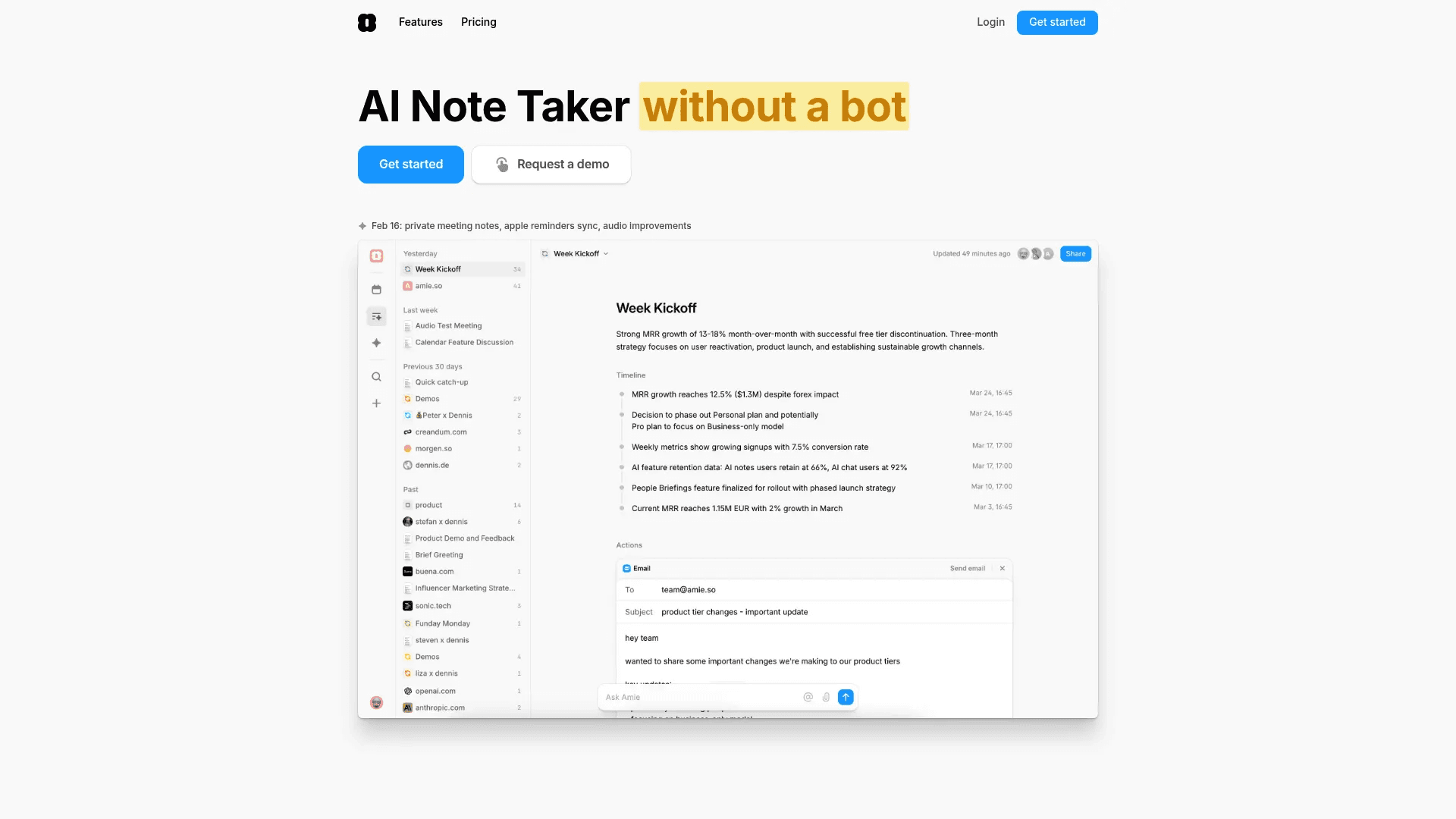
Amie is more than a meeting note taker. It combines your calendar, tasks, email, and meeting notes into one place. It records meetings without bots and creates summaries with action items right after the call ends. You can also ask AI questions about your meetings and get answers based on full context.
The main strength of Amie is how everything connects. Notes turn into tasks. Tasks get scheduled on your calendar. Follow-up emails can be written by AI using the meeting context. It reduces the need to switch between tools and keeps your workflow in one place.
It also supports integrations with tools like Notion, Slack, HubSpot, and Pipedrive. You can share notes, create tickets, or push updates directly. Pricing starts with a free trial, then $25 per month for Pro and $50 per user per month for Business.
Pros:
All-in-one tool for notes, tasks, and calendar
Bot-free recording with clean experience
Strong AI actions like drafting emails and scheduling
Deep integrations with work tools
Good summaries with action items
Cons:
Expensive compared to other tools
Bugs and sync issues reported
No Android app
Slight learning curve due to many features
3. Fathom
Platforms: macOS, Windows
Works with: Zoom, Google Meet, Microsoft Teams
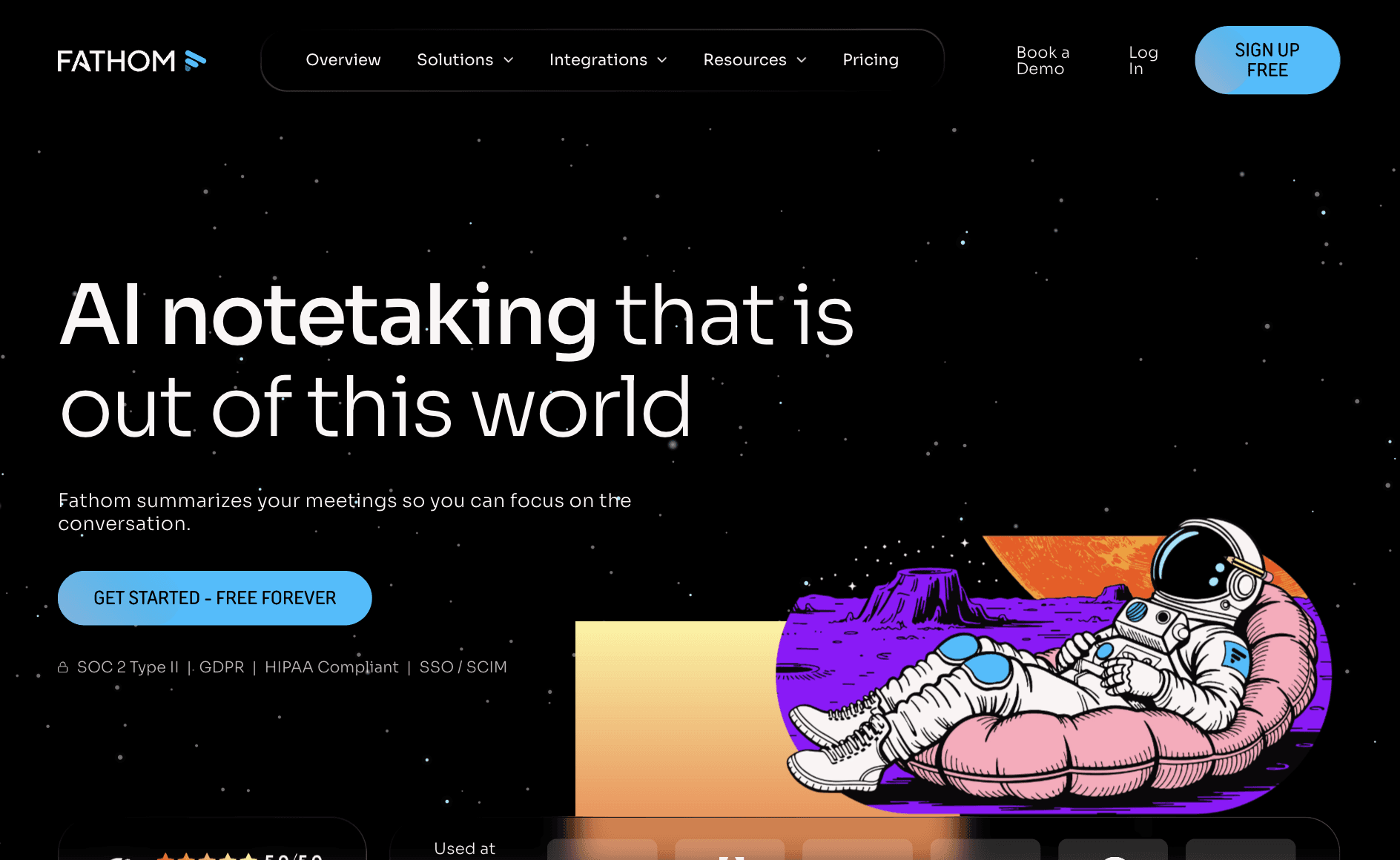
Fathom is one of the most popular AI meeting note takers, mainly because of its free plan. It joins your meetings as a bot, records video and audio, and creates transcripts and summaries right after the call ends. Everything is automatic, so you don’t need to take notes or set anything up during the meeting.
The tool focuses on speed and clarity. You get instant summaries, action items, and highlights without waiting. It also has an “Ask Fathom” feature, where you can search across past meetings or ask questions to find specific insights. This works well if you handle many calls and need quick answers later.
Fathom also integrates with tools like Slack, HubSpot, Salesforce, and Notion, so your notes can directly flow into your workflow. The free plan includes unlimited recordings and transcripts, while paid plans start at $15 per user per month for team features and advanced summaries.
Pros:
Free plan with unlimited recordings and transcripts
Fast and reliable summaries after meetings
Records both video and audio
Strong integrations with CRM and work tools
Search and chat across meetings
Cons:
Bot joins meetings and is visible to others
Limited free AI summaries per month
No mobile support
Can struggle in messy or overlapping conversations
4. Fellow
Platforms: Zoom, Google Meet, Microsoft Teams, Slack Huddles
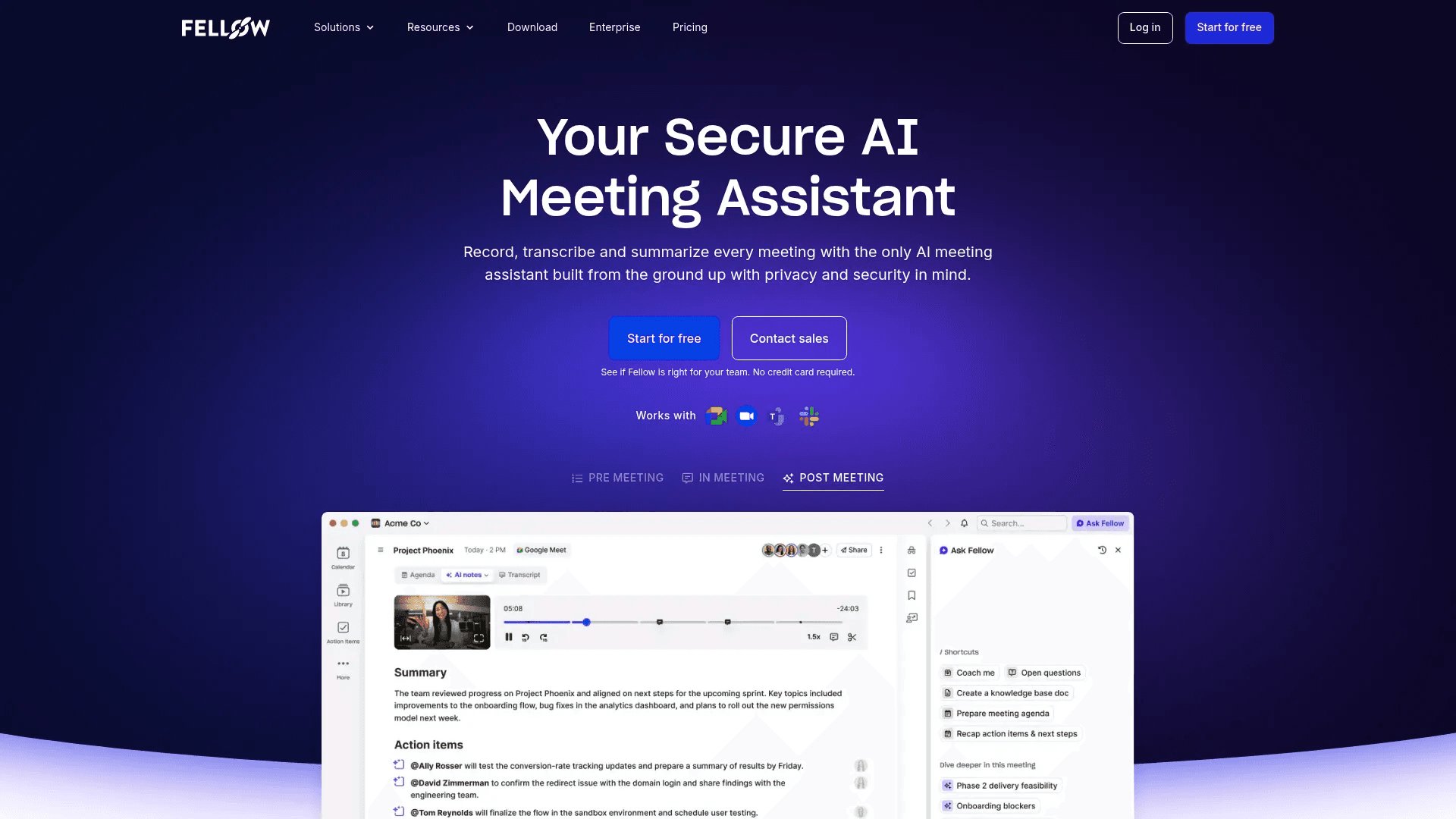
Fellow is built for teams that care about structure and security. It records meetings, creates transcripts, and generates detailed summaries with action items and decisions. You can invite it to meetings like a regular participant or use bot-free options depending on your setup.
The tool stands out for how much control it gives. You can create meeting templates, track topics across meetings, and manage everything from agendas to follow-ups in one place. It also includes an AI assistant that can answer questions, draft emails, and pull insights from past conversations.
Fellow is strong on integrations and works well with tools like Slack, HubSpot, Salesforce, Asana, and more. It is also built with enterprise-grade security, which makes it a good fit for teams handling sensitive data. Pricing starts with a free plan (limited recordings), and paid plans begin at $7 per user per month.
Pros:
Strong security and privacy features
Detailed summaries with action items and insights
Works well for team collaboration and workflows
AI assistant for follow-ups and queries
Wide range of integrations
Cons:
Desktop app can feel buggy at times
More complex than simple note-taking tools
Limited free recordings
Overkill for solo users or small needs
5. Otter
Platforms: Web, macOS, Windows, iOS, Android
Works with: Zoom, Google Meet, Microsoft Teams, Webex
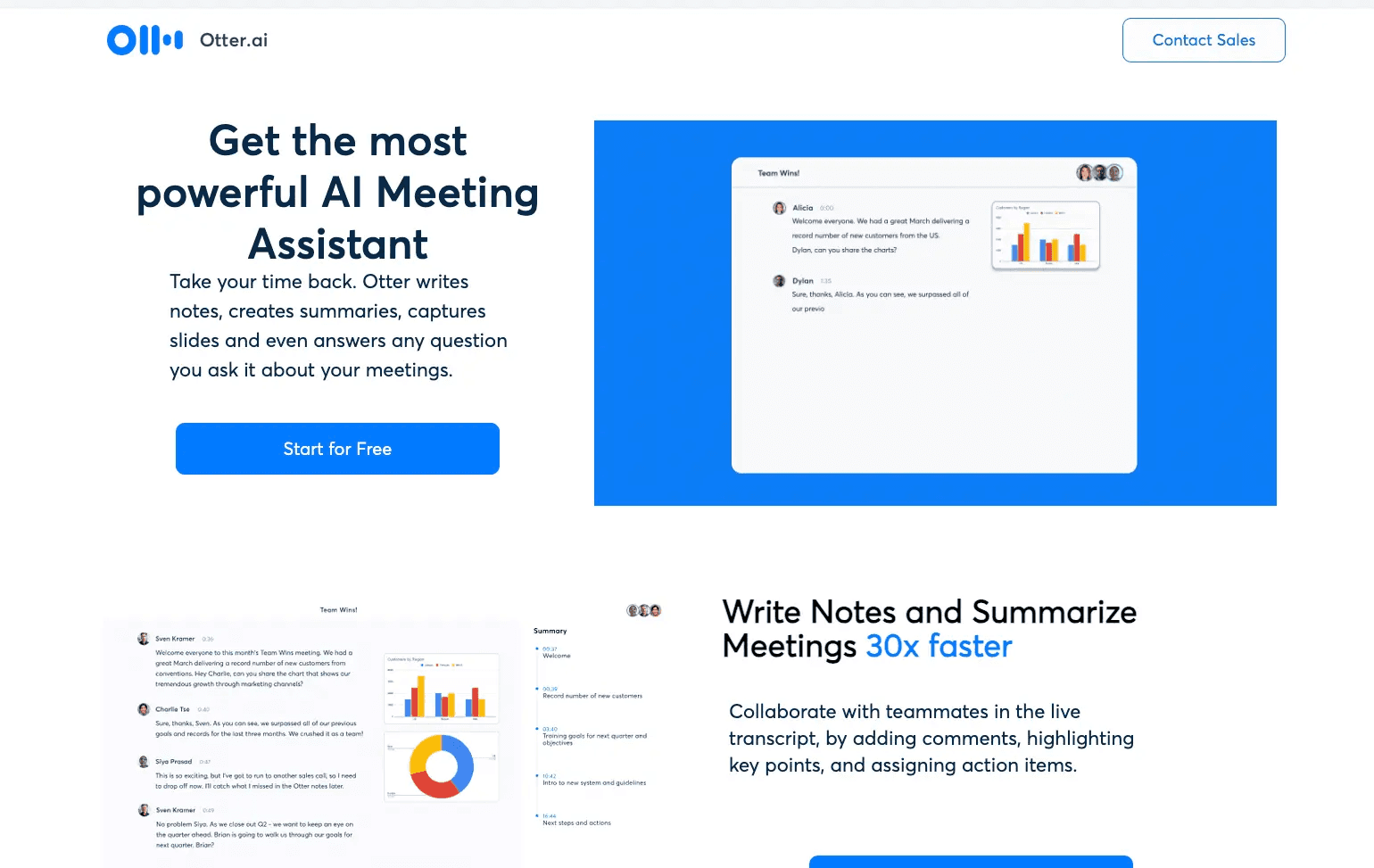
Otter is one of the oldest and most widely used AI meeting note takers. It works by sending a bot to your meetings, recording the conversation, and turning it into live transcripts. You can see the text as people speak, which makes it useful during and after the meeting.
The tool focuses on transcription and search. You can go back to any meeting, search for keywords, and find exact moments in seconds. It also creates summaries, action items, and lets you chat with your meeting data to pull insights or generate follow-ups.
Otter works across devices, which makes it easy to use on mobile, desktop, or web. It also supports integrations with tools like Slack, Salesforce, and Google Docs. The free plan gives 300 minutes per month, while paid plans start at $4.17 per user per month and go up to $19.99 for business features.
Pros:
Reliable real-time transcription
Works on mobile, desktop, and web
Strong search across past meetings
Easy sharing and collaboration
Free plan for basic use
Cons:
Bot joins meetings and is visible
Accuracy drops in noisy conversations
Speaker identification can be inconsistent
Monthly limits on transcription minutes
6. Cluely

Platforms: macOS, Windows, iOS
Works with: Zoom, Google Meet, Microsoft Teams, Webex, and more
Cluely takes a different approach. It focuses on helping you during the meeting, not just after it. It runs in the background without joining as a bot and gives real-time suggestions, answers, and talking points while the meeting is happening.
The tool listens to your conversation and screen, then shows quick responses or insights you can use on the spot. This makes it useful for sales calls, interviews, or any situation where you need to think fast. It also creates notes, transcripts, and action items after the meeting ends.
Cluely supports multiple languages and claims fast transcription speeds with high accuracy. It also offers a “stealth mode” where it stays invisible during screen sharing. The free plan has limits, while paid plans start at $20 per month and go up to $75 per month for full features.
Pros:
Real-time help during meetings
No bot joins calls
Fast transcription with multi-language support
Useful for high-pressure calls
Post-meeting summaries and notes
Cons:
Responses can feel generic
Risk of detection in some cases
Not ideal for simple note-taking needs
Expensive for full features
Best AI Meeting Note Takers Compared
Tool | Platforms | Bot or No Bot | Free Plan | Key Strength | Best For | Pricing (Paid) |
|---|---|---|---|---|---|---|
Granola | Mac, Windows, iOS | No bot | Yes | Clean notes + AI enhancement | Solo users, founders | $14/user/month |
Amie | Mac, Windows, iOS | No bot | Trial | All-in-one (notes + tasks + calendar) | Productivity-focused users | $25–$50/user/month |
Fathom | Mac, Windows | Bot | Yes | Unlimited recordings + fast summaries | Sales calls, teams | $15/user/month |
Fellow | Zoom, Meet, Teams, Slack | Bot + No bot | Yes (limited) | Security + structured workflows | Teams, companies | $7+/user/month |
Otter | Web, Mac, Windows, iOS, Android | Bot | Yes | Live transcription + search | General use, students, teams | $4.17–$19.99/user/month |
Cluely | Mac, Windows, iOS | No bot | Yes (limited) | Real-time meeting help | Sales, interviews | $20–$75/month |
Wrapping Up
Most AI meeting note takers do the same basic job. They record meetings, turn speech into text, and give summaries. The difference shows up in how they fit into your workflow.
If you want something simple that stays out of your way, tools like Granola work well. If you need recordings and a strong free plan, Fathom is hard to beat. If your work depends on transcripts and search, Otter is still one of the most reliable options.
Some tools go beyond notes. Amie tries to replace your calendar and tasks. Fellow focuses on teams and structured workflows. Cluely helps during the meeting itself, not just after.
There is no single best tool for everyone. The right choice depends on how you run meetings and what you need after them. Try one or two that match your use case, and you will quickly see what fits.
You May Also Like













Featured Tools







Newest Additions





















AI Image & Video Generation

































Vibe Coding Library



























































Screenshot & Screen Recording Tools
















