Bear Notes Review (2026)
A simple review of Bear Notes. Learn its features, pros, cons, pricing, and if you can trust it for daily notes and journaling.

Dudu
Mar 28, 2026
Last Updated Mar 28, 2026
Image Credit: Toolfolio
People usually search for Bear Notes when they feel tired of complex apps. They may be using tools like Notion or Evernote, but those tools can feel slow, crowded, or too feature-heavy for simple writing. They want something lighter. Something that lets them open the app and just start typing.
There is also a second concern. Trust. Notes are not just tasks or ideas. They can be personal, like journals or long-term thoughts. Users want to know their data is safe, easy to back up, and not locked inside a system they cannot control. Even small risks like accidental deletion or no version history can make people hesitate.
Bear Notes stands out because it takes a different approach. It focuses on writing first. It keeps the design clean, uses Markdown, and stores data through iCloud instead of its own servers. It tries to stay simple, but that simplicity raises questions too.
This review looks at how Bear Notes actually works, where it feels strong, and where it may not be enough. The aim is to help you decide if it is the right place for your notes.
What is Bear Notes?
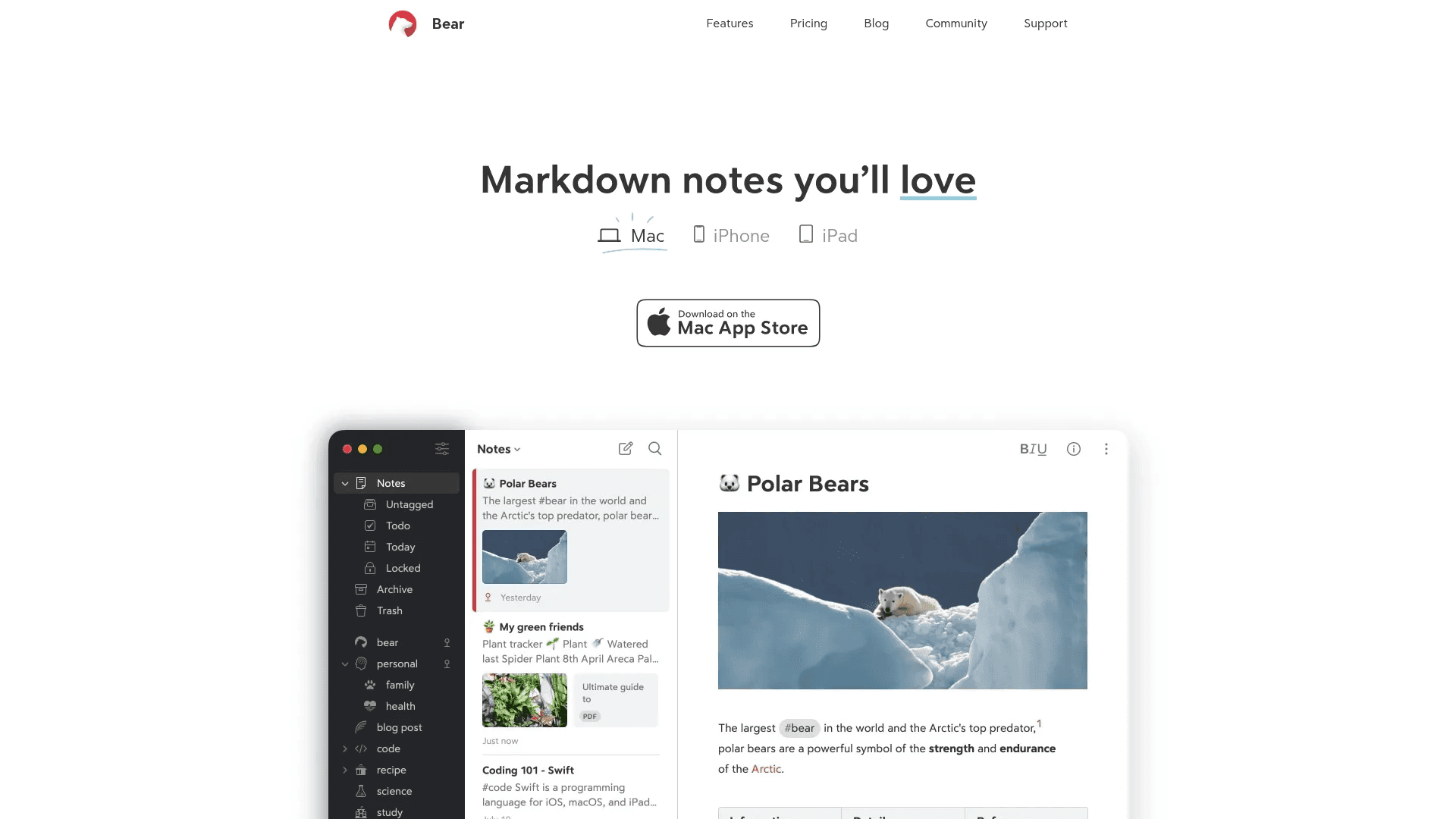
Bear Notes is a simple note taking app made for writing and organizing ideas. It works on Mac, iPhone, and iPad. The app focuses on clean design, fast performance, and a smooth writing experience.
At its core, Bear is a Markdown-based editor. This means you can format text using simple symbols while you write. You can add headings, lists, links, images, tables, and even to-do lists in the same note without switching tools.
Instead of folders, Bear uses tags to organize notes. You can create flexible tag systems and group notes in a way that fits how you think. This makes it useful for many use cases like journaling, planning, writing articles, or building a personal knowledge base.
Bear stores your notes locally and syncs them using iCloud. The company does not store your data on its own servers. You can also encrypt notes for extra privacy.
The app keeps things minimal on the surface, but it includes advanced features like exporting notes in multiple formats, searching text inside images and PDFs, and customizing themes. Most of these extra features are available in the paid version.
In simple terms, Bear Notes is built for people who want a fast, clean, and focused place to write without dealing with a complex system.
Pros and Cons of Bear Notes
Before choosing any notes app, most people want a clear view of what works well and what does not. Bear Notes keeps things simple, but that simplicity comes with trade-offs. It does many things very well, especially for writing, but it may not fit everyone.
The Good (Pros)
Bear has a clean and minimal design that makes writing feel easy. There are no distractions, no heavy menus, and no clutter. You open the app and start typing. This helps you focus on your thoughts instead of managing the tool.

It is very fast. Notes open instantly, search is quick, and moving between notes feels smooth. Since it is a native app built for Apple devices, it performs better than many web-based tools.
The Markdown support is simple but powerful. You can format text, create lists, add links, and structure your notes without breaking your flow. Even if you do not know Markdown, Bear makes it easy to use.
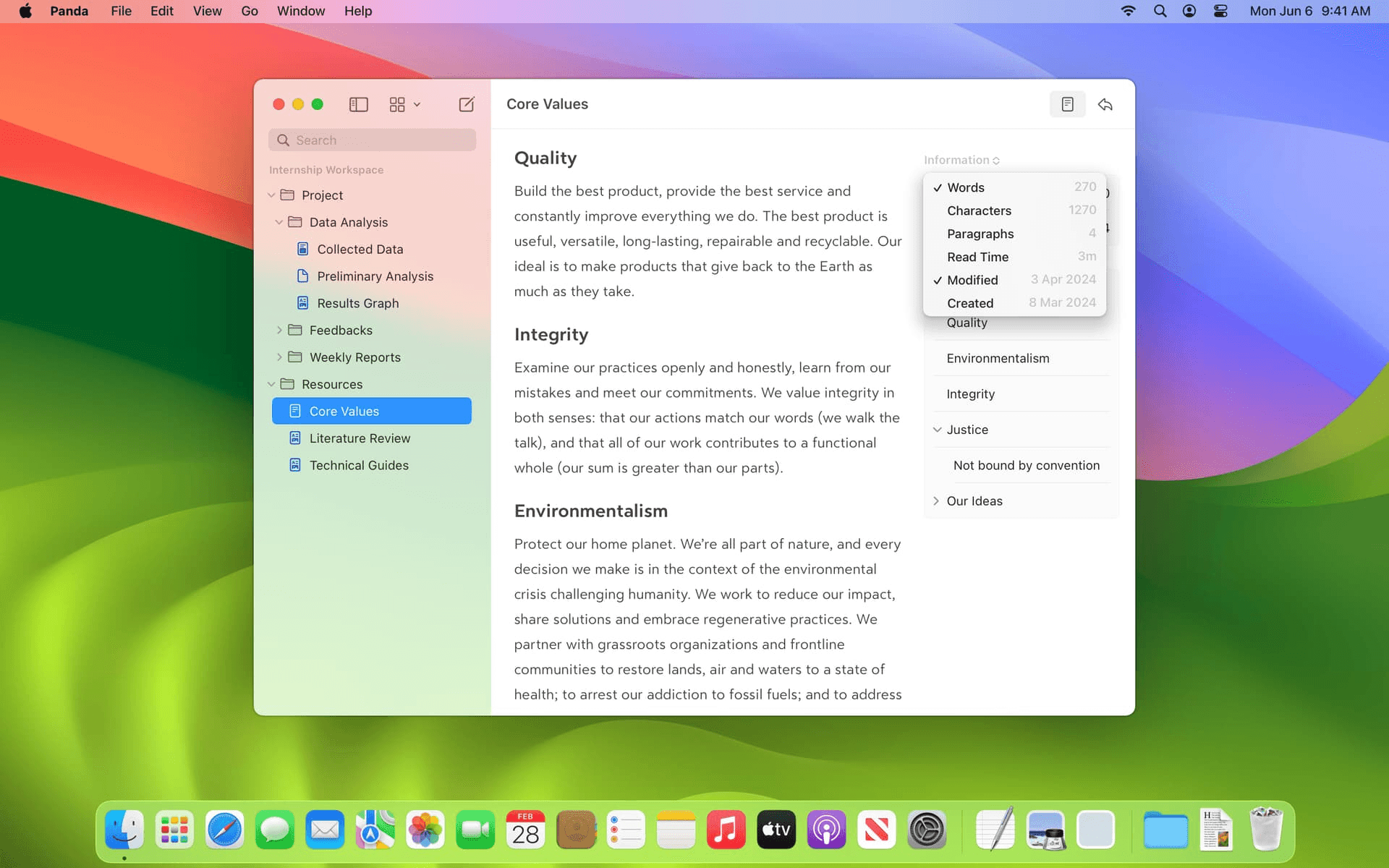
The tagging system is flexible. Instead of folders, you can organize notes using tags and nested tags. This makes it easier to group notes in multiple ways without locking them into one structure.
Bear also supports OCR, which means you can search text inside images and PDFs. This is useful if you store scanned documents or screenshots.

Privacy is a strong point. Your notes are stored in your iCloud, not on Bear’s servers. You can also encrypt notes for extra protection. This gives more control over your data compared to many other apps.
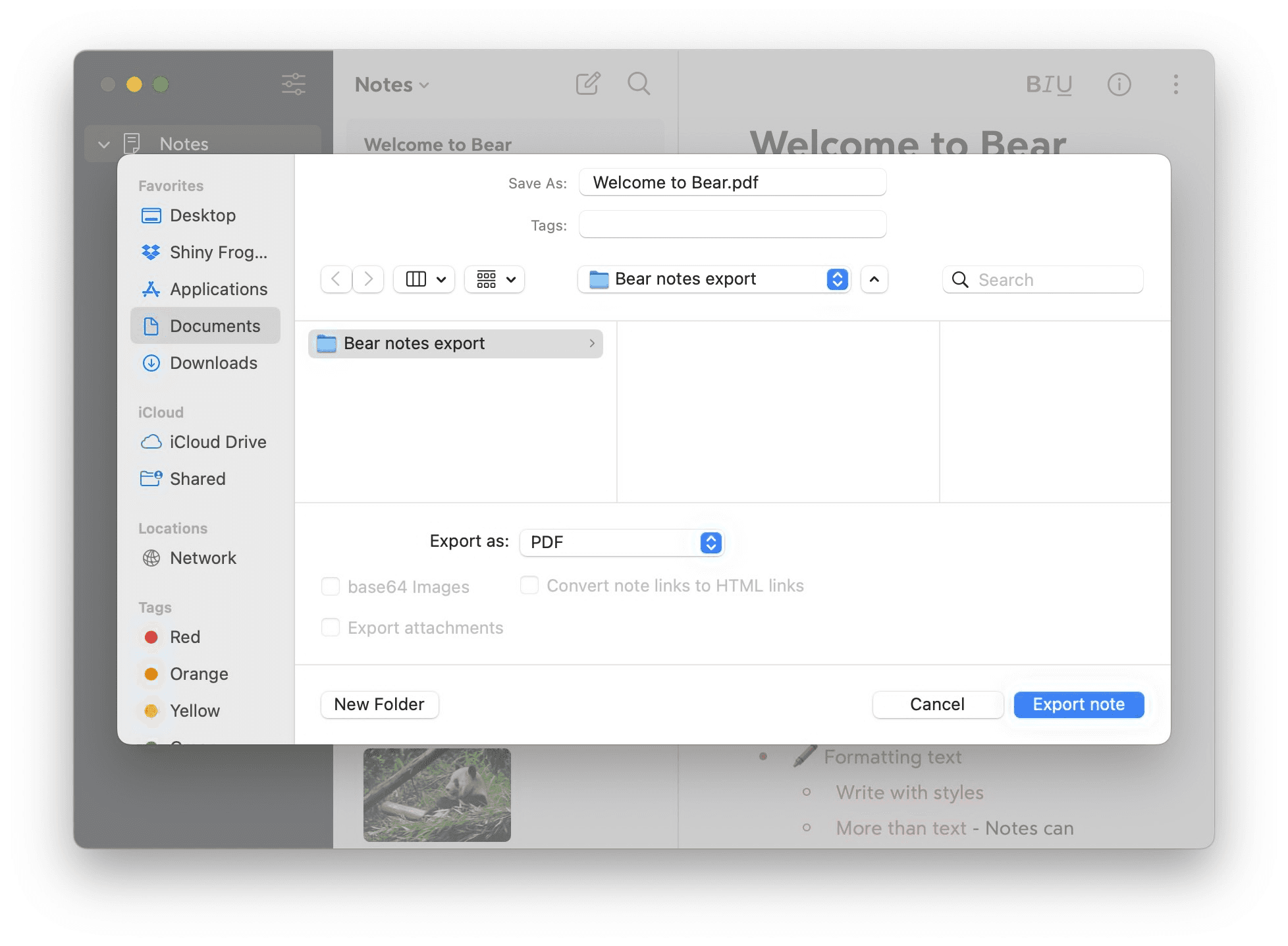
Export options are wide. You can export notes as PDF, HTML, DOCX, and more. This makes it easier to move your data if needed and reduces lock-in.
The Bad (Cons)
Only works on Apple devices (Mac, iPhone, iPad). There is no full support for Windows or Android, which makes it hard to access notes across different devices.
Syncing is not available in the free plan. You need the Pro subscription to sync notes across devices using iCloud.
No built-in note history or version control. If you delete or overwrite content, it can be hard to recover unless you manage backups yourself.
No real-time collaboration. You cannot work on notes with others like you can in tools such as Notion or Google Docs.
Web clipper is basic. It can save content, but it is not as advanced or flexible as other note-taking apps.
Depends on iCloud for syncing and storage. If you do not use Apple services or want more control over cloud options, this can feel limiting.
Our Verdict: Should You Get Bear?
Bear Notes is a strong choice if your main goal is simple, fast, and focused writing. It removes clutter, works smoothly on Apple devices, and makes it easy to capture and organize ideas without thinking too much about structure. The Markdown support, tagging system, and clean design make it especially good for journaling, daily notes, and long-form writing.
It also does well in areas that matter over time. Your notes stay in your iCloud, not on a company server, and you can export them in many formats. This gives you more control and reduces the risk of being locked into the app. For personal use, this makes Bear feel reliable.
However, it is not for everyone. If you need cross-platform access, real-time collaboration, or detailed version history, Bear will feel limited. The paid plan is also required for syncing, which may not suit users who expect full features for free.
In simple terms, Bear is best for individuals who want a clean writing tool and use Apple devices. It is not built for teams or complex workflows. If your needs match its strengths, Bear is a solid and dependable choice.
You May Also Like













Featured Tools








Newest Additions





















AI Image & Video Generation

































Vibe Coding Library



























































Screenshot & Screen Recording Tools
















