


6 Best Markdown Note-Taking Apps (Free & Paid)
Discover the best Markdown note-taking apps for distraction-free writing, faster idea capture, and clean formatting.

Dudu
Mar 28, 2026
Last Updated Mar 28, 2026
Image Credit: Toolfolio
I write a lot of notes. Quick ideas, rough drafts, random thoughts, things I don’t want to forget.
Most note apps try to do everything. They add buttons, menus, and features I never use. It gets slow, messy, and hard to focus.
That’s where Markdown note-taking apps come in. They keep things simple. You write with plain text, add quick formatting, and move on.
But finding the right Markdown app is not easy. Some are too basic. Some are too complex. Some look clean but break your workflow once you start using them daily.
So I went through the best Markdown note-taking apps. I looked at how they write, sync, organize, and actually feel in real use.
This guide helps you find a Markdown app that fits your way of thinking, writing, and working.
Best Markdown Note-Taking Apps
1. Obsidian
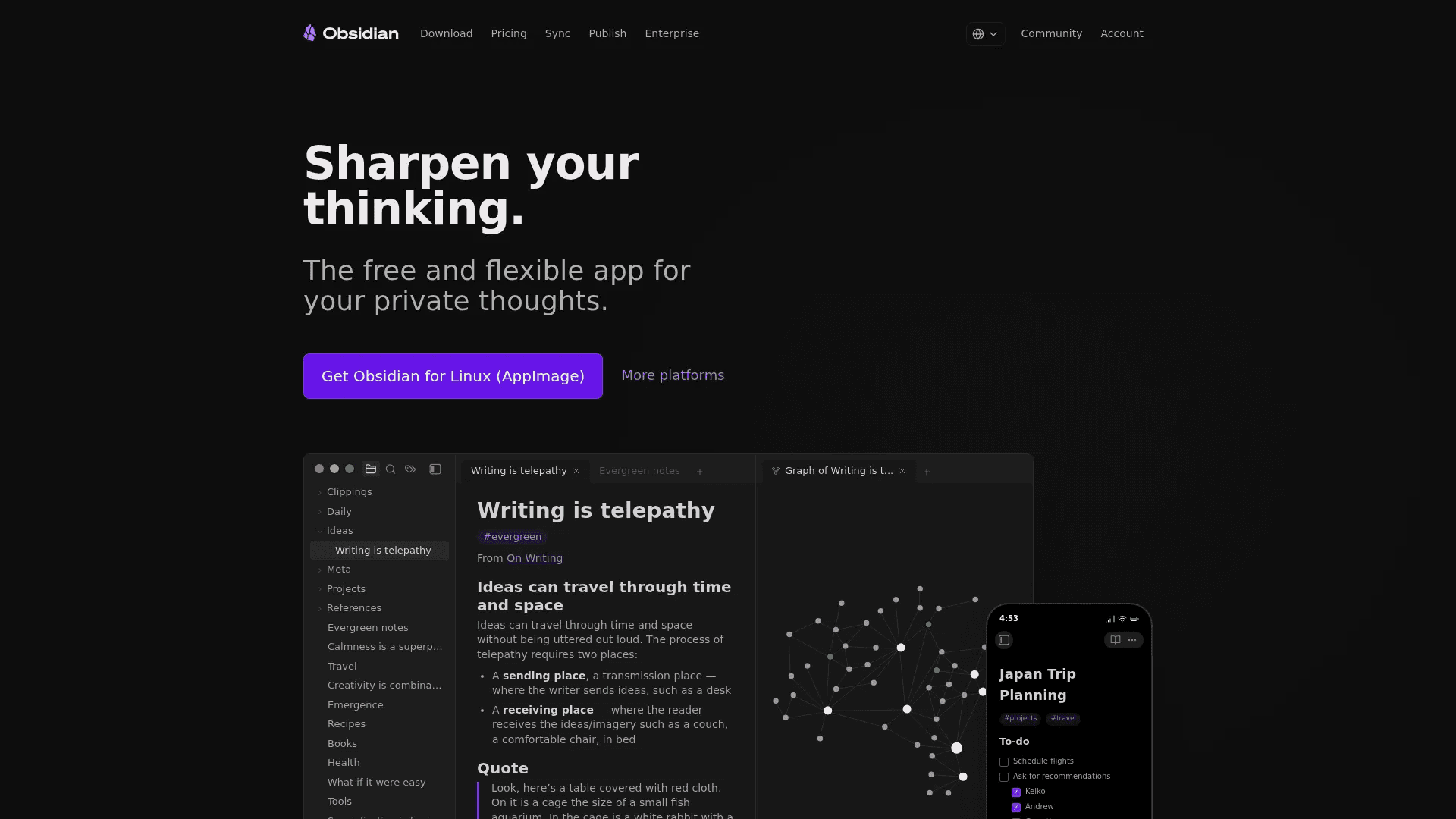
Obsidian is built for people who think in connections. It stores your notes locally, so you own everything and can access it anytime, even offline. You can link notes together like a personal wiki and see your ideas in a visual graph. It also has plugins, themes, and a canvas to map out ideas in any way you want.
For Markdown users, it feels natural. You write in plain text, format quickly, and build a system that grows with you. It works well for journaling, research, knowledge management, and even project planning.
Pricing starts at $4/month for sync across devices with encryption and version history. If you want to publish notes as a website, it costs $8/month.
Try Obsidian
2. mymind
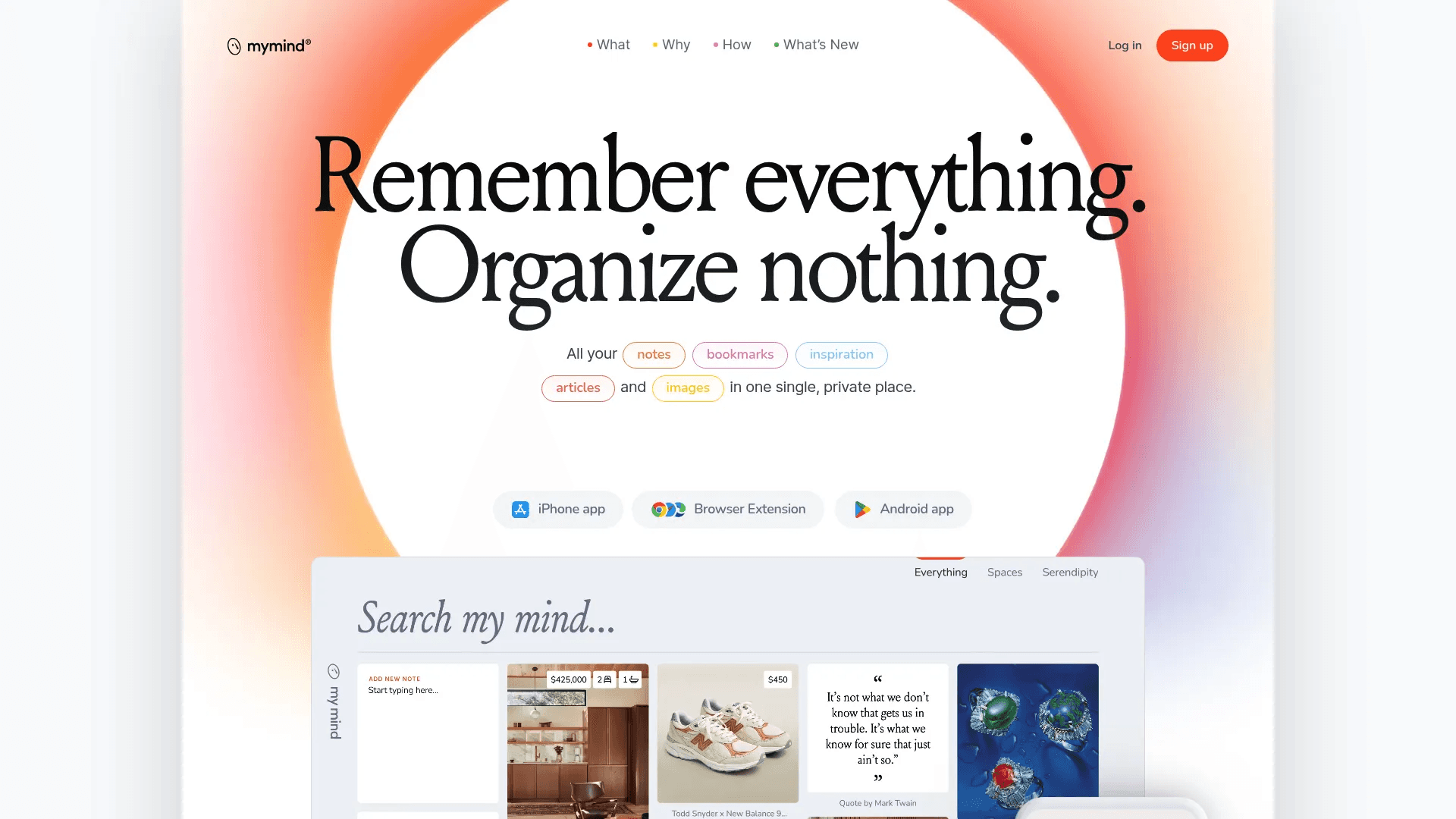
mymind is very different from most Markdown apps. It focuses on saving ideas without organizing them manually. You just save notes, links, images, or thoughts, and it sorts everything using AI.
It supports Markdown shortcuts while writing, so you can still format text quickly with headings, bold, code blocks, and more. But the main strength is how it removes friction. No folders, no tagging pressure, just save and search later.
It works best for people who collect ideas, inspiration, and references daily. If you hate organizing notes, this feels effortless.
Try mymind
3. Octarine
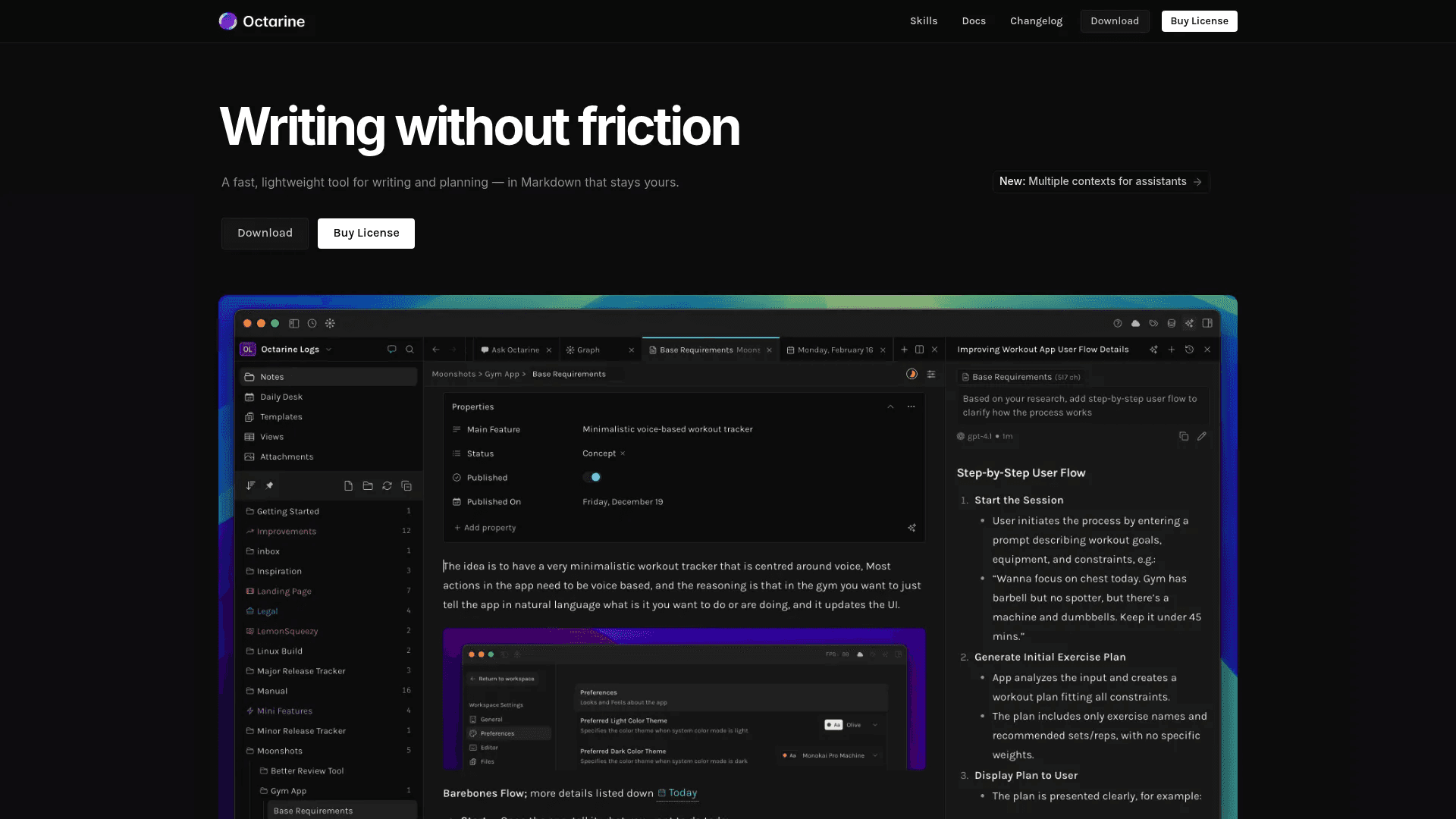
Octarine is a fast, clean Markdown app built for writing without distractions. Everything stays local, and your notes are saved as plain Markdown files, so you always stay in control.
It includes powerful features without needing plugins. You get fast search, structured notes with properties, task management, and built-in sync options like Git or cloud drives. It also has AI features, but you bring your own API key.
The experience is simple but powerful. It feels lightweight, yet it can handle serious workflows like planning, journaling, and knowledge systems.
Pricing is a one-time $79 payment with lifetime updates and no subscription.
Try Octarine
4. Logseq
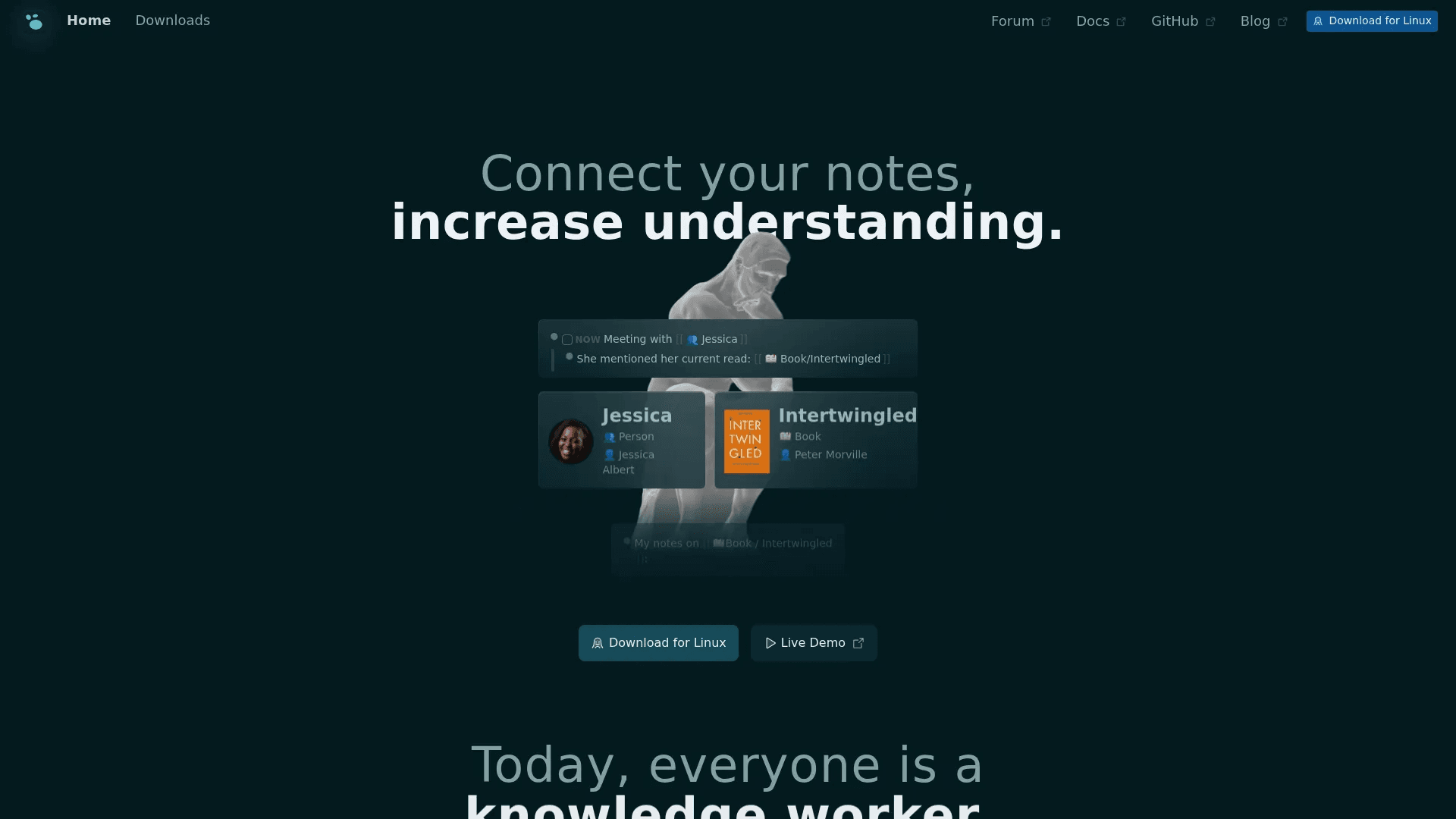
Logseq is built for thinking in outlines. Every note works as blocks, so you can break ideas into small pieces and connect them easily. It uses Markdown and stores everything locally, so your data stays private and future-proof.
It is strong for knowledge management. You can link notes, create queries, use flashcards, and even annotate PDFs. It also has whiteboards for visual thinking and a plugin system to extend features.
This app works best for students, researchers, and anyone who deals with a lot of information daily. It helps you connect ideas instead of just storing them.
Logseq is free for personal use, with optional paid sync features.
Try Logseq
5. Bear
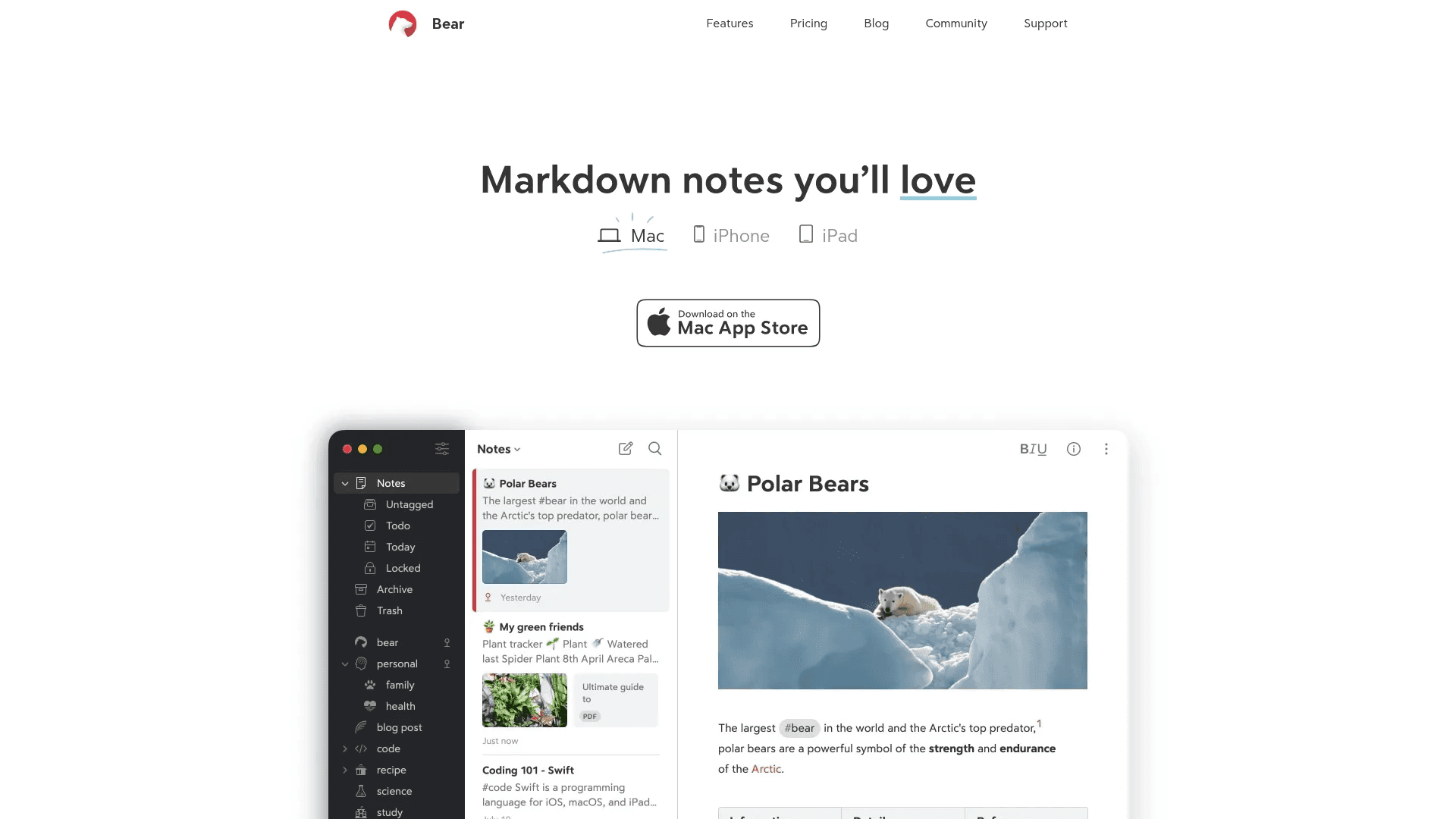
Bear is one of the cleanest Markdown apps, but only for Apple devices. It focuses on writing that feels smooth and simple, without getting in your way.
You can mix text, images, tables, and to-do lists in one note. It uses tags instead of folders, which makes organizing flexible and fast. The interface is minimal, but still powerful enough for writing, planning, or even building a small knowledge base.
It also supports exports to many formats like PDF, DOCX, and HTML, and includes features like OCR search and note encryption in the paid plan.
Bear has a free version with basic features. The Pro version costs $2.99/month or $29.99/year for sync, themes, and advanced tools.
Try Bear
6. Notable
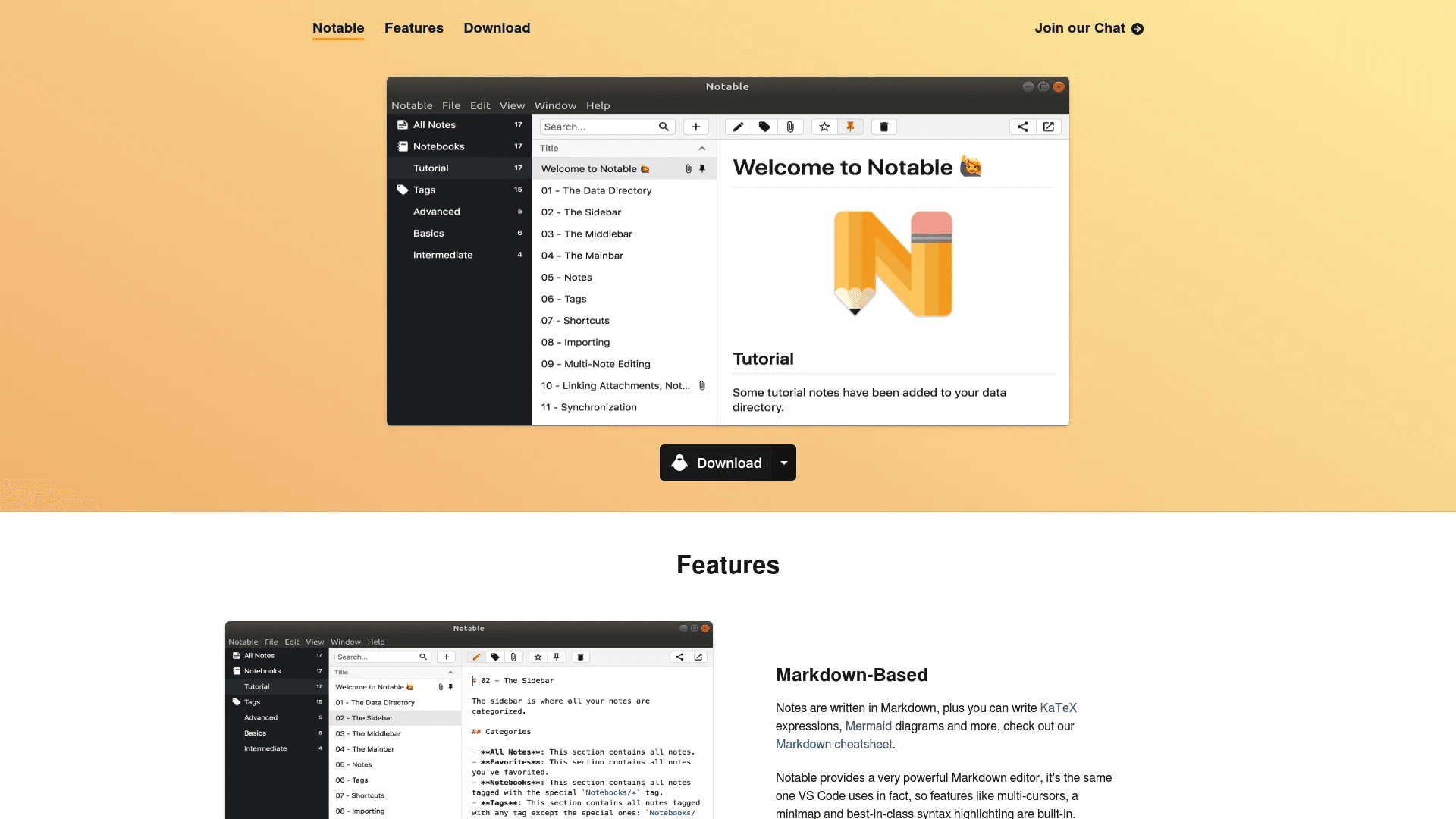
Notable is a simple Markdown app built for people who like control and clean writing. It uses a powerful editor similar to VS Code, so you get features like multi-cursor editing, syntax highlighting, and a minimap. Writing feels fast and precise, especially if you work with code or structured notes.
Your notes stay on your device as plain files. There is no lock-in. You can sync them with tools like Dropbox or Git, edit them in other apps, or move them anytime. It also supports attachments, nested tags, and linking between notes, which makes organizing large note collections easier.
It includes useful tools like split view for preview, Zen mode for distraction-free writing, and batch editing for multiple notes. Notable is free to use, with no required subscription.
Try Notable
Best Markdown Note-Taking Apps Compared (Features and Pricing)
App | Best For | Key Features | Pricing |
|---|---|---|---|
Obsidian | Deep thinking and knowledge systems | Local storage, note linking, graph view, plugins, publish notes as website | $4/month (Sync), $8/month (Publish) |
mymind | Saving ideas without organizing | AI auto-organizing, smart search, Markdown shortcuts, bookmarking | Paid (pricing varies) |
Octarine | Fast writing with built-in features | Local Markdown files, AI assistant, tasks, powerful search, no plugins needed | $79 one-time |
Logseq | Structured thinking and learning | Outliner notes, backlinks, flashcards, whiteboards, plugins | Free (paid sync optional) |
Bear | Clean writing on Apple devices | Minimal UI, tags, Markdown, exports, OCR search, encryption | Free, $2.99/month |
Notable | Simple and powerful Markdown editing | VS Code-like editor, local files, tags, split view, Zen mode | Free |
Wrapping Up
The right Markdown note-taking app depends on how you think and work. Some tools focus on deep linking and knowledge systems, while others keep things simple and fast for everyday writing.
Choose based on your workflow, not features alone. If the app feels natural to use every day, it will help you write better, stay organized, and actually stick with your notes.
You May Also Like













Featured Tools








Newest Additions




















AI Image & Video Generation

































Vibe Coding Library



























































Screenshot & Screen Recording Tools
















