


9 Best To-Do List Apps to Stay Organized in 2026
Explore the best to-do list apps designed to help you plan, organize, and stay consistent. This guide covers simple, minimal, and advanced tools with clean interfaces and smart features. Discover apps that fit your workflow and improve daily productivity.

Dudu
Mar 27, 2026
Last Updated Mar 27, 2026
Image Credit: Toolfolio
There are hundreds of to-do list apps.
Most of them promise the same thing. Better focus. Better planning. More done in less time.
But if that was true, you would not still be searching.
Managing tasks is simple on paper. Write it down. Do it. Done. But in real life, it does not work like that. Some people need structure. Some need flexibility. Some want speed. Others want detail.
That is why choosing a to-do list app feels harder than it should.
The wrong app slows you down. Too many features. Too many clicks. Too much thinking just to add a task. And you stop using it.
The right app does the opposite. It feels natural. You open it, add tasks fast, and move on with your day.
We tested and reviewed the best to-do list apps across different use cases. Simple apps. Advanced planners. Apps for daily tasks, work, and long-term goals.
This guide helps you find the one that actually fits how you work.
What Makes the Best To-Do List App Worth Using?
A good to-do list app should be fast and simple. You should be able to add a task in seconds without thinking too much. If an app takes too many steps, you stop using it. The best apps stay out of your way. They let you capture tasks quickly, edit them easily, and move on.
It should also match how you plan your day. Some people like clean daily lists. Others need projects, tags, or priorities. A strong to-do list app gives you options without feeling heavy. You can keep it simple or go deeper when needed. This balance is what makes an app useful for both small tasks and bigger goals.
Finally, the best apps help you stay consistent. Reminders, due dates, and progress tracking should feel natural, not forced. Sync across devices also matters, so your tasks are always with you. A good app does not just store tasks. It helps you finish them.
Best To-Do List App
Todoist for balancing power and simplicity
Blitzit for deep focus and time-based task execution
Lunatask for all-in-one life tracking and mental clarity
Obsidian for flexible thinking, notes, and task systems
Fabric for AI-powered organization and smart search
Superlist for combining tasks and notes in one clean workspace
Any.do for simple daily planning and reminders
Tweek for minimal weekly planning like paper
TickTick for all-in-one productivity with calendar and habits
1. Todoist
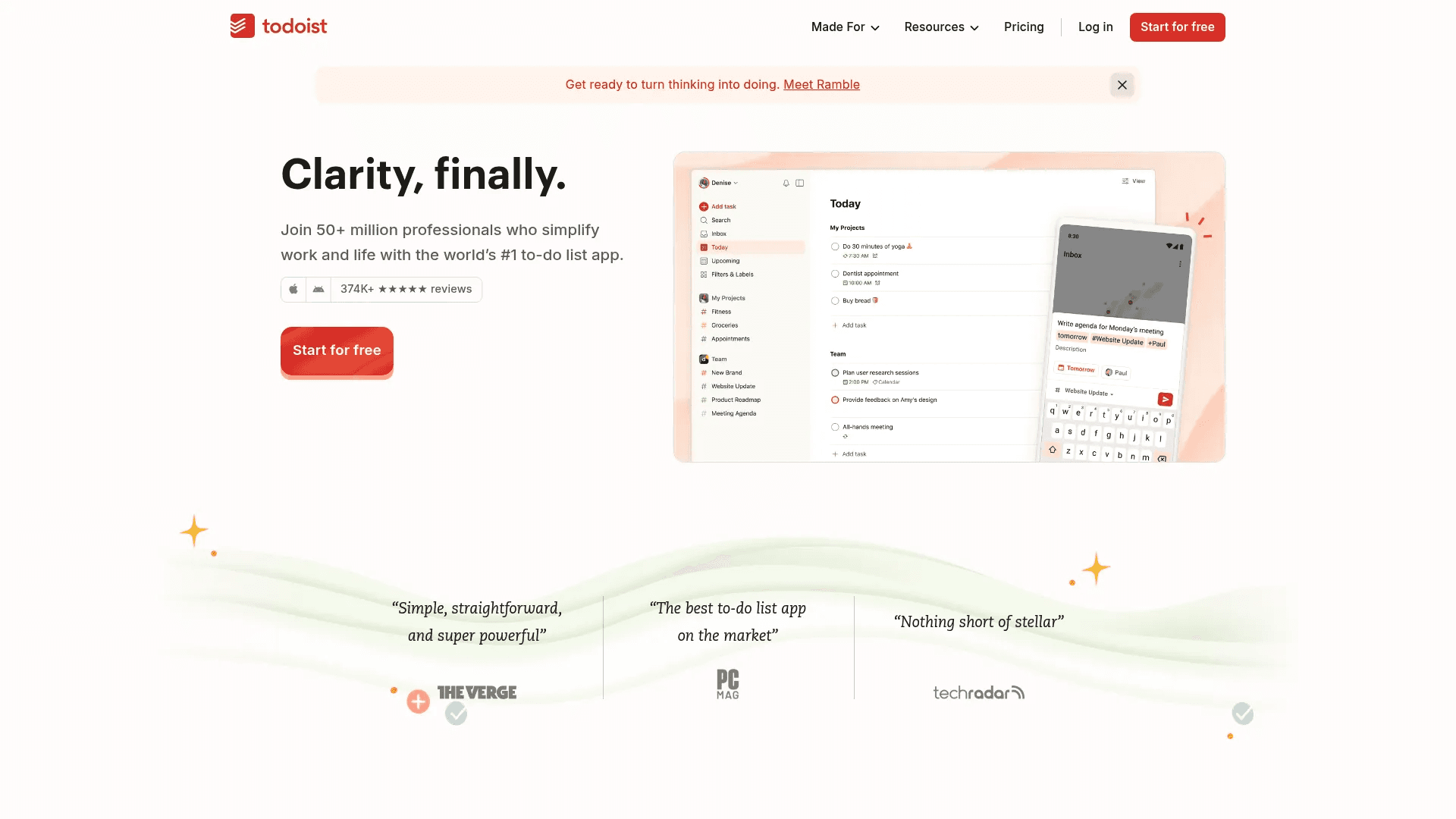
Todoist is one of the most trusted to-do list apps, used by millions to manage both work and personal tasks. It works like a second brain. You can capture anything quickly, organize it into projects, and always know what needs attention. It runs on every device, so your tasks stay with you all day.
The biggest strength of Todoist is how simple it feels while still being powerful. You can add tasks using natural language like “call mom tomorrow at 7PM” and it understands it instantly. Features like priorities, labels, filters, and recurring tasks help you stay organized without making things complex. It also connects with tools like email, calendar, and 90+ apps, which makes it easy to fit into your workflow.
The free plan covers most basic needs with up to 5 projects and core features. The Pro plan costs $5/month and unlocks advanced features like 300 projects, reminders, calendar view, and deeper task control. If you want a clean, reliable app that works for both simple and structured planning, Todoist is a strong choice.
2. Blitzit
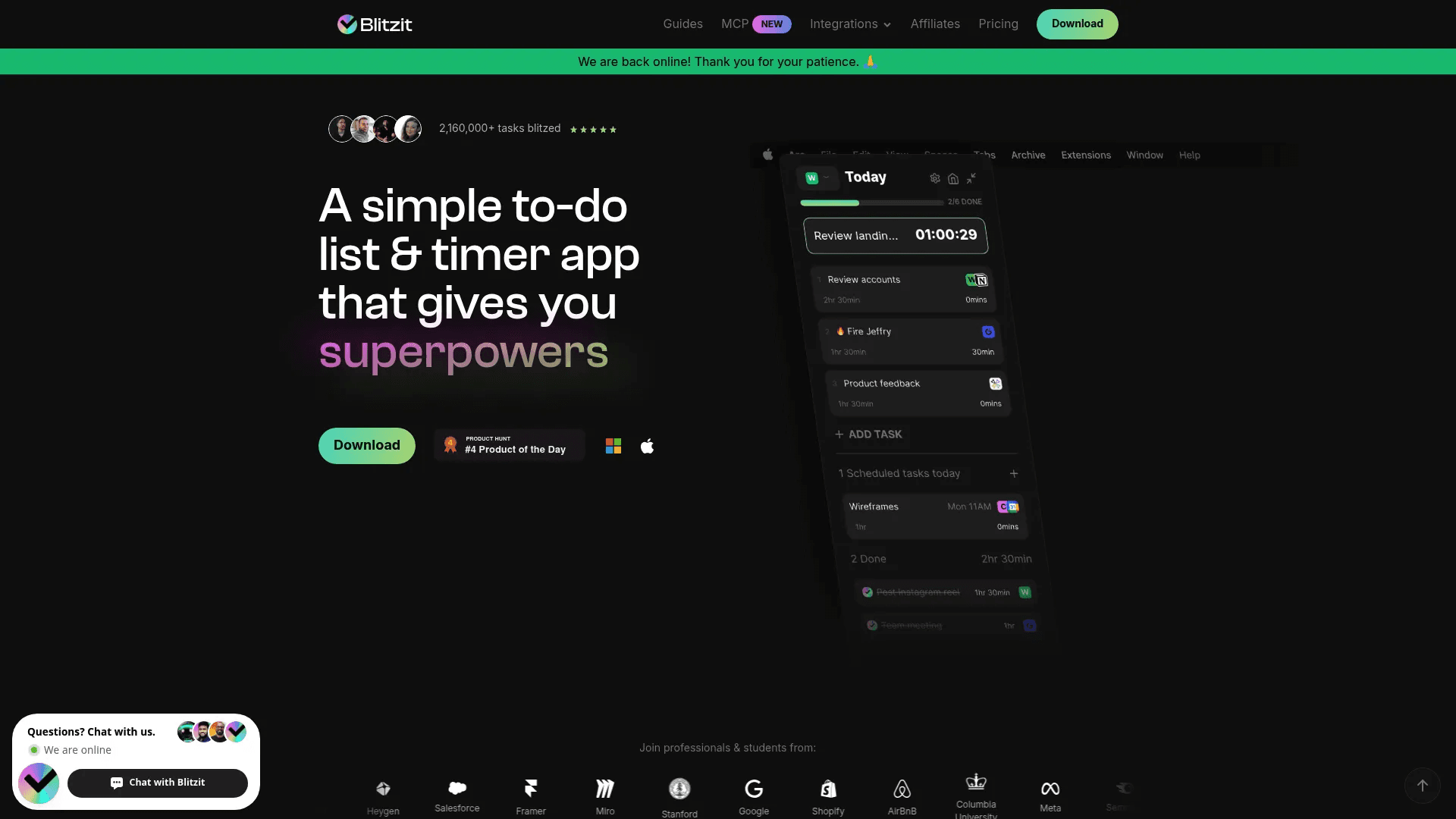
Blitzit is built for one thing. Focus. It combines a simple to-do list with a built-in timer so you actually finish tasks, not just list them. The app pushes you to plan your day, enter focus mode, and work through tasks one by one without distractions.
What makes Blitzit different is how it tracks time and attention. You can estimate how long a task should take, start a timer, and see how you perform. It uses Pomodoro-style sessions, focus mode, and even small visual rewards when you complete tasks. There is also an AI assistant that can turn your thoughts into tasks, notes, and schedules automatically. It feels more like a productivity system than just a list.
Pricing starts at $6.99/month or about $4.99/month billed yearly. You get unlimited tasks, lists, and all features. If your main problem is staying focused and finishing work on time, Blitzit is a strong option.
3. Lunatask
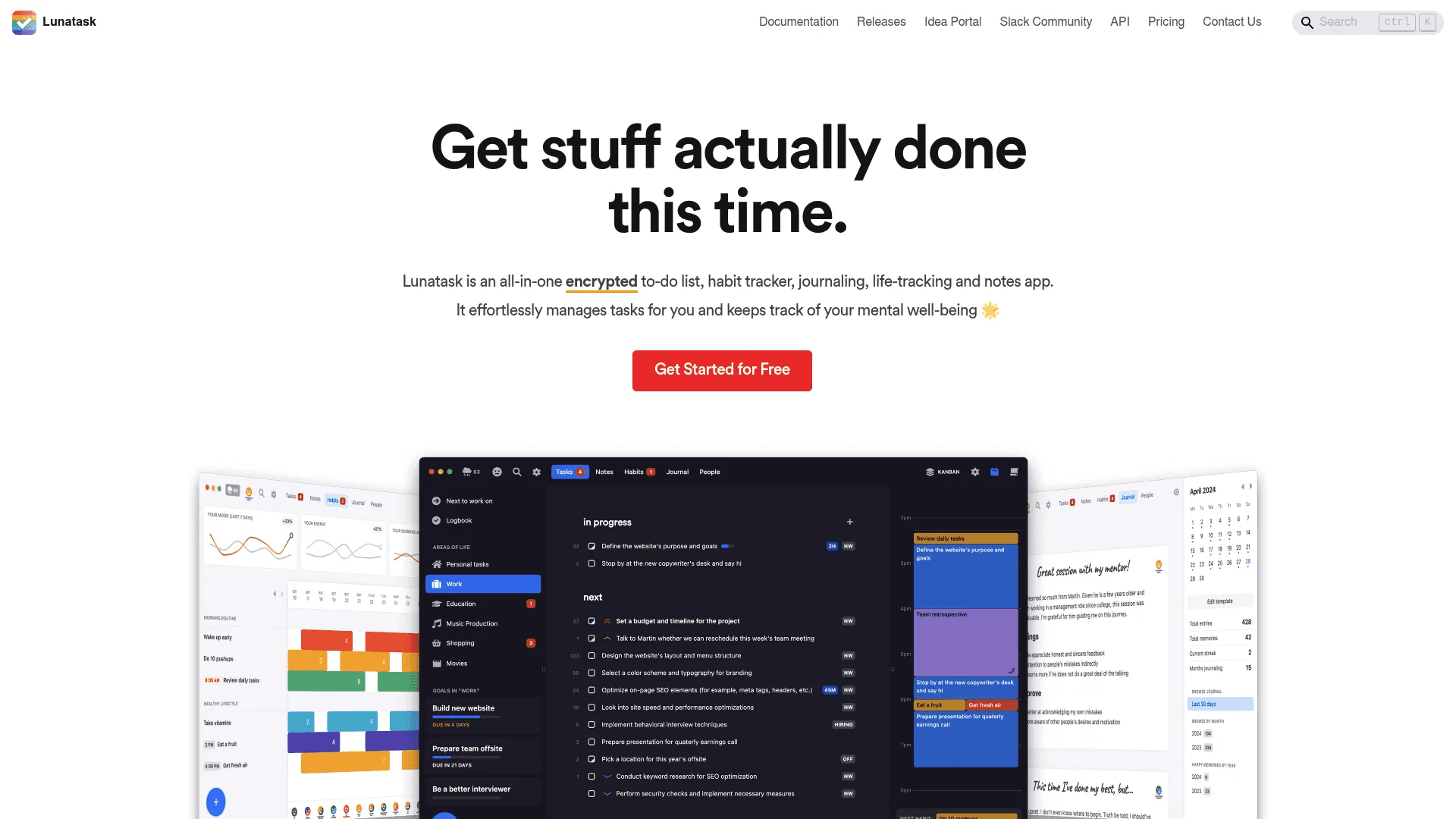
Lunatask is more than a to-do list app. It combines tasks, habits, journaling, notes, and even mood tracking into one system. The goal is simple. Help you manage both your work and your life in one place.
It stands out because it helps you decide what to do, not just store tasks. You can use methods like Must, Should, Want or the Eisenhower Matrix to prioritize tasks. It also includes time blocking, habit tracking, and relationship tracking. This makes it useful if you want structure across different areas of life, not just daily tasks. Everything is private and encrypted, which adds an extra layer of security.
The free plan includes core features like tasks, habits, and notes. The Premium plan costs $6/month or $8/month and unlocks unlimited tracking, advanced prioritization, and deeper insights. If you want an all-in-one productivity app that also supports mental clarity and habits, Lunatask is worth considering.
4. Obsidian
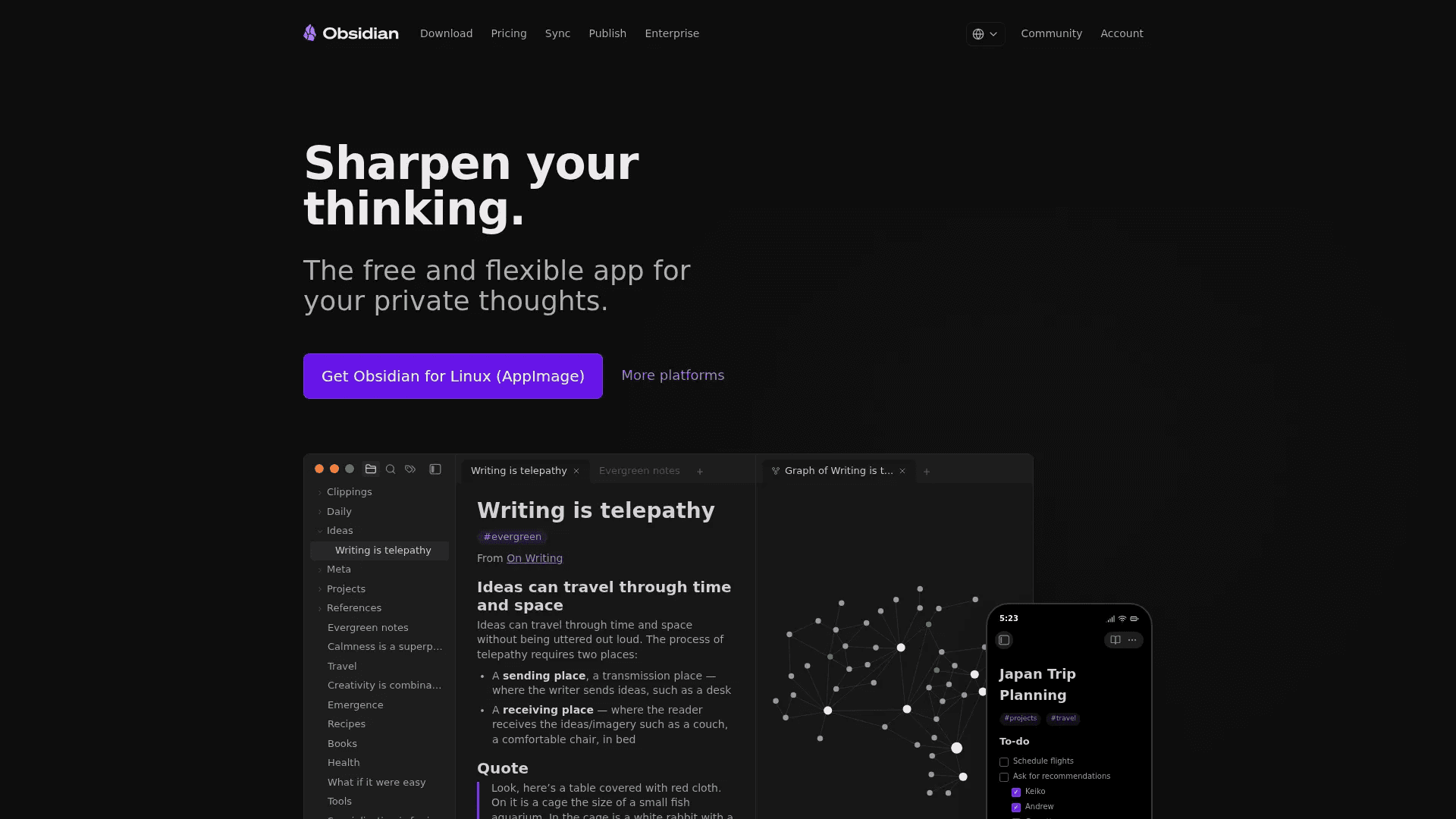
Obsidian is not a typical to-do list app. It is a powerful note-taking and thinking tool that you can turn into a task system. It stores everything locally on your device, so your data stays private and works even without internet.
What makes Obsidian different is how it connects your thoughts. You can link notes together like a personal knowledge base, create task lists inside notes, and visualize everything using a graph view. With plugins and themes, you can customize it fully. This makes it a strong choice for people who want a flexible system for tasks, ideas, and long-term thinking in one place.
The core app is free. Paid add-ons include Sync at $4/month for syncing across devices with encryption, and Publish at $8/month to turn your notes into a live website. If you want full control and a system that grows with you, Obsidian is a powerful option.
5. Fabric
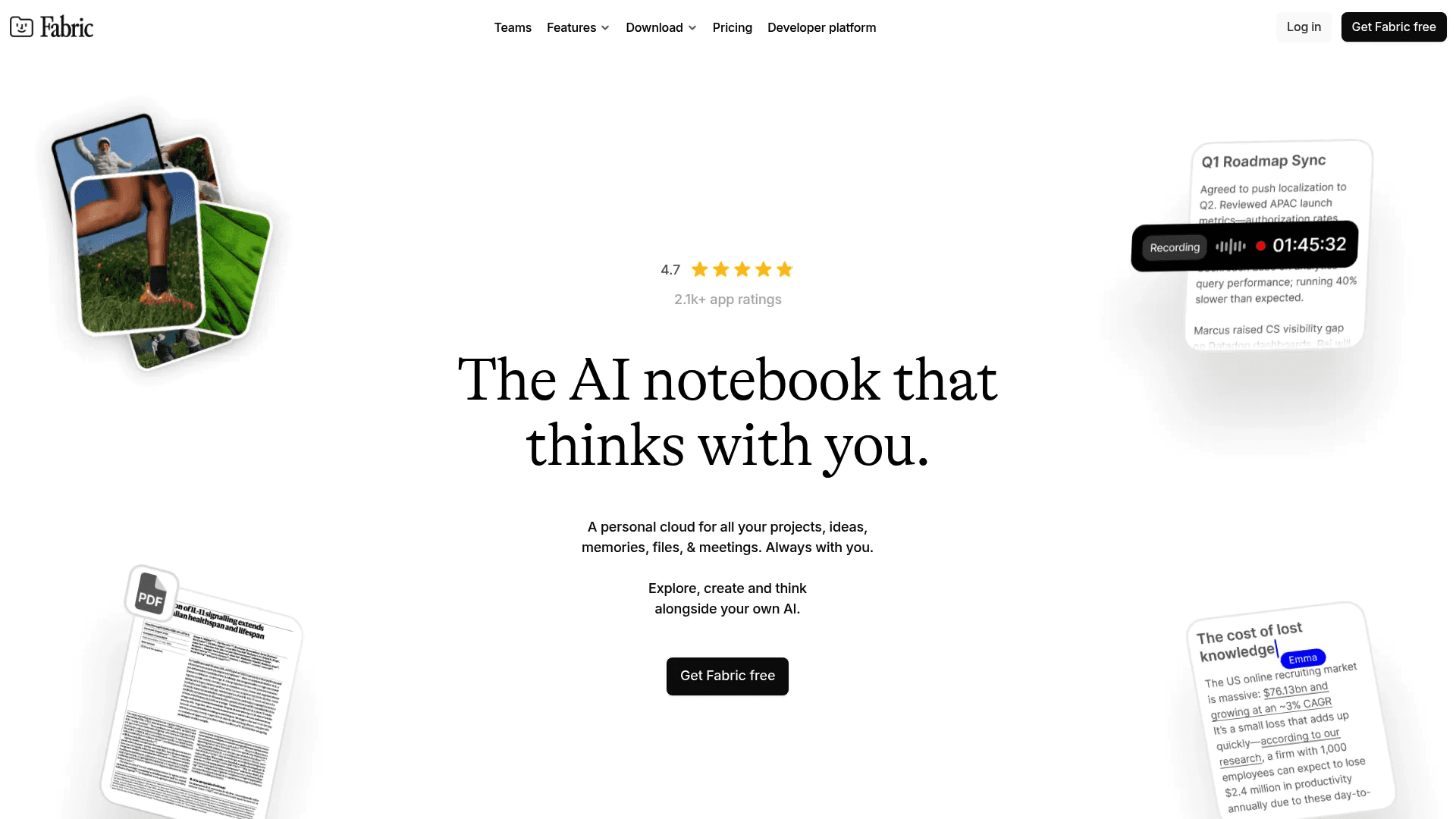
Fabric is an AI-first workspace that combines notes, tasks, files, and ideas into one place. Instead of manually organizing everything, it uses AI to understand and connect your content automatically.
You can save anything in Fabric. Notes, links, videos, documents, voice notes, and more. The AI lets you search using natural language, summarize files, and even organize your content without folders. It also includes tasks, reminders, collaboration, and a built-in AI assistant. This makes it useful if you deal with a lot of scattered information and want everything in one system.
The free plan includes basic storage, AI features, and sync. The Plus plan costs $6/month and adds more storage, higher limits, and advanced AI features like transcription and suggestions. If you want a smart, AI-driven way to manage tasks and information together, Fabric is a strong choice.
6. Superlist
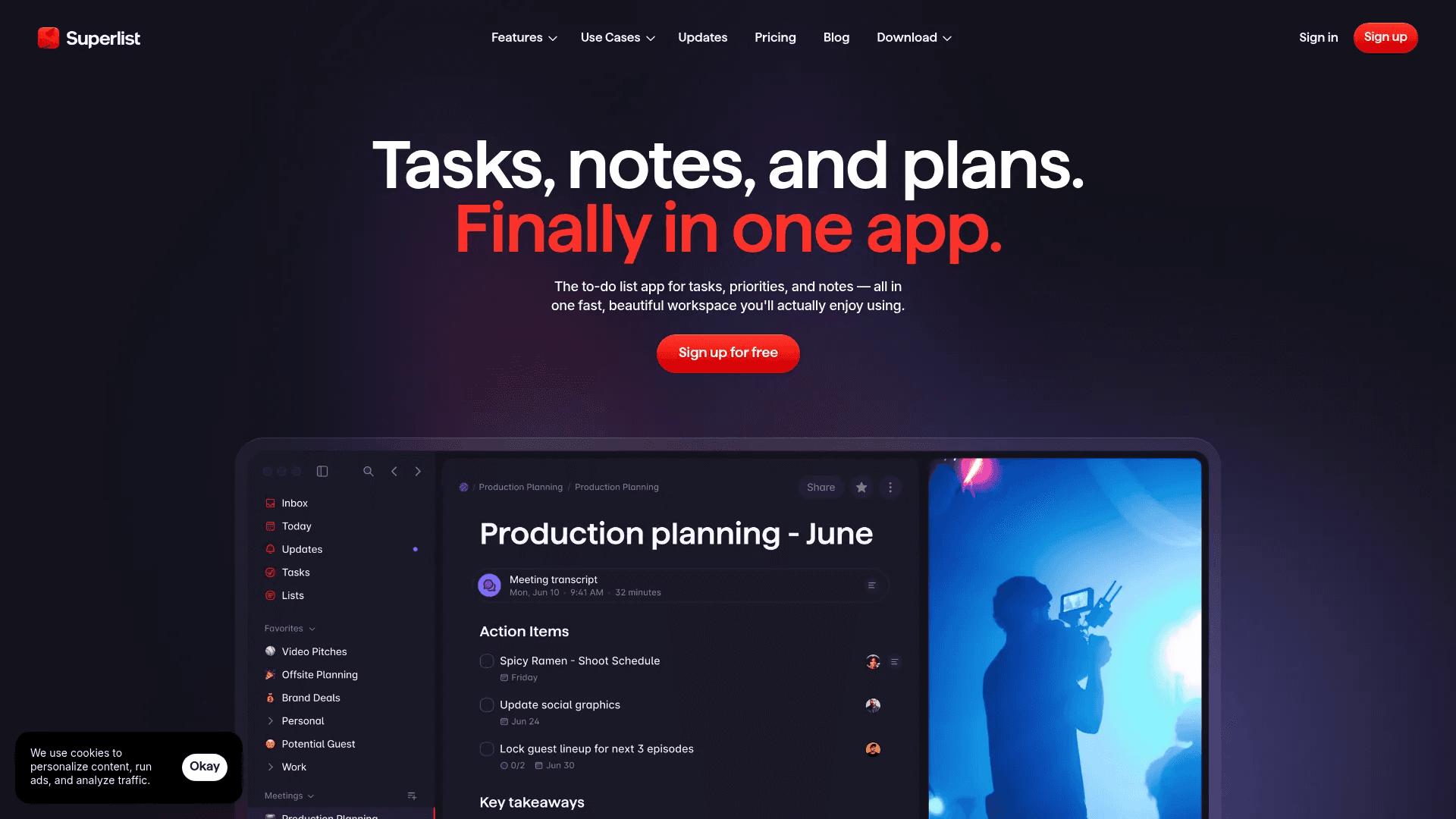
Superlist focuses on keeping tasks and notes together in a clean and simple interface. It is built to feel fast and natural, so you can write tasks, add details, and stay organized without switching tools.
The main strength of Superlist is its structure. You can create lists, sublists, and nested tasks to break big goals into smaller steps. You can also add notes directly inside tasks, which keeps context in one place. Features like recurring tasks, quick add, voice input, and cross-device sync make it easy to manage both daily work and long-term projects.
The free plan includes up to 5 lists and core features. The Basic plan costs $5/month and unlocks unlimited lists, integrations, and more storage. The Super plan at $21/month adds advanced AI features like meeting notes and task summaries. If you want a modern, clean to-do app that blends tasks with notes, Superlist is a solid option.
#7. Any.do
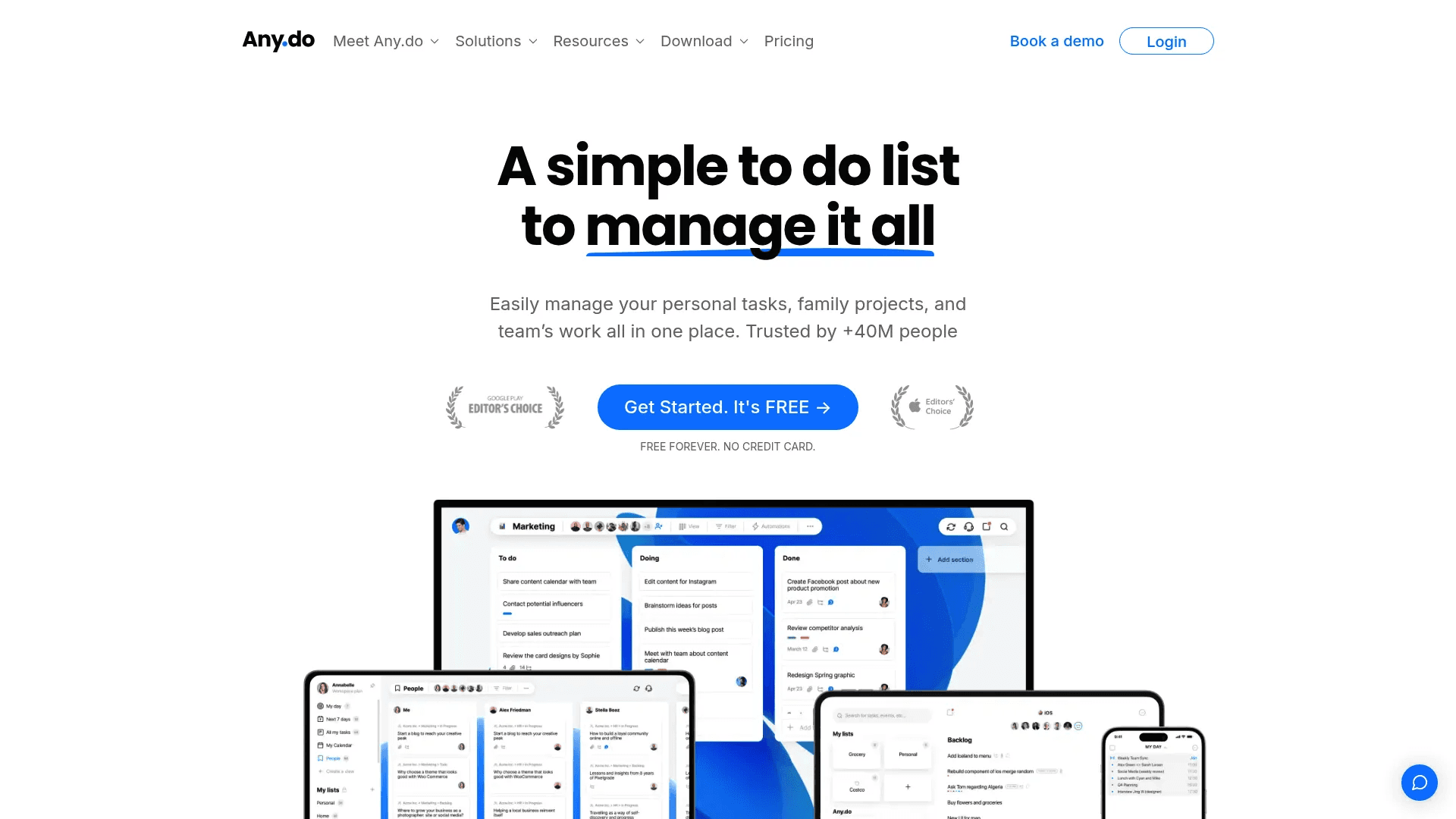
Any.do is a simple and practical to-do list app built for daily use. It focuses on helping you organize tasks, set reminders, and stay on track without overcomplicating things. You can create lists, add subtasks, attach notes, and even share tasks with others for work or personal use.
One of its strongest features is how it blends planning and execution. You can set due dates, recurring reminders, and even location-based alerts so you never miss anything important. It also supports collaboration, which makes it useful for teams or families managing shared tasks. Everything syncs across devices, so your list is always up to date.
The free plan includes core features like tasks, reminders, and calendar view. The Premium plan costs $4.99/month and adds recurring tasks, AI features, color tags, and advanced reminders. If you want a clean app that balances personal and shared task management, Any.do is a solid pick.
8. Tweek
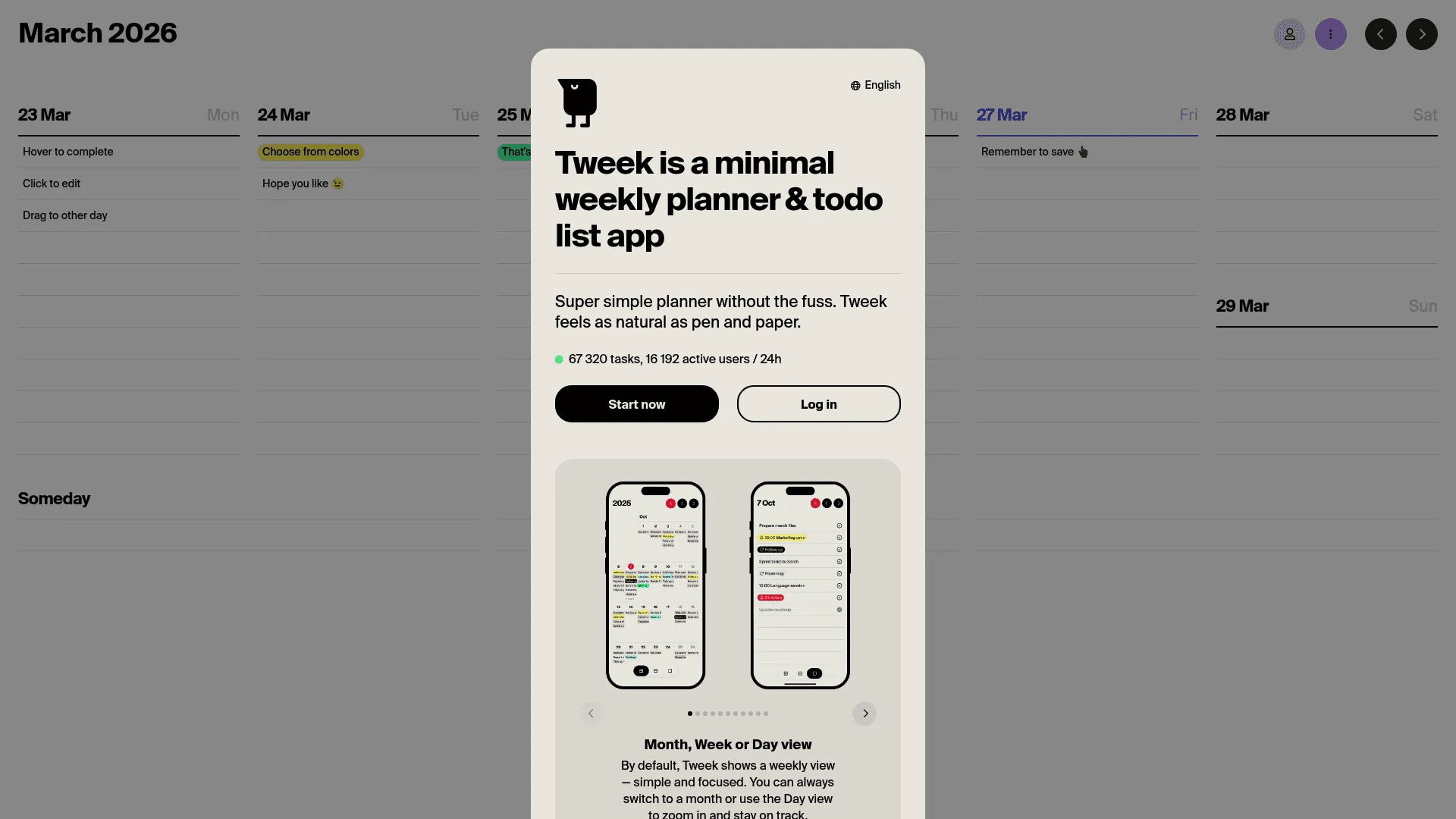
Tweek is built for people who want a simple weekly planner instead of a complex task manager. It feels like using a paper planner, but in digital form. The default weekly view keeps everything clear, so you can see your entire week at a glance and plan without distraction.
The app focuses on minimalism. There are no heavy features or complicated setups. You can switch between week, day, or month view, but the main goal stays the same. Keep things simple and focused. This makes it a good choice if you feel overwhelmed by feature-heavy apps and just want a clean space to plan tasks.
The free plan gives you basic planning features. The Premium plan costs $5.99/month and adds features like reminders, recurring tasks, subtasks, and calendar sync. If you prefer a calm, paper-like planning experience, Tweek works well.
9. TickTick
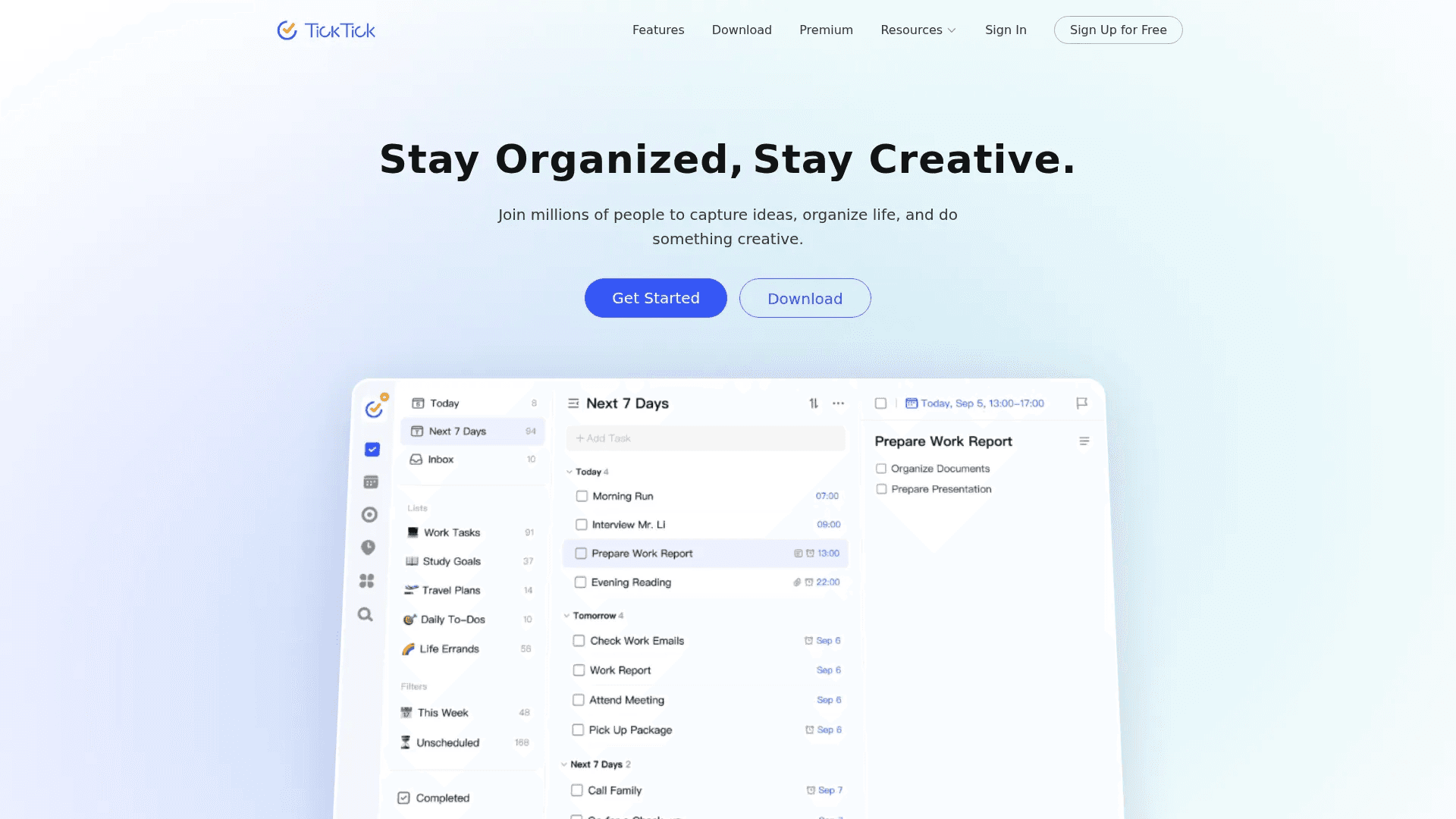
TickTick is an all-in-one to-do list app that combines tasks, calendar, habits, and focus tools in one place. It is designed for people who want both planning and execution tools without switching between apps.
It offers flexible task management with lists, filters, priorities, and smart date input. You also get built-in calendar views, a Pomodoro timer for focus, and a habit tracker to build routines. Features like recurring reminders, collaboration, and integrations make it useful for both personal and work use. Despite having many features, the interface stays clean and easy to use.
The free version is strong enough for most users. The Premium plan costs around $3/month (billed yearly at $35.99) and unlocks advanced features like full calendar views, more customization, and deeper tracking. If you want a complete productivity system in one app, TickTick is one of the best options.
Final Thoughts
The best to-do list app is the one you actually use.
Some apps focus on speed and simplicity. Others give you structure, planning, and deeper control. There is no single best option for everyone. It depends on how you think, plan, and work every day.
If you want something simple, go with apps like Any.do or Tweek. If you need more control, Todoist or TickTick are strong choices. If you want everything in one place, tools like Lunatask or Fabric can handle more than just tasks.
Do not try to find the perfect app. Find the one that feels easy to use. Add tasks fast. Check them off. Move on.
That is what actually gets things done.
You May Also Like













Featured Tools







Newest Additions




















AI Image & Video Generation

































Vibe Coding Library


























































Screenshot & Screen Recording Tools
















