




10 Best Free Icon Websites (2026)
Find clean, high-quality free icons you can use for websites, apps, and content without hassle.

Dudu
Mar 20, 2026
Last Updated Mar 20, 2026
Image Credit: Toolfolio
Most designs fail for a simple reason. They look unfinished.
You add text, colors, maybe an image. But something still feels off. That missing piece is often icons.
Icons help people understand faster. A small visual can explain what a full sentence cannot. They guide attention, break monotony, and make your design look clean and complete.
That is why people search for free icon websites.
You might be building a website, a landing page, a presentation, or even social media posts. You need icons that look good, match your style, and do not cost anything. You also want them fast, without dealing with licenses or complex downloads.
But here is the problem.
Not all free icon sites are actually useful. Some have low-quality icons. Some require attribution. Some are hard to search. And some just waste your time.
This guide solves that.
We list the best free icon websites you can use right now. Clean libraries, easy downloads, and icons that actually improve your design.
1. Streamline Icons
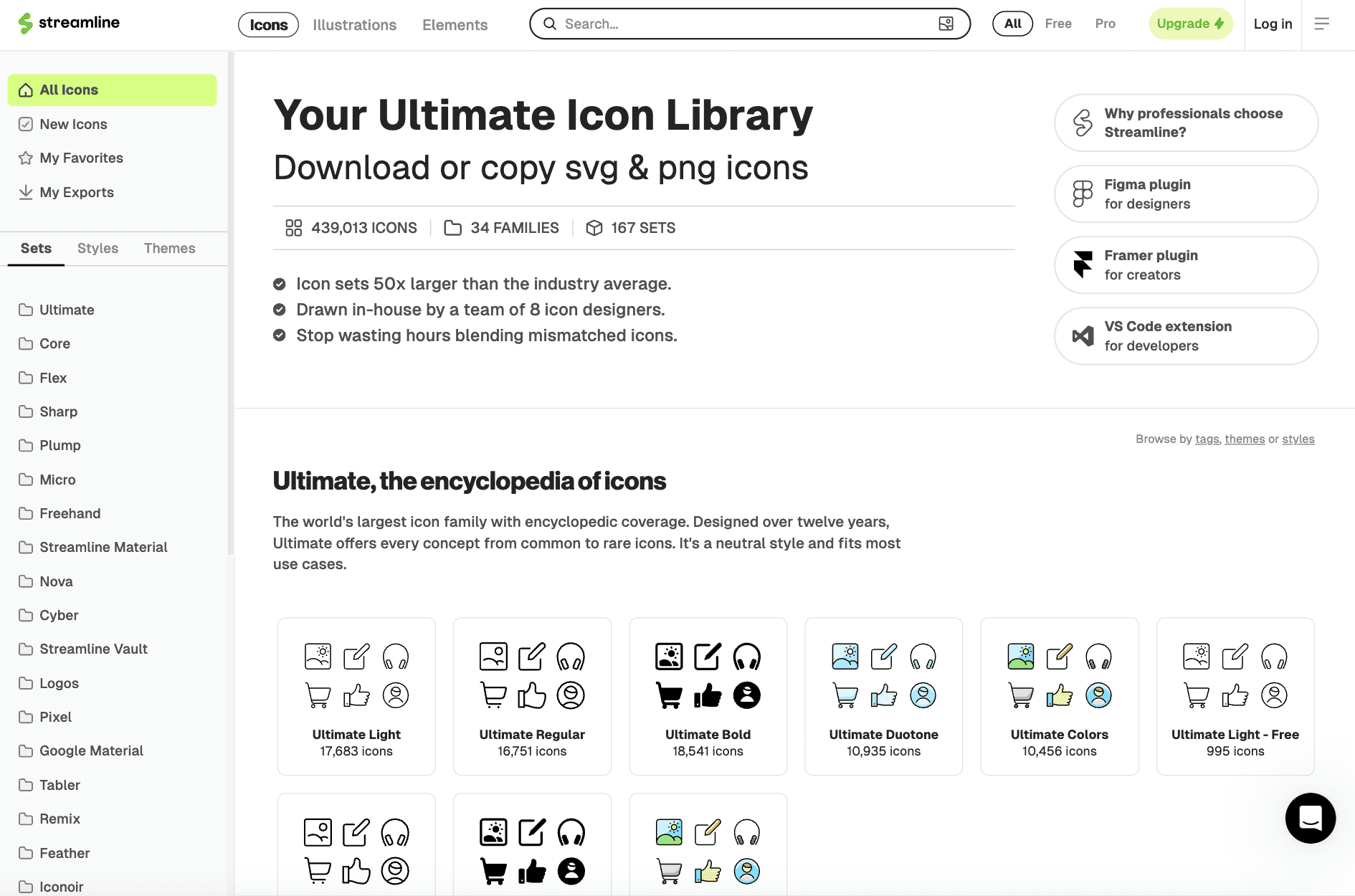
Streamline is one of the largest icon libraries available. It offers over 300,000 icons, along with illustrations, emojis, and UI elements. The biggest strength is consistency. Every icon follows the same design system, so your UI looks clean and uniform.
You also get multiple styles like line, bold, flat, hand-drawn, and even brutalist. This makes it useful for almost any type of project, from apps to websites to presentations.
The icons are built by an in-house team, not crowdsourced. This keeps quality high. Each icon is designed on a strict grid, which helps with alignment and readability. Even at small sizes, icons stay sharp and easy to understand. You also get full customization.
You can change colors, stroke width, size, and export in formats like SVG, PNG, PDF, or JSX. There is also a Figma plugin and web app that lets you drag and drop icons directly into your workflow.
Streamline also focuses on speed. You can search across all icon sets, save favorites, and download multiple icons in one click. It even offers an API to plug icons directly into your product. The free plan gives access to a limited set of icons.
2. IconBuddy
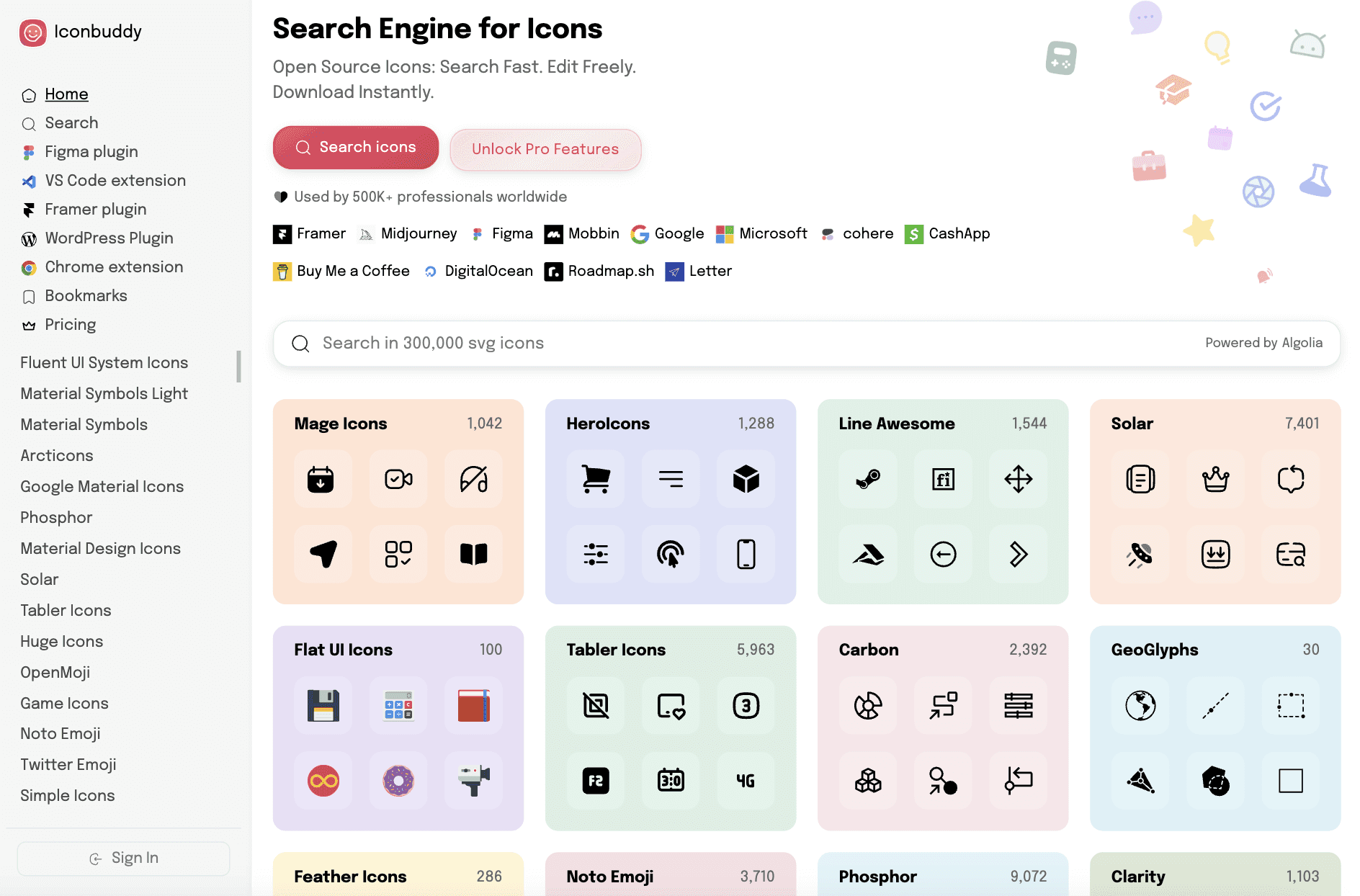
IconBuddy works like a search engine for icons. It pulls from popular open-source libraries like Material Design Icons and Font Awesome, giving you access to over 250,000 SVG icons in one place.
You do not need to visit multiple sites or dig through different libraries. You search once and get everything.
The main focus is speed and control. You can search icons fast, edit colors and sizes directly on the platform, and download instantly. This makes it useful when you need icons quickly for websites, apps, or design work.
IconBuddy also fits into your workflow. It offers plugins for tools like Figma, Framer, and VS Code. You can search and insert icons without leaving your editor. The platform is completely free since it uses open-source icons, so there is no paid plan to worry about.
3. Feather Icons
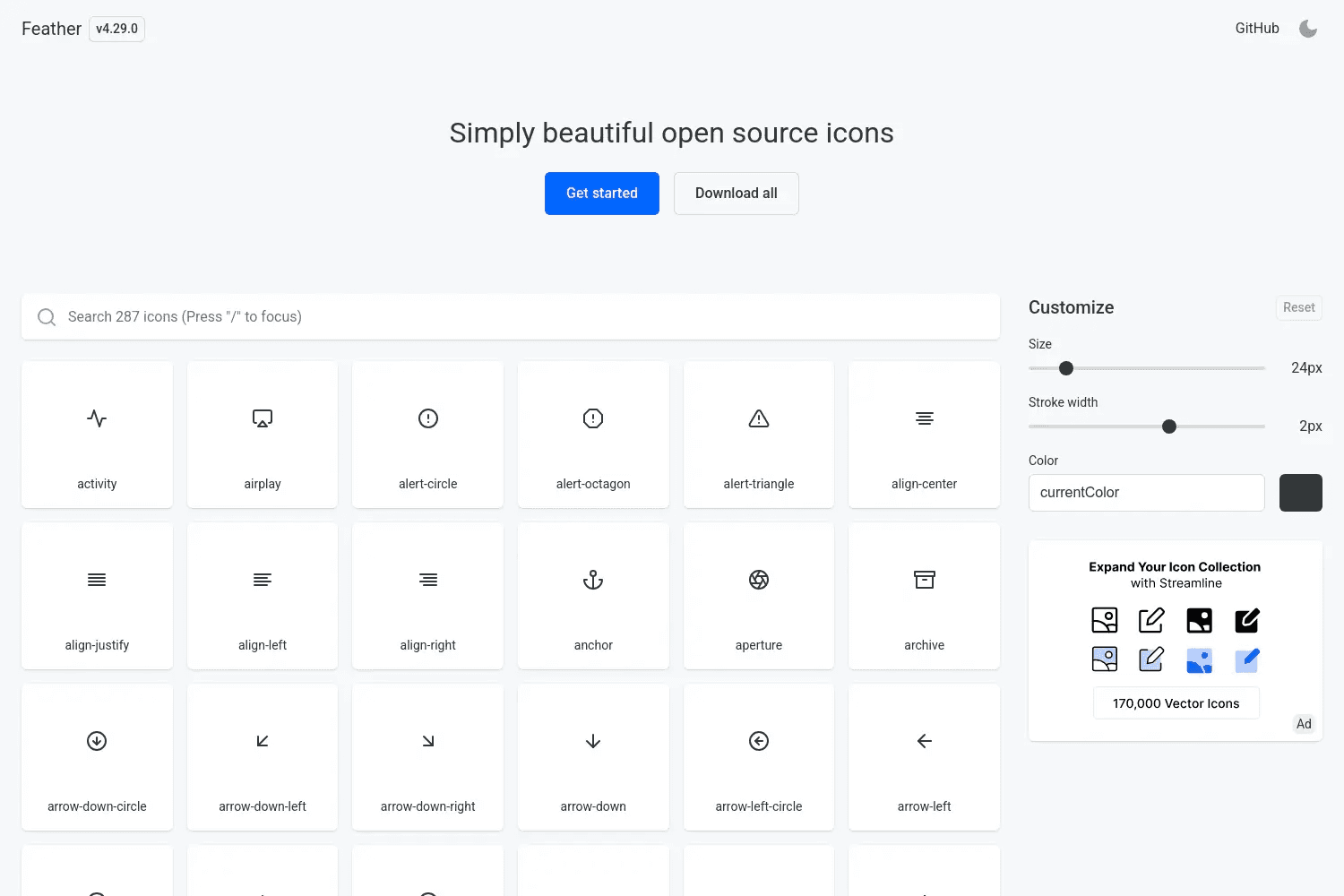
Feather Icons is a clean and minimal icon set built for modern interfaces. It offers around 280+ icons, all designed on a consistent 24x24 grid. Every icon follows the same simple style, which makes your UI look neat and balanced.
The focus is on simplicity and flexibility. These are line icons, so they are lightweight and easy to customize. You can change stroke width, size, and color directly using SVG. This makes them a strong choice for developers and designers who want full control without extra tools.
Feather is fully open-source under the MIT License. You can use it for free in personal or commercial projects. Icons are available as SVG files, icon fonts, and even React components through React Feather. Everything is free and easy to integrate into any project.
4. Lordicon
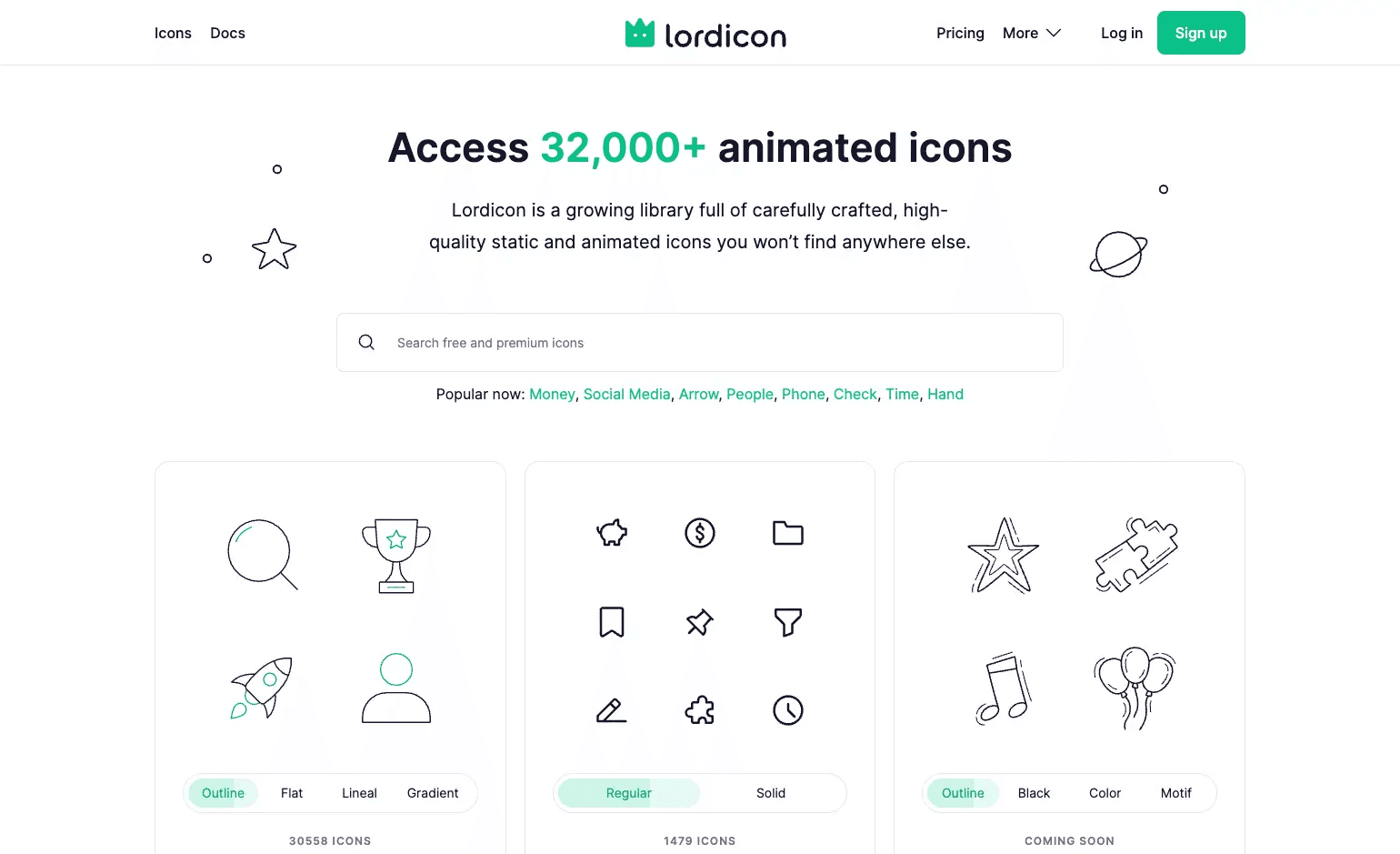
Lordicon focuses on animated icons. It offers a large library of 42,000+ icons, including both static and animated options. These icons add motion to your design, which helps grab attention and improve user interaction on websites, apps, and content.
The main strength is customization and control. You can adjust colors, stroke thickness, and animation speed. You can also set triggers like hover, click, loop, or morph. Icons can be exported in multiple formats like Lottie JSON, SVG, GIF, MP4, and PNG. This makes it useful for both developers and designers working across different platforms.
Lordicon also includes built-in tools to organize icons into collections and share them with others. It integrates with platforms like WordPress, including Gutenberg and Elementor, and supports performance features like lazy loading.
The free plan includes around 9,000 animated icons, basic customization, and unlimited exports with attribution. Paid plans unlock the full library and advanced usage, starting at $0 for free access.
5. Tabler Icons
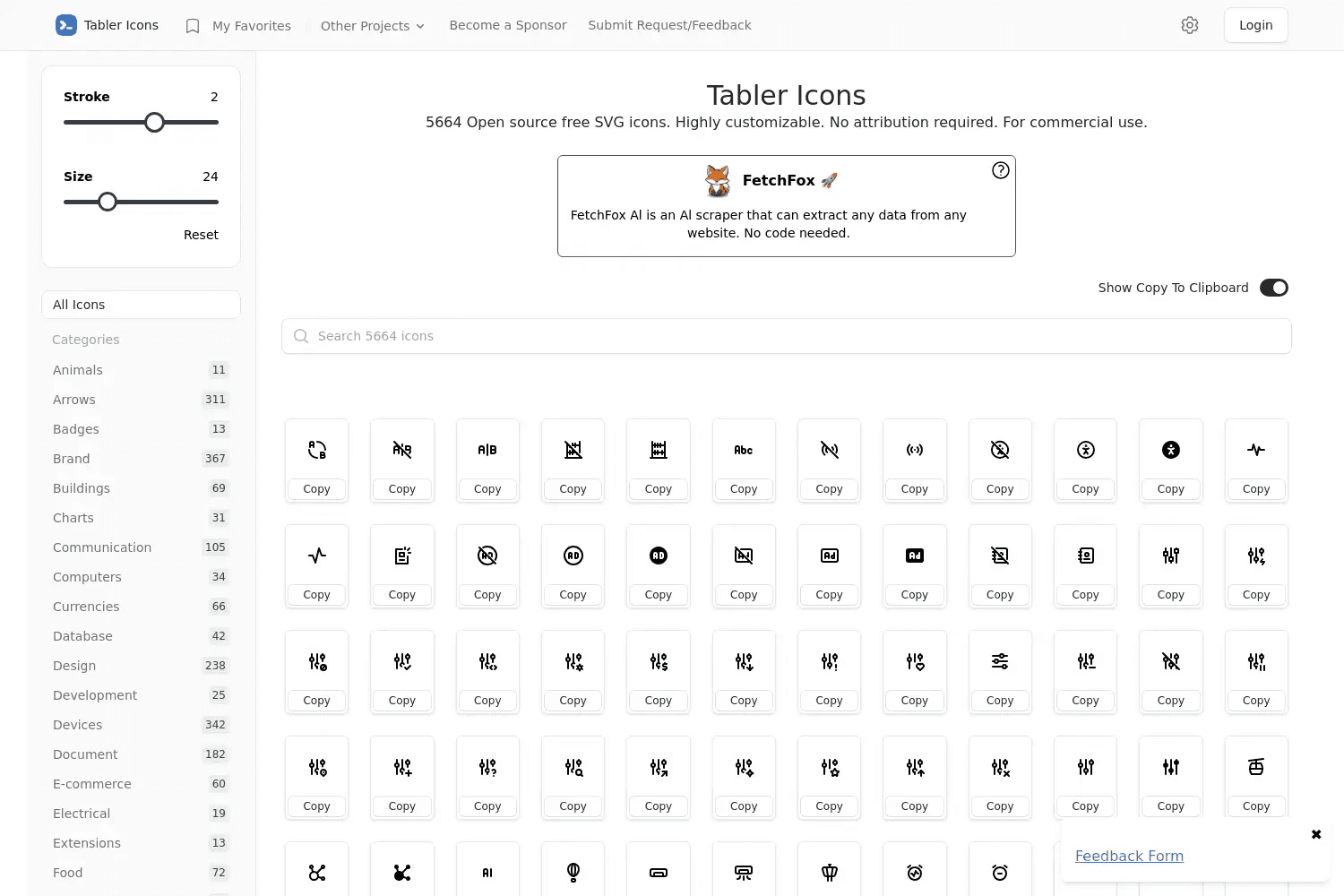
Tabler Icons is a large open-source icon set with over 6,000 SVG icons. All icons follow a consistent 24x24 grid with a 2px stroke, which keeps everything clean and aligned. This makes it a strong choice for dashboards, apps, and modern web interfaces.
You get both outline and filled versions of many icons. This gives flexibility when designing different UI states or styles. Icons are easy to customize. You can change size, color, and stroke directly using SVG. The design stays sharp and readable across different screen sizes.
Tabler Icons is free under the MIT License, so you can use it in personal and commercial projects. Icons are available in SVG, PNG, and webfont formats. It also offers ready-to-use packages for React, Vue, and SolidJS, along with a Figma plugin. There is no pricing. Everything is free and easy to use.
6. Lucide Animated
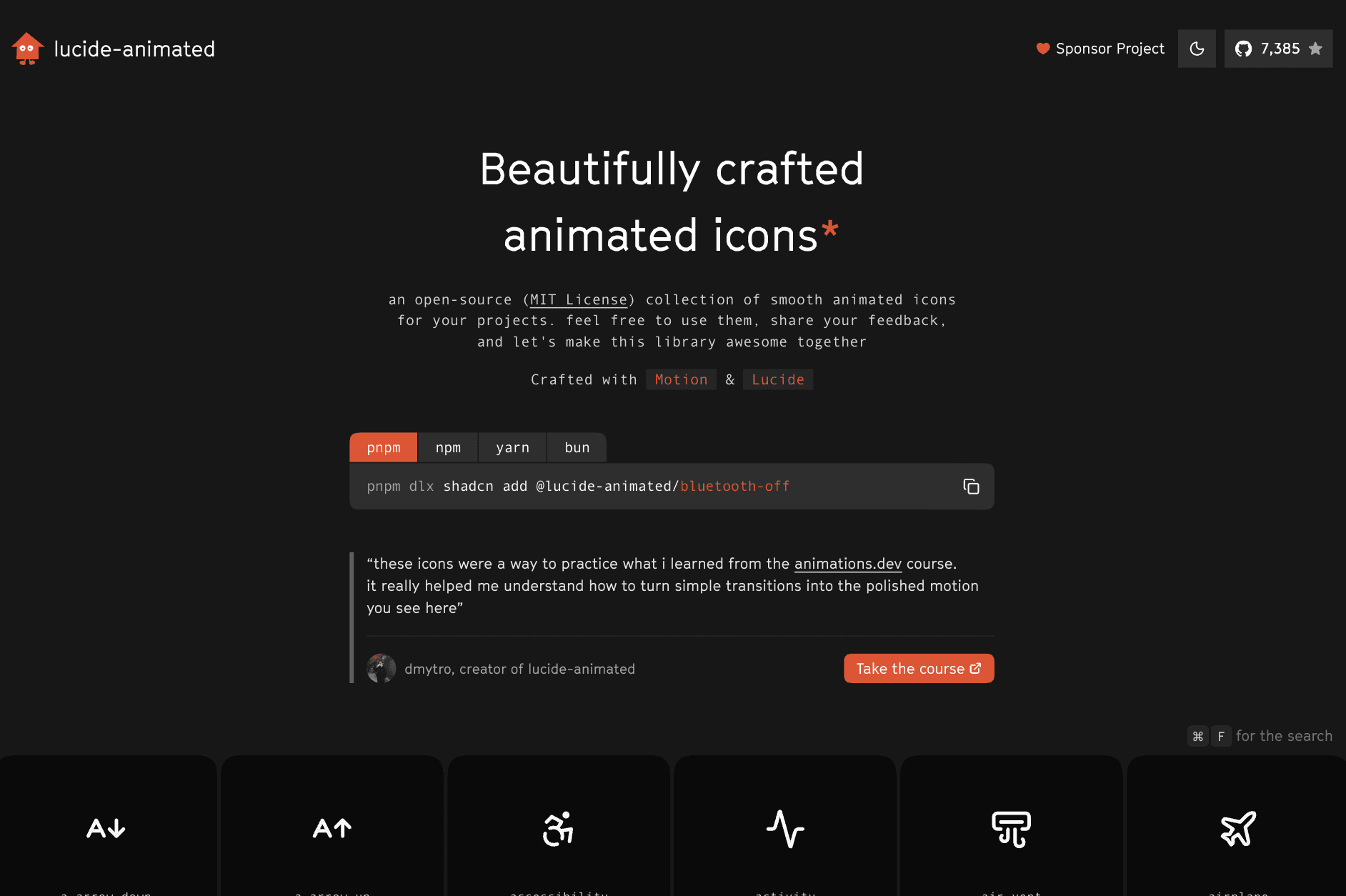
Lucide Animated is a free open-source library of animated icons built for modern apps. It is based on the Lucide icon set, which itself is a maintained fork of Feather Icons. You get 300+ animated icons with smooth motion powered by Framer Motion, designed for clean UI interactions.
The focus is performance and control. Animations include effects like rotate, scale, translate, opacity, and path drawing.
You can trigger them on hover, click, loop, or control them manually. Since it uses React components, you can import icons and control everything with props like size, color, and animation state. It runs smoothly at 60fps and is optimized with tree-shaking, so your app stays fast.
Lucide Animated is fully free under the MIT License. It is best suited for developers working in React who want lightweight animated icons without using Lottie files. There are also community ports for frameworks like Flutter and Svelte. There is no pricing. Everything is free and ready to use.
7. Heroicons
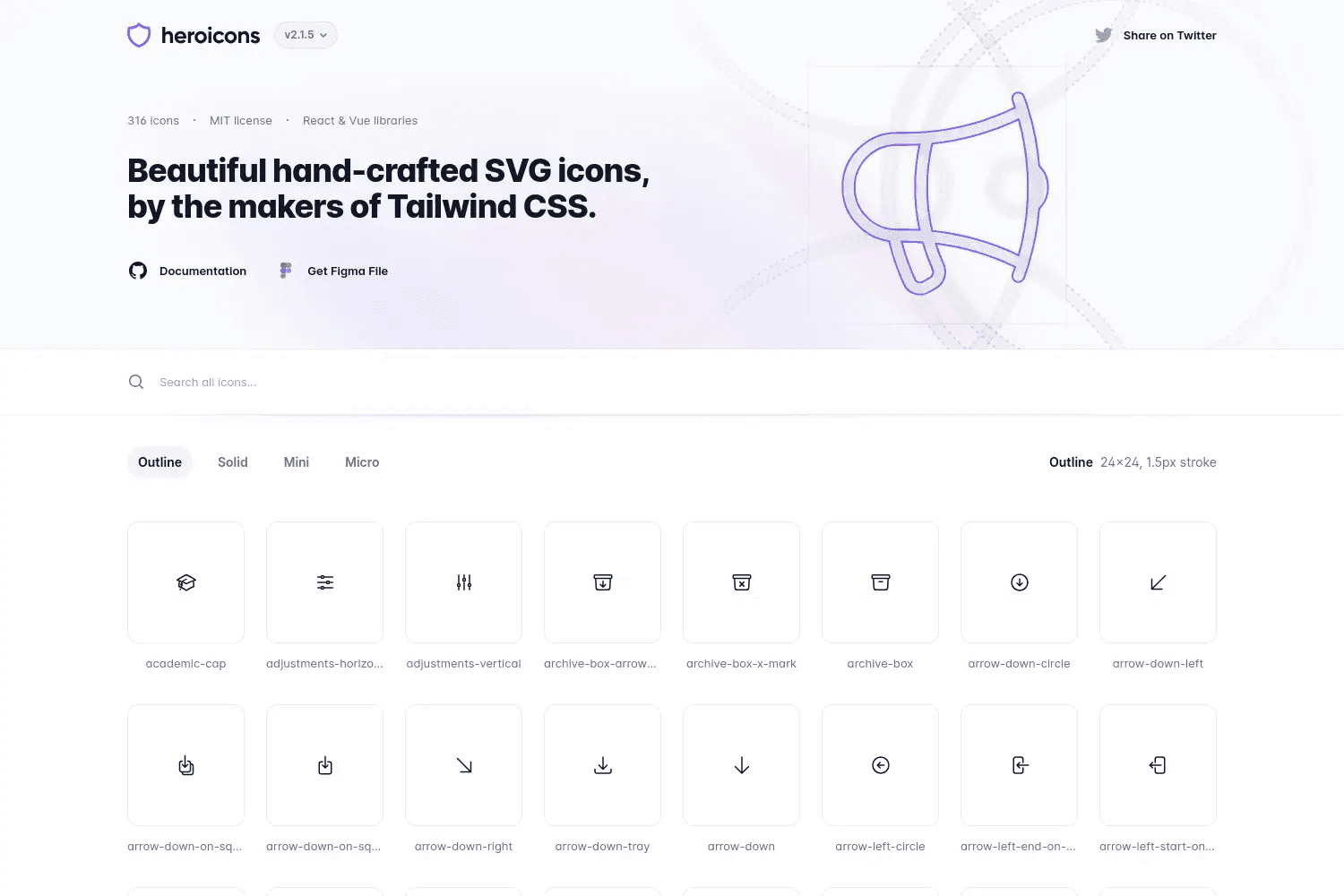
Heroicons is a clean and modern icon set built by the team behind Tailwind CSS. It offers 300+ SVG icons designed for user interfaces. The icons come in multiple styles, including outline, solid, and smaller 20x20 and 16x16 variants, which makes them flexible for different UI needs.
The design is simple and consistent, which works well for apps, dashboards, and websites. Since all icons are SVG, you can easily change size, color, and stroke using CSS or component props. This makes them easy to use in design systems, especially if you already use Tailwind CSS.
Heroicons is fully open-source and free under the MIT License. It also provides official packages for React and Vue, which are tree-shakable and easy to import into projects. There is no pricing. Everything is free and ready for both personal and commercial use.
8. Simple Icons
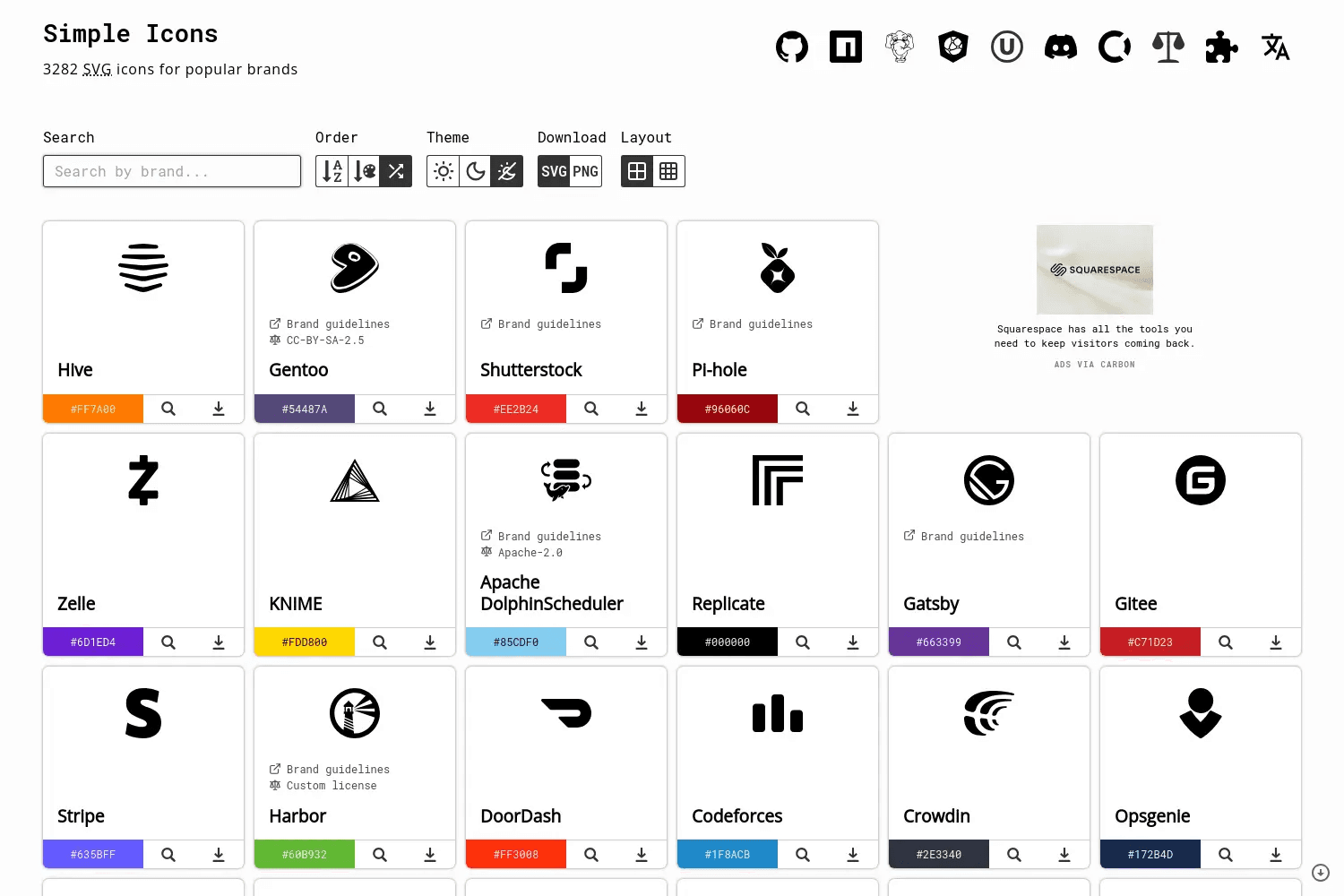
Simple Icons is a focused icon library for brand logos. It offers over 3,400 SVG icons for popular companies and tools like GitHub, React, and Spotify. If you need clean brand icons for websites, footers, or integrations, this is one of the best options.
The design is minimal and consistent. Each icon uses a single SVG path and comes with its official brand color. There are no backgrounds or extra elements, which keeps icons lightweight and scalable. This makes them easy to use across websites, apps, and documentation.
Simple Icons is open-source and completely free. You can download SVGs directly or use the npm package for development. It also has React wrappers for easy integration. There is no pricing. Everything is free for personal and commercial use.
9. The Noun Project
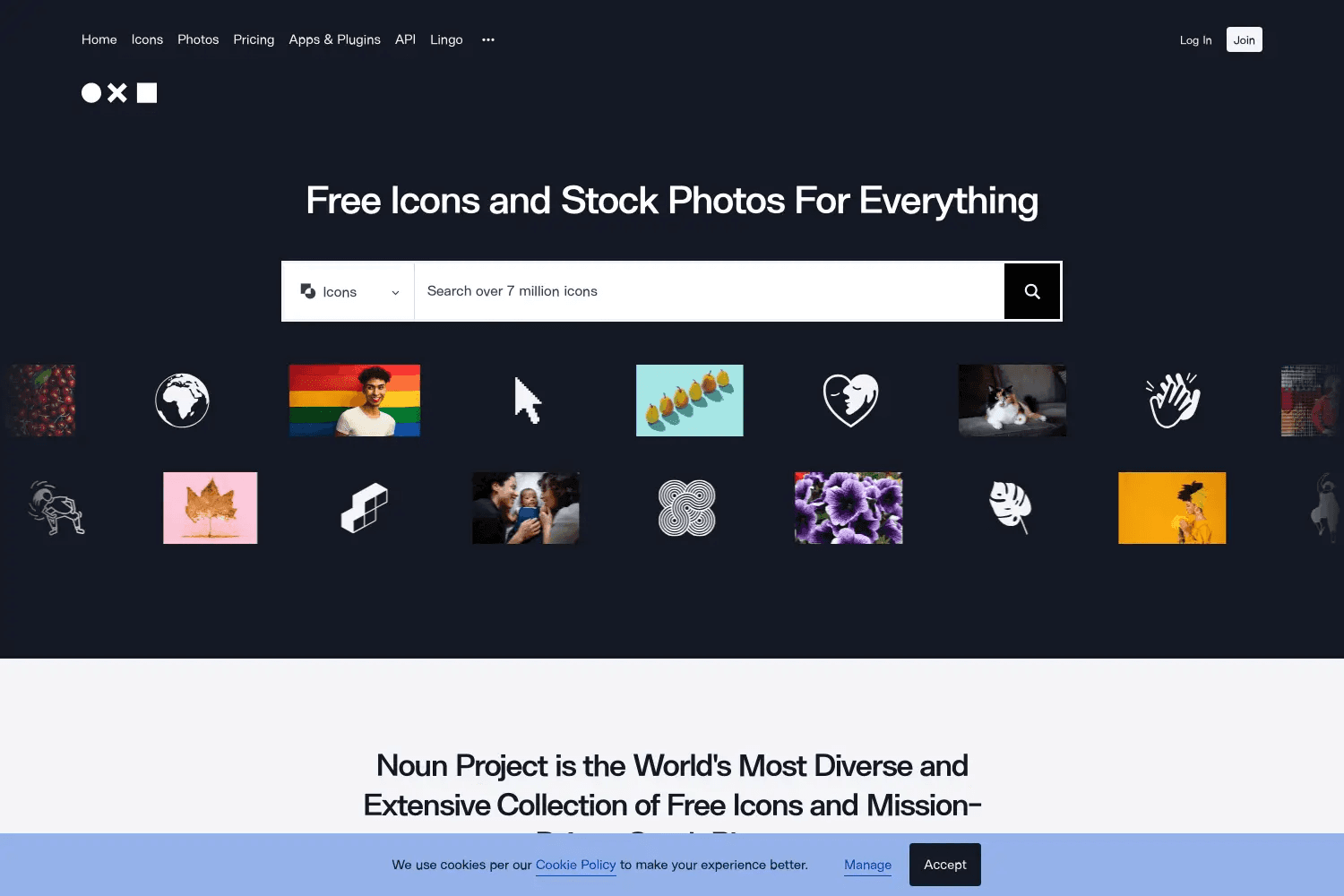
The Noun Project is one of the largest icon libraries available. It offers millions of icons, symbols, and even stock photos, all contributed by designers from around the world. You can find almost anything here, from basic UI icons to detailed cultural and niche symbols.
The main strength is variety and discovery. You can search across different styles and categories, and even use AI-powered search to find icons that match your design style. Icons can be customized by color, size, and line weight. This makes it useful for presentations, infographics, and content where you need very specific visuals.
The Noun Project has both free and paid access. The free tier gives limited downloads with attribution. The Pro plan removes attribution and unlocks the full library, starting at $39.99 per year. It also integrates with tools like Google Docs, Slides, and Microsoft Office, plus offers an API for developers.
10. Boxicons
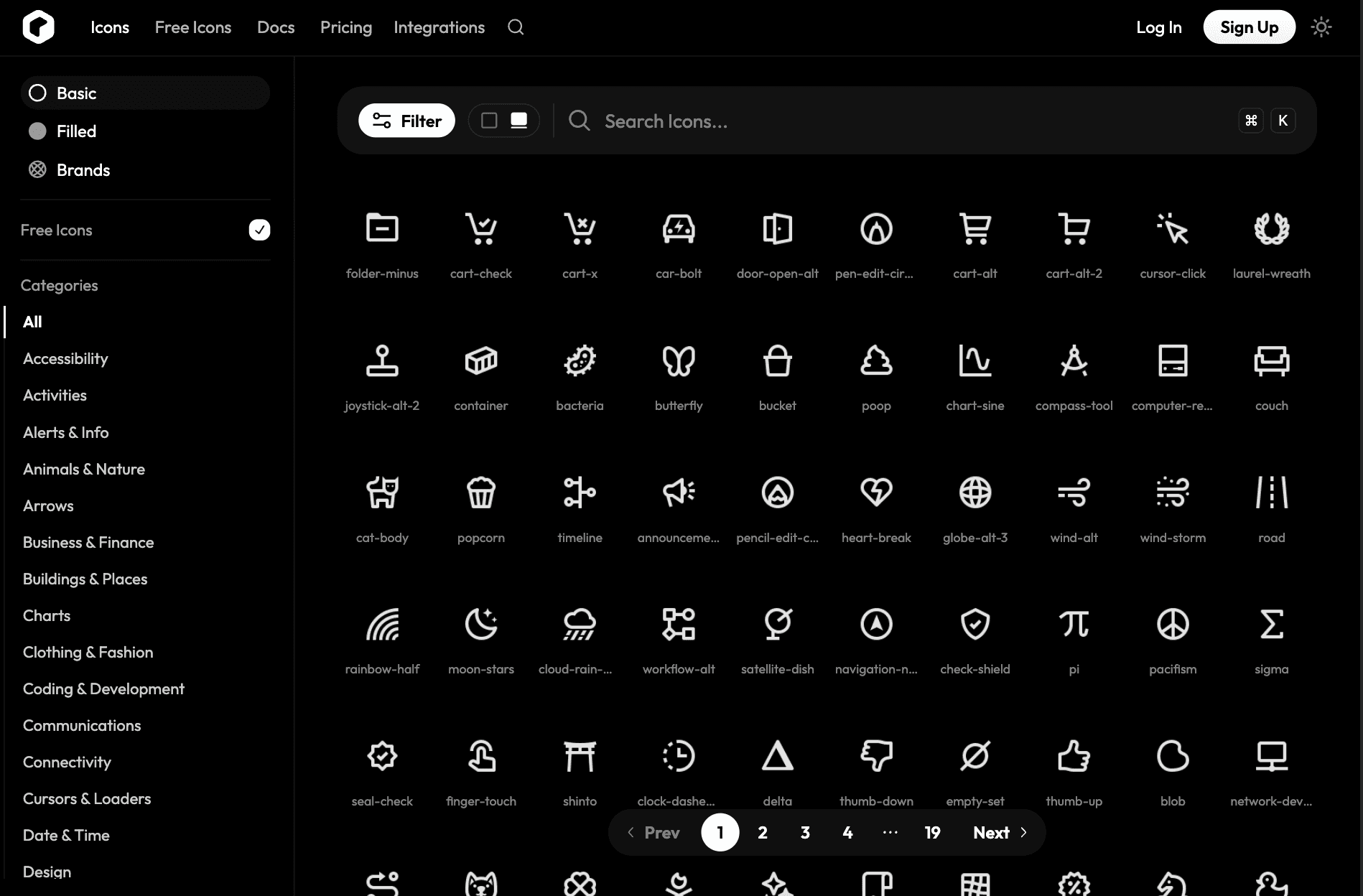
Boxicons is a simple and developer-friendly icon library with thousands of icons and social logos. It focuses on clean design and easy integration, which makes it a good choice for websites, apps, and UI projects.
The library offers multiple styles and weights, so you can match different design needs. Icons are consistent and organized across 40+ categories, which makes searching easy.
You can also customize icons directly by changing color, size, rotation, or padding before export. Files are available in formats like SVG, PNG, WEBP, icon fonts, and even React components.
Boxicons is open-source and free to use. It also supports modern workflows with plugins for Figma and Framer, plus NPM packages for frameworks like React, Vue, and Svelte. There is no pricing for the core library. Everything is free for personal and commercial use.
Wrapping Up
Finding good icons should not take hours.
The right icon library saves time, keeps your design consistent, and makes your work look more polished. Whether you need simple UI icons, brand logos, or animated icons, there is a tool here that fits your workflow.
If you want a massive all-in-one library, go with Streamline or The Noun Project.
If you need fast and free access, IconBuddy and Tabler Icons work well.
If you want clean UI icons, Feather and Heroicons are solid choices.
If you need motion, Lordicon or Lucide Animated will do the job.
If you need brand logos, Simple Icons is the go-to.
Start with one or two tools based on your need. You do not need all of them.
If you want more tools like this, check out Toolfolio. It covers the best tools for design, AI, and productivity in a simple and useful way.
You May Also Like













Featured Tools







Newest Additions




















AI Image & Video Generation

































Vibe Coding Library



























































Screenshot & Screen Recording Tools
















