

5 Best App Store Screenshot Inspiration Sites
Discover the best app store screenshot inspiration sites to explore high converting designs, real app examples, and creative layouts that help you craft screenshots that stand out and drive more downloads

Dudu
Mar 25, 2026
Last Updated Mar 25, 2026
Image Credit: Toolfolio
You open the App Store and see it right away.
Some apps look clean, clear, and worth downloading. Others feel confusing, crowded, or just boring. The difference is often in the screenshots.
App store screenshots are not just images. They explain your app, show value fast, and push users to install. A good set can lift conversions. A bad one can kill interest in seconds.
The problem is simple. It is hard to design great screenshots from scratch. You need ideas. You need to see what works. You need real examples.
That is why people search for app store screenshot inspiration sites.
These sites collect high quality screenshot designs from real apps. You can study layouts, copy, colors, and flow. You can see how top apps present features and guide users through each screen.
In this article, you will find the best app store screenshot inspiration sites. These help designers, marketers, and founders create better screenshots that look sharp and convert better.
Best App Store Screenshot Inspiration Sites
1. Shoot.Design
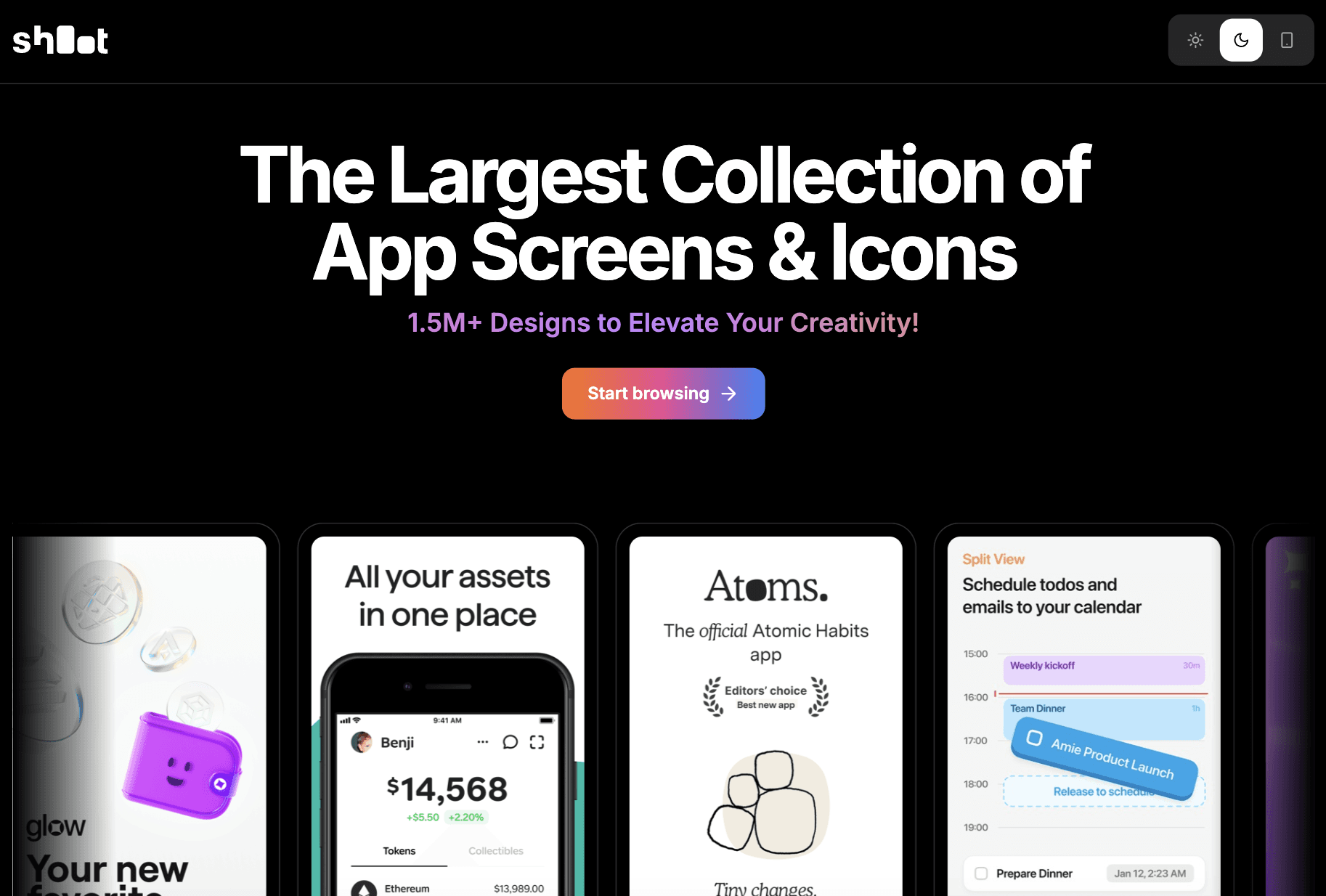
Shoot.Design is a simple, focused gallery for App Store screenshots and icons. It helps you explore real app visuals in one place so you can quickly understand what works and what does not. The site is built for inspiration, not tools or editing, so you can stay focused on ideas and patterns.
You can browse different apps and study how they structure their screenshots. This includes layout flow, short copy, colors, and how features are explained across slides. It is useful when you are trying to improve your app listing, test new screenshot styles, or fix weak messaging that does not convert.
There is no pricing involved. It is free to browse. Use it when you need quick, high quality reference without distractions.
It works best for founders, designers, and marketers who want clear ideas before designing their own screenshots.
2. ScreensDesign
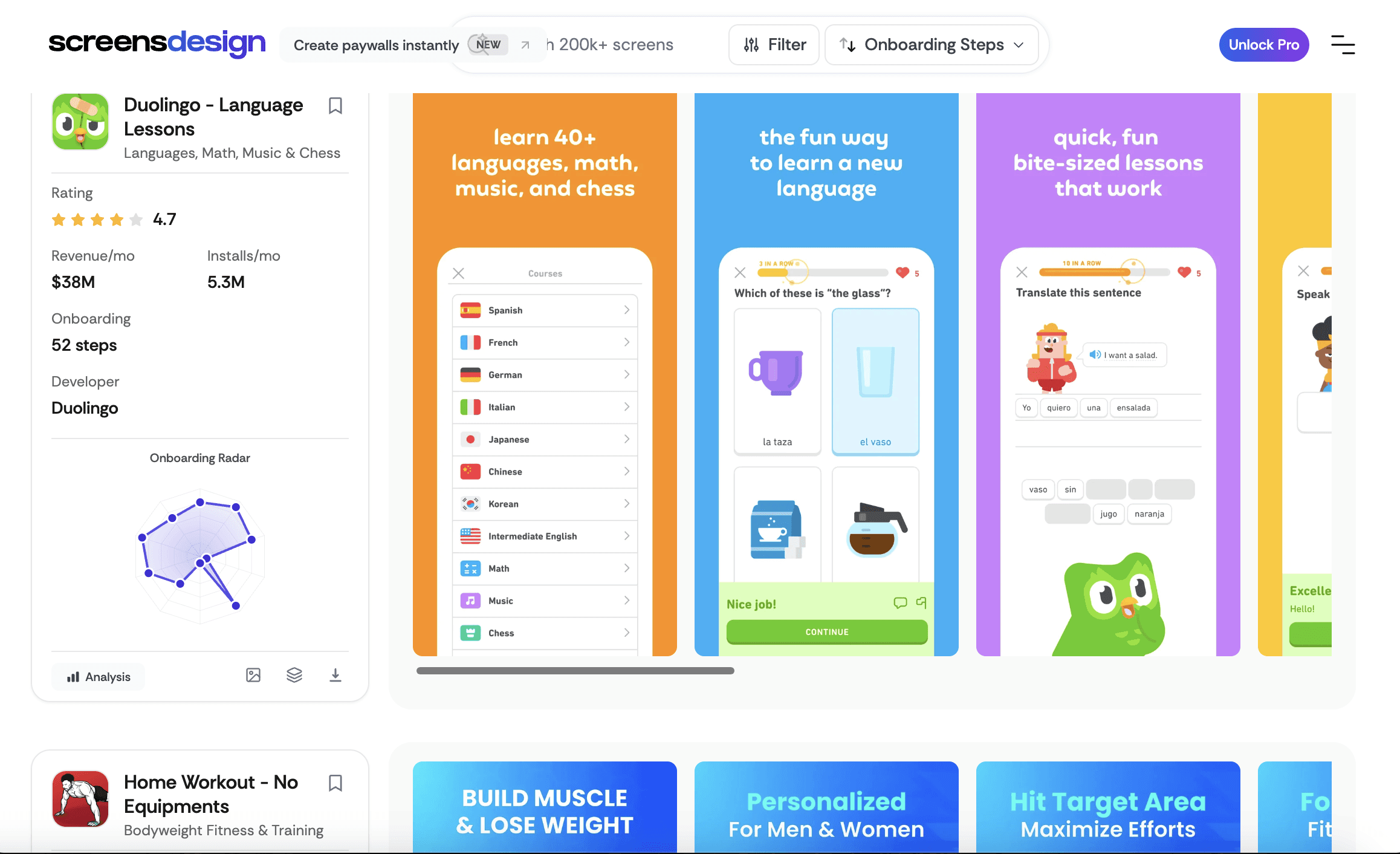
ScreensDesign is more than a screenshot gallery. It is a research tool for studying how top apps design screens that convert. The focus is on iOS apps, especially onboarding flows, paywalls, and key moments where users decide to stay or leave.
You can browse real app screens, but also see how they perform. Some listings include data like installs, revenue, ratings, and onboarding steps. This helps you understand not just how a screen looks, but why it works. You can break down flows like Duolingo and see patterns such as step-by-step onboarding, clear value messaging, and paywall timing.
The platform also offers AI tools to generate and export screen designs based on real app data. This makes it useful for both inspiration and execution.
3. BeforeClick
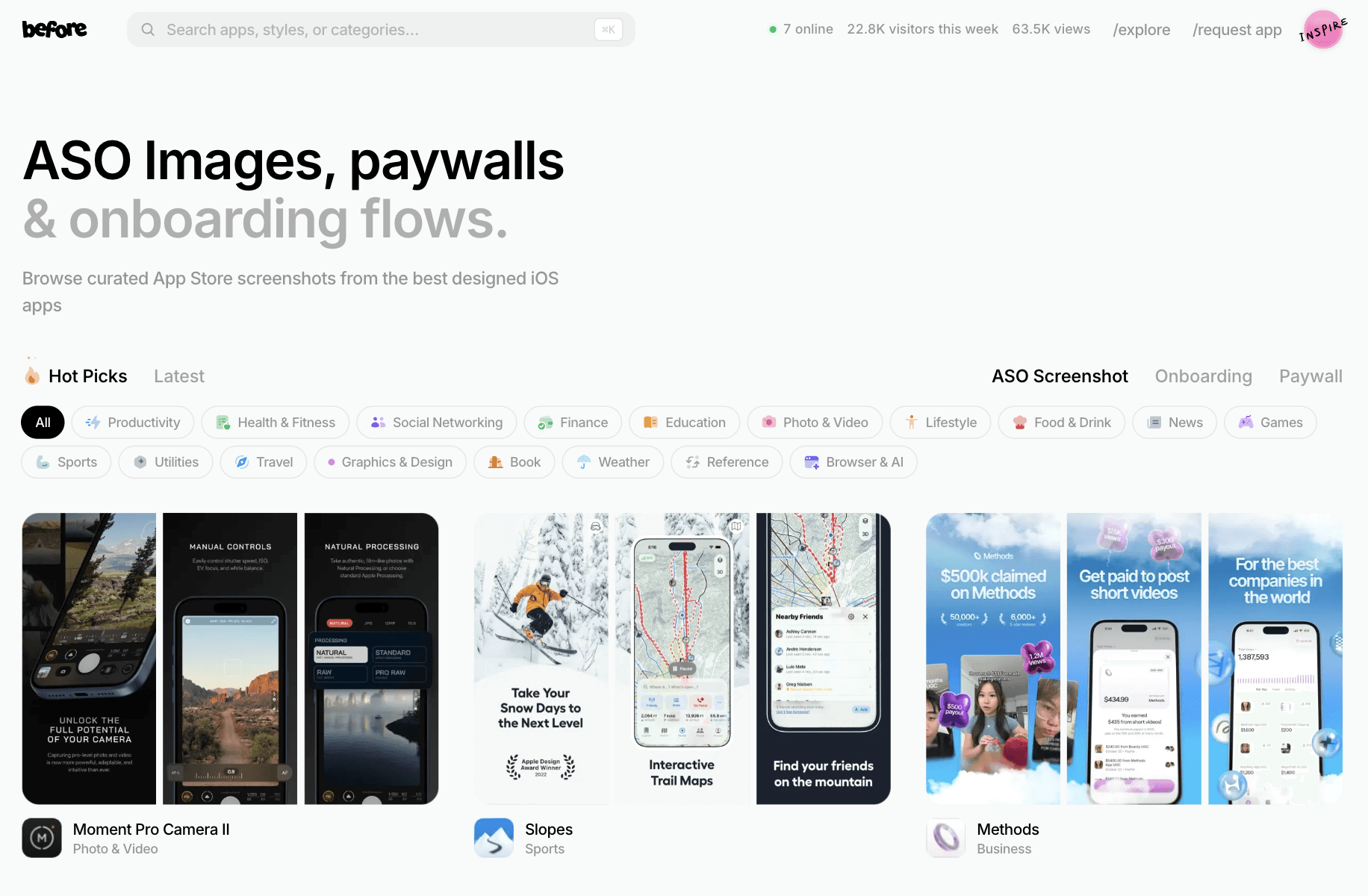
BeforeClick is a focused gallery for App Store screenshots built around one goal. Help you design visuals that drive installs. It highlights real examples from top iOS apps, with strong emphasis on ASO, paywalls, and onboarding screens that impact conversion.
You can browse curated screenshots and study how apps structure their slides. This includes headline copy, feature order, visual hierarchy, and how value is shown in the first few screens. It is useful when you want to improve click to install rate or test new screenshot directions based on what already works.
The platform is simple and easy to scan, with no heavy tools or clutter.
4. Appshot Gallery
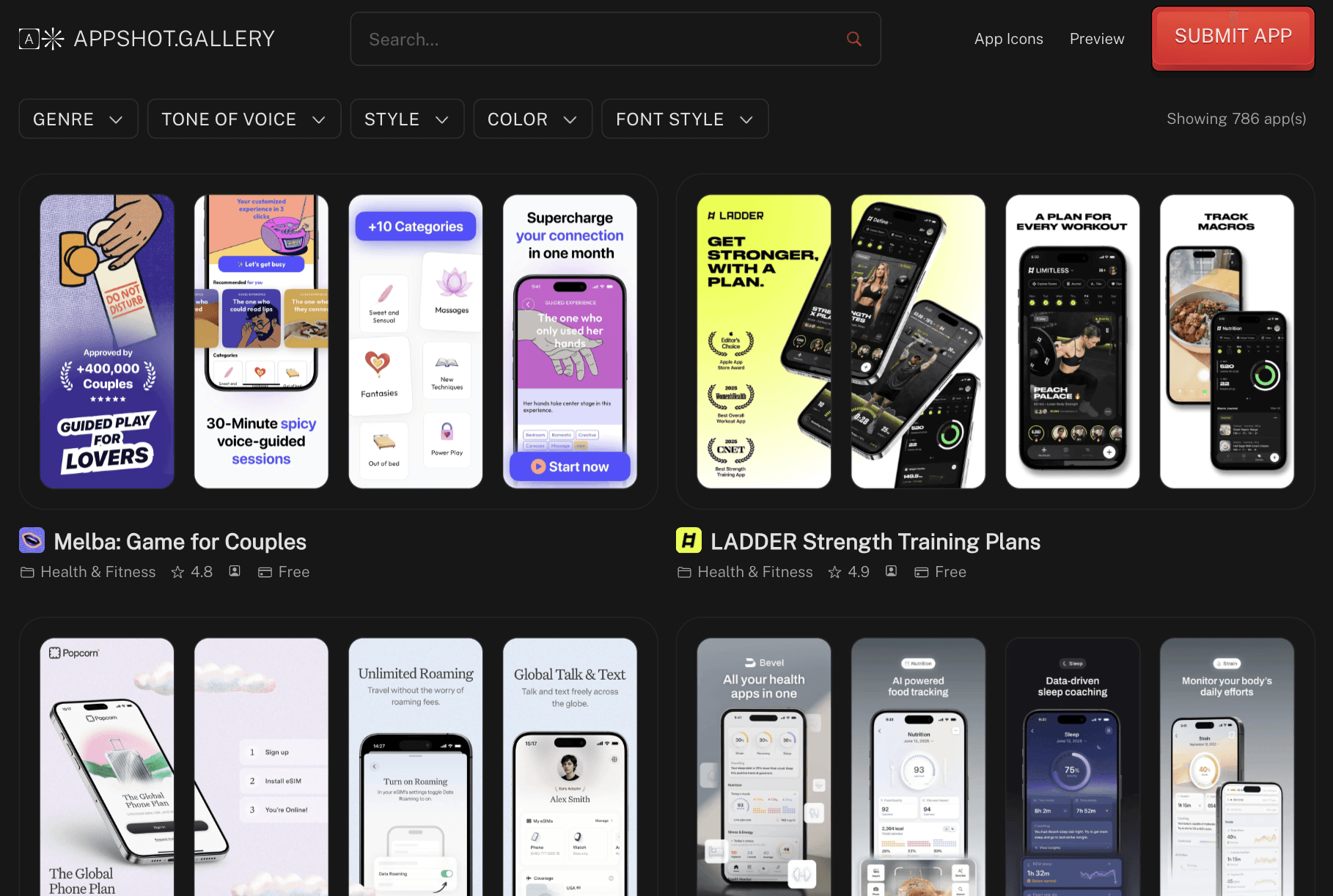
AppShot Gallery is a clean, easy to browse library of App Store screenshots built for ASO and design inspiration. It focuses on real app examples, so you can quickly see how other apps present features, structure slides, and guide users through their value.
You can explore hundreds of handpicked screenshots across different categories. This helps you study patterns like headline styles, feature breakdowns, color use, and overall flow from first screen to last. It is useful when you want to improve your app listing or find ideas that already work in similar apps.
The platform is simple and distraction free. No complex tools, just solid inspiration. Pricing is free to browse. It works well for indie makers, designers, and developers who want quick, practical screenshot ideas to improve conversions.
5. AppLaunchpad
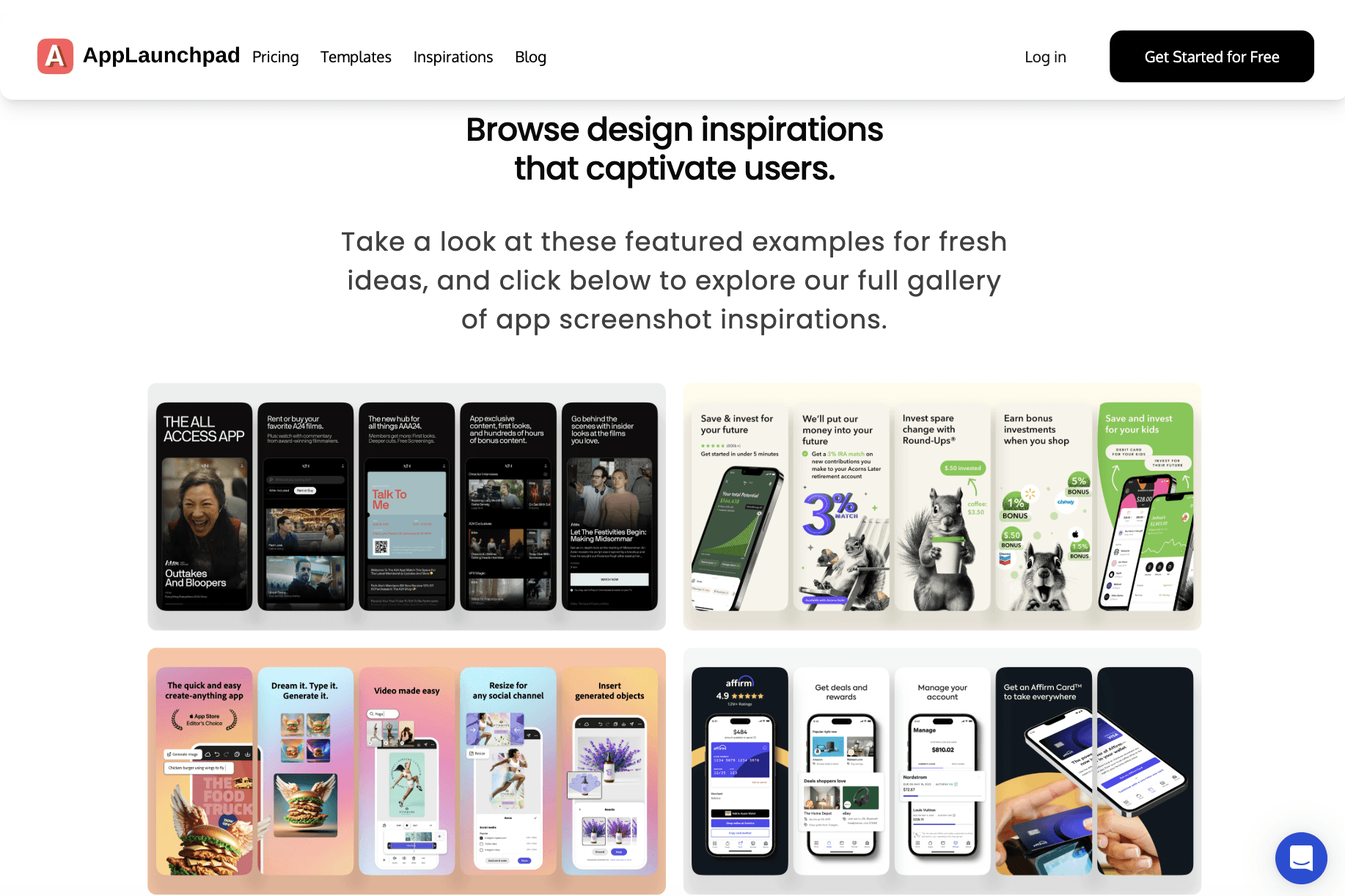
AppLaunchpad is not just an inspiration gallery. It is a full screenshot generator that also includes a large library of over 4000 App Store screenshot examples you can study and reuse for ideas. It combines inspiration with execution, so you can go from idea to final screenshots in one place.
The inspiration section helps you explore trending layouts, text styles, and color combinations used by real apps. You can see how screenshots are structured to highlight features and drive installs. Then you can use its built in generator to create your own screenshots using templates, device frames, backgrounds, and icons without starting from scratch.
It comes with over 1000 templates, supports iOS and Android devices, and includes assets like icons, illustrations, and fonts.
Wrapping Up
Good app store screenshots are not about design trends. They are about clarity. You show value fast, guide the user screen by screen, and remove confusion before it starts.
The sites in this list help you do exactly that. Some give you clean inspiration. Some go deeper with real app data. Others help you create screenshots faster with ready templates and tools. Together, they cover both sides. Ideas and execution.
Use them to study what works, test your own layouts, and improve how your app presents itself. Small changes in screenshots can lead to better installs, better first impressions, and stronger growth.
Don't forget to check out more awesome resources on Toolfolio:
You May Also Like













Featured Tools







Newest Additions





















AI Image & Video Generation

































Vibe Coding Library



























































Screenshot & Screen Recording Tools
















