




8 Best Link in Bio Tools for Creators
The best link in bio tools to grow clicks, followers, and revenue across social platforms

Dudu
Feb 10, 2026
Last Updated Feb 10, 2026
Image Credit: Toolfolio
Social platforms give you attention, not control.
You can post every day, build an audience, and still hit the same limit. One link in your bio. No matter how many things you want to share, you must choose just one.
For creators, that is a real problem. Your latest video pushes out your product link. Your product link replaces your newsletter. Your audience clicks, but often lands on the wrong thing.
Link in bio tools fix this.
They turn a single bio link into a simple page that holds everything you want to promote. Your content, your offers, your socials, all in one place. No constant link swapping. No lost traffic.
In this article, we break down the best link in bio tools you can use today. These tools help creators get more clicks, track performance, and turn social traffic into real results.
What Are Link in Bio Tools?
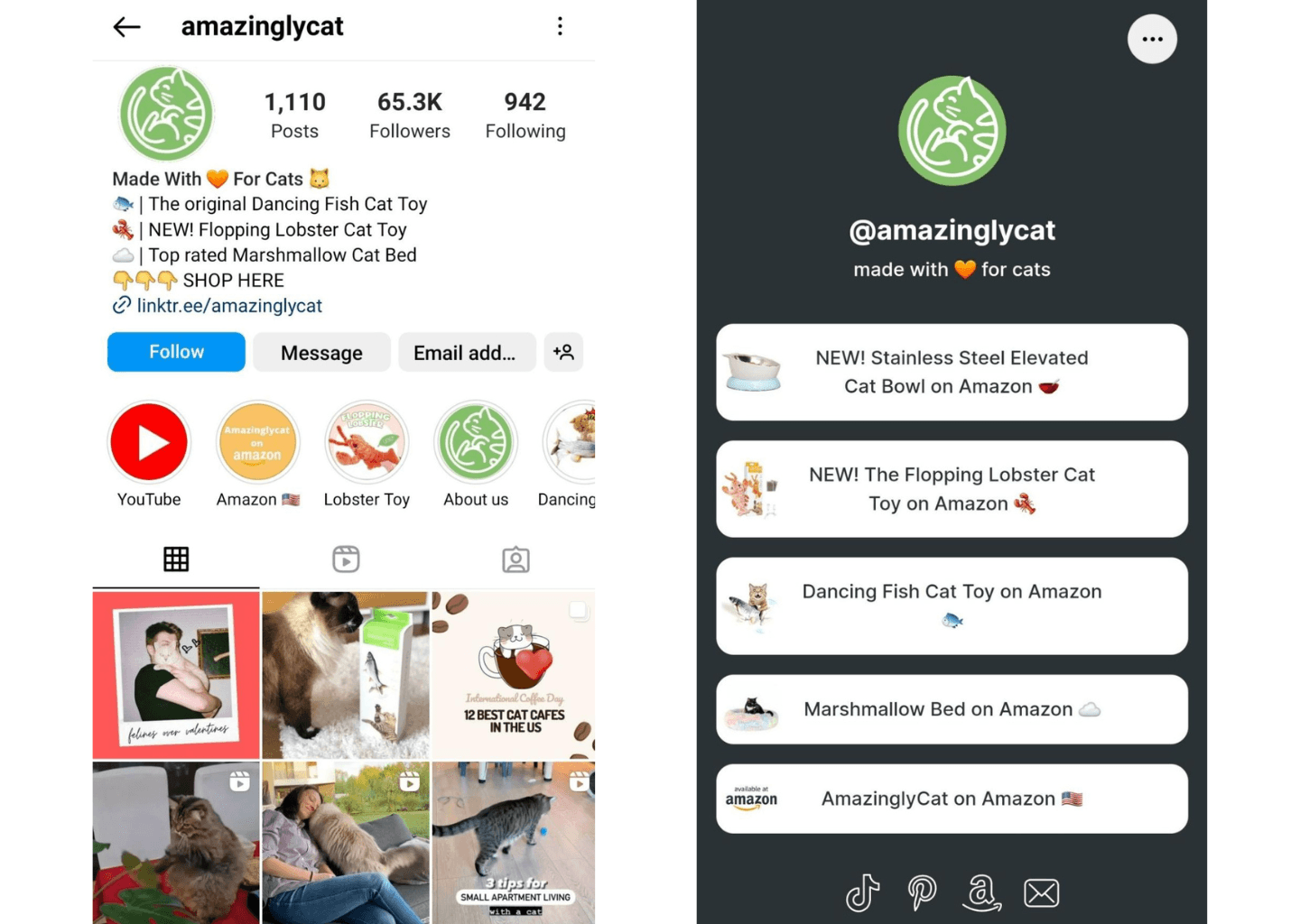
Link in bio example
Link in bio tools let creators place one smart link in their social media bio that opens a custom page with multiple links. Instead of changing your bio link every time, you send followers to a single page that shows your latest content, products, videos, or offers.
Creators use link in bio tools on platforms like Instagram, TikTok, and YouTube to:
Share multiple links from one bio link
Drive traffic to websites, shops, and newsletters
Track clicks and performance
Customize the page to match their brand
In short, a link in bio tool turns limited bio space into a central hub for traffic and conversions.
Best Link In Bio Tools That You Should Try
1. Linktree
Linktree is the most popular link in bio tool, and for good reason. It lets you turn one bio link into a clean page that holds all your links. You can share posts, videos, products, stores, and sign-up pages from one place. Setup is fast. You can create and customize a Linktree in minutes, even if you have never built anything online before.
It works across Instagram, TikTok, YouTube, Twitter, and more. You get themes, fonts, buttons, and layouts to match your brand. You can also let Linktree auto-optimize the page to drive more clicks. It supports links, embedded content, shoppable posts, email signup forms, and even QR codes for offline use.
Linktree also gives you analytics. You can see clicks, engagement, and what links convert best. You can sell products, collect payments, and earn affiliate commissions using Linktree Shops. There is a free plan to get started, with paid plans for deeper insights and monetization. It is best for creators who want a simple, trusted, all-in-one link in bio tool.
Get LinkTree
2. Later Link in Bio
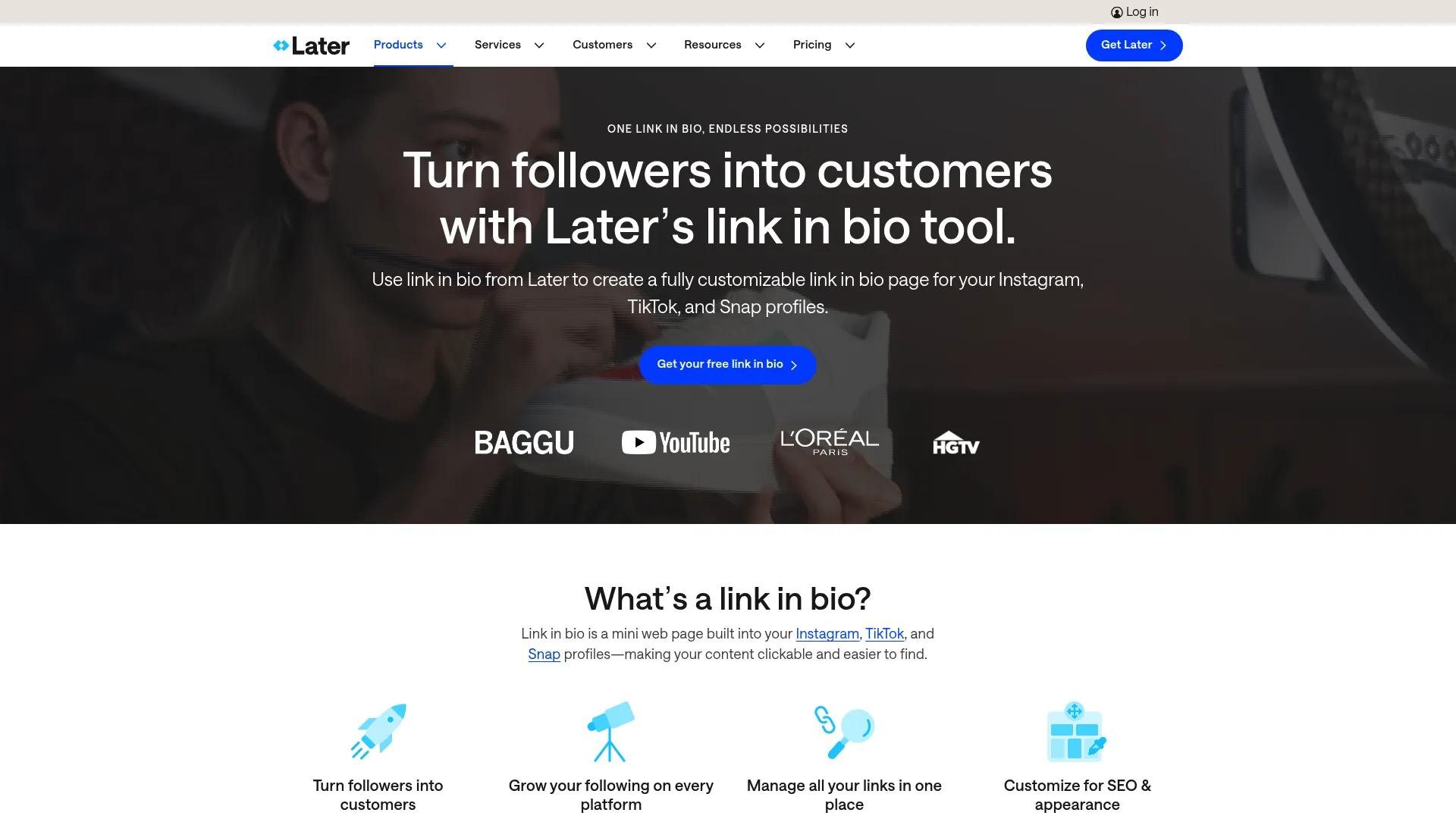
Later’s Link in Bio is built for people who post often and sell through social media. It turns your bio link into a page that connects directly to your Instagram, TikTok, and Snap posts. You can link each post to a product, blog, or landing page, so followers land exactly where they expect. This works well for ecommerce, creators, and brands that want clean tracking.
The tool focuses on results. You can add multiple links per post, use custom affiliate links, and track clicks and sales. It also supports email signups, custom URLs, and SEO settings like titles and meta descriptions. Everything lives in one dashboard, which makes updates fast.
Later is best if you already care about content performance and conversions. If your goal is to turn social traffic into sales and measure what works, this tool fits well.
Get Later's Link in Bio
3. the gist of
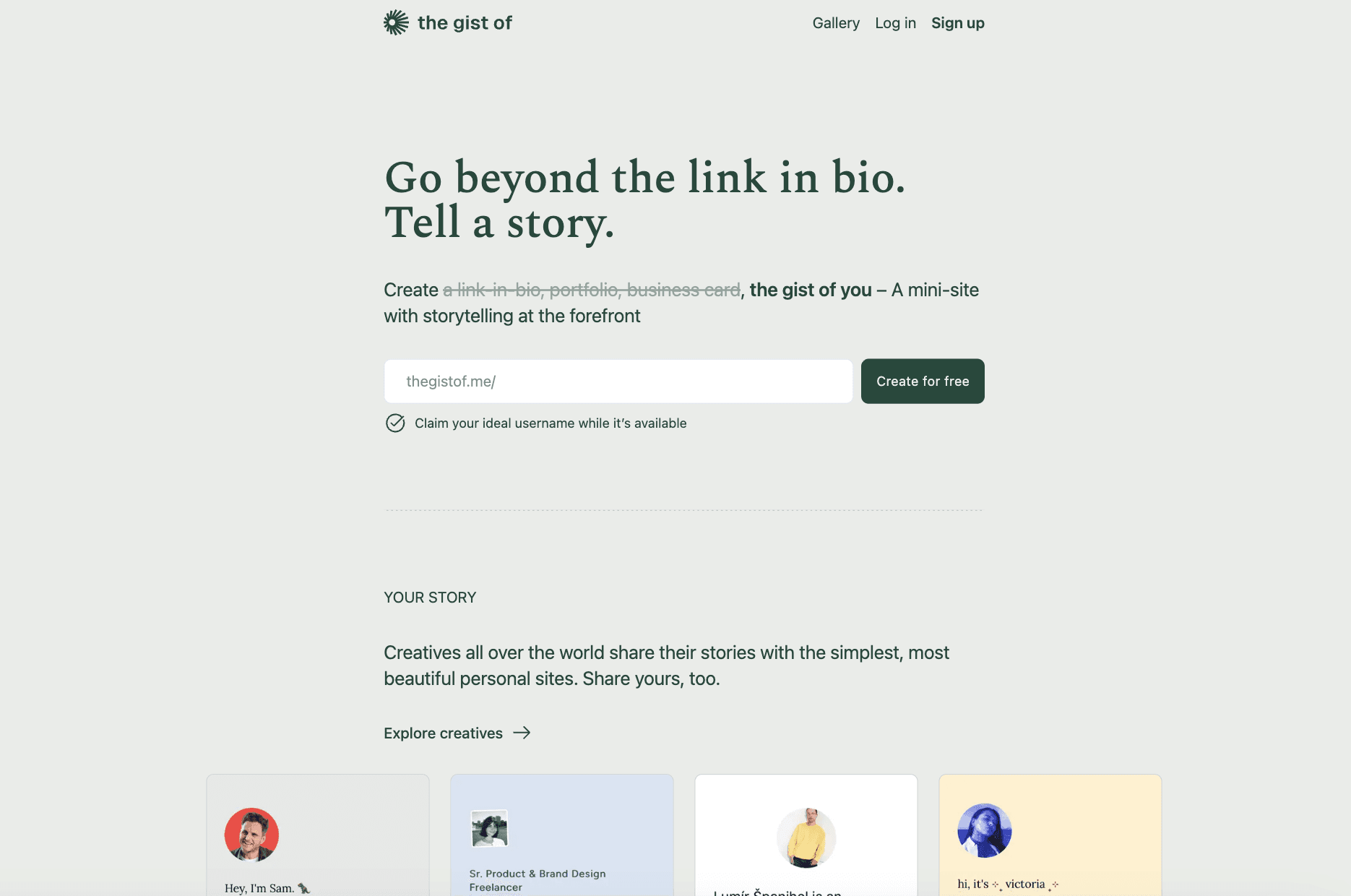
The gist of is a link in bio tool for storytelling, not just links. Instead of buttons, it helps you create a small personal site that feels like a portfolio, resume, or digital identity. It works well for designers, writers, photographers, and creatives who want context around their work.
You can add your story, projects, and a clean resume layout in one place. The design stays minimal and focused.
There is very little clutter, which keeps attention on you, not the tool. Setup is simple and does not require design skills.
Use the gist of if you want a personal page that feels human and thoughtful. It is less about selling fast and more about building trust and showing who you are.
Get the gist of
4. ace.me
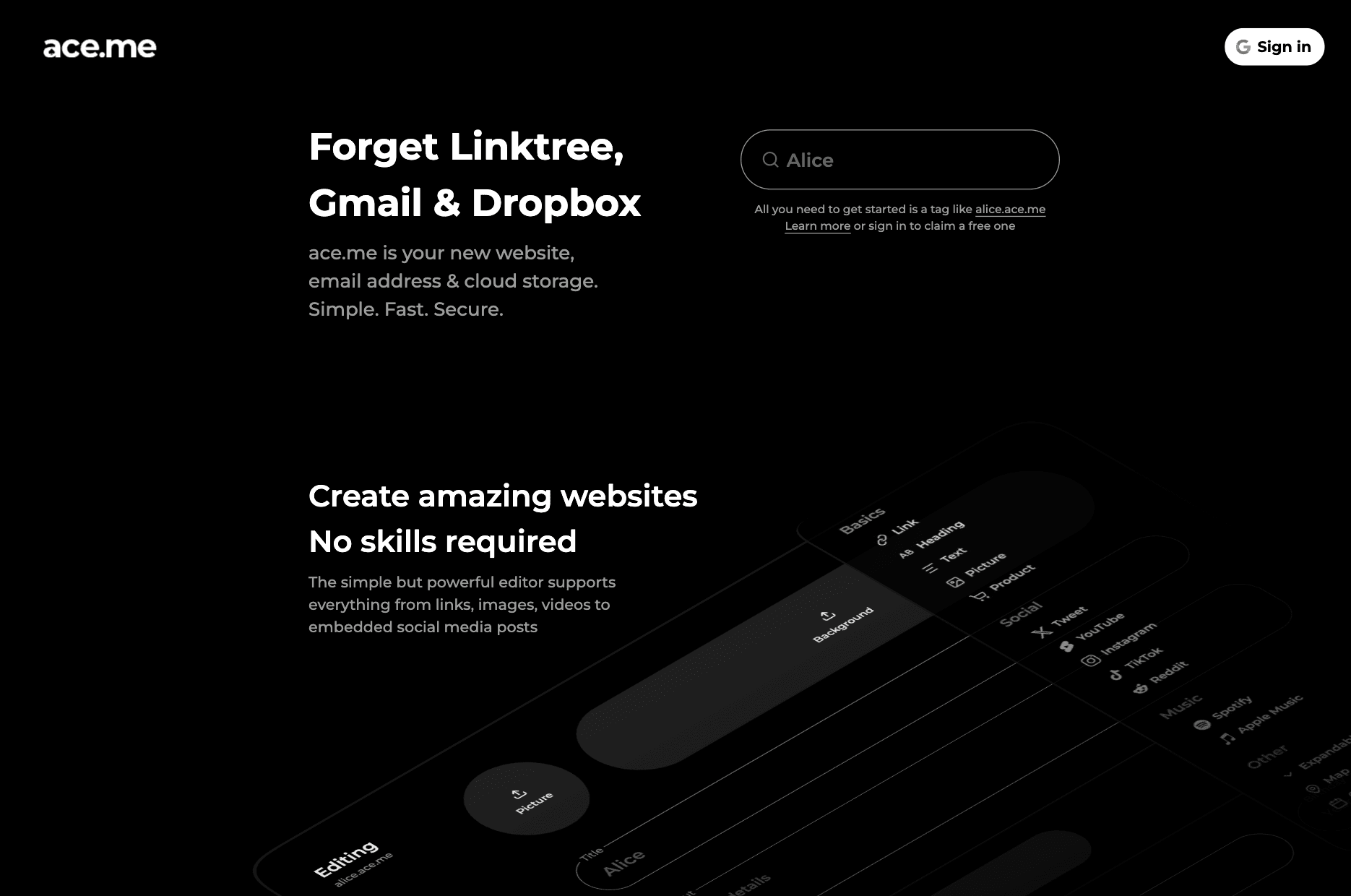
ace.me is more than a link in bio. It gives you a personal site, a custom email address, and cloud storage using one short tag. That tag becomes your username, your website, and your email. For example, one name works as both a link and an email address.
The site builder is fast and flexible. You can publish pages, links, images, videos, and private content. Pages are SEO-ready, privacy friendly, and secure by default. There are no ads, no trackers, and no forced subscriptions. Once you own a tag, it is yours.
ace.me is best if you want a long-term digital identity, not just a bio link. It suits people who want control, privacy, and a simple all-in-one setup.
Try ace.me
5. Bio Link
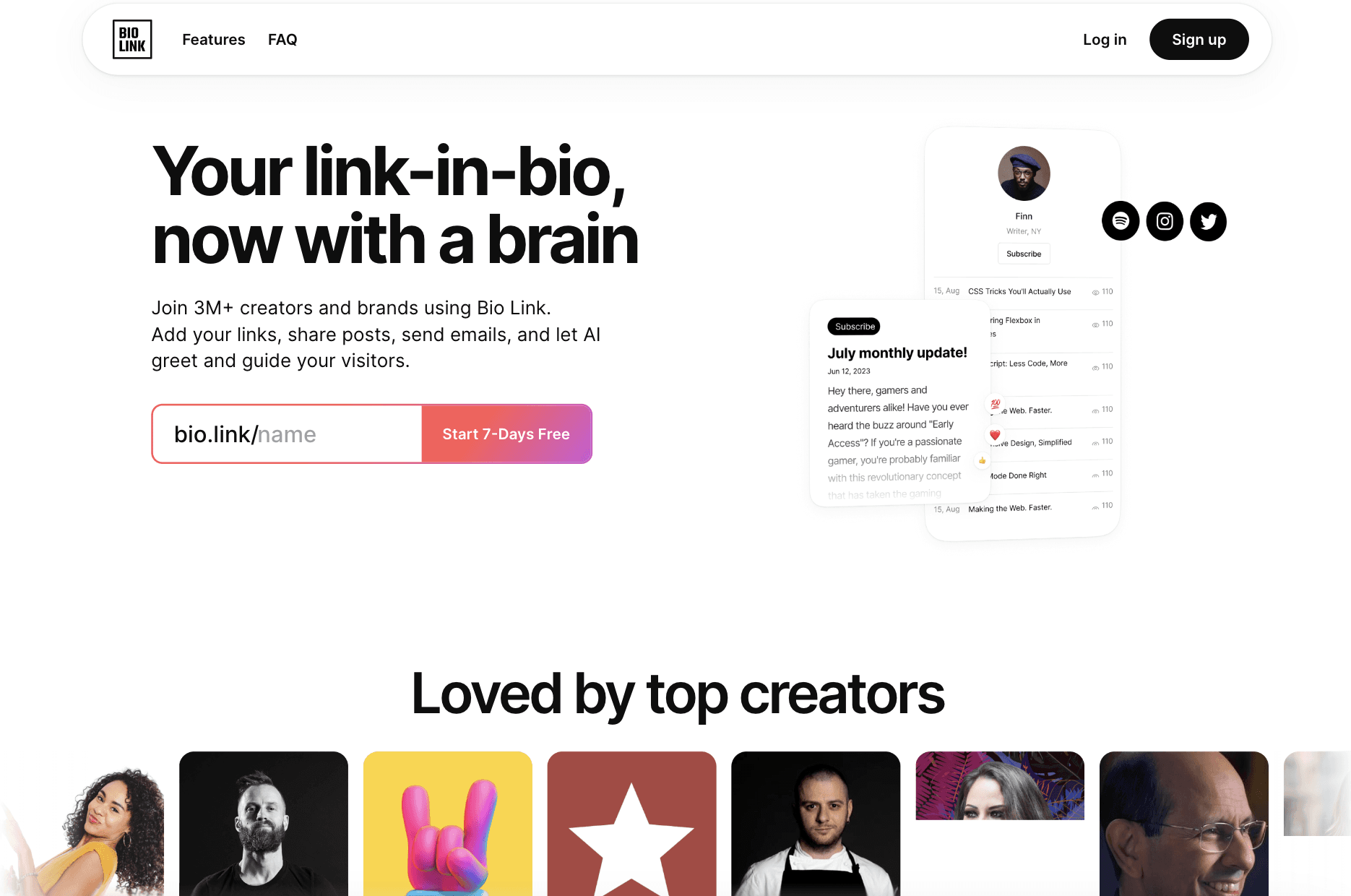
Bio Link is a smart link in bio tool with AI built into it. It lets you create a full link in bio page in minutes, but the key difference is the AI assistant. This AI learns from your content and helps guide visitors. It answers questions, explains links, and keeps people engaged instead of letting them bounce.
You can customize the page with themes, links, posts, embeds, and even your own domain. Bio Link also works like a small website. You can publish updates, collect emails, send newsletters, and track clicks with built-in analytics and SEO. Everything loads fast and works well on mobile.
Bio Link is best for creators and brands who want more than links. If you want a bio page that talks to visitors, grows an email list, and replaces many tools in one place, this is a strong option.
Try Bio Link
6. Framer
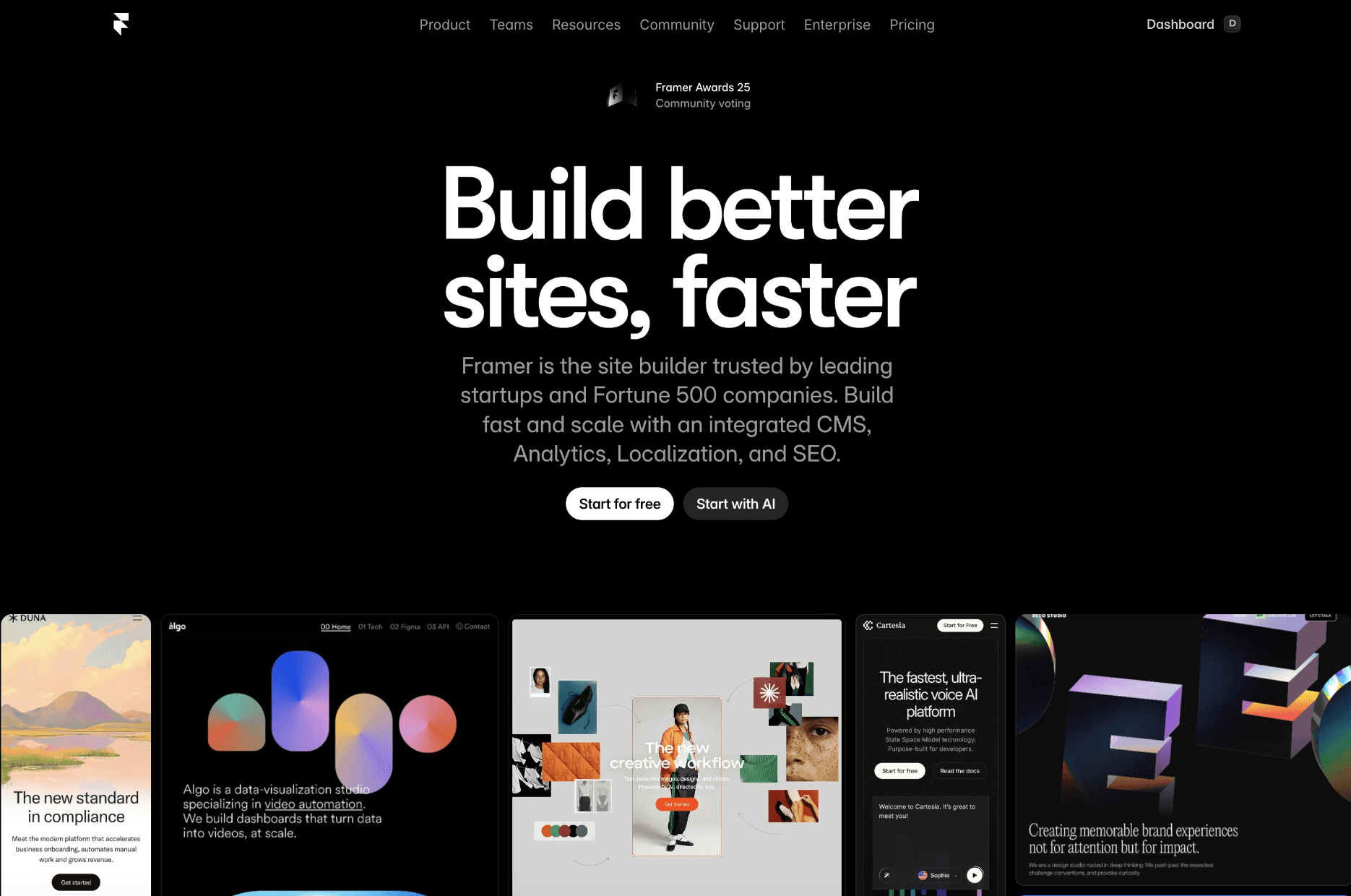
Framer is not a classic link in bio tool. But, it is a full website builder that many creators use to make a custom link in bio page. You can start from ready-made templates or design one from scratch. The result feels like a real website, not a list of buttons.
It gives you full control. You can add sections, images, text, animations, forms, and CMS-powered content. Everything is responsive, fast, and SEO ready. Framer also includes analytics, hosting, and custom domains, so you do not need extra tools.
Framer is best for designers, founders, and creators who want a high-end link in bio page. If you care about branding, layout, and long-term scale, Framer gives you the most flexibility.
Try Framer
7. Canva Link in Bio
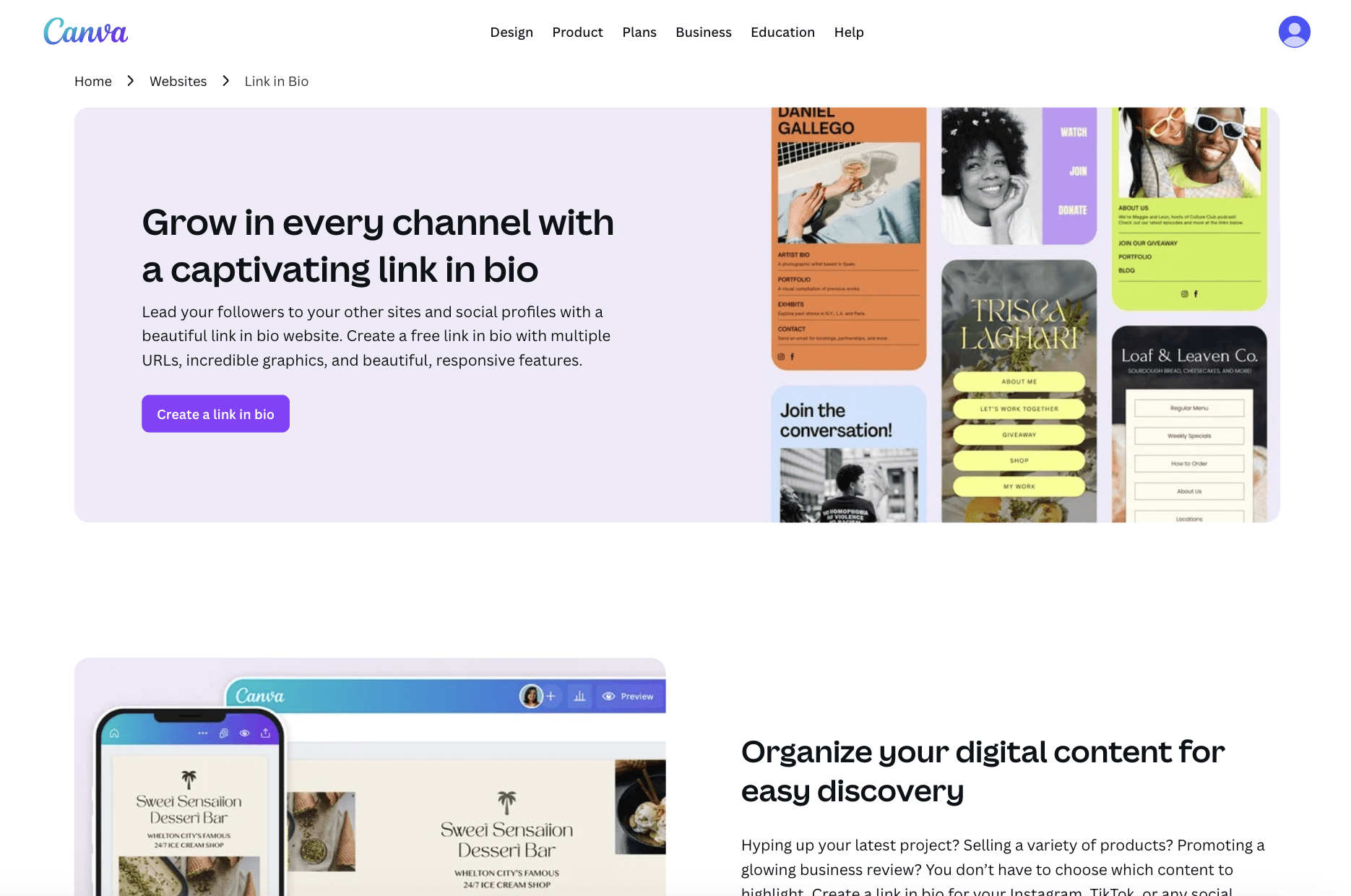
Canva lets you create a link in bio page using the same drag-and-drop editor people already know. You start with ready-made templates and customize colors, fonts, images, and layouts to match your brand. No design or tech skills needed. You can publish the page for free using a Canva domain.
It works well for creators who care about visuals. You can highlight products, links, social profiles, and content in a clean layout. The page is mobile friendly by default and looks good on any screen. Pro users also get built-in insights to track views and engagement without extra tools.
Canva Link in Bio is best if you already use Canva for content. If you want a good-looking, on-brand bio page fast, and prefer design over advanced features, this is a solid choice.
Try Canva Link in Bio
8. Liinks
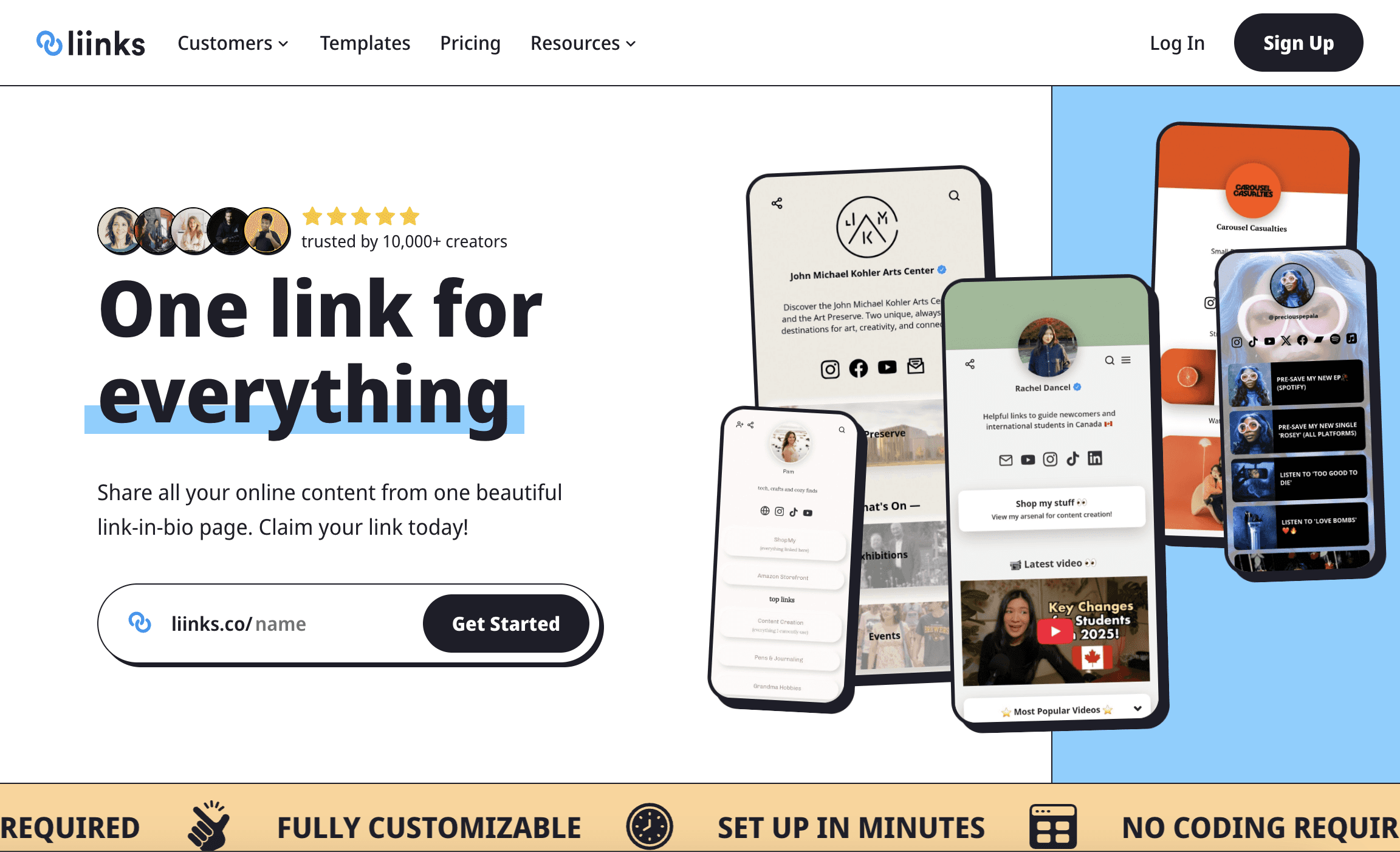
Liinks is a clean and flexible link in bio tool built for creators who want more control without paying too much. You can create a full bio page in minutes, with no coding needed. It supports blocks like links, videos, embeds, forms, and folders, so you can organize content in a simple and structured way.
It offers strong customization. You can adjust colors, fonts, layouts, and structure to match your brand. You also get features like auto-updating links from Instagram, analytics, QR codes, and custom domains on higher plans. Everything stays easy to manage from one place.
Pricing is simple. The Starter plan costs $4 per month and includes all core features. The Pro plan starts at $10 per month and adds team features and multiple profiles. Liinks is best for creators and small businesses who want a balance of design, features, and price.
Try Liinks
Quick Comparison of The Best Link in Bio Tools
Tool | Best for | Key strengths | Limits |
|---|---|---|---|
Linktree | Most creators | Easy setup, huge adoption, analytics, monetization | Less layout control |
Later Link in Bio | Ecommerce and social sellers | Post-level links, sales tracking, SEO options | Tied closely to social workflows |
the gist of | Creatives and portfolios | Story-first layout, resume style pages | Not built for fast selling |
ace.me | Long-term identity | Site + email + storage, privacy focused | Different from classic bio tools |
Bio Link | Engagement and email growth | AI assistant, posts, analytics, newsletters | Paid for full value |
Framer | Designers and founders | Full design control, CMS, SEO, scale | More setup effort |
Canva Link in Bio | Visual creators | Fast design, templates, beginner friendly | Limited advanced features |
Liinks | Budget-friendly creators | Strong customization, folders, multi-page, low price | Smaller ecosystem |
Wrapping Up: Best Link in Bio Tools for Creators
A good link in bio tool does one job well. It helps you turn attention into action.
Some tools focus on speed and simplicity. Others give you deep design control, analytics, or even AI help. There is no single best option for everyone. The right choice depends on how you create, what you share, and what you want visitors to do next.
Start simple. Test one or two tools. Keep the one that fits your workflow and feels easy to maintain. A link in bio should save time, not add work.
At Toolfolio, we share tools that help creators design better and work faster. You can check out more color and design tools here, or explore our growing collection of hand-picked resources.
Looking for more ideas? Do not forget to check out more resources:
You May Also Like













Featured Tools







Newest Additions





















AI Image & Video Generation

































Vibe Coding Library



























































Screenshot & Screen Recording Tools
















