
How to Access Seedance 2.0 (With Invite Code)
Learn how to access Seedance 2.0 Beta with an invite code and start creating realistic AI videos with synced audio, natural motion, and accurate lighting using text, images, and clips.

Dudu
Feb 14, 2026
Last Updated Feb 14, 2026
Image Credit: Toolfolio
Seedance 2.0 is one of the most talked about AI video tools right now. It creates realistic videos using text, images, clips, and audio. The motion looks natural. The lighting feels real. The sound stays in sync. Many users say it looks close to Hollywood quality.
But there is one problem. Seedance 2.0 is not open to everyone. It is in beta and only available to invited members or people who joined the waitlist. If you try to access it directly, you will not get full access without an invite code.
In this guide, you will learn how to access Seedance 2.0 Beta with an invite code. We will explain what it is, who can use it, and the exact steps you can take to increase your chances of getting access.
What is Seedance 2.0 (Beta)?

Seedance 2.0 is an advanced AI video generator developed by ByteDance, the parent company of TikTok. It launched on February 10, 2026 as a limited beta on the Jimeng AI platform.
It allows users to generate short cinematic videos, usually between 4 and 15 seconds. You can create videos using text prompts, reference images, video clips, and even audio inputs. It supports multimodal generation, which means it combines text, visuals, and sound in one workflow.
One of its key features is director-level control. Users can guide performance, lighting, shadows, framing, and camera movement. The model also maintains strong character consistency across scenes. Internal benchmarks like SeedVideoBench-2.0 show strong performance in text-to-video, image-to-video, and multimodal tasks.
Seedance 2.0 is currently in beta. It is only available to invited members or users who have joined the official waitlist and received access approval. In the next section, you will learn how to get an invite code and access Seedance 2.0 Beta step by step.
How to Use Seedance 2.0 Beta (Step-by-Step Guide)
Step 1: Create Your Chatcut Account
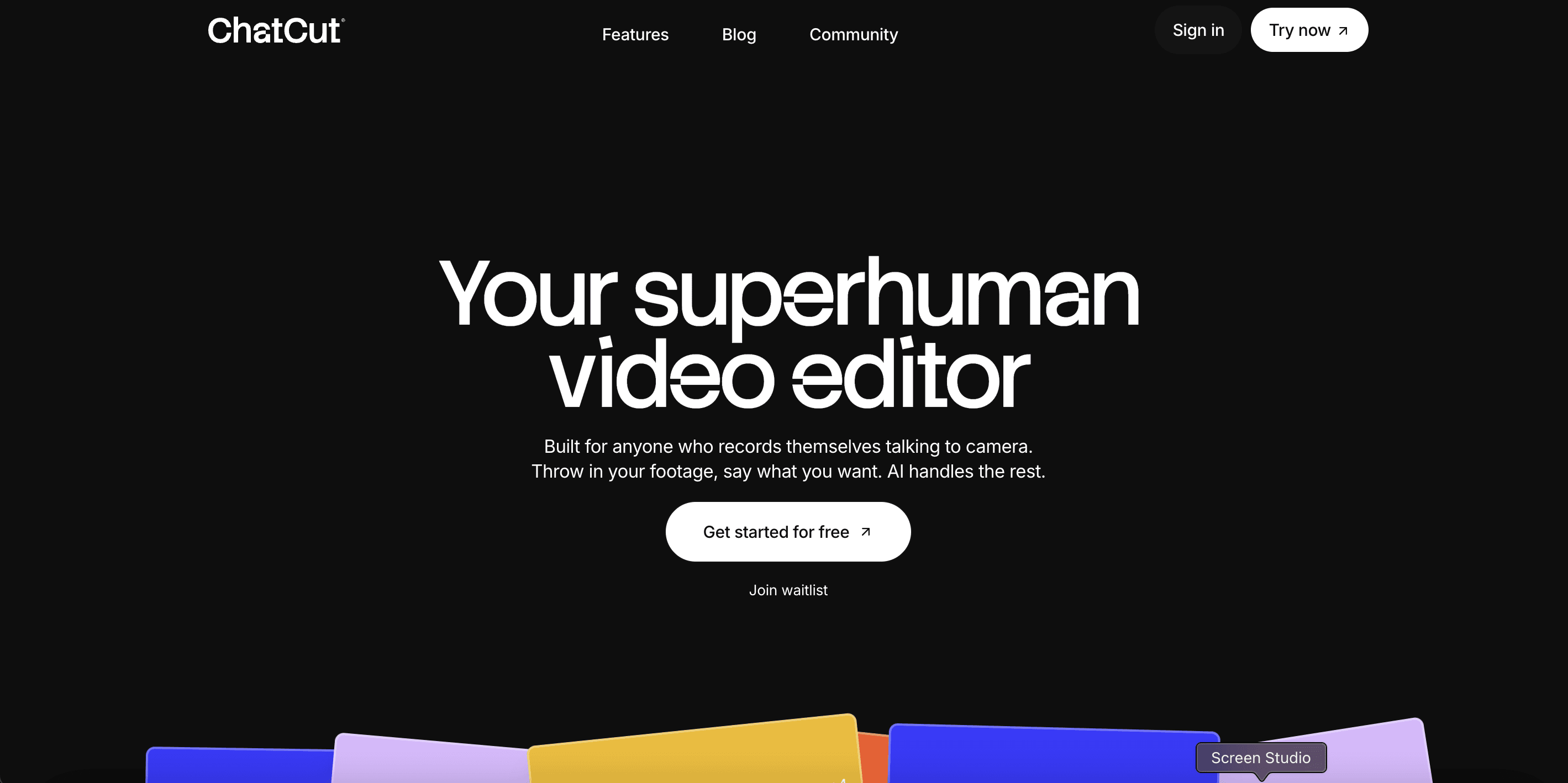
Go to the official Chatcut website. Click on Create your account to sign up.
During signup, you will see a message that says: “Enter your invite code to get started”
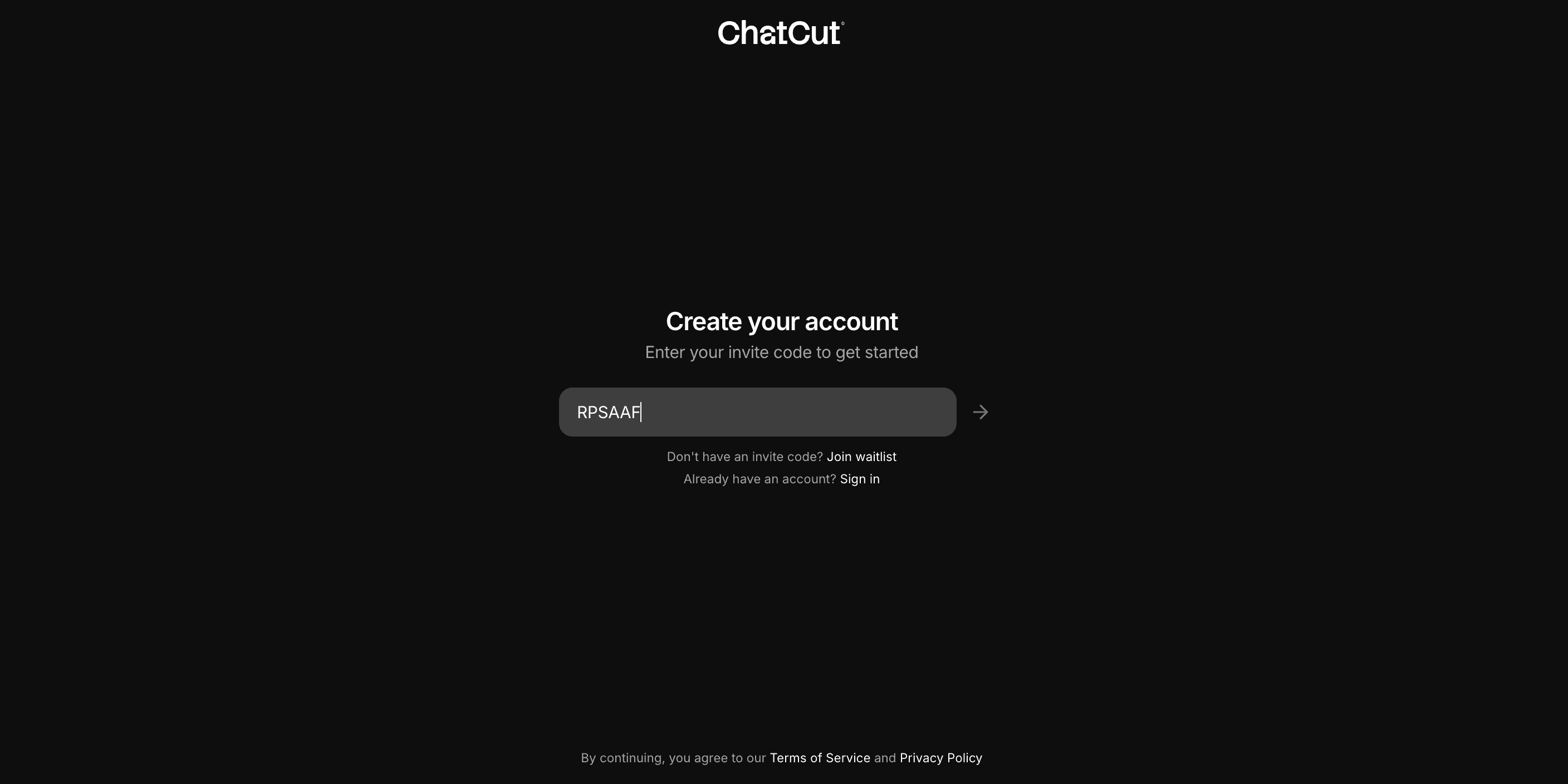
There will be a field where you can enter the invite code. It may show an example like A1BC2D.
If you do not have an invite code, you will also see a Join waitlist option. You do not have to join the waitlist if you plan to get a code from the community in the next step.
Step 2: Get an Invite Code from the Chatcut Discord
Go to the official Chatcut Discord server.
Once inside, open either the general channel or the #codes community channel. Members often share invite codes there.
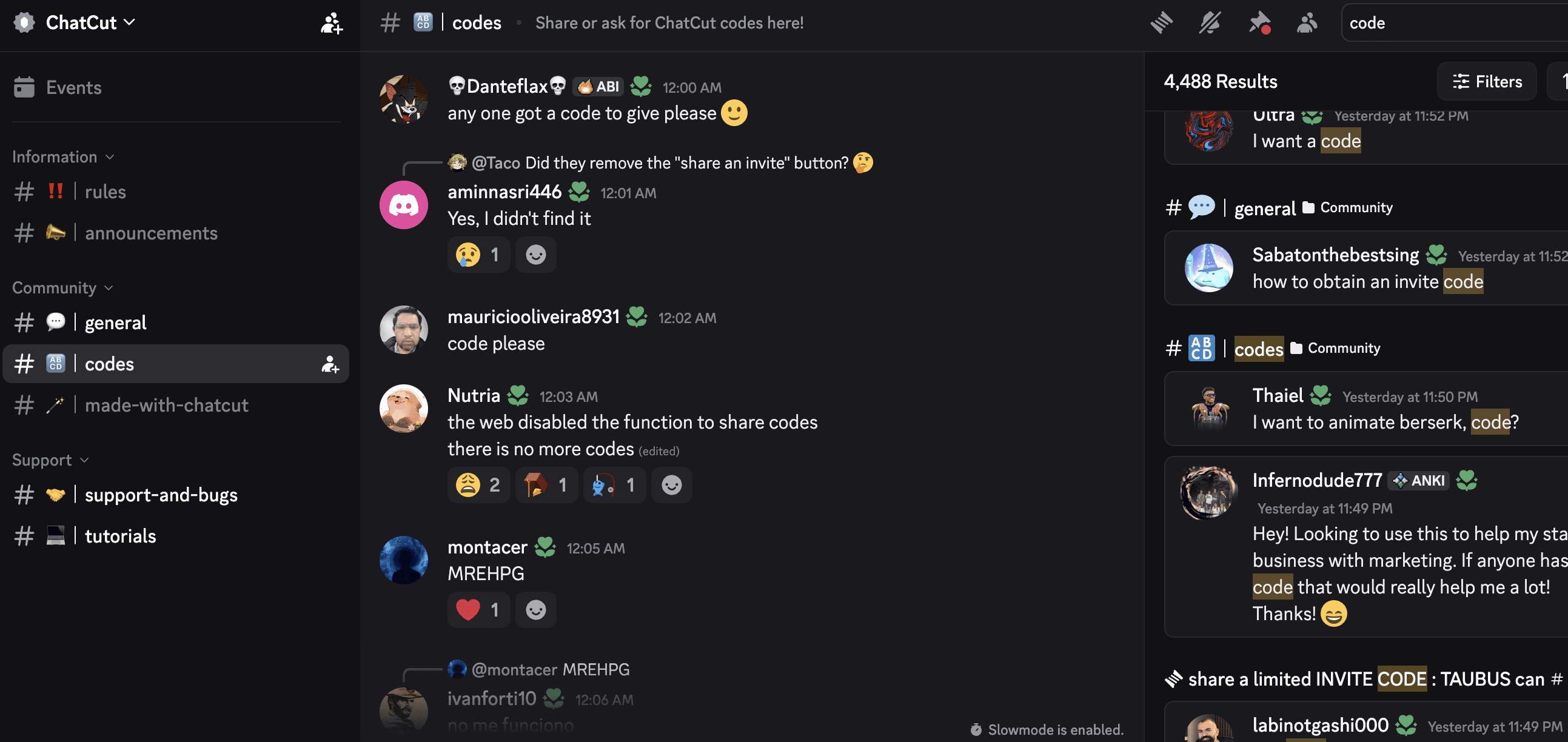
Wait for someone to drop a valid code. These codes get used quickly, so you may need to stay active and try as soon as a new one appears.
Step 3: Enter the Invite Code and Access Your Dashboard
Go back to the Chatcut signup page.
Enter the invite code in the required field and complete the account setup process.
If the code is valid, you will successfully log in and get redirected to the Project section.
This is your main workspace where you can start creating videos.
Step 4: Select Seedance 2.0 Beta and Generate Your Video
Inside the Project section, go to the prompt input area.
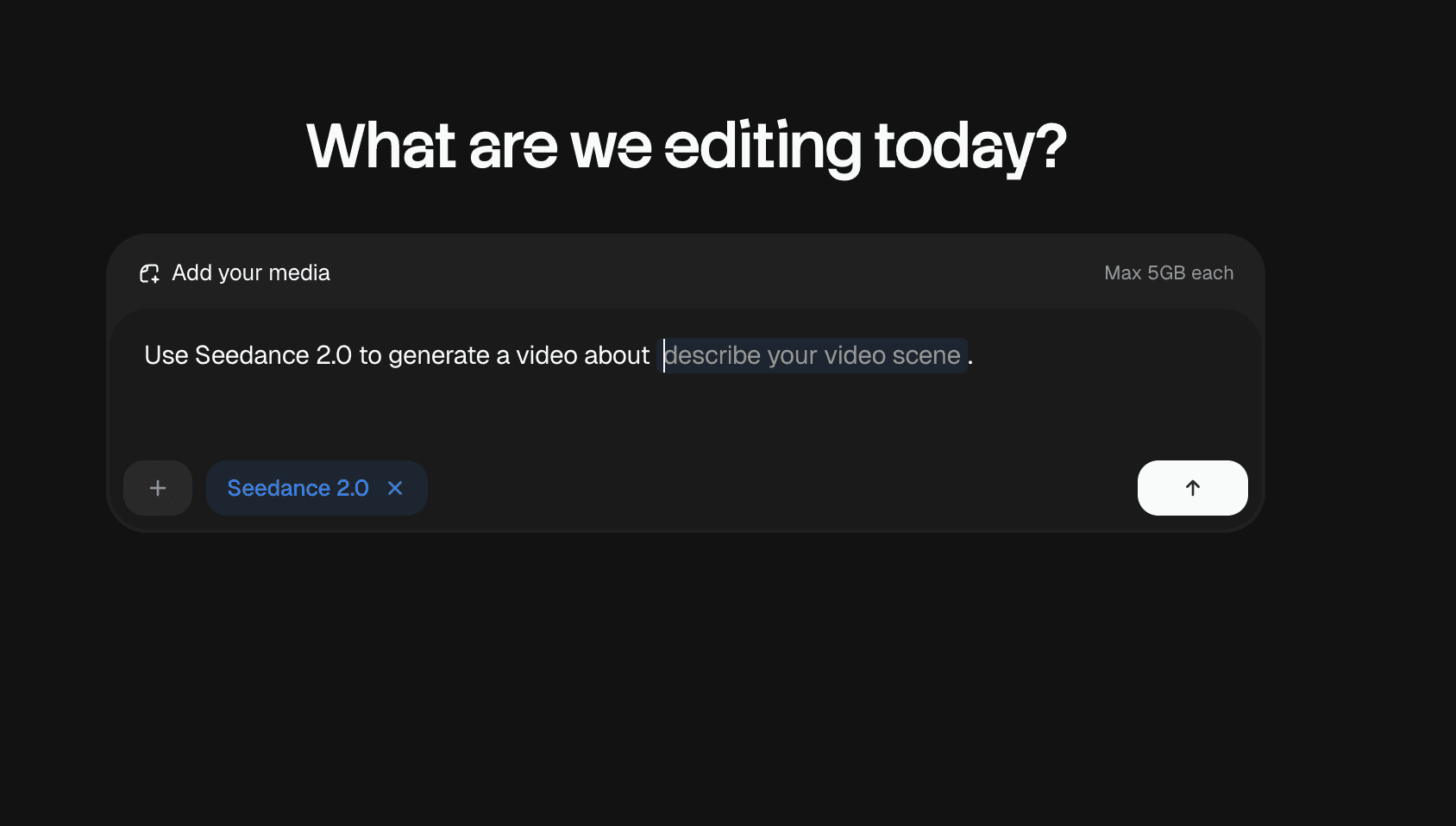
From the model selection options, choose Seedance 2.0 Beta.
You will see a prompt like: Use Seedance 2.0 to generate a video about…
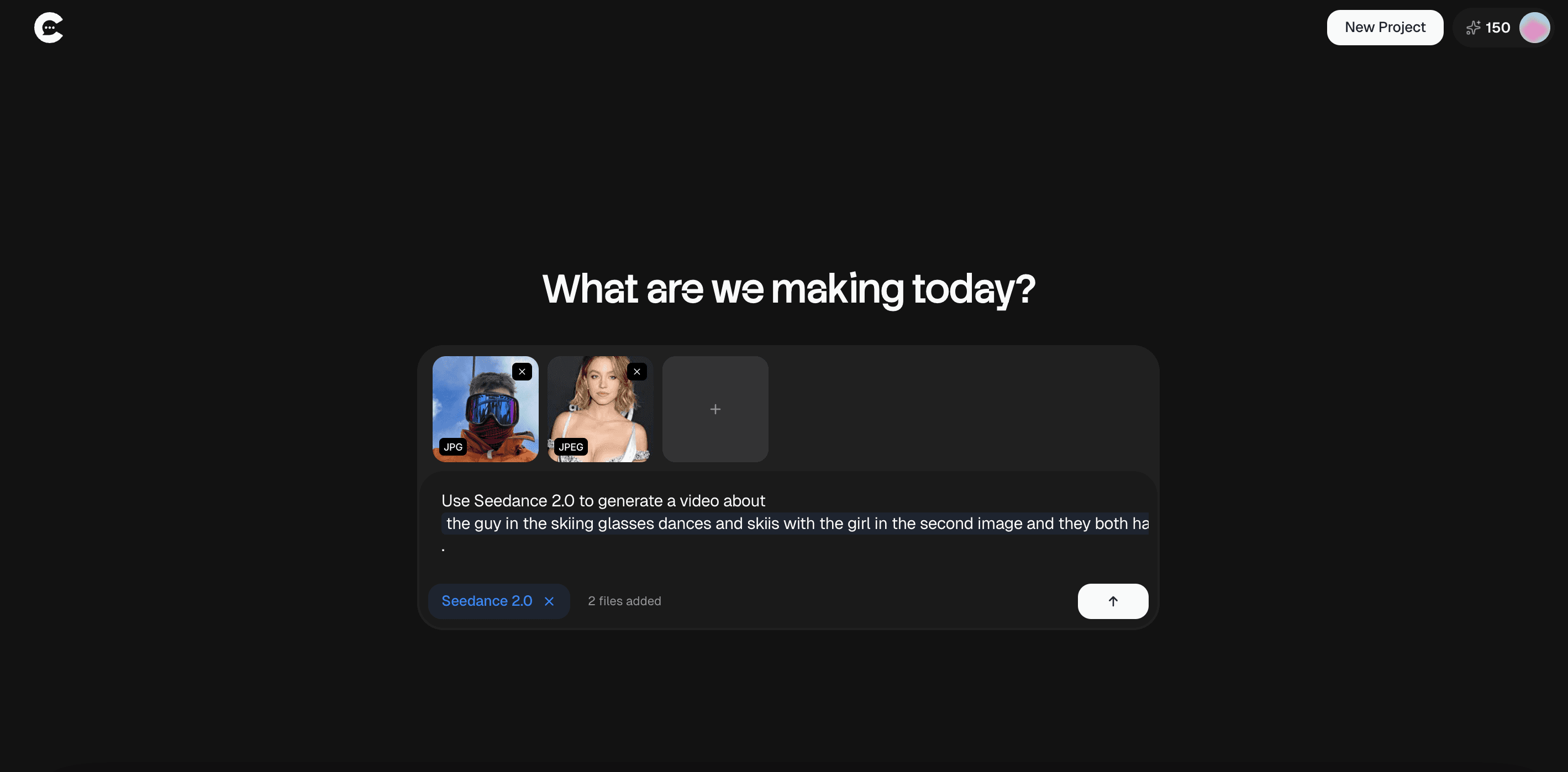
Now describe your video scene clearly. Include details about characters, setting, lighting, camera movement, mood, and audio if needed.
Submit your prompt. Seedance 2.0 Beta will process your request and generate a short cinematic video based on your description.
Seedance 2.0 Invite Codes to Try
Below are active Seedance 2.0 Beta invite codes you can try inside Chatcut.
Go to the signup page, enter one code at a time, and check if it works. If a code shows as invalid, it likely means someone already used it.
Codes – Set 1
Codes – Set 2
Codes – Set 3
Codes – Set 4
Codes – Set 5
Codes – Set 6
Codes – Set 7
Codes – Set 8
Codes – Set 9
Codes – Set 10
Codes – Set 11
If none of these Seedance 2.0 invite codes work, return to the Chatcut Discord and monitor the #codes or general channel for newly shared ones. I'll be sharing more codes so stay tuned.
Wrapping Up
Seedance 2.0 Beta is one of the most advanced AI video generators available right now. It combines text, images, clips, and audio to create short cinematic videos with realistic motion, synced sound, and strong lighting control.
To access Seedance 2.0, you need a valid invite code through Chatcut. You can get one from the community Discord or try available shared codes. Once you enter a working code and log in, you can select Seedance 2.0 Beta inside your project dashboard and start generating videos.
If codes do not work, stay active in the community and monitor new drops. Early access tools move fast. With the right timing and a valid invite code, you can unlock Seedance 2.0 Beta and begin creating high-quality AI videos.
I hope this guide helps.
You May Also Like















Featured Tools






Newest Additions

















AI Image & Video Generation





















Marketplace









Vibe Coding Library




















Mac Apps




















Figma Resources



















Screenshot & Screen Recording Tools












