

How to Remove Watermark from Nano Banana Images (Guide)
Learn how to remove the Nano Banana image watermark easily using simple, step by step methods that help you clean your images fast without quality loss.

Dudu
Jan 31, 2026
Last Updated Jan 31, 2026
Image Credit: Toolfolio
Nano Banana images often come with watermarks that can limit how you use or share them. If you are working on a project, presentation, or personal design, the watermark can become a problem very quickly. Many users search for a simple and safe way to remove it without damaging image quality.
This guide is written to help you remove the Nano Banana watermark step by step. It focuses on practical methods that work, even if you have no design or editing experience.
By the end of this article, you will know how to clean Nano Banana images properly and avoid common mistakes.
Method 1: Remove Nano Banana Watermark Using ChatGPT
Step 1: Open ChatGPT
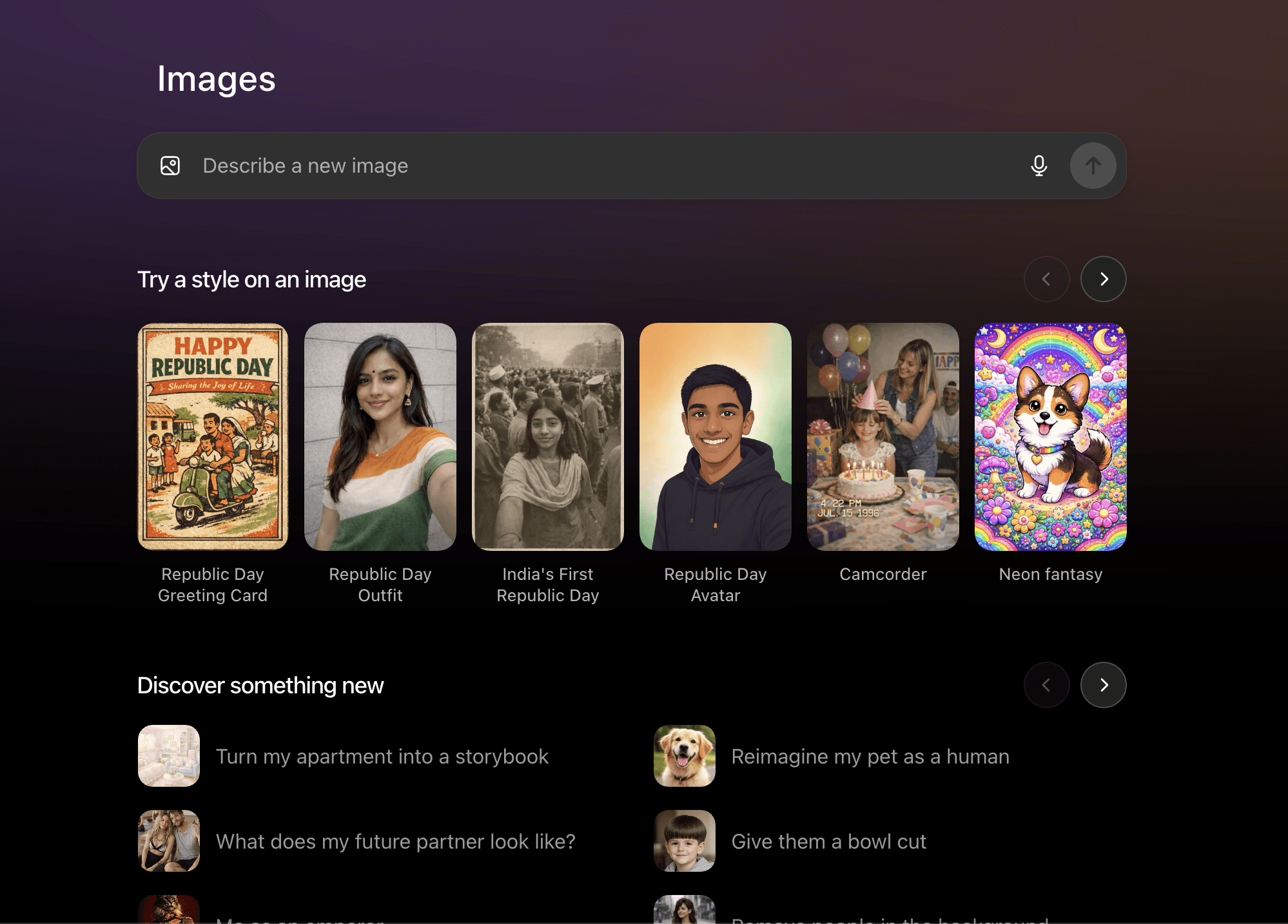
Open ChatGPT and make sure you are using a version that supports image upload.
Step 2: Upload Your Nano Banana Image
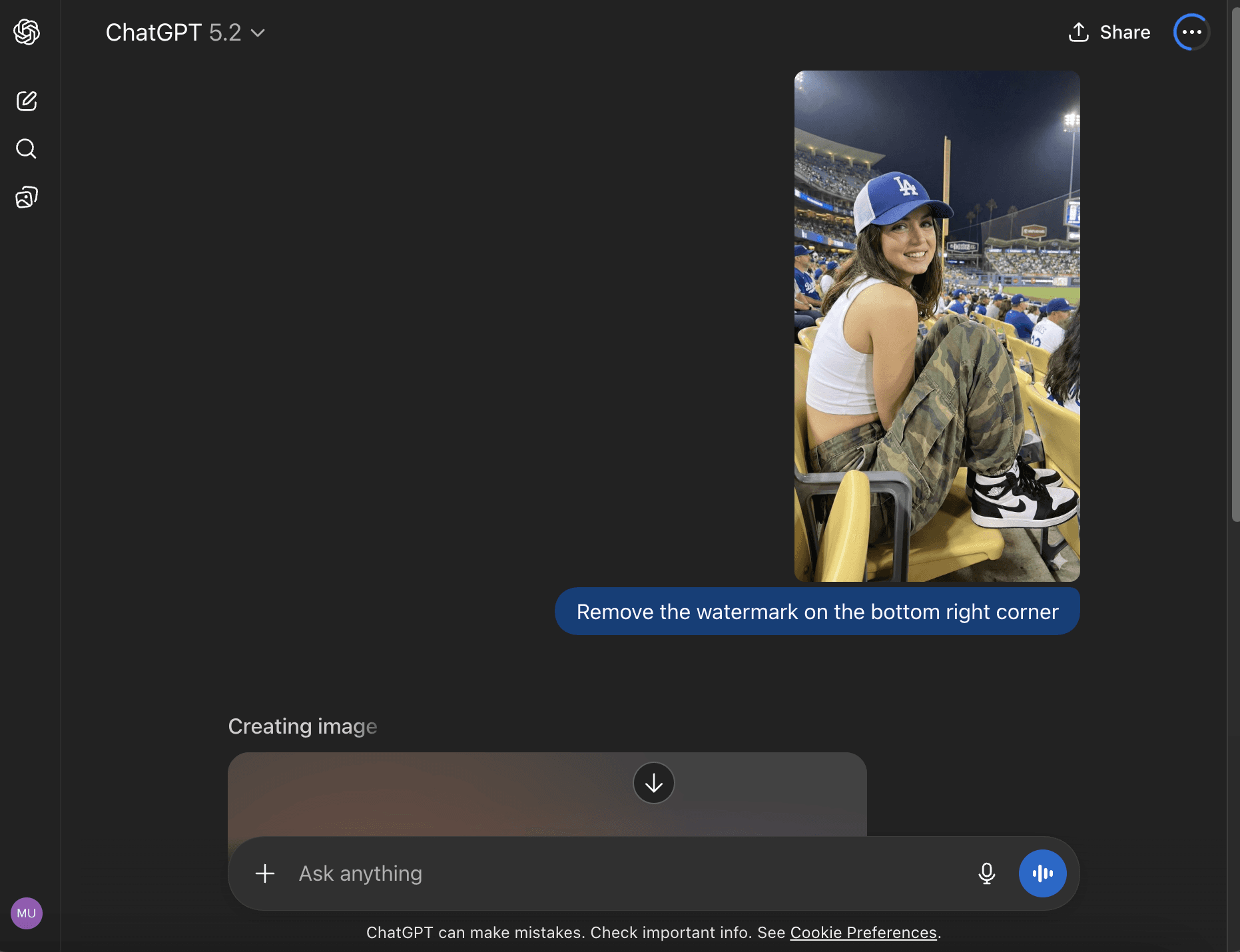
Take the Nano Banana Pro image you generated and upload it directly into ChatGPT.
Type a clear prompt like: “Remove the watermark from the bottom right corner of this image and keep the image quality the same.”
Step 3: Download the Clean Image
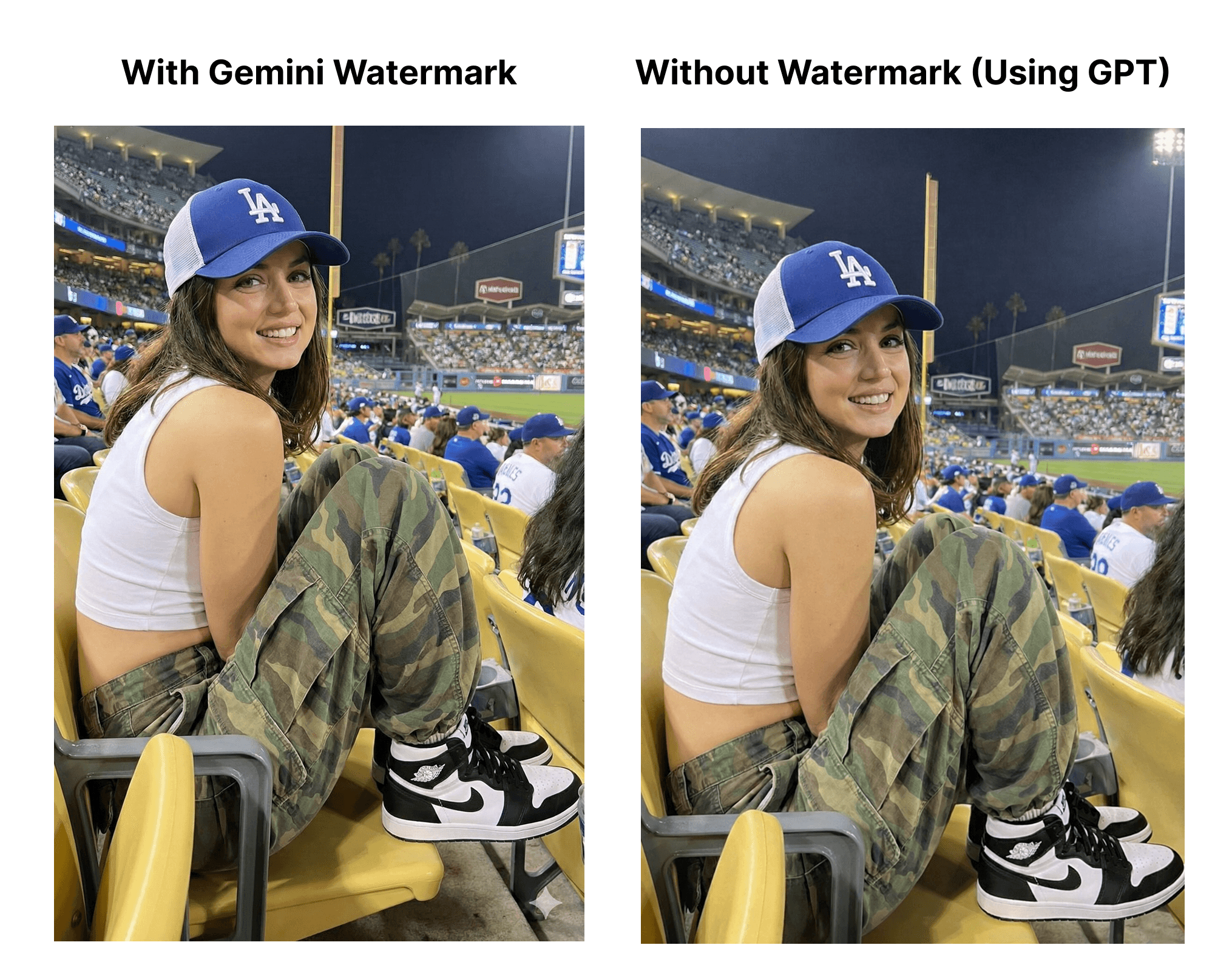
ChatGPT will return an updated image without the watermark. Download it and check the result.
Method 2: Remove Nano Banana Watermark Using Photopea
Step 1: Open Photopea in Your Browser
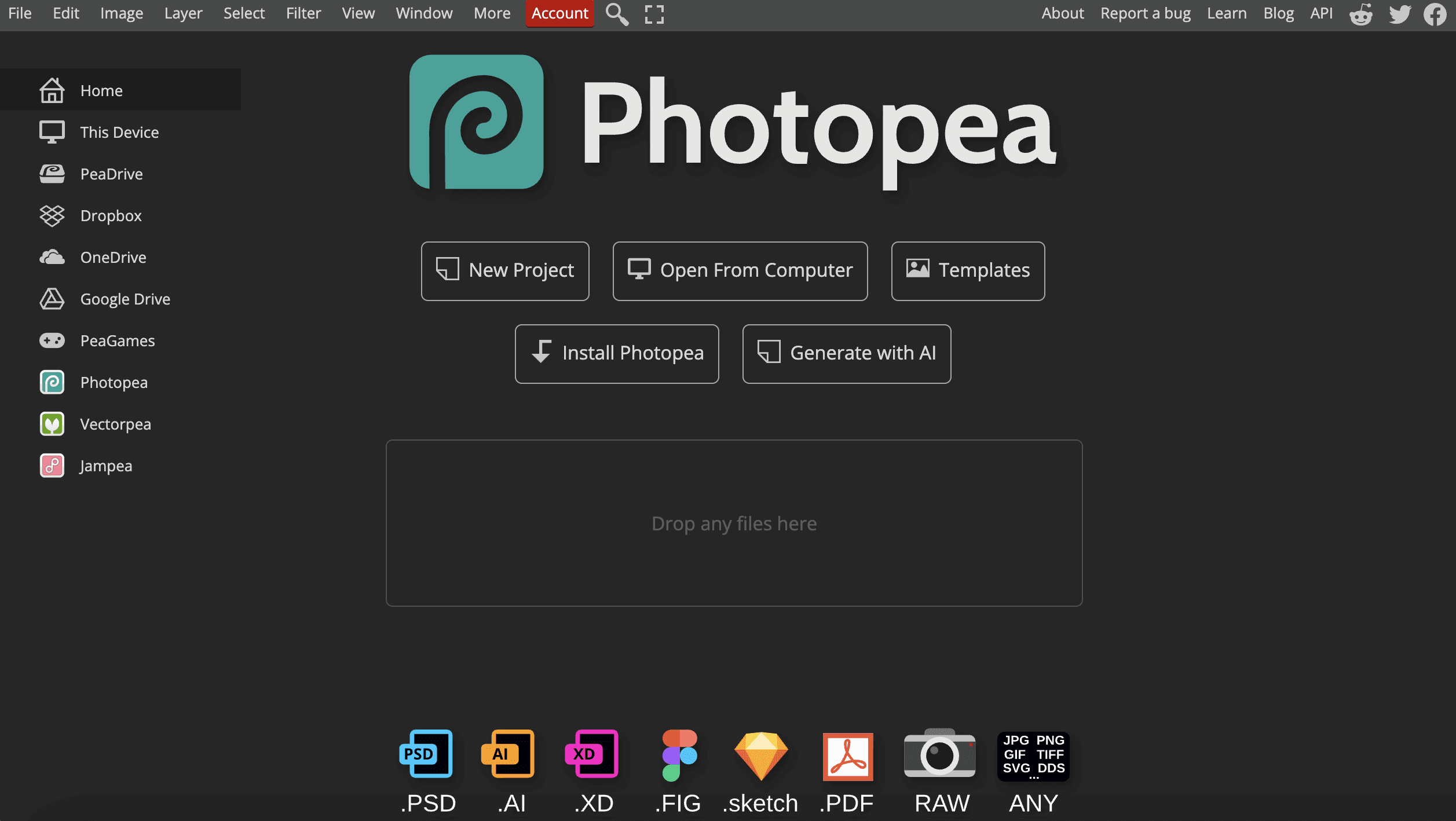
Go to photopea.com. Photopea runs fully in your browser, so no download or signup is needed.
Step 2: Upload Your Nano Banana Image
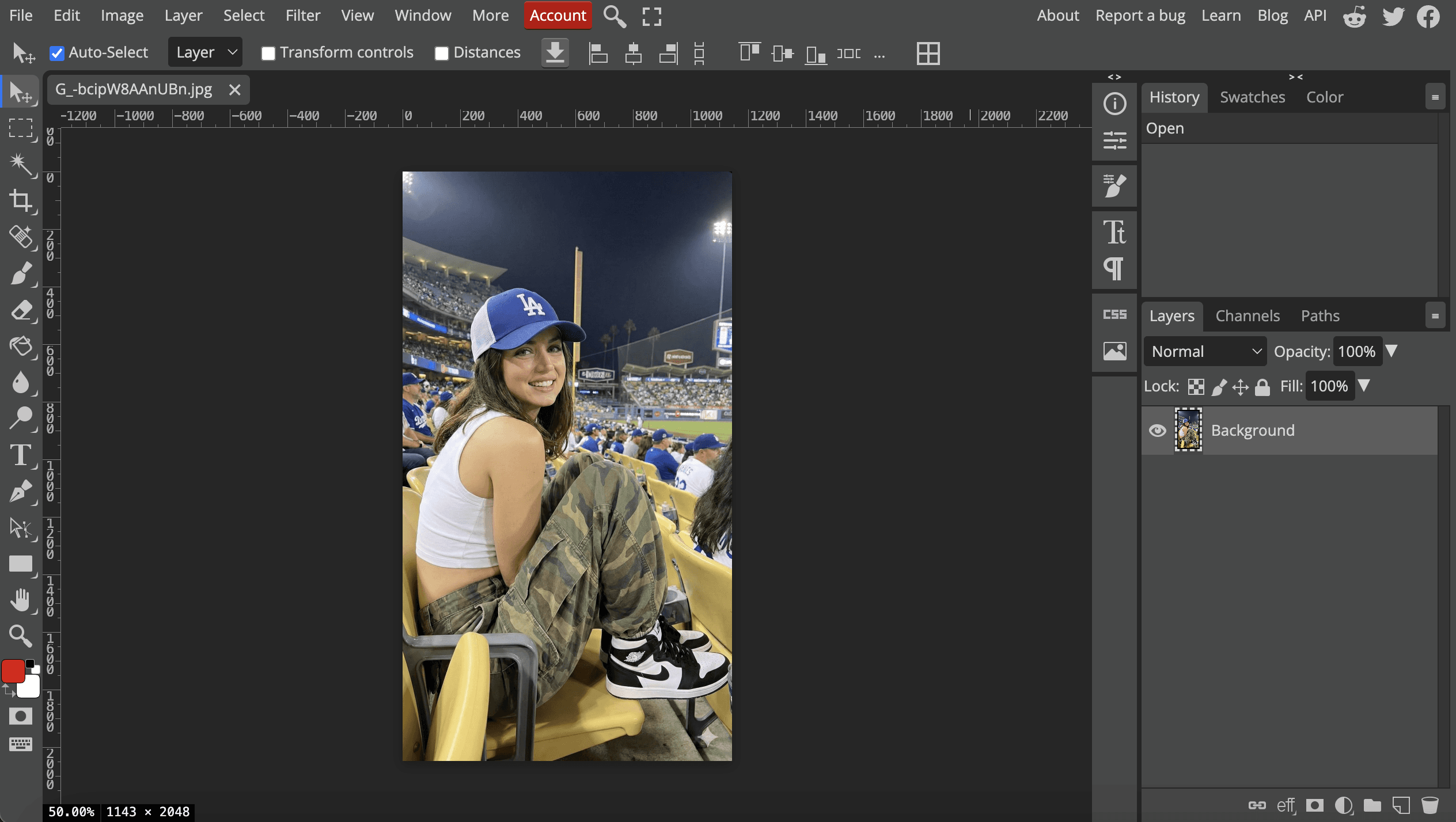
Click File → Open and select the Nano Banana image that has the watermark.
Step 3: Select the Healing Tool
From the left toolbar, choose the Spot Healing Brush Tool. This tool blends nearby pixels automatically.
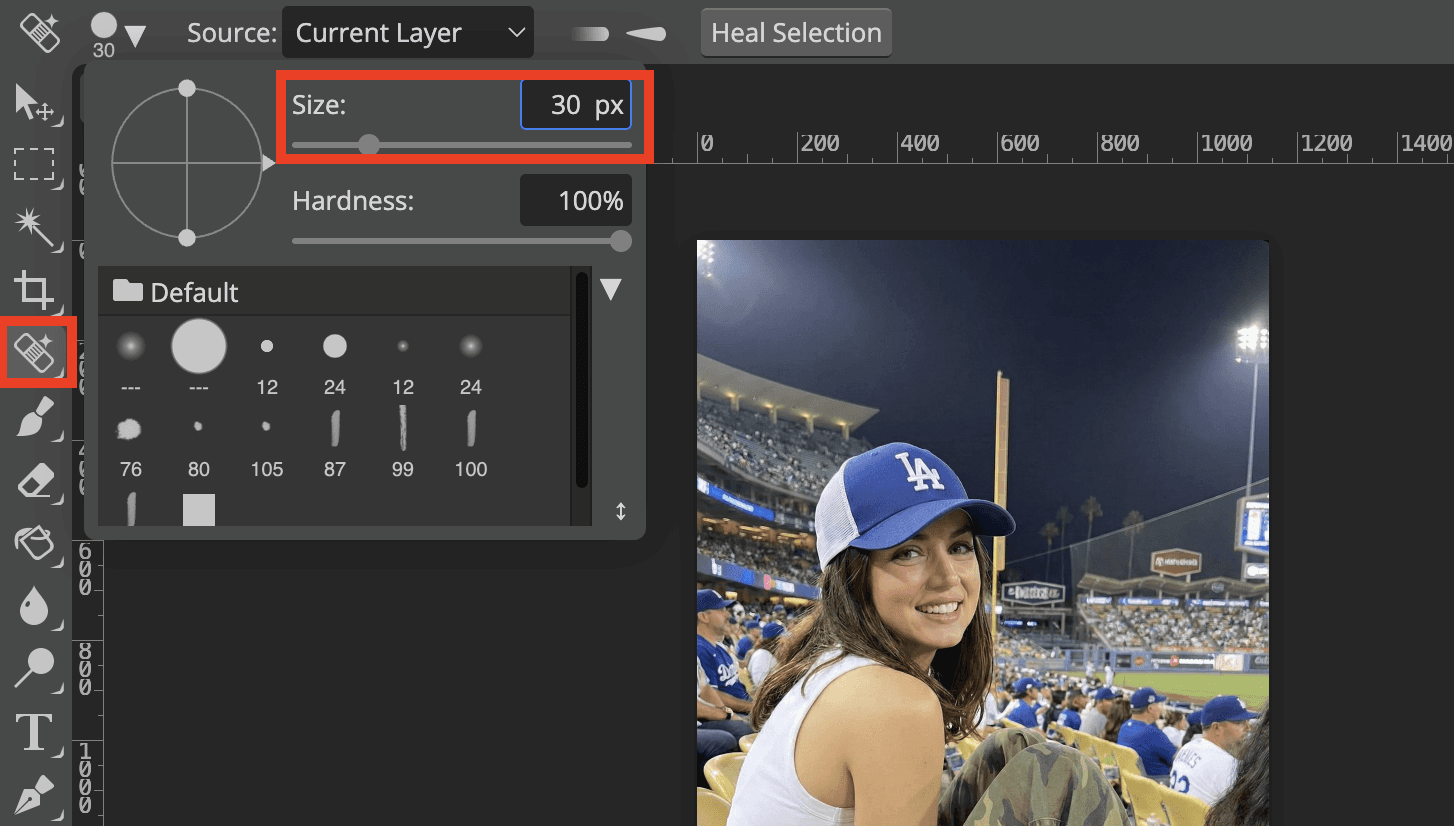
Zoom into the bottom right corner where the watermark appears.
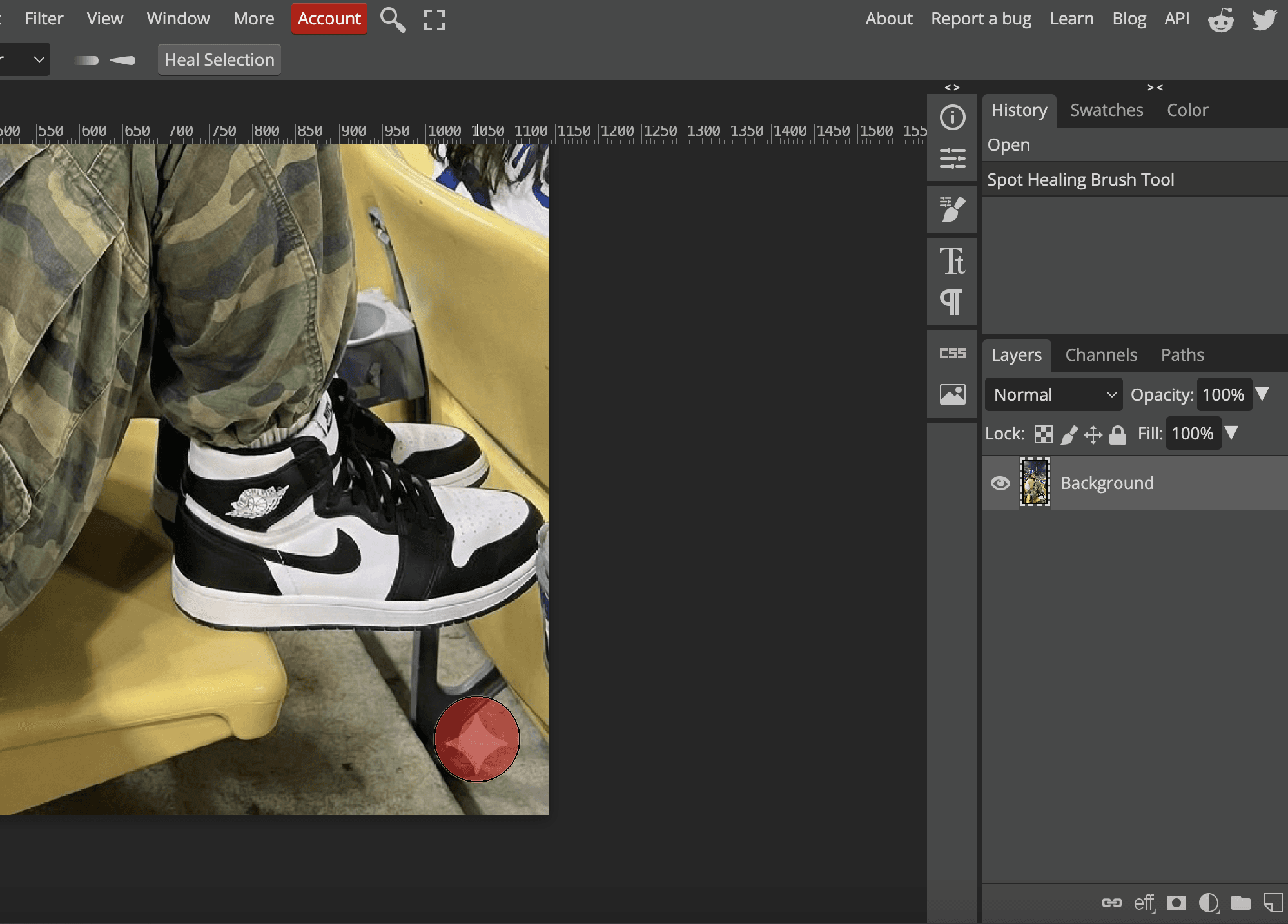
Brush gently over the watermark area until it disappears. Use small strokes for better results.
Step 4: Export the Image
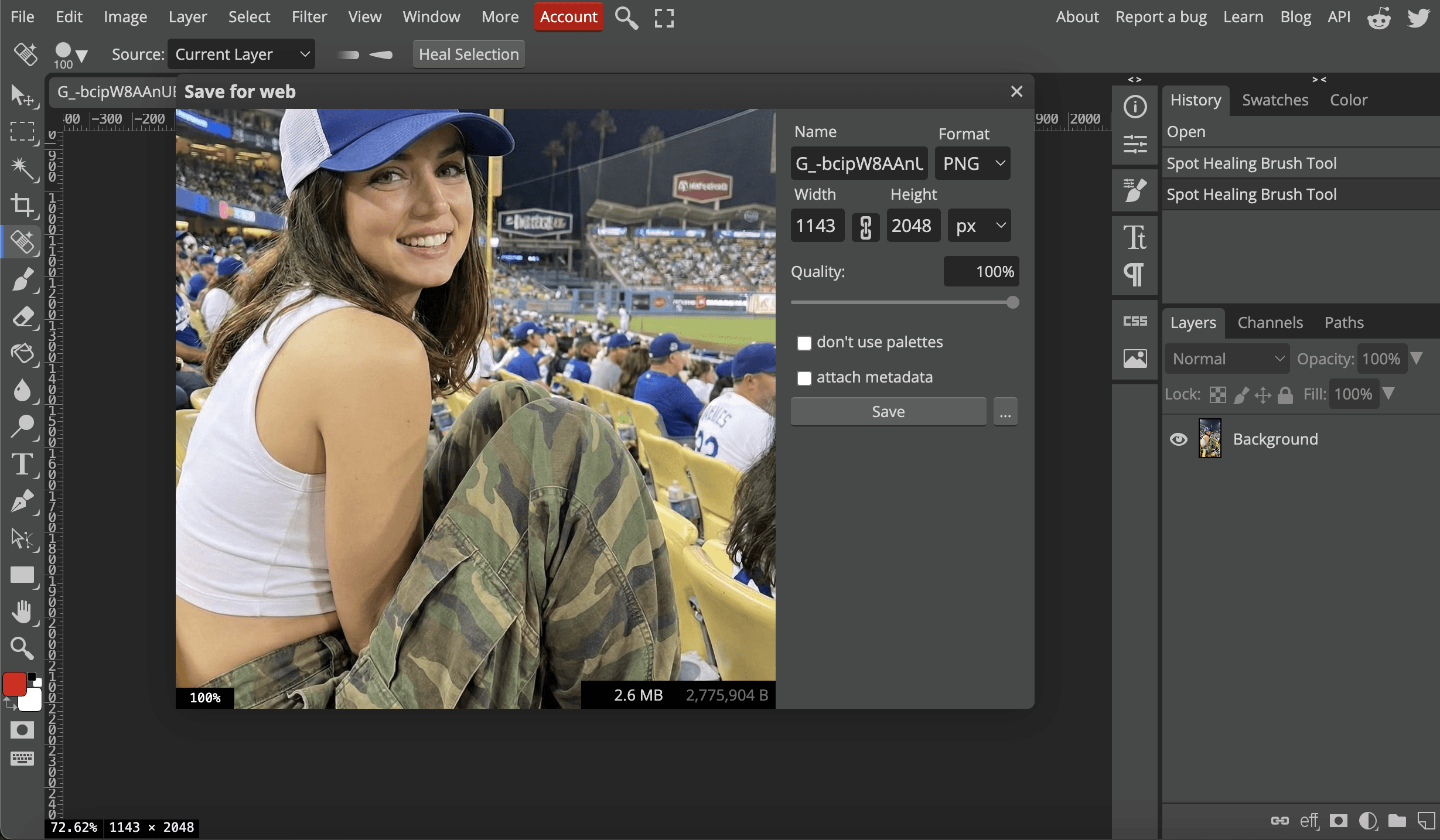
Click File → Export As, choose your format, and save the watermark free image to your device.
Wrapping Up
Removing the Nano Banana watermark is simple when you use the right approach. ChatGPT works well for fast AI based cleanup, while Photopea gives you manual control using the healing tool for precise edits. Both methods help you remove the watermark without harming image quality.
If you found this guide useful, check out our other tutorials and posts to learn more practical ways to edit AI generated images and work faster.
You May Also Like













Featured Tools








Newest Additions





















AI Image & Video Generation

































Vibe Coding Library


























































Screenshot & Screen Recording Tools
















