
How to Download Videos From Any Social Media for Free (Guide)
Learn how to download videos from any social media platform for free with this simple step by step guide made for everyday users.

Dudu
Feb 24, 2026
Last Updated Feb 24, 2026
Image Credit: Toolfolio
Watching a useful or entertaining video online is easy. Saving it for later is not. Most social media apps do not give a clear download option, which leaves people searching for simple ways to keep videos they already like. This guide exists to solve that exact problem.
People want to download videos for many reasons. They want to watch offline, reuse clips for work, or save content before it disappears. The good news is that you do not need paid tools or technical skills. There are safe and free ways to download videos from social media if you know where to look.
This guide shows you how to download videos from any social media platform for free. The steps are simple and beginner friendly. You can follow them in minutes and get the video saved on your device without stress.
Steps to Download Videos From Any Social Media for Free
Step 1: Copy the Video Link
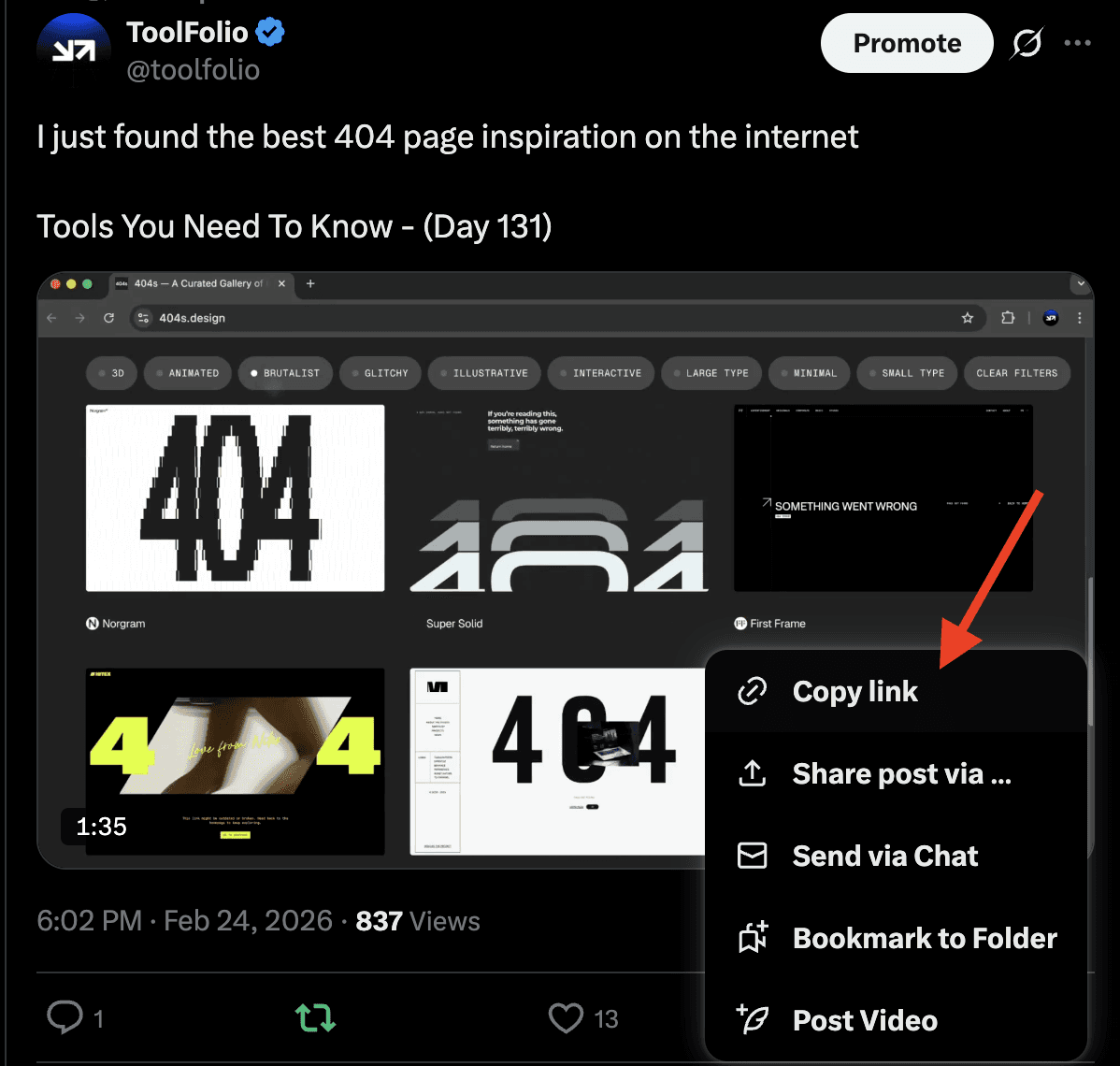
Open the social media app or website where the video is posted. This can be YouTube, Instagram, TikTok, Twitter X, or any other supported platform. Copy the full URL of the video or post you want to download. For this guide, I am taking the example of X.
Step 2: Open the Cobalt Website
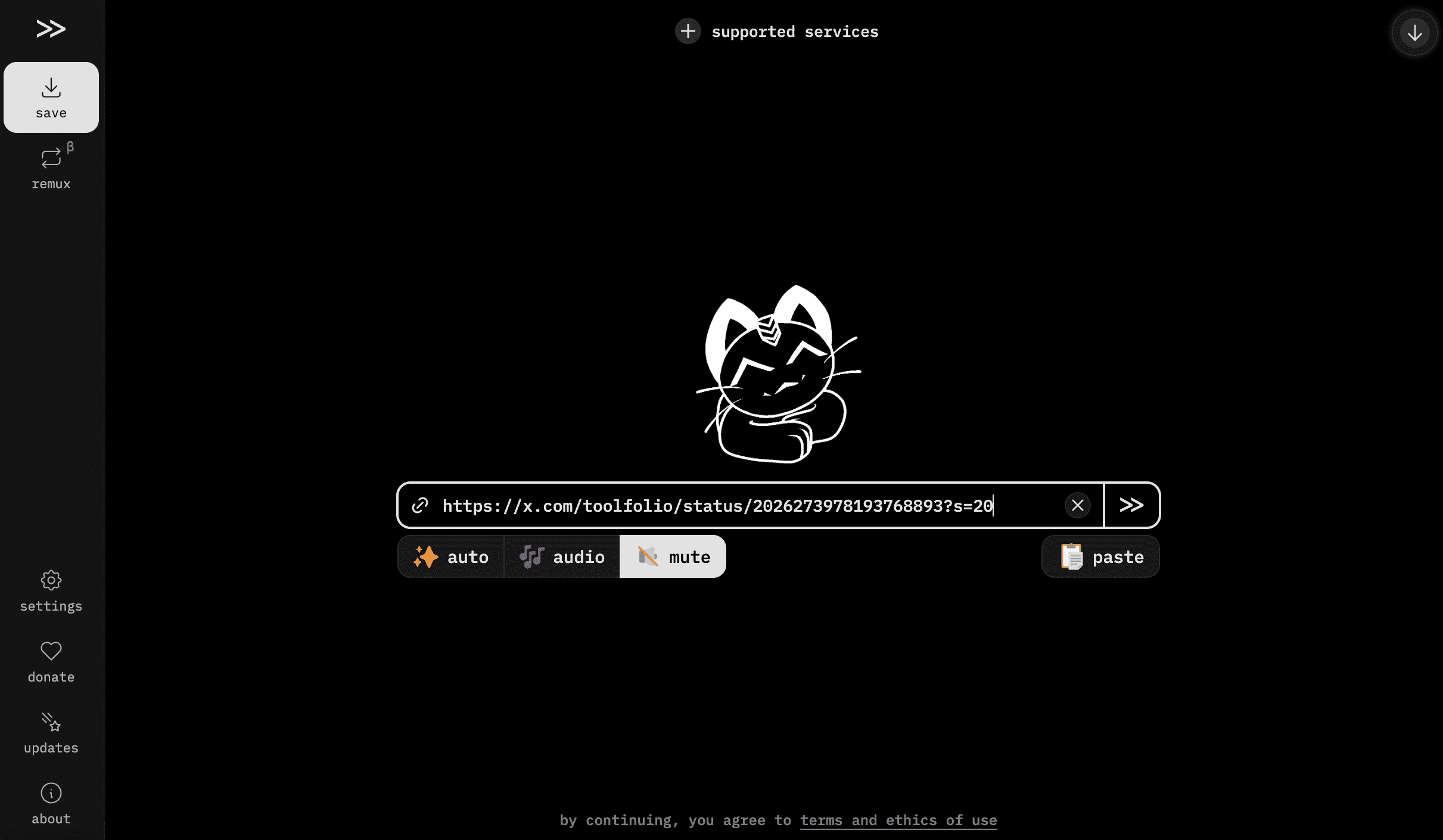
Open your browser and go to the official cobalt.tools website. You do not need to sign up or install anything. The tool works directly in your browser.
Step 3: Paste the Link and Set Options
Paste the copied video link into the main input box. Click the settings icon to choose video quality and format.
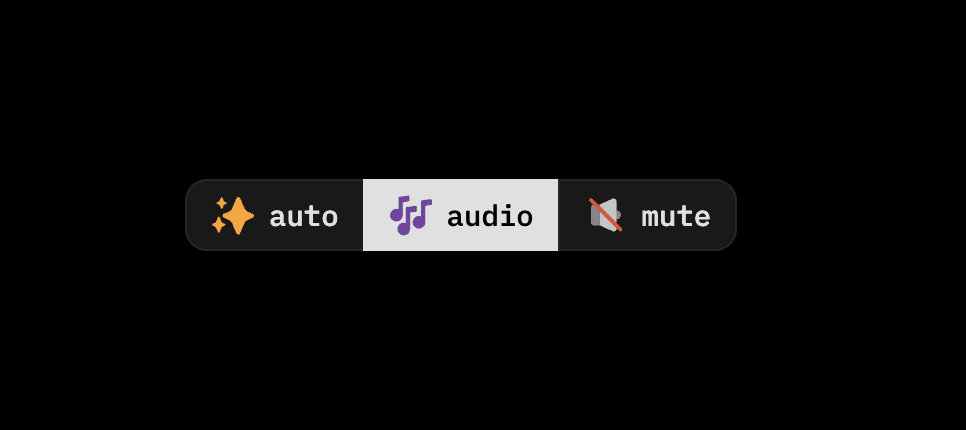
You can select MP4, WebM, or audio only. You can also choose auto audio or mute, depending on what you need.
Step 4: Download the Video
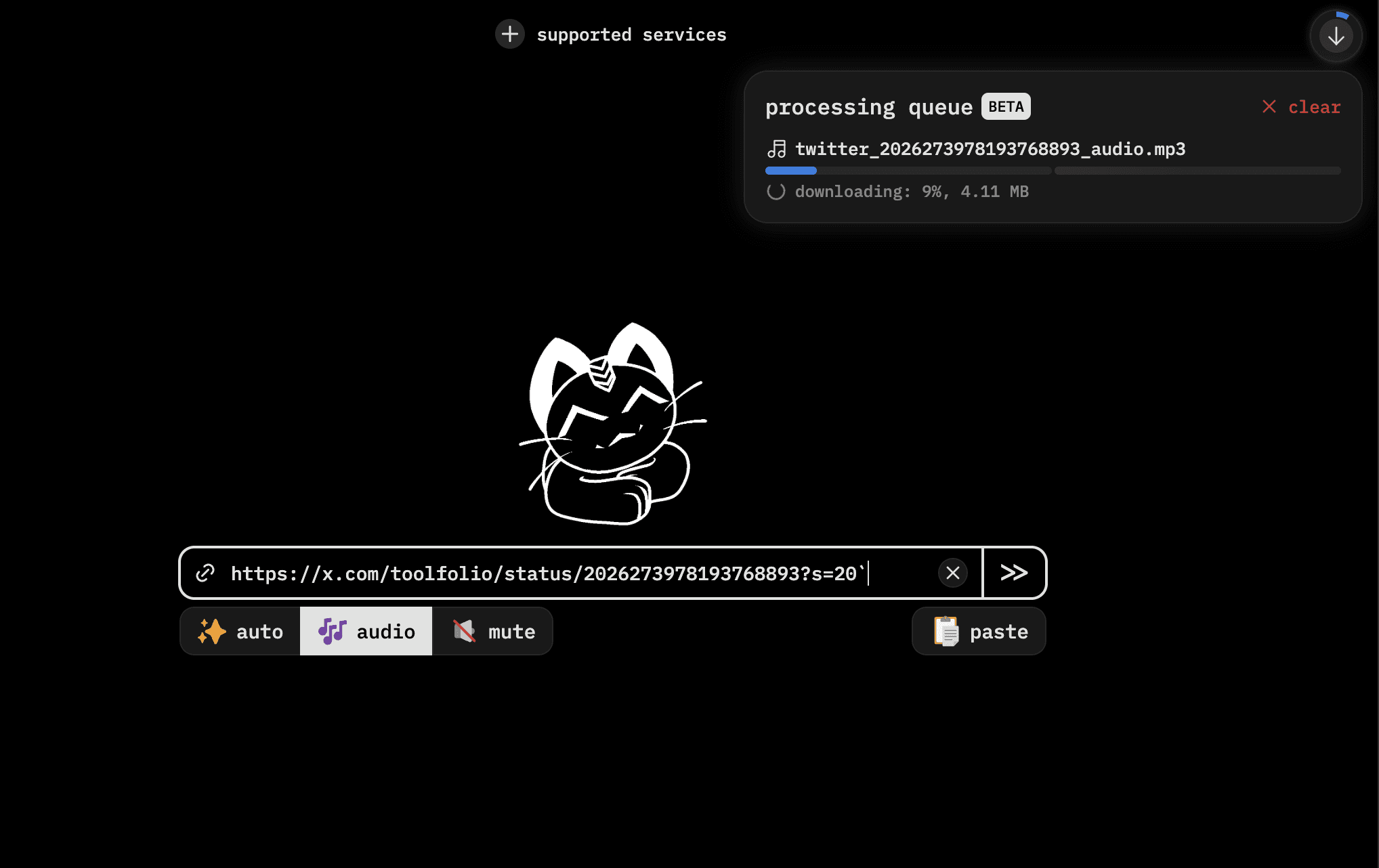
Click the download button. Cobalt will process the video and start the download. Once finished, you may see options like download, share, or copy link.
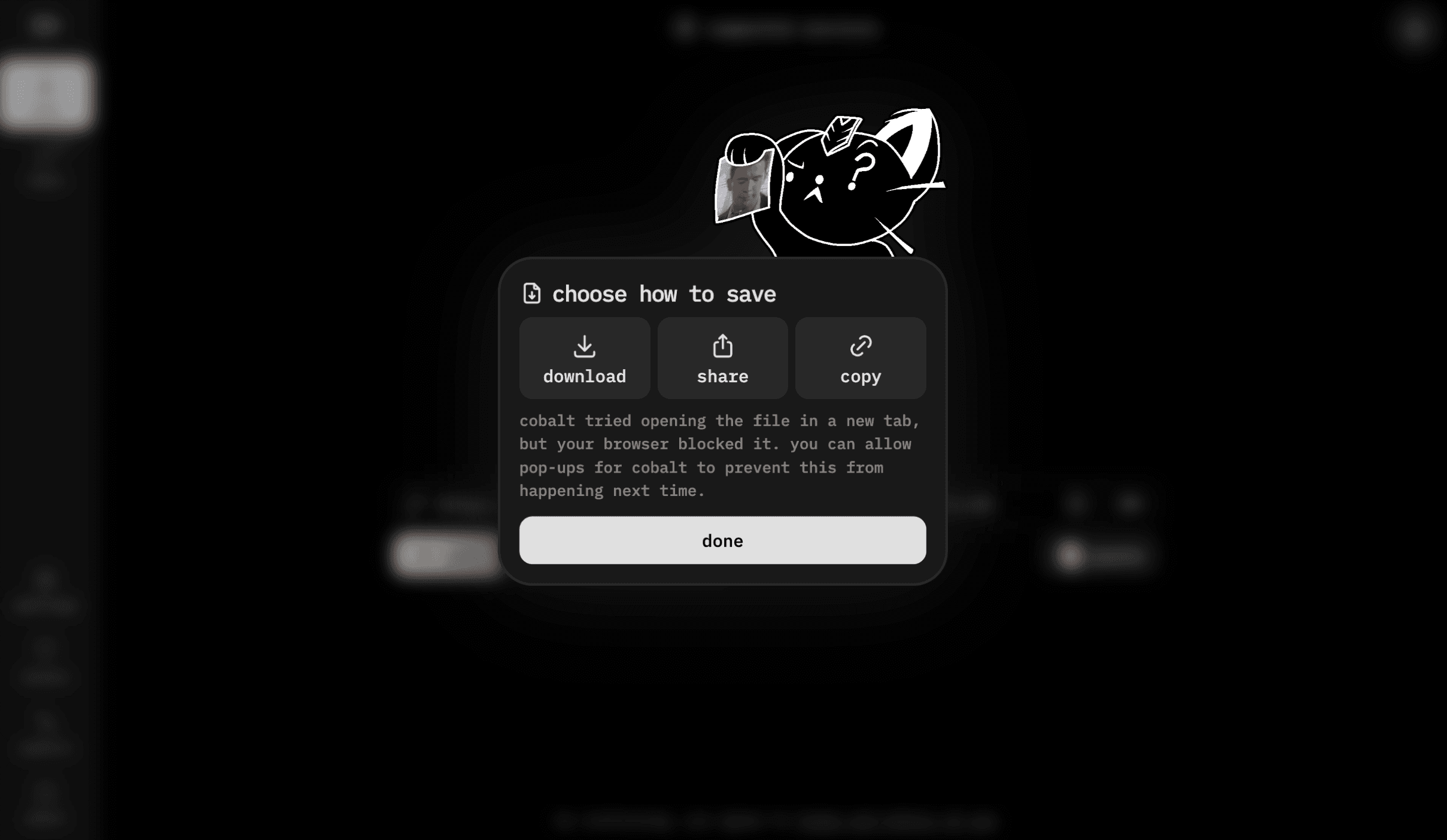
If your browser blocks a new tab, allow pop ups for Cobalt to avoid this next time.
Here are the platforms that Cobalt supports
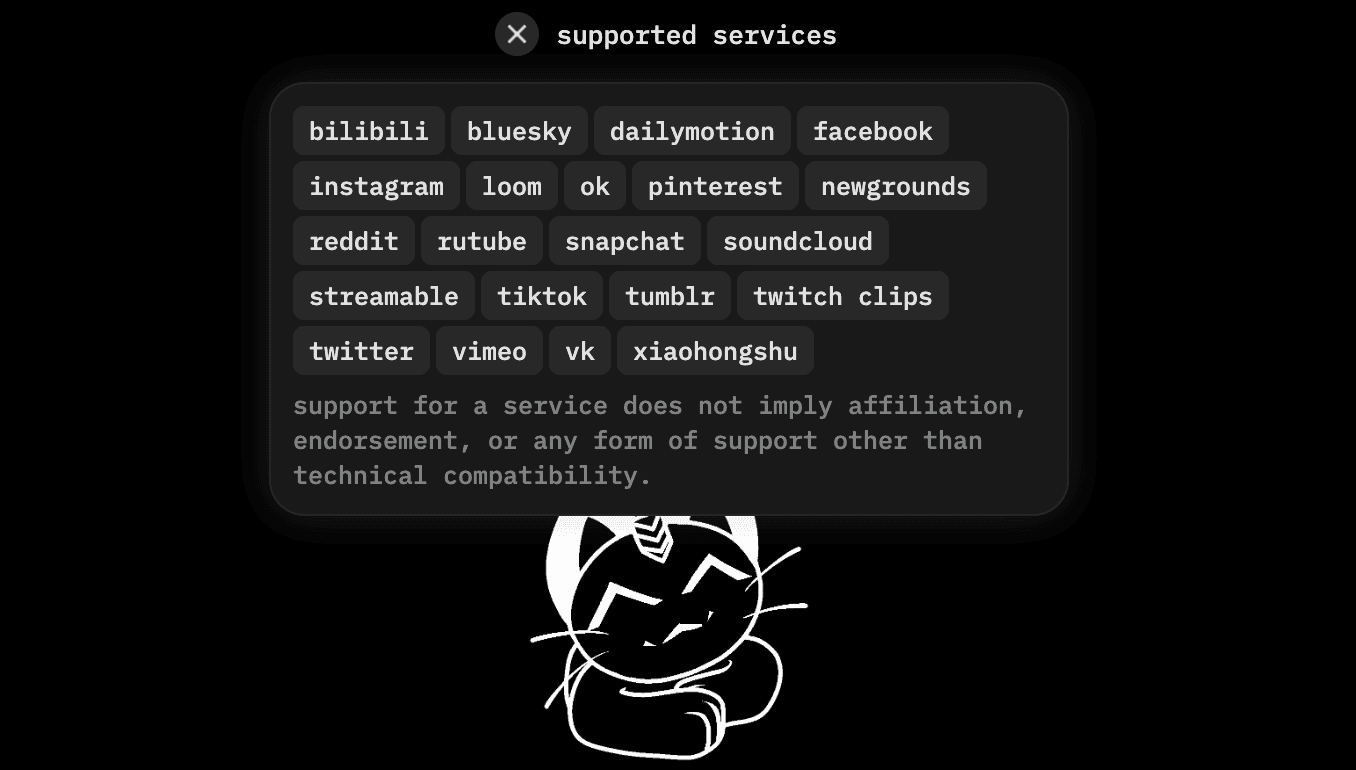
Cobalt supports many platforms, including bilibili, bluesky, dailymotion, facebook, instagram, loom, ok, pinterest, newgrounds, reddit, rutube, snapchat, soundcloud, streamable, tiktok, tumblr, twitch clips, twitter, vimeo, vk, and xiaohongshu.
Wrapping Up
Downloading videos from social media does not need to be complicated or expensive. With tools like Cobalt, you can save videos for free in just a few steps and watch them offline anytime.
If you found this guide useful, check out our other tutorials and posts for more simple, practical guides like this.
You May Also Like













Featured Tools







Newest Additions





















AI Image & Video Generation

































Vibe Coding Library



























































Screenshot & Screen Recording Tools
















