




6 Best Portfolio Website Builders (Guide)
Best portfolio website builders help you create a clean, professional online showcase quickly without needing design or coding skills.

Dudu
Dec 2, 2025
Last Updated Dec 2, 2025
Image Credit: Toolfolio
A strong portfolio helps people understand your work fast. The right website builder makes this easy by giving you simple tools, clean layouts, and full control over how your work appears. You focus on your craft while the platform handles the structure.
Many builders now offer templates made for writers, editors, designers, and creators. These layouts keep your work readable, organized, and easy to browse. You can update pieces, add new samples, or adjust your style without trouble.
This guide highlights the best portfolio website builders for content and editing.
Let's get started!
What Should You Look for In a Portfolio Website Builder?
A strong builder should let you design fast without touching code.
Drag-and-drop modules, flexible grids, and ready layouts make it simple to shape each page and adjust your work as it grows.
You should also have control over how your projects appear. Clean galleries, customizable sliders, and text-focused layouts help you present visuals, writing, or case studies in a clear, structured way.
Typography control, animation tools, responsive layouts, and easy media handling round out a good platform.
These features help you build a portfolio that looks consistent, loads well, and supports your personal style.
Best Portfolio Website Builders to Try Today
A good portfolio builder should help you design fast, present your work clearly, and keep everything flexible as your projects grow.
1. Framer: For High-Fidelity Interactive Sites
Difficulty: Medium
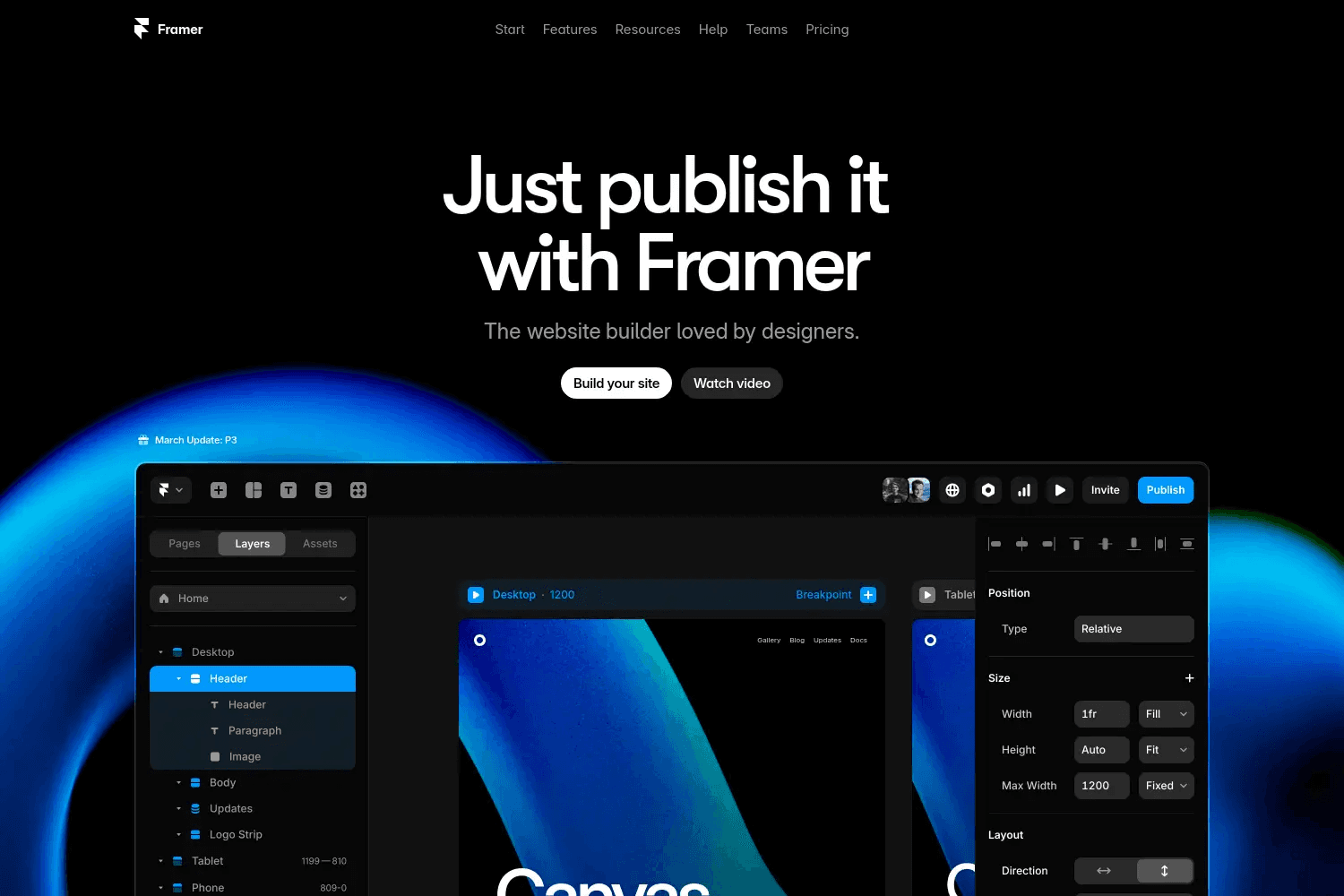
Framer is built for creators who want a portfolio that feels polished, modern, and dynamic. Its visual canvas lets you design responsive layouts, animate sections, and create interactions without touching code.
You can generate starter layouts with AI, refine them visually, and publish a site that behaves like a custom-built experience.
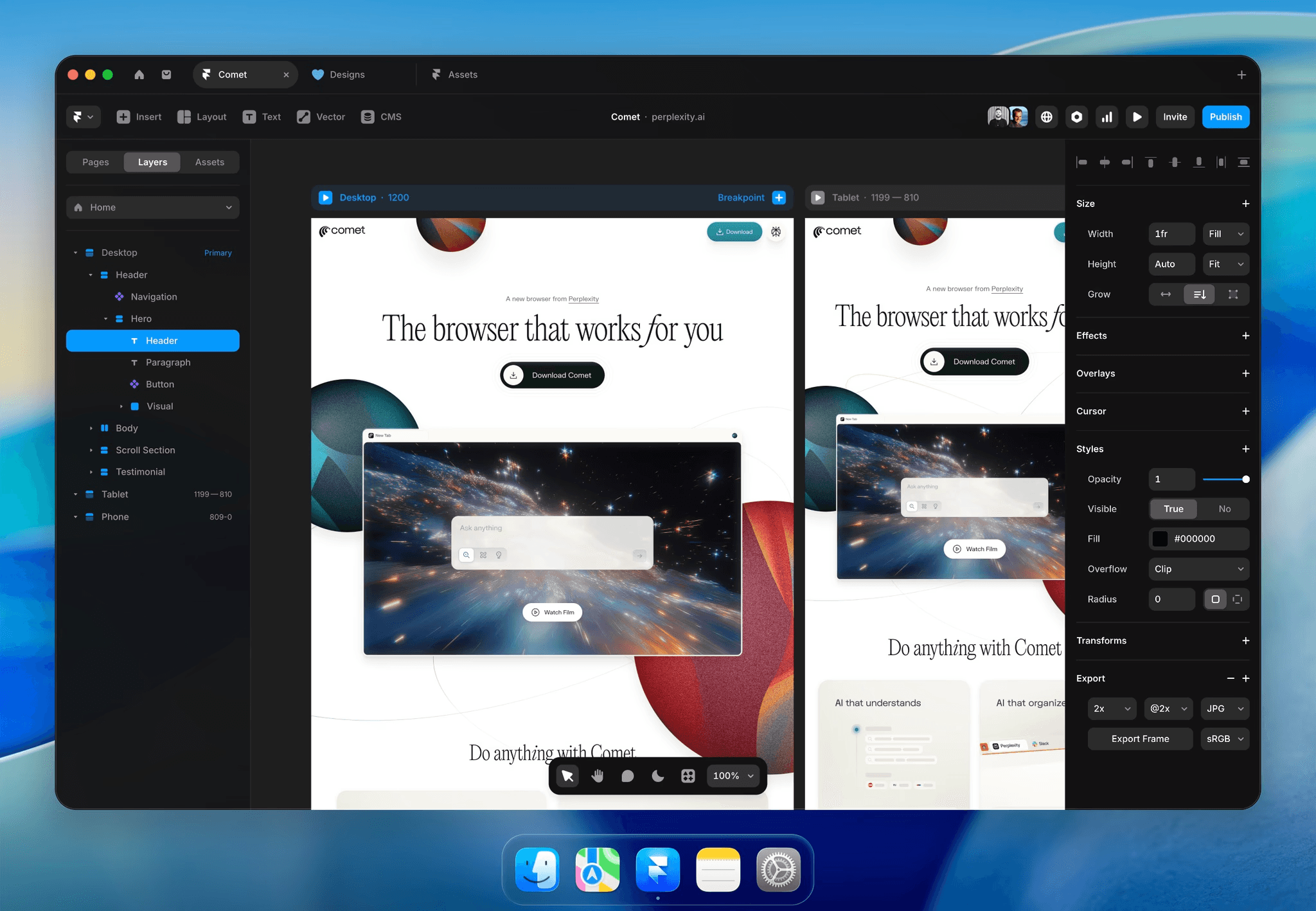
Its built-in CMS makes content updates simple. You can manage projects, galleries, posts, or case studies directly in the editor, and everything syncs seamlessly across your site.
Framer’s performance tools, from dynamic optimization to fast hosting, keep pages quick and smooth even with rich animations. SEO settings, metadata fields, and analytics come included, giving you the structure you need to track visitors and tune growth.
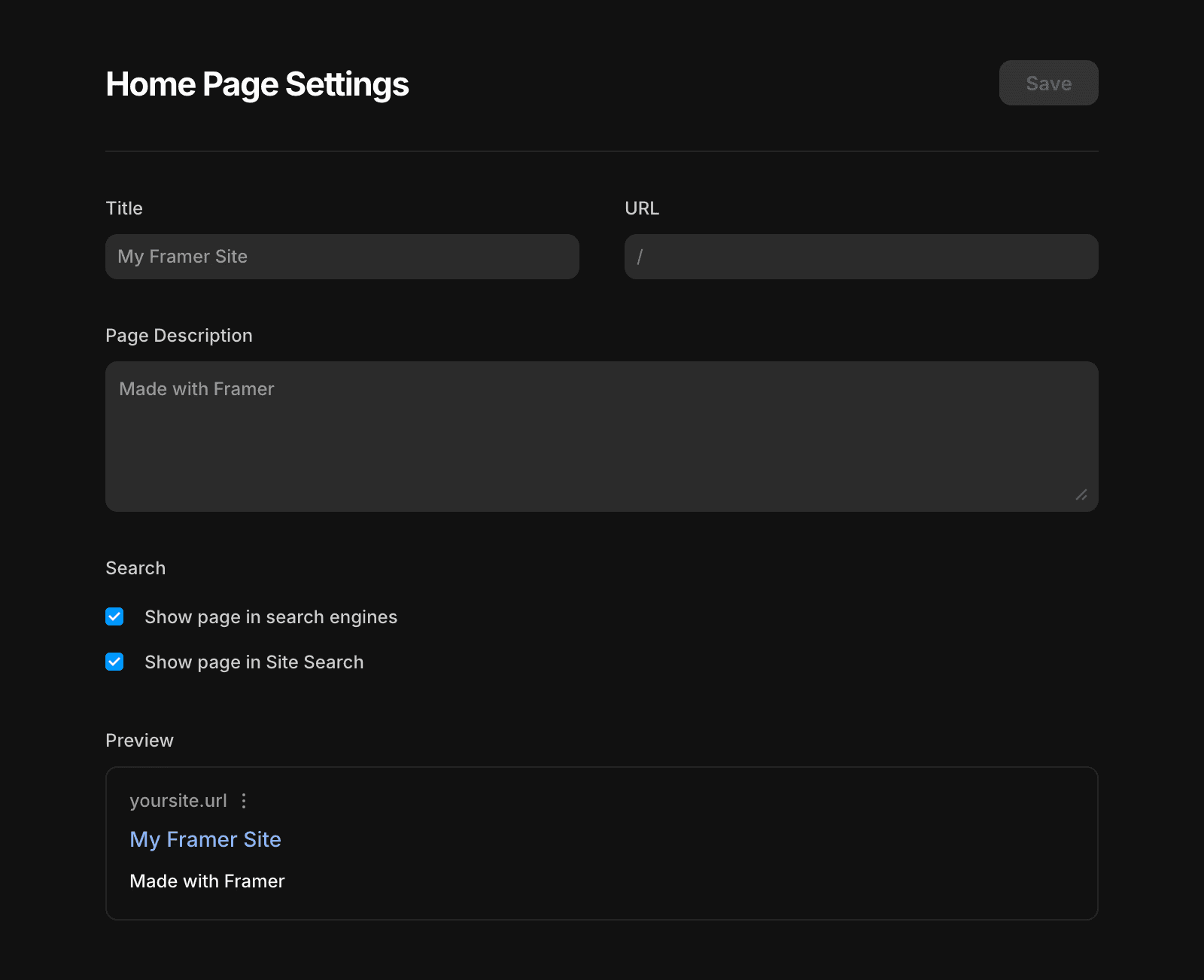
You can build advanced components, craft 3D-like effects, use masonry grids, create multilingual sites, and integrate AI tools for generating layouts, translating pages, or producing images.
Templates, marketplace components, and community resources help you launch faster, while staging, version rollback, and permissions support larger or collaborative portfolios.
Key features:
Visual responsive builder with animations and interactions
AI layout generation, AI translations, and AI plugins
Built-in CMS with relational content and easy editing
Fast hosting, SEO tools, analytics, and optimization
Advanced components, workshops, and 3D effects
Real-time collaboration and staging environments
Pricing:
Basic: $10 per month.
Pro: $30 per month.
2. Carbonmade: For Fast Visual Portfolios
Difficulty: Very Easy
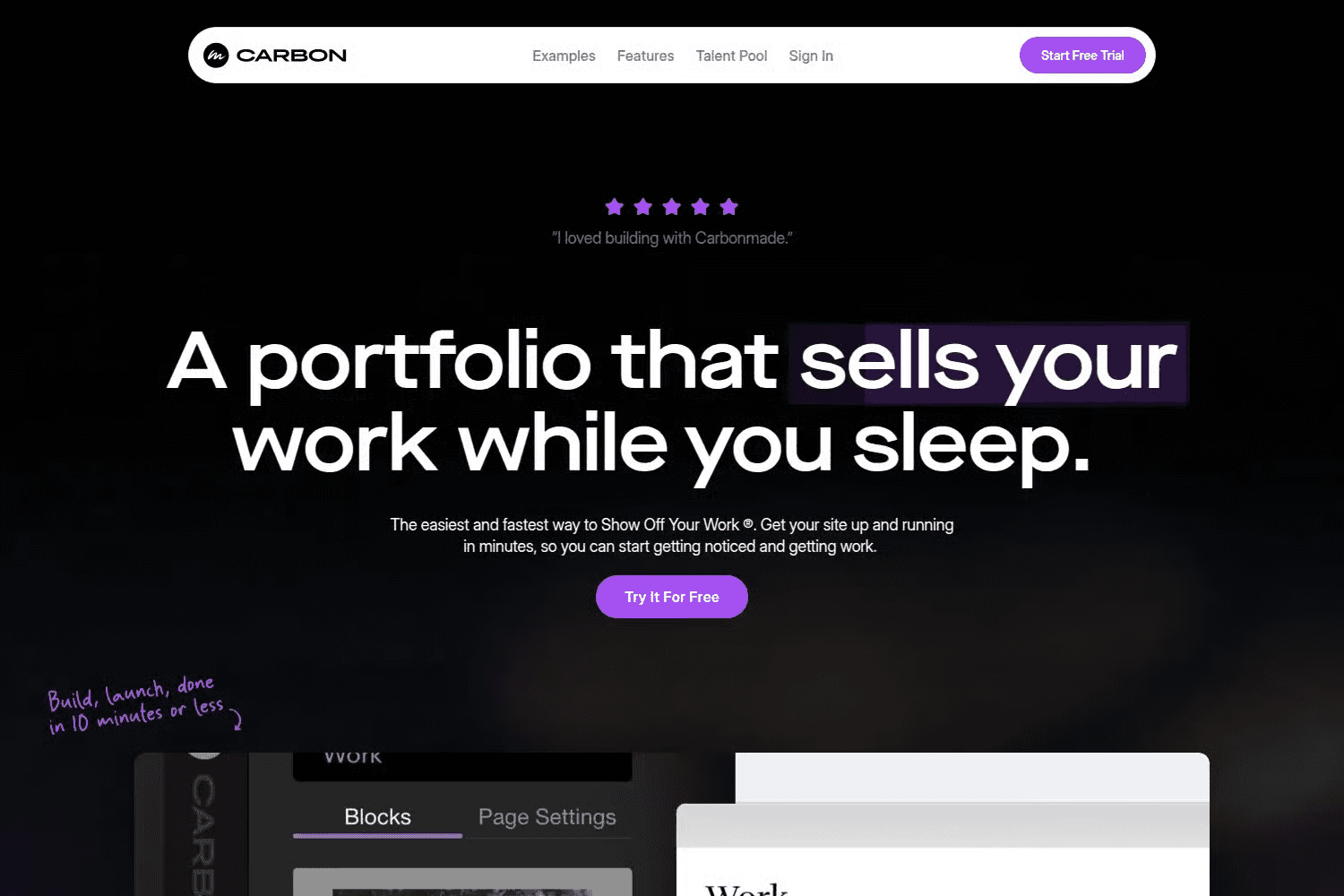
Carbonmade focuses on speed and simplicity, giving you a clean drag-and-drop builder that helps you launch a visual portfolio in minutes.
It removes limits on layouts, media, and storage, so you can upload high-resolution images, 4K video, and entire galleries without worrying about restrictions. Its block-based system lets you mix and match layouts, rearrange sections, and build pages that feel personal rather than template-driven.
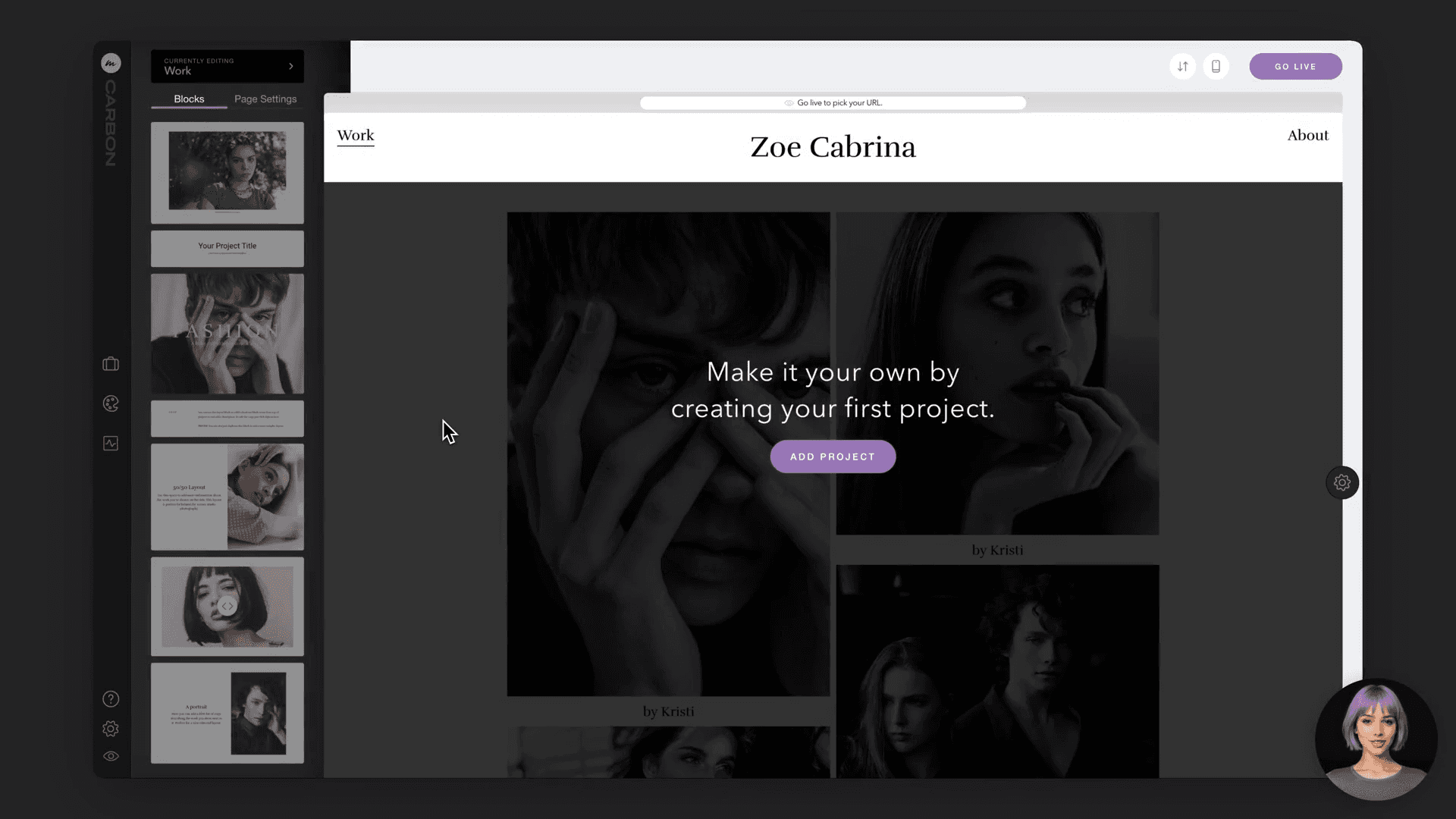
The platform handles heavy visual work with ease. You can build full-screen galleries, sliders, custom grids, and high-quality video sections that keep your work sharp and immersive.
You can switch navigation layouts, choose from dozens of typefaces, create gradients, add covers, embed videos, and use before-and-after blocks to show your process.
Password protection, analytics, custom logos, and global styles help you manage both presentation and performance. The unlimited free trial lets you build your entire site before you decide to upgrade.
Key features:
Unlimited media uploads, including high-resolution images and 4K video
Drag-and-drop builder with mix-and-match layout blocks
Full-screen galleries, sliders, grids, and video players
Navigation switching, typefaces, gradients, and global styles
Hosting included with optional custom domains
Analytics, password protection, and optimized mobile layouts
Pricing:
From $9.99 per month.
3. Semplice: For Design-Forward Portfolios
Difficulty: Medium to High
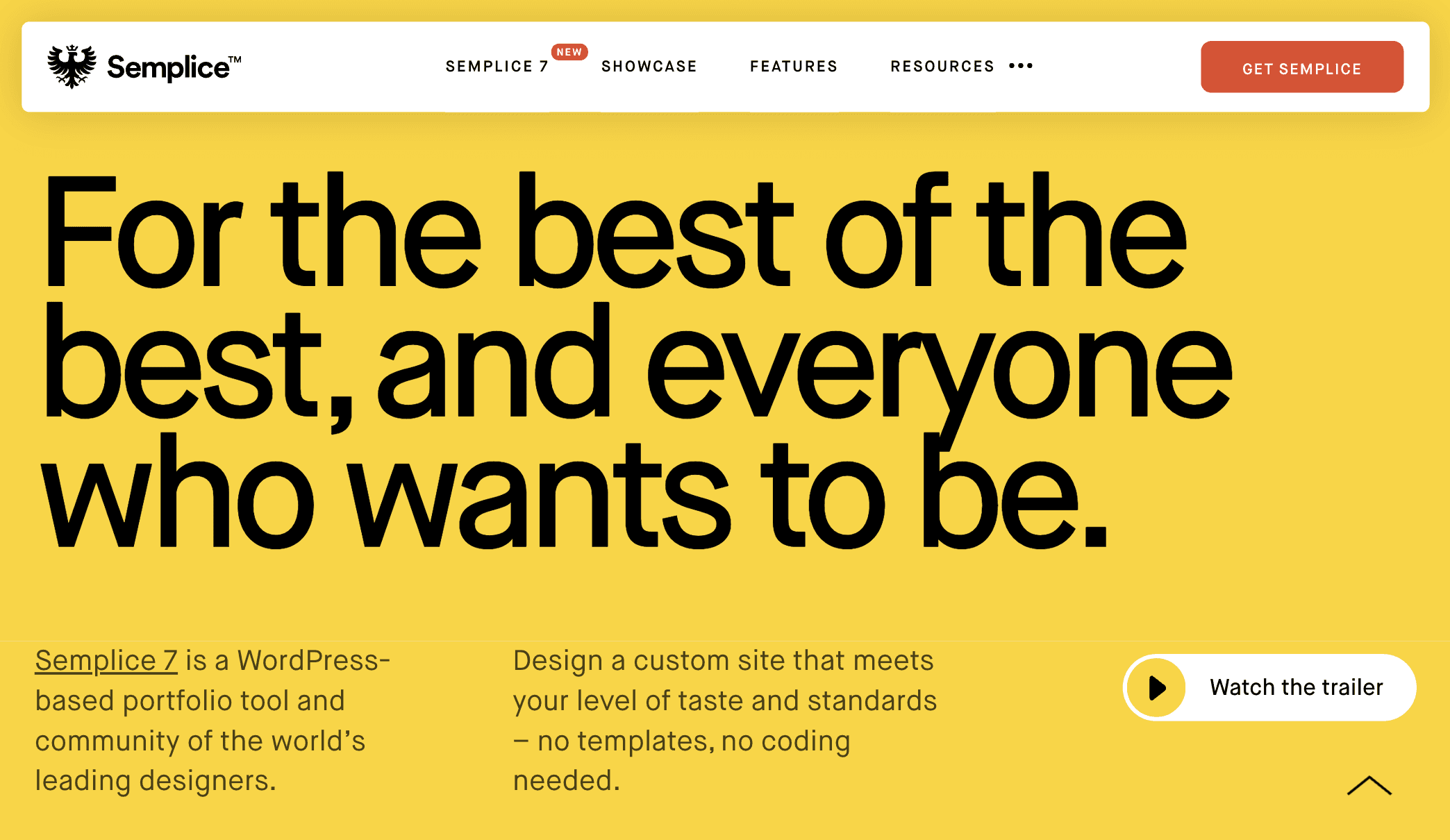
Semplice is a WordPress based portfolio builder, built for creatives who want full visual control without writing code, giving you a clean drag-and-drop editor that feels like a design tool.
You build on a flexible grid, craft each page with modules, and reshape layouts anytime without dealing with templates or restrictions.

You can design custom animations, create full-screen sliders, build hover effects, and refine transitions to match your style. Typography controls let you upload fonts, build global type systems, and tune details for desktop and mobile.
Semplice also supports complex portfolio needs. You can save reusable blocks, embed video, use mesh gradients, add Lottie animations, or design custom navigations from scratch.
The platform is fully responsive by default, supports private projects, and includes a built-in blog you can design yourself through WordPress.
Key features:
Visual drag-and-drop grid editor
Advanced portfolio grids and full-screen sliders
Custom animations, transitions, and hover effects
Global typography tools with variable font support
Reusable components and custom navigation builder
Responsive layouts, private projects, and built-in blog
Media library, video embeds, mesh gradients, and Lottie support
Pricing:
Single: $119 one-time.
Studio: $168 one-time.
Business: $699 one-time.
4. Squarespace: For Polished, All-In-One Portfolios
Difficulty: Easy
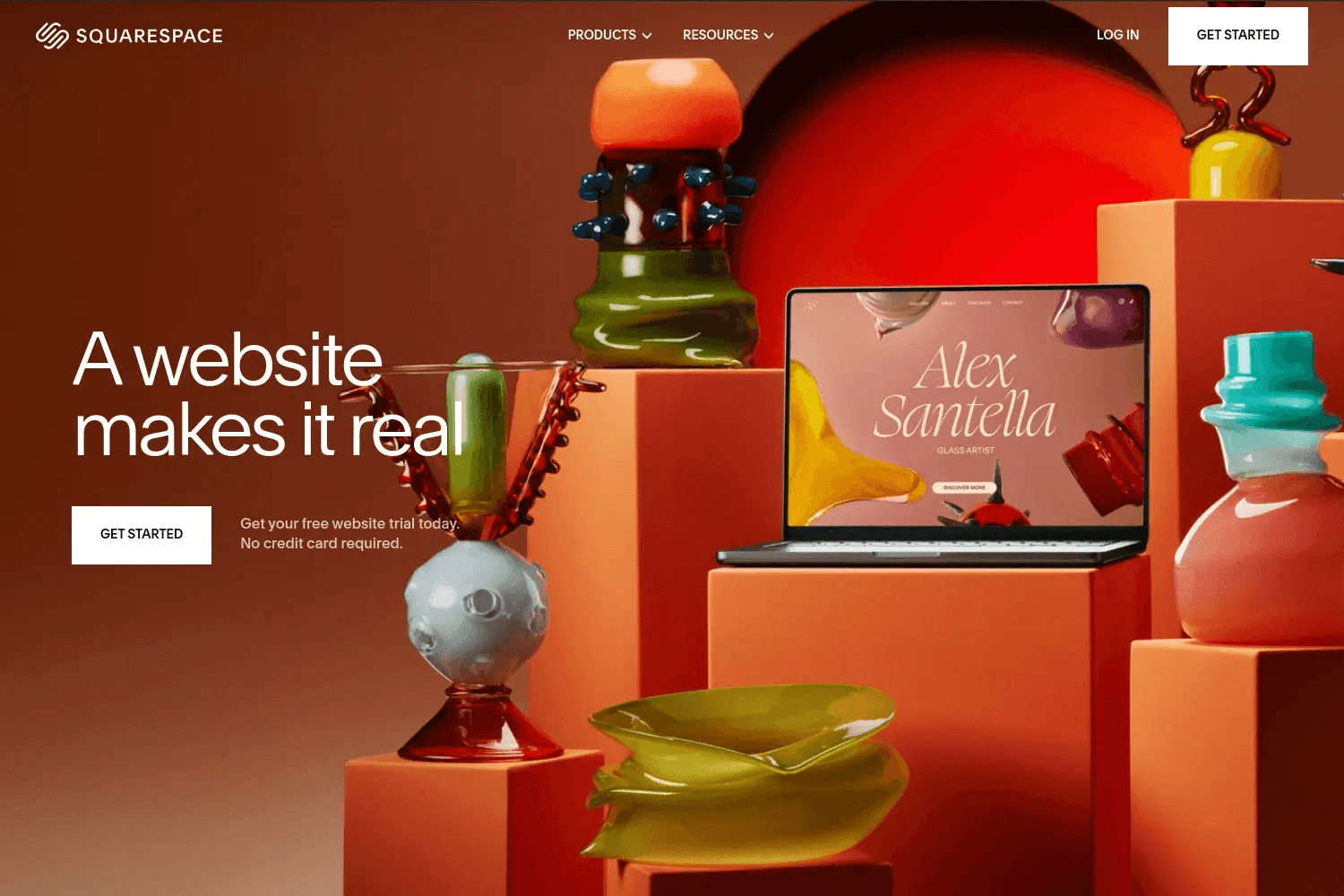
Squarespace offers a streamlined way to build a clean, professional portfolio using its flexible templates and Fluid Engine editor.
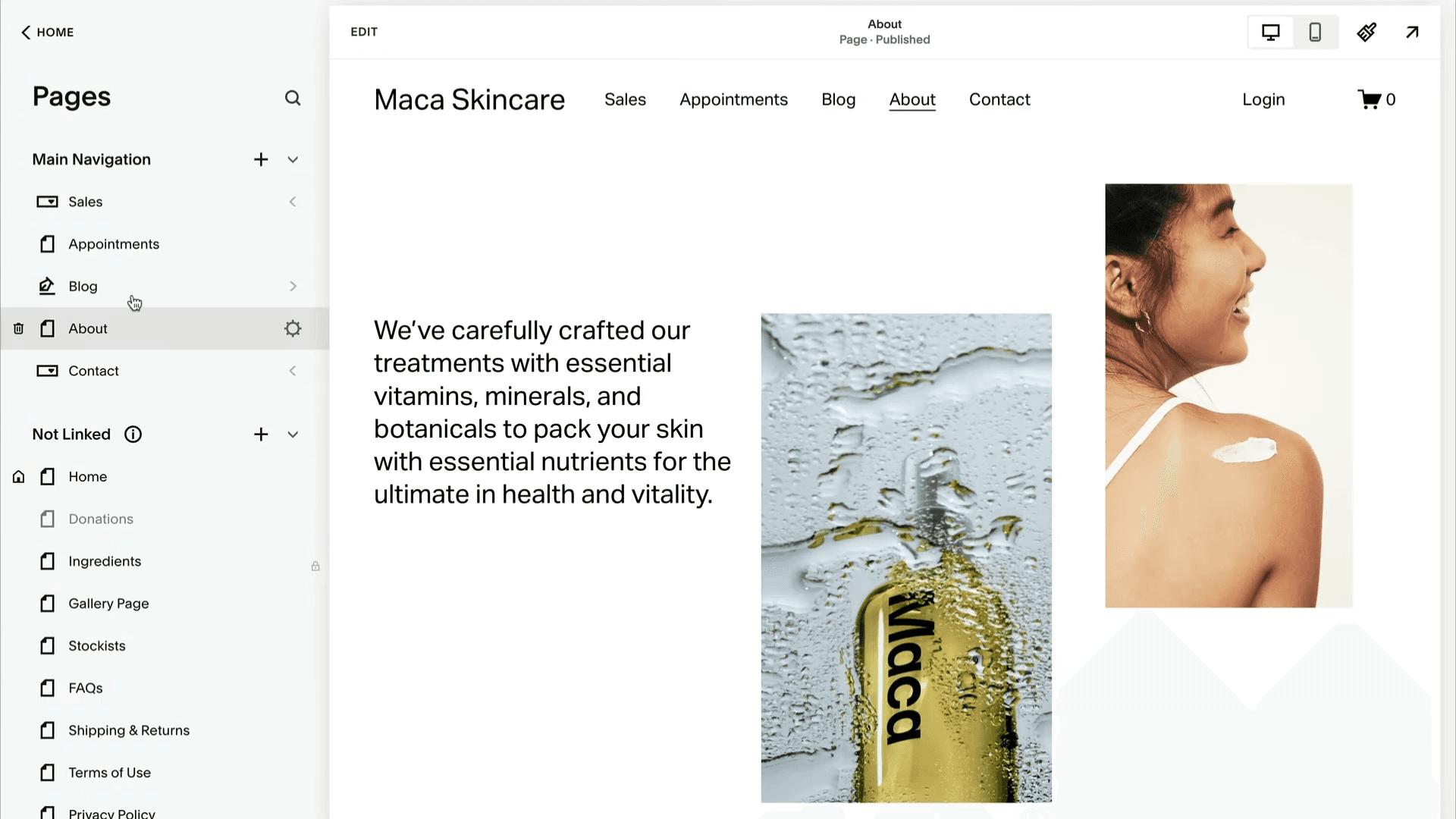
You can design each page with drag-and-drop blocks, adjust layouts for different project types, and publish or schedule updates without touching code.
The platform supports more than visual presentation. You can add contact forms, About pages, resumes, or service sections to help visitors understand your work and reach out easily.
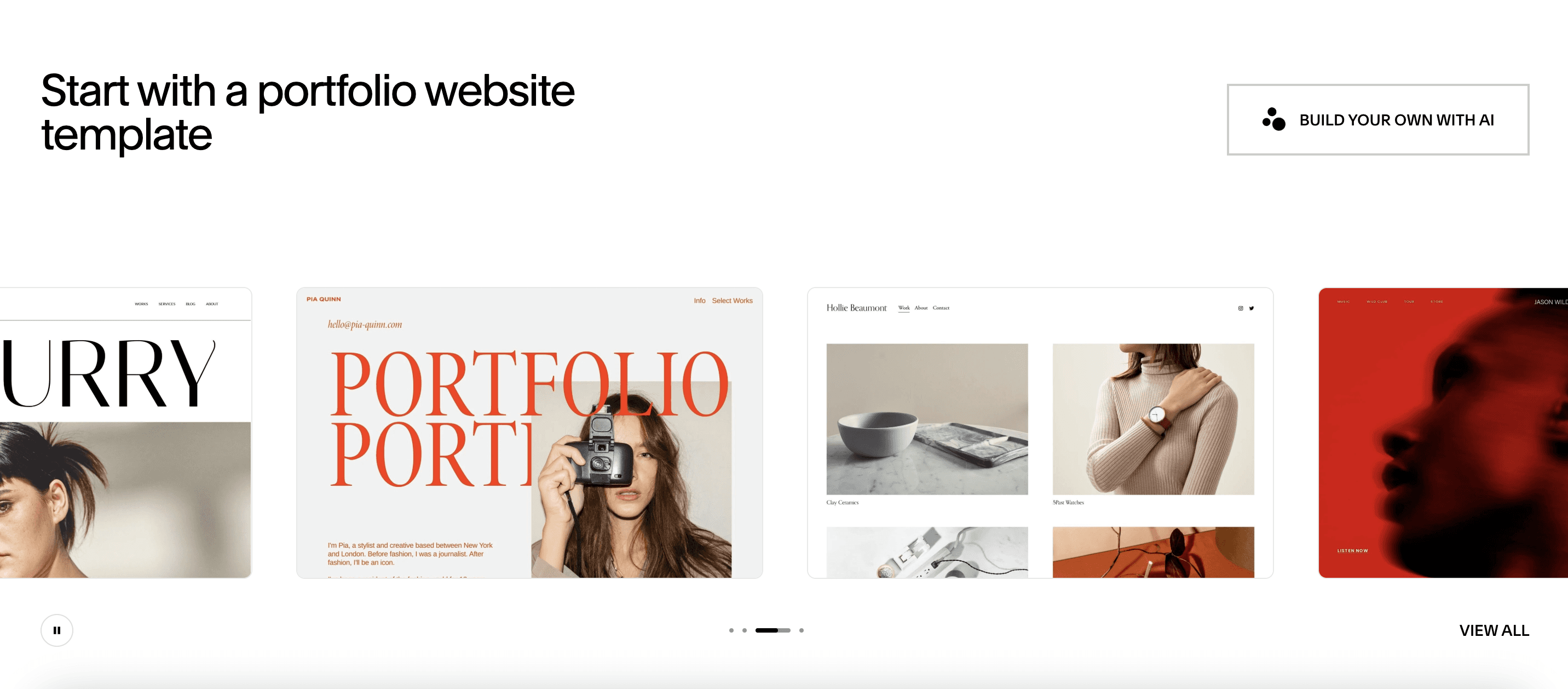
Squarespace can also handle payments, scheduling, invoicing, and online selling, making it useful for creators who want their portfolio and business tools in one place. Its SEO features, analytics, and integrations support growth as your site expands.
Key features
Professional templates and Fluid Engine drag-and-drop editor
Mobile-friendly layouts with customizable project pages
Built-in forms, resume pages, and AI writing support
Email marketing, SEO tools, social syncing, and analytics
Invoicing, scheduling, payments, and online store features
Custom CSS/JS support and unlimited contributors on higher plans
Pricing
Basic: $16 per month.
Core: $23 per month.
Plus: $39 per month.
5. Wix: For Flexible, AI-Powered Portfolios
Difficulty: Easy to Medium
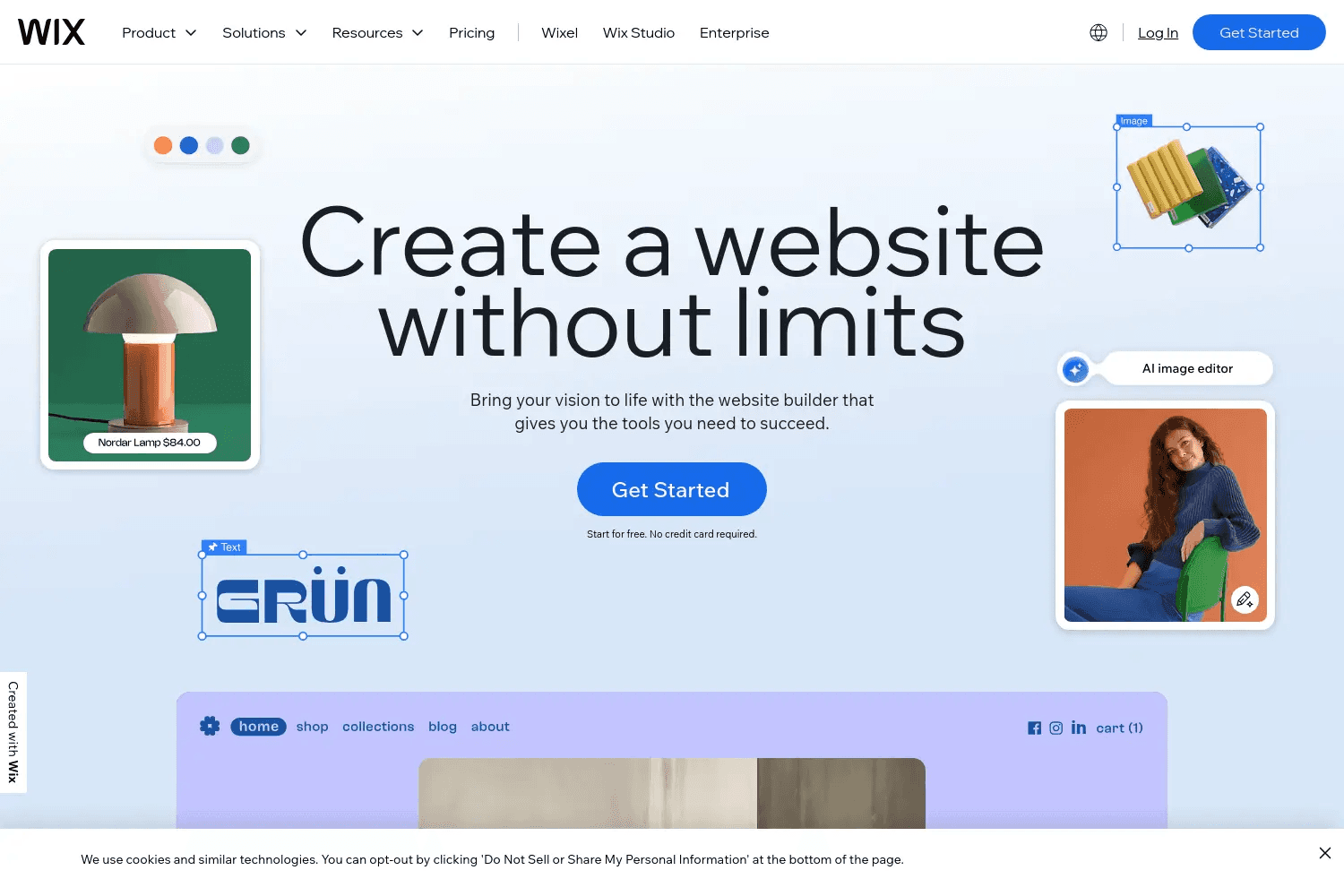
Wix offers a versatile portfolio builder that works for beginners and professionals who want full creative control. You can start with hundreds of portfolio templates or use the AI builder to generate a complete site by describing what you need.
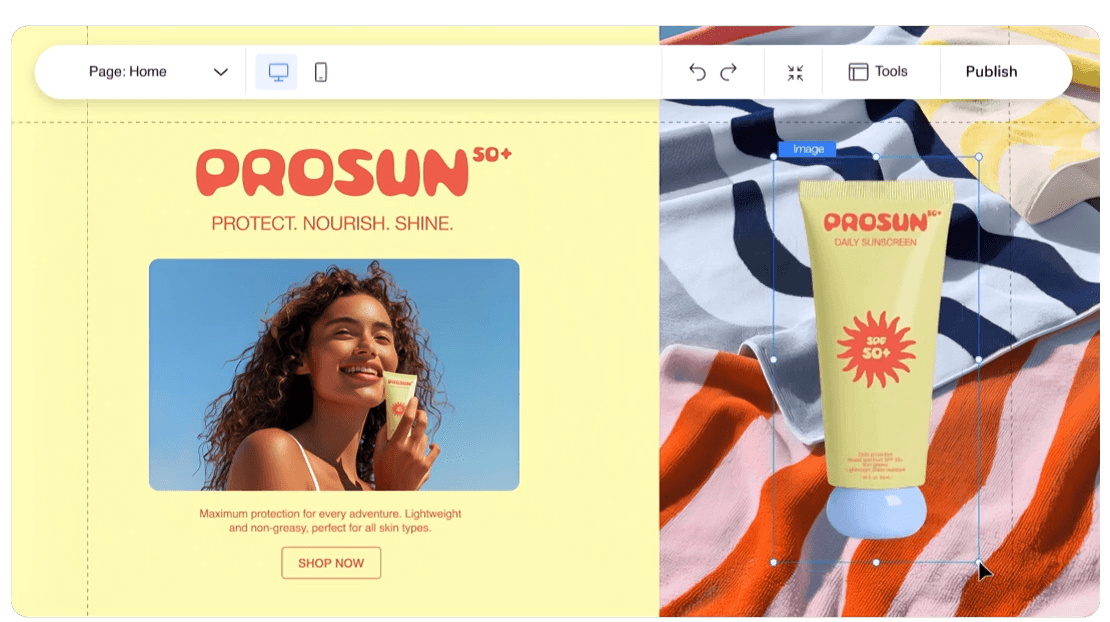
The drag-and-drop editor makes it easy to place images, write text, reorganize sections, and fine-tune layouts without touching code.
Its portfolio tools help you upload work, organize it into projects, choose layouts, and customize any detail you want. Wix handles media well, supporting large images, galleries, slideshows, and visual-heavy pages across design, photography, art, architecture, and more.
You can also add a domain, track analytics, collect leads, and manage your projects from one dashboard.
Key features
AI website builder and fully customizable drag-and-drop editor
Hundreds of portfolio templates and automatic project organization
Large media support with galleries, slideshows, and visual layouts
SEO tools, social ads, email marketing, and client management
Domain hosting, payments, invoicing, scheduling, and eCommerce
Fast multi-cloud hosting, strong security, and mobile optimization
Pricing
Light: $17 per month.
Core: $29 per month.
Business: $39 per month.
6. Canva: For Simple, Template-Driven Portfolios
Difficulty: Very Easy
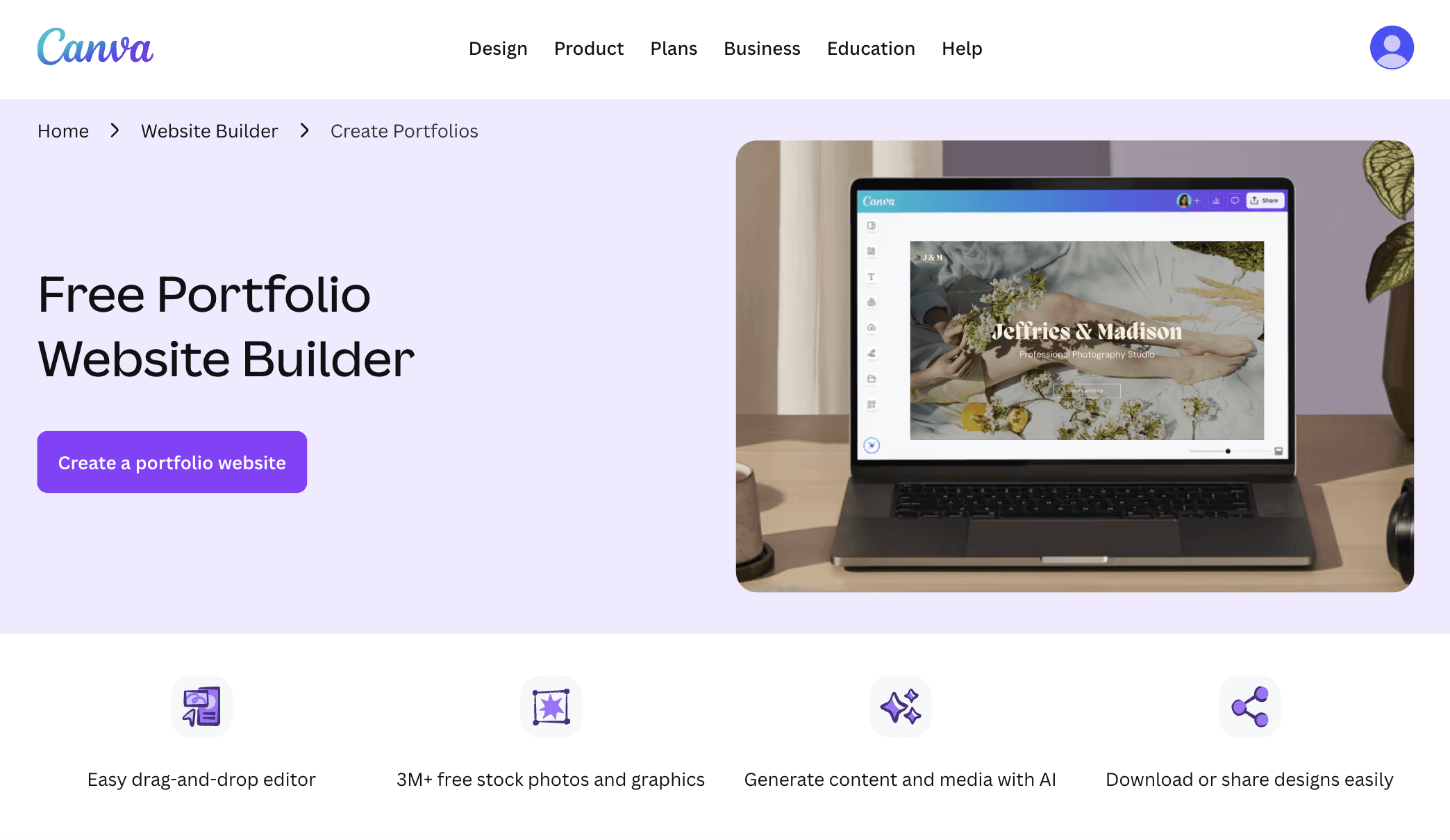
Canva is a lightweight portfolio builder designed for quick, visually clean presentations of your work. Its drag-and-drop editor makes layout design simple, allowing you to arrange images, add text, and build sections without dealing with complex website tools.
You can start with hundreds of free portfolio templates or build your own layout, then publish your site instantly using a free Canva domain.
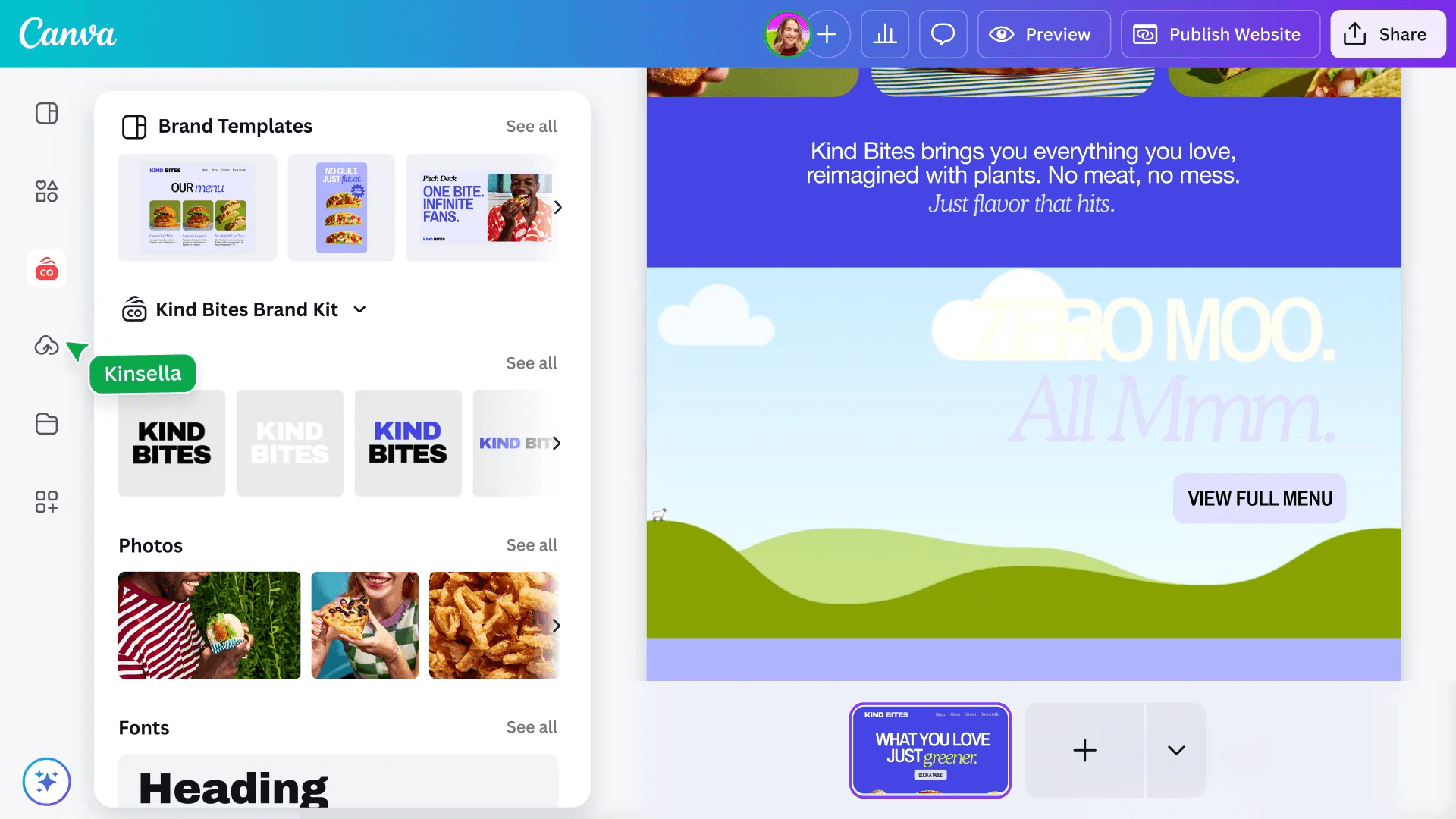
Its AI tools simplify content creation. Magic Write helps you draft project descriptions, bios, and headlines, while Magic Media generates visuals or mockups to fill out your layout.
You can upload your own fonts, create brand kits, or pull from millions of stock images and graphics to match your style. Canva also supports animations, timelines, and visual elements that help you showcase your process, achievements, and skills clearly.
Canva works for both digital and print portfolios. You can publish your work online with a single click, download your site as a PDF, or send your designs to print for in-person presentations.
Key features
Drag-and-drop editor with hundreds of portfolio templates
AI tools for writing, visuals, translations, and layout support
Stock photos, graphics, fonts, animations, and timelines
Free hosted one-page website with responsive design
Easy sharing, PDF export, and printing options
Brand kits, Magic Switch resizing, and simple collaboration
Pricing
Free plan available.
Pro: $15 per month.
Teams: From $100 per user per year.
Wrapping Up: Best Portfolio Website Builders
A good portfolio builder should help you show your work clearly and get online without the usual hassle.
The tools above cover different needs, whether you want full creative control, simple drag-and-drop editing, or fast AI-powered setup. Pick the one that fits your workflow and start shaping a space that reflects who you are and what you do best.
If you found this guide useful, check out our other tutorials and posts:
You May Also Like












Featured Tools








Newest Additions





















AI Image & Video Generation

































Vibe Coding Library



























































Screenshot & Screen Recording Tools
















