

8 Best Typography Tools for Designers
Explore the best typography tools for designers to choose the right fonts, create strong font pairings, test readability, and design professional websites, apps, and brand assets faster.

Dudu
Jan 11, 2026
Last Updated Jan 11, 2026
Image Credit: Toolfolio
Typography can make or break a design. The right font can make a page clear, readable, and trustworthy. The wrong one can confuse users and push them away.
That is why designers spend so much time choosing fonts, pairing them well, and testing how they look on real screens.
This guide covers the best typography tools for designers who want to work faster and design better.
These tools help you find quality fonts, create strong font pairings, check readability, and preview type in real layouts.
1. Fonts In Use
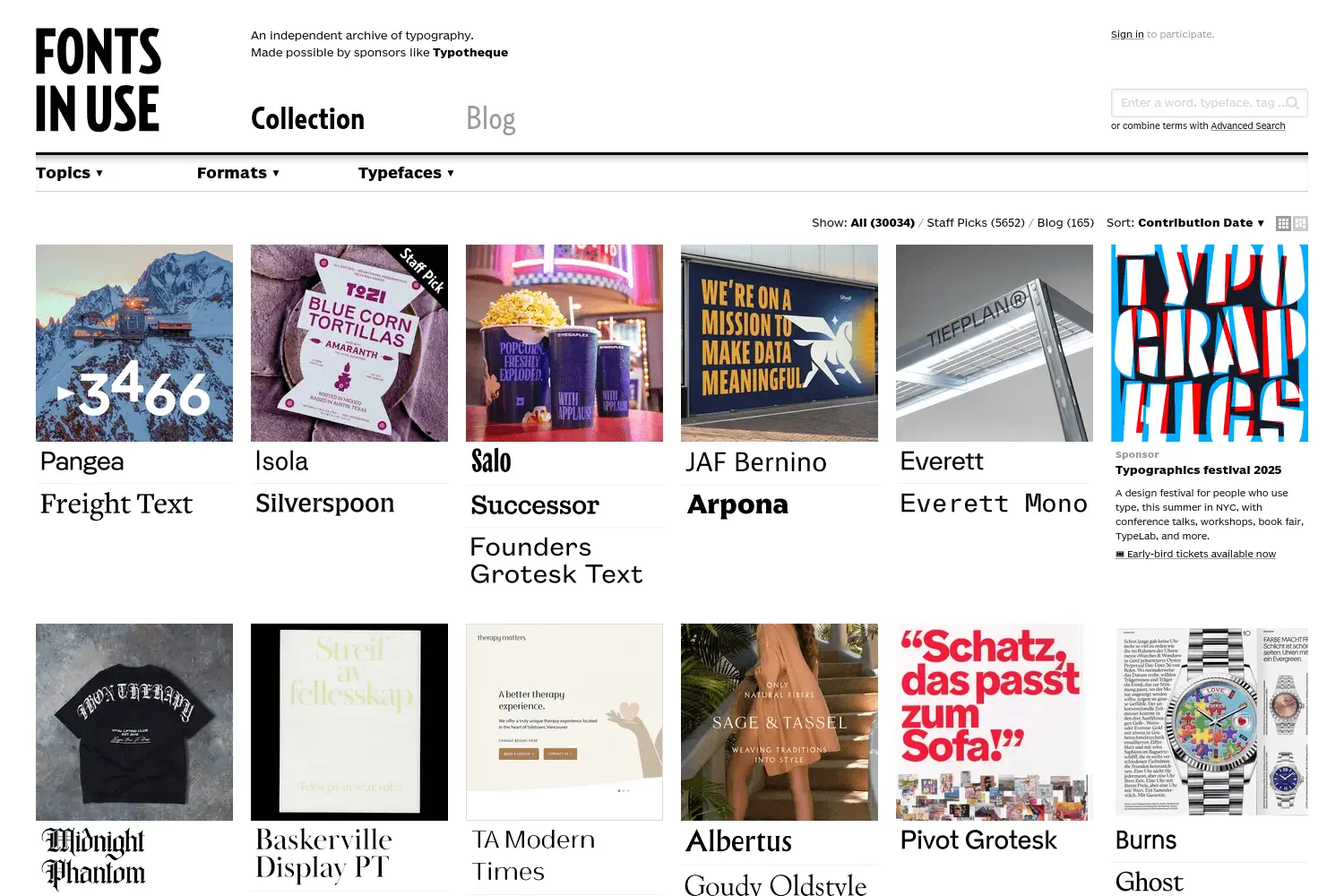
Fonts In Use is one of the best typography inspiration tools for designers. It shows how fonts are used in real projects, not mockups. You see type in books, posters, websites, logos, packaging, films, and brand work. This helps you understand how a font looks in the real world before you use it.
The platform works like a large, searchable archive. You can browse by typeface, industry, project type, or year. Each example shows the exact font used, often with background details like the designer, foundry, and font pairing. This makes it very useful for research and learning how professionals combine type.
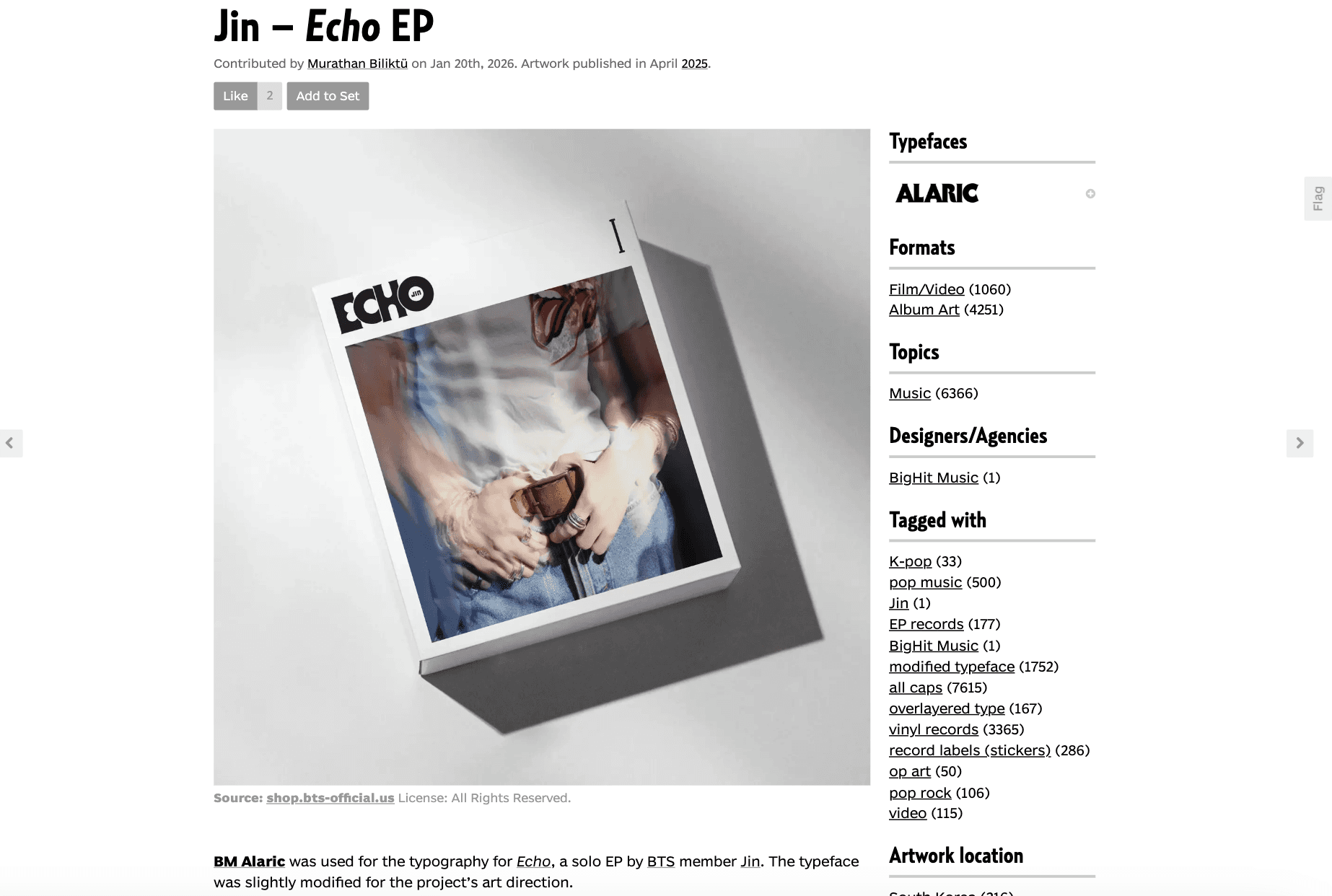
Designers use Fonts In Use to discover new fonts, study font pairings, and get layout ideas.
It is especially helpful when you want to identify a font you saw somewhere and understand how to apply it in your own work. The tool is free to browse, but you need an account to take part and contribute.
2. Fonts Ninja
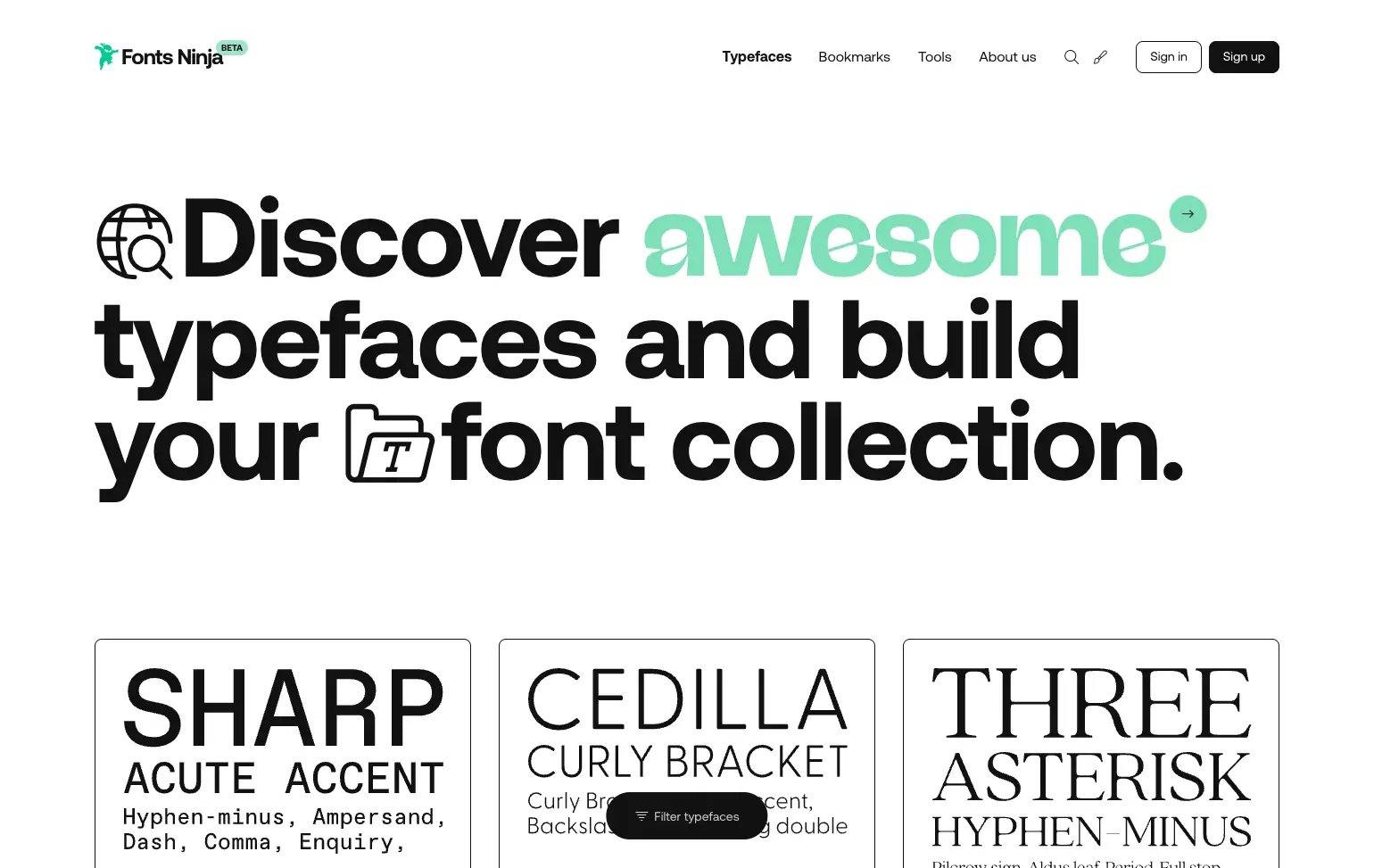
Fonts Ninja helps designers find, identify, and choose fonts with speed. It offers one of the largest font indexes, where you can browse thousands of typefaces and discover new ones for web, branding, and UI design. You can download free fonts or buy premium fonts directly, all from one place.
Its browser extension is the main strength. With one hover, you can identify fonts used on any website. It shows font name, size, line height, spacing, and color.
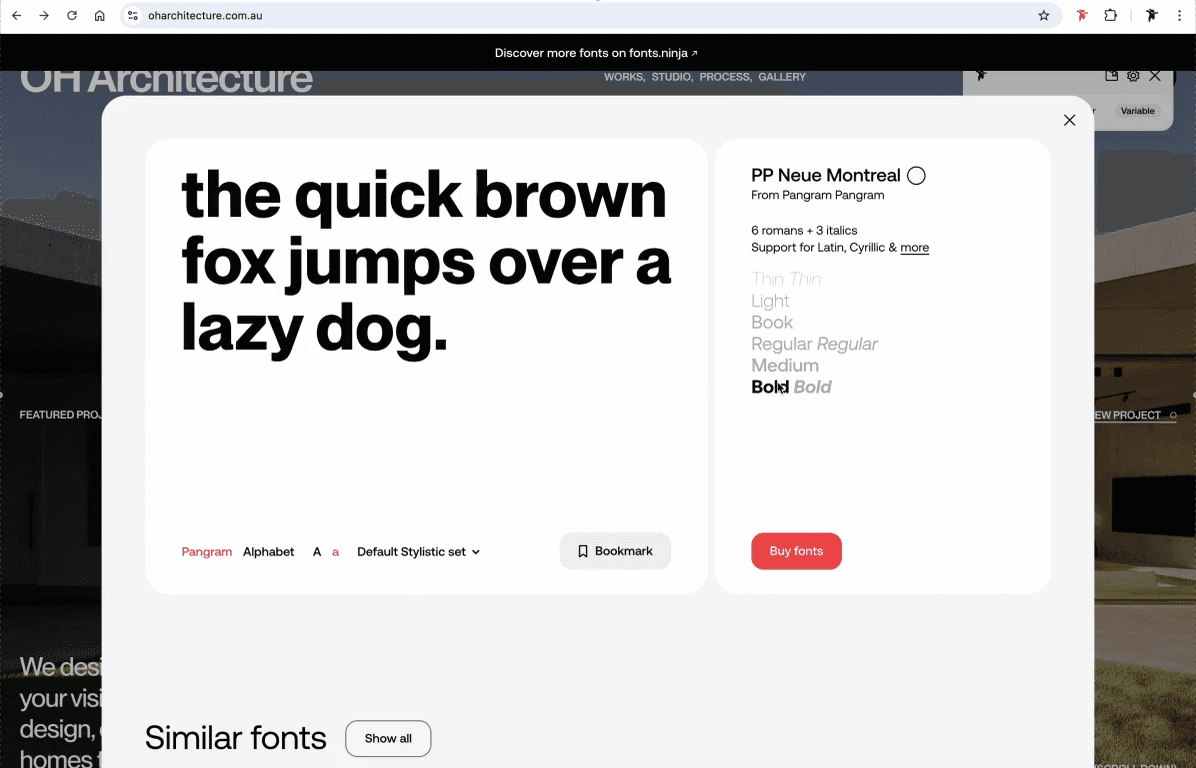
This makes it very useful when you see a font you like and want to reuse or match it in your own design work.
Fonts Ninja also gives deep type details. You can see the font designer, pricing, styles, and language support. Its AI suggests similar fonts, which helps when the original font is paid or unavailable. You can bookmark fonts, save them to boards, and access them later.
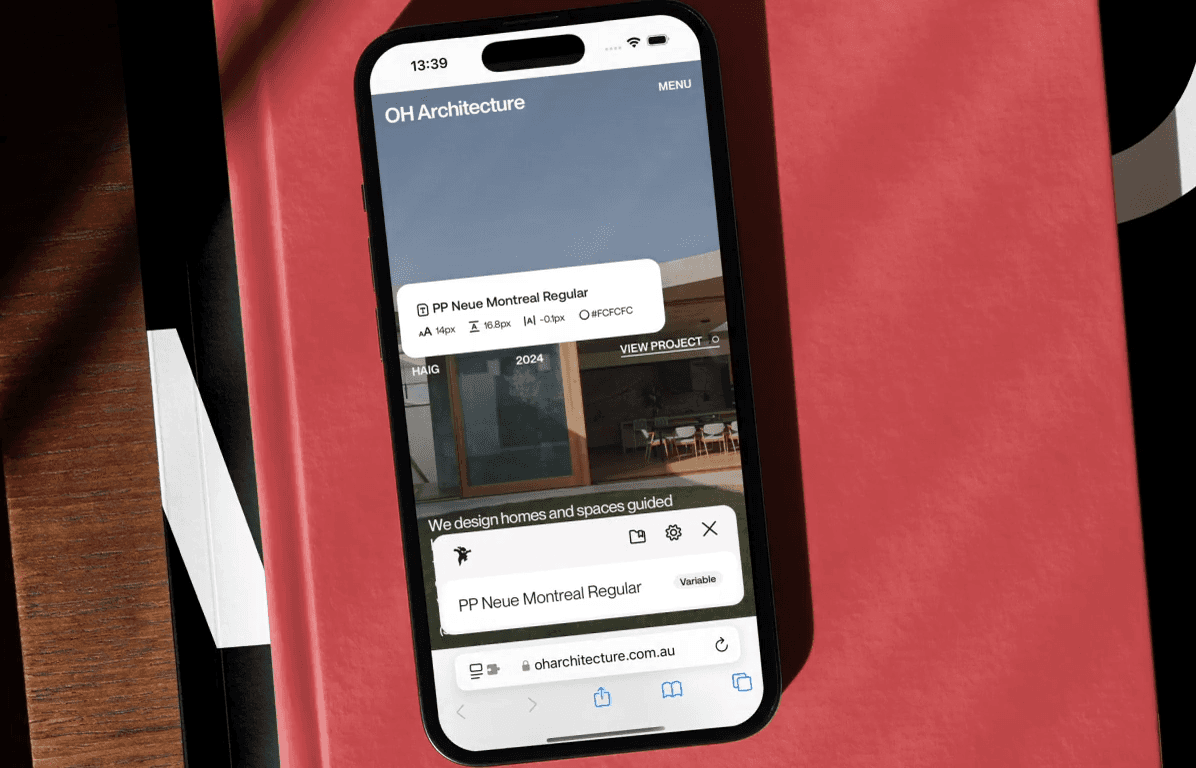
The extension is free and works on Chrome, Safari, Firefox, Edge, and even on iPhone through Safari mobile.
3. Free Faces Gallery
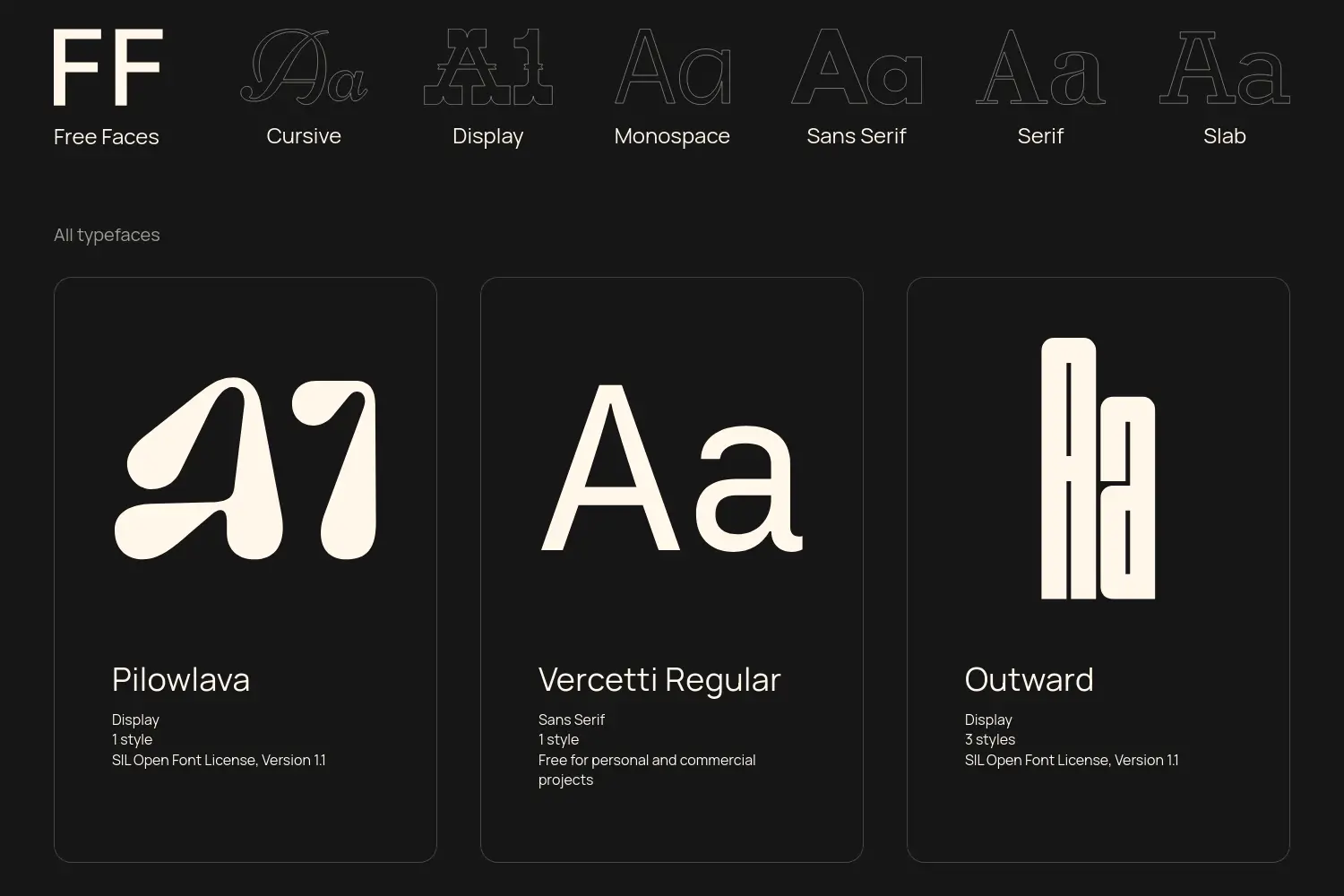
Free Faces Gallery is a clean and focused place to find high-quality free fonts. It does not try to list everything. Instead, it shows a hand-picked collection of typefaces chosen for good design and real use. This saves time and helps designers avoid low-quality font sites.
The gallery groups fonts by clear categories like sans serif, serif, display, monospace, slab, and cursive. This makes it easy to find the right style for a website, app, or brand project. Each font links to its source, where you can download it and check details.
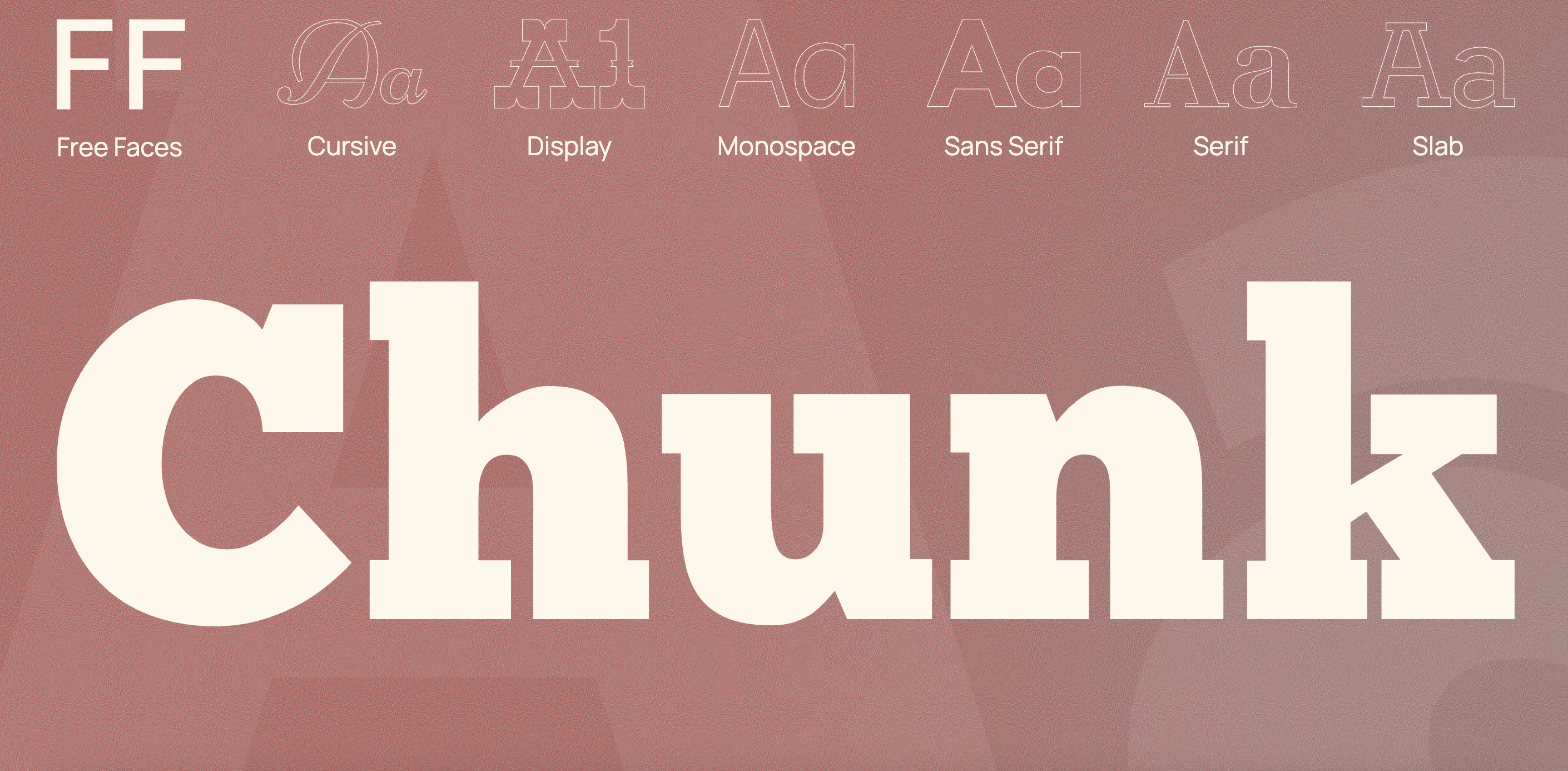
All fonts are free, but licenses can differ. Many use open licenses like the SIL Open Font License. Designers should always check the license before using a font for client or commercial work.
Popular fonts like Inter, League Spartan, and Bebas Neue are included, making this tool ideal for clean, modern design work without cost.
4. UI Fonts
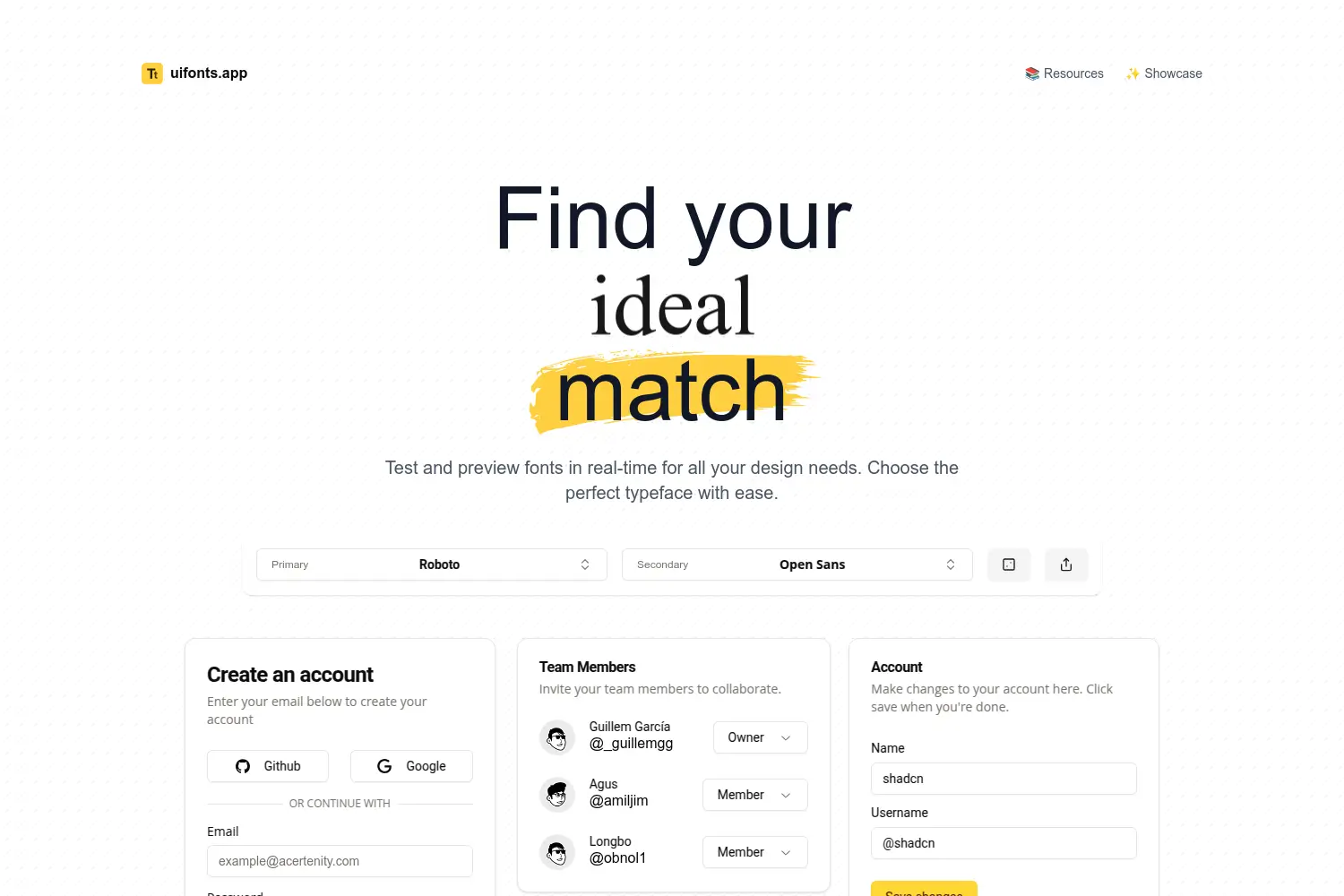
UI Fonts is a simple tool made for testing fonts before you use them. It lets designers preview typefaces in real time, so you can see how text looks in actual UI layouts. This helps you avoid guessing and pick fonts that work well on screens.
The tool is easy to use. You can test common UI fonts, adjust text, and see how they feel for apps, websites, and dashboards. Fonts like Roboto and Open Sans are easy to preview, which is useful for product and interface design.
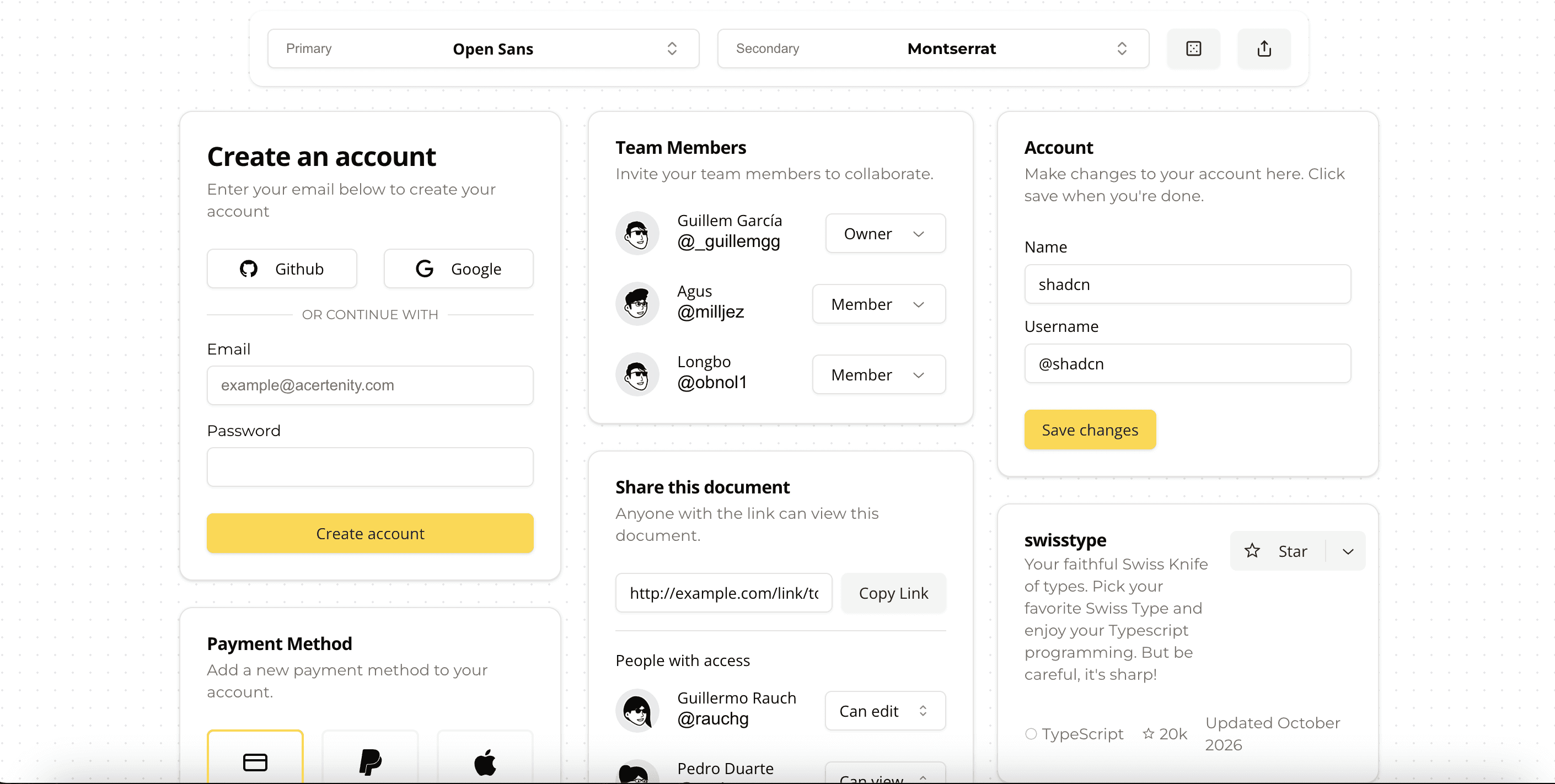
UI Fonts is best for web designers and UI designers who care about readability and spacing. Since it runs in the browser and is free, it works well for quick checks when you need to choose a clean and usable typeface fast.
5. UNCUT.wtf
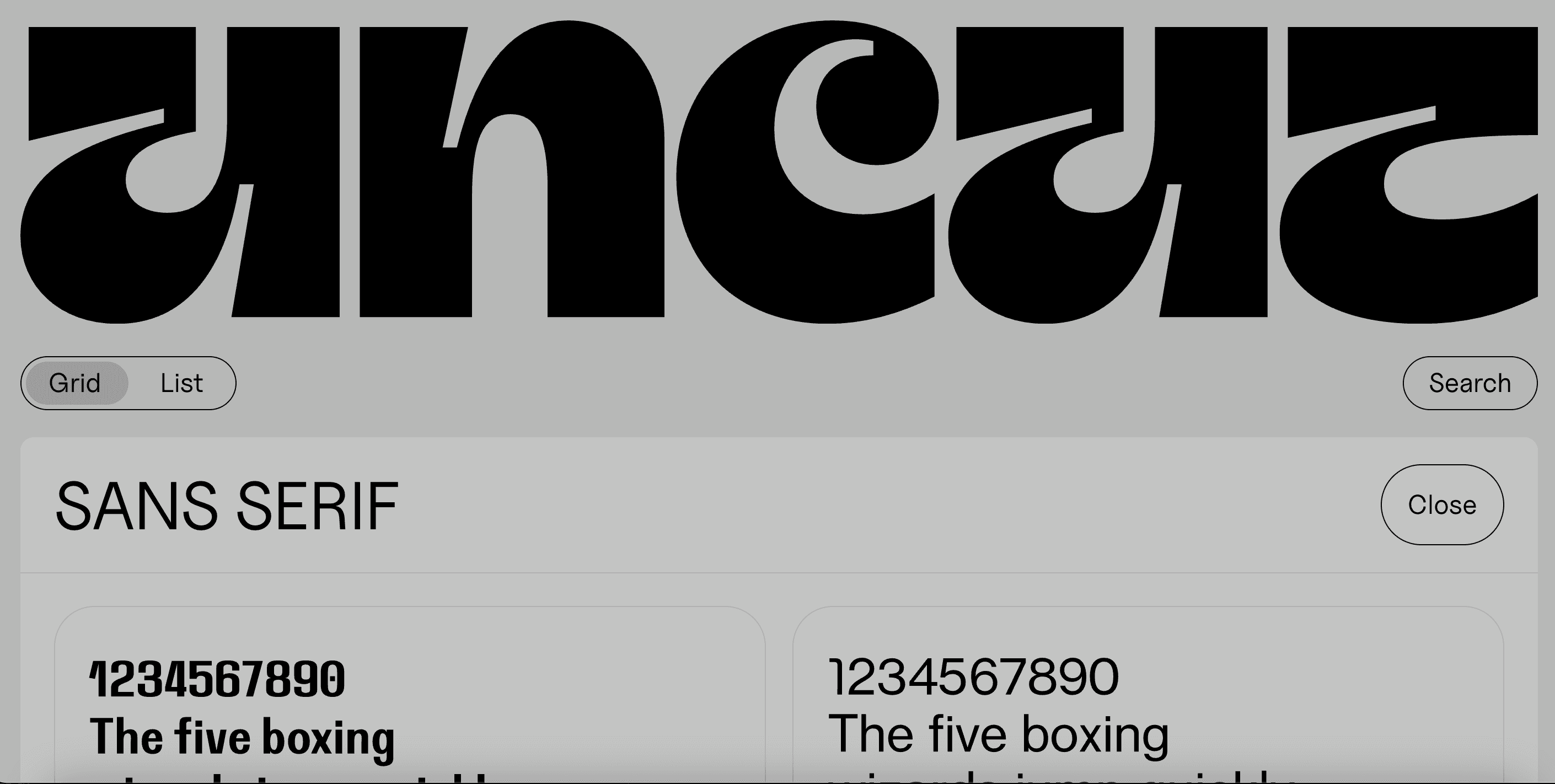
UNCUT.wtf is a free catalogue of contemporary typefaces made by independent designers. It focuses on modern fonts that feel fresh and current. All fonts are free for commercial use, which makes it a strong choice for real client and product work.
The collection includes display, sans serif, serif, and monospace fonts. You can browse the site in grid or list view, which keeps discovery simple and fast.
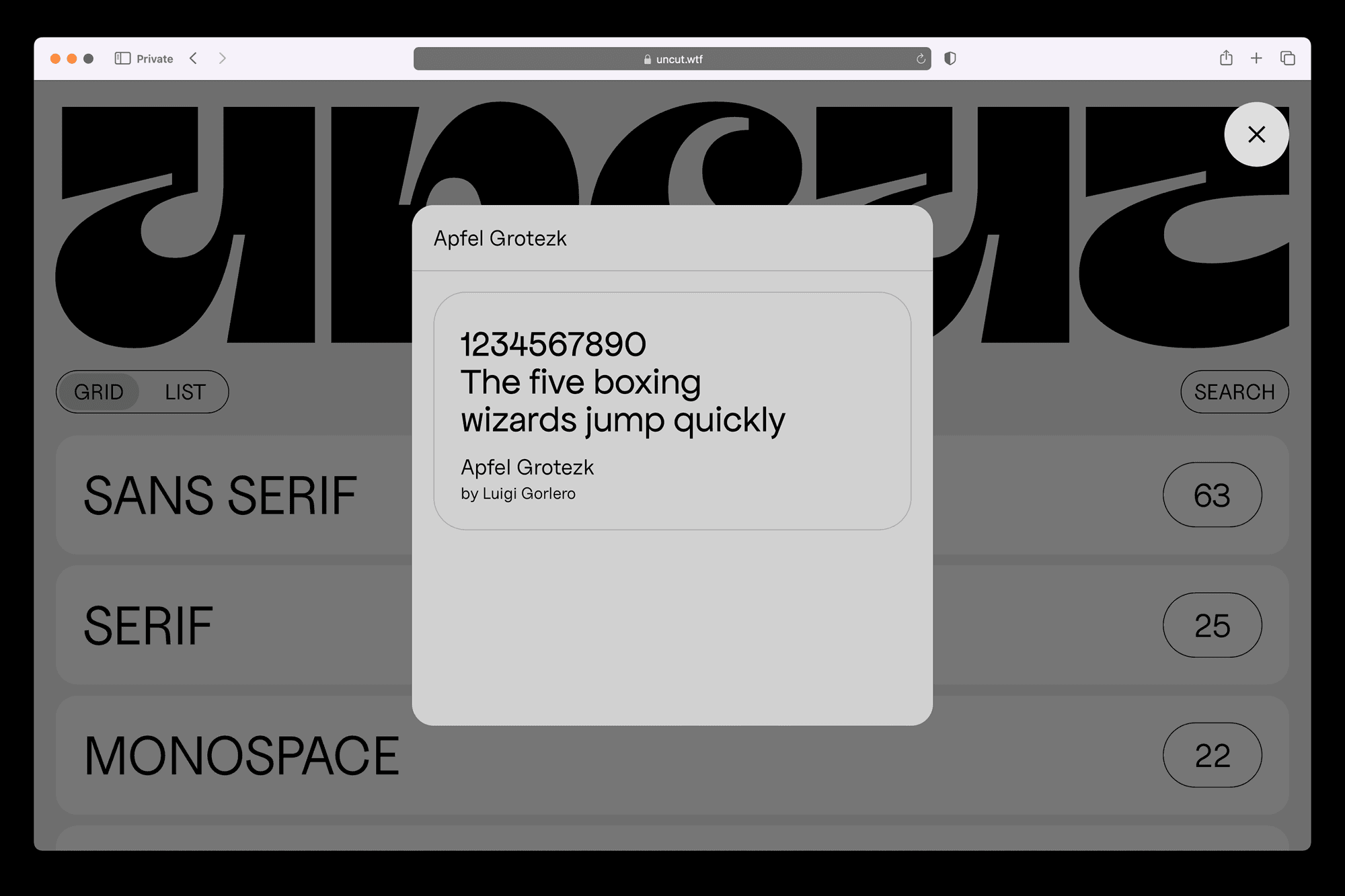
With over 160 typefaces, it offers a good balance between variety and quality without feeling overwhelming.
UNCUT.wtf also respects privacy and uses no cookies. The project is run by Danish designer Kasper Nordkvist and reflects a strong design-first mindset. Designers use it to find modern web fonts, variable fonts, and unique typefaces that stand out without licensing risk.
6. Typescale
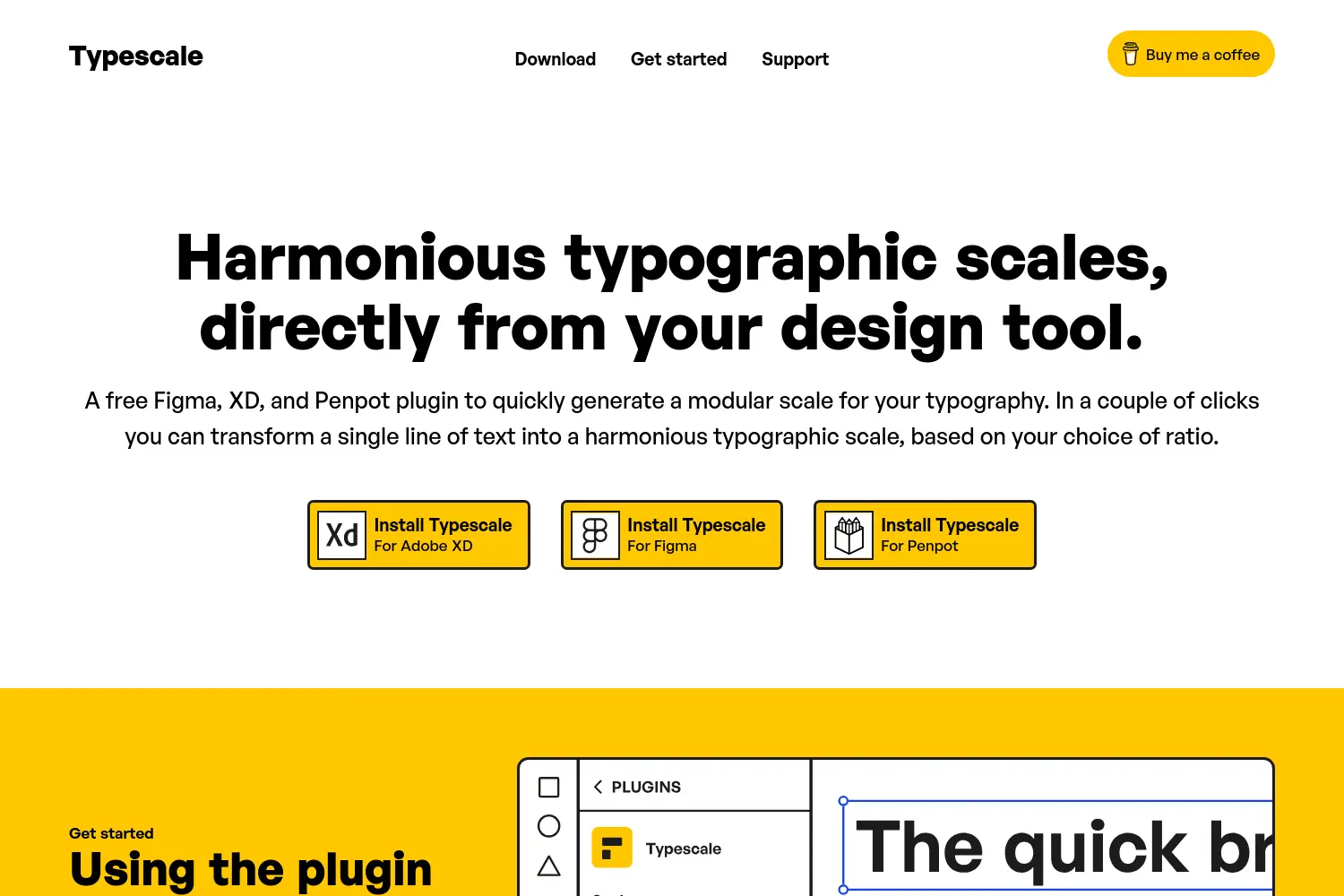
Typescale helps designers create clean and balanced typography systems. It is a free plugin for Figma, Adobe XD, and Penpot. Instead of guessing font sizes, you can generate a full typographic scale from one text style in seconds.
The plugin works directly inside your design tool. You select a text layer as your base size, then choose a scale ratio. Lower ratios give subtle size changes.
Higher ratios create strong contrast. You can also decide how many sizes you want above and below the base text, which is useful for headings, body text, and captions.
Typescale is best for UI design, design systems, and product work. It keeps typography consistent across screens and components. With just a few clicks, you turn one line of text into a structured and readable type scale that feels intentional and professional.
7. RightFont
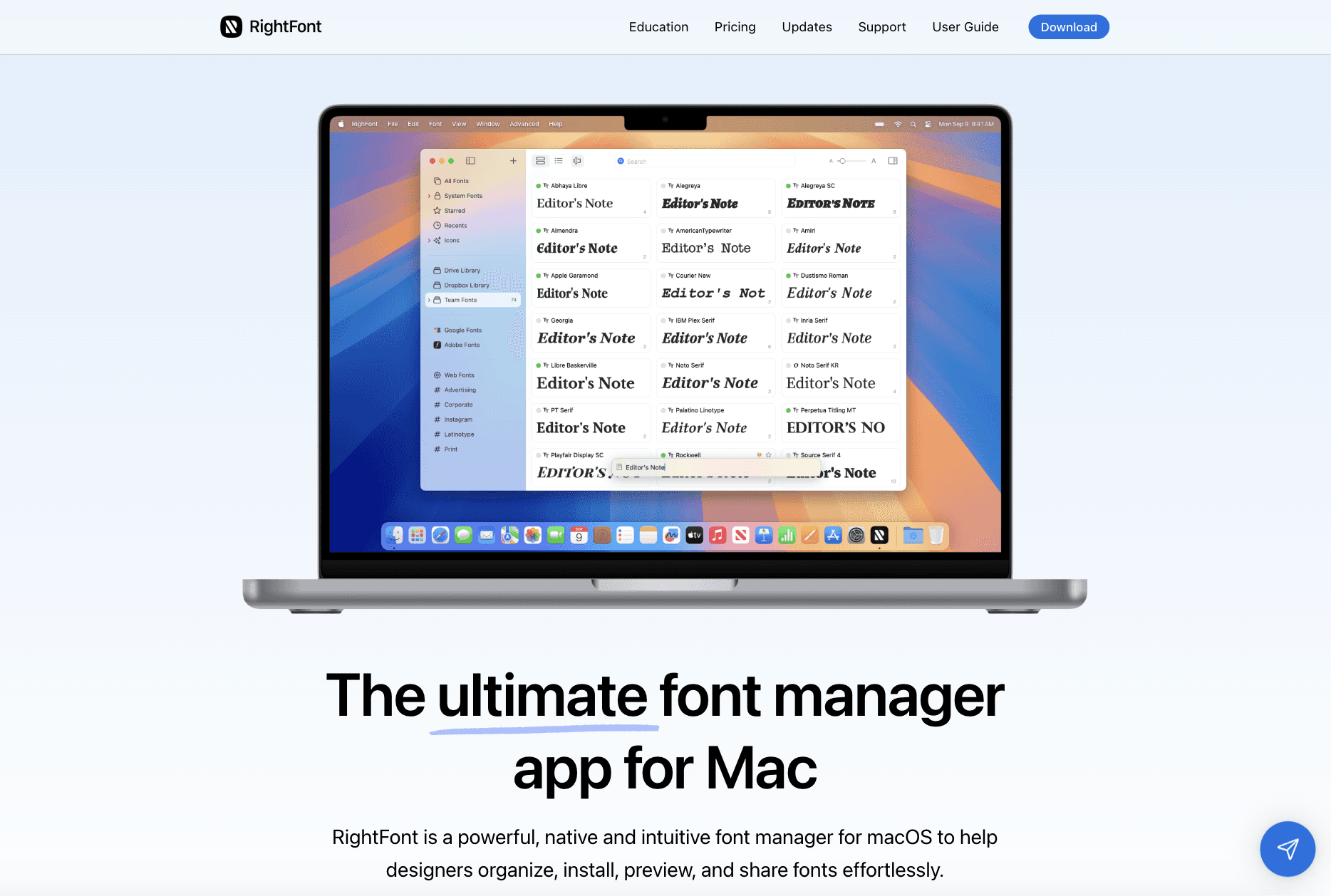
RightFont is a powerful font manager built only for macOS. It helps designers install, organize, preview, and activate fonts without friction.
You can search fonts fast using filters, tags, and smart tags. Font details and glyphs are easy to view in one place. Fonts activate with one click and do not need manual installation.
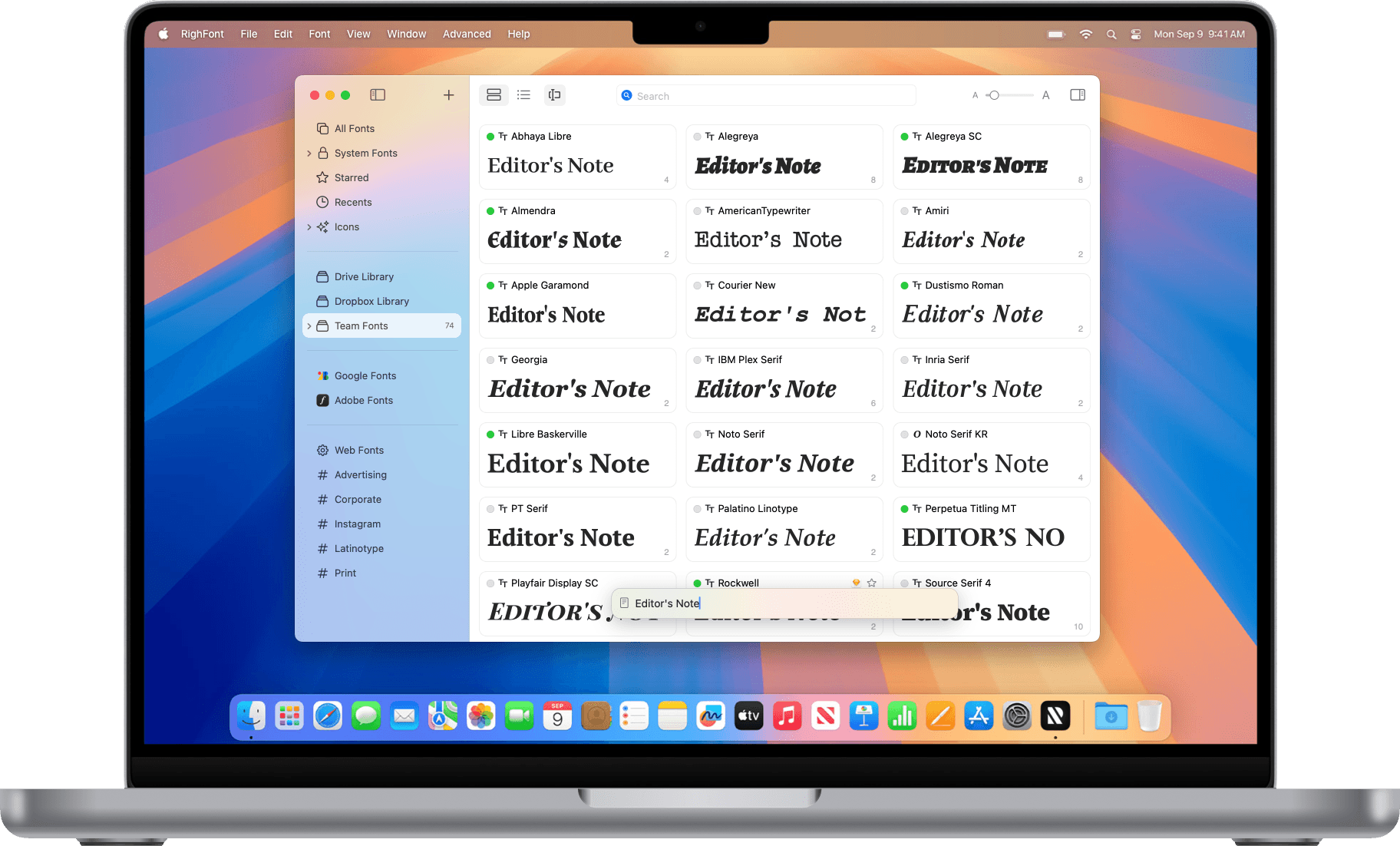
RightFont also syncs Google Fonts, so you can use them locally in any Mac app. It runs fast on Apple Silicon and supports Dark Mode.
RightFont works inside design tools like Photoshop, Illustrator, Sketch, and others. It auto-detects missing fonts when you open a file and activates them for you. You can also change fonts directly from RightFont without switching apps.
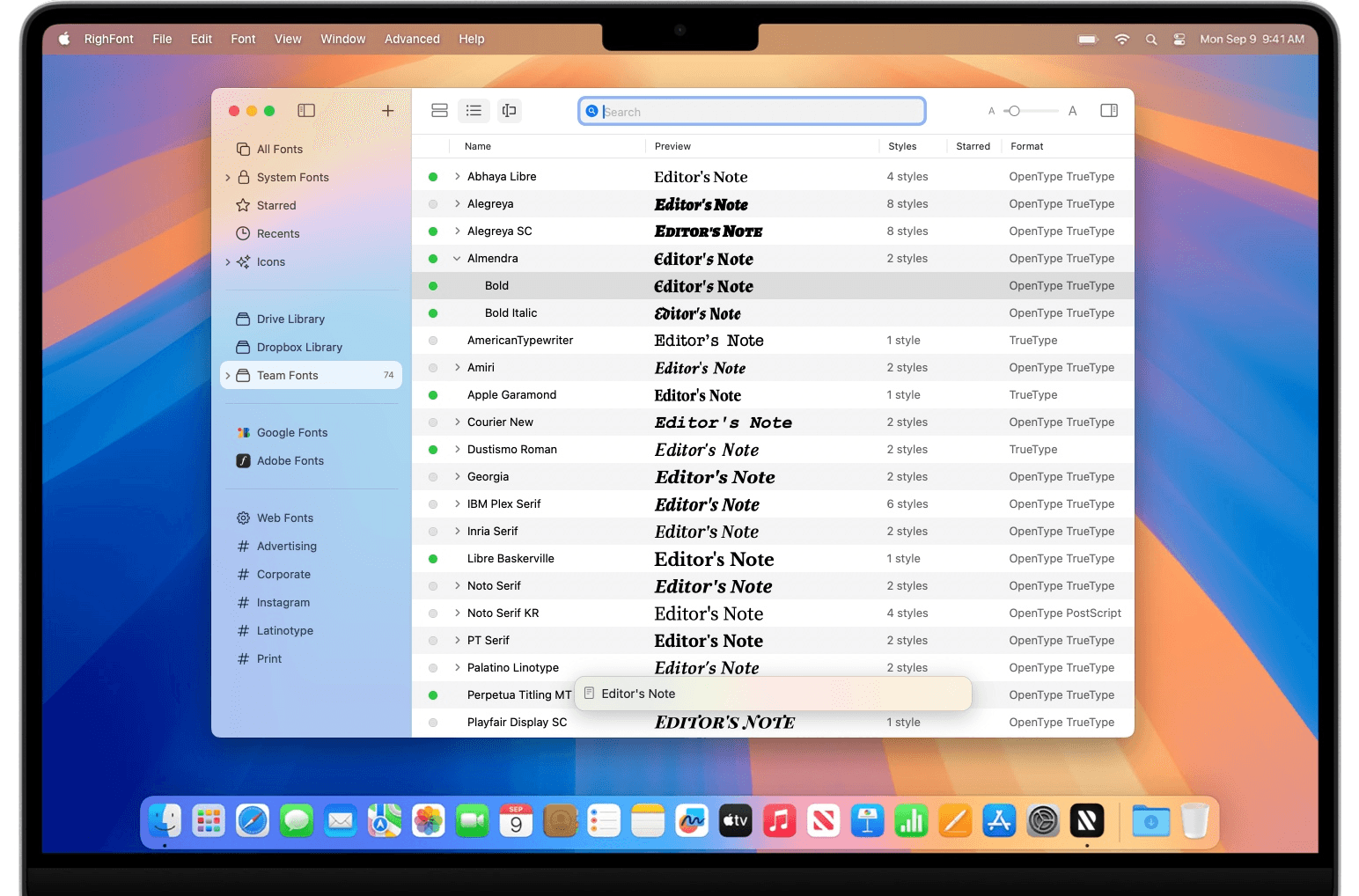
Teams can share font libraries using cloud drives. It is a one-time purchase with a free 15-day trial, which makes it ideal for professional Mac-based designers.
8. Fontself
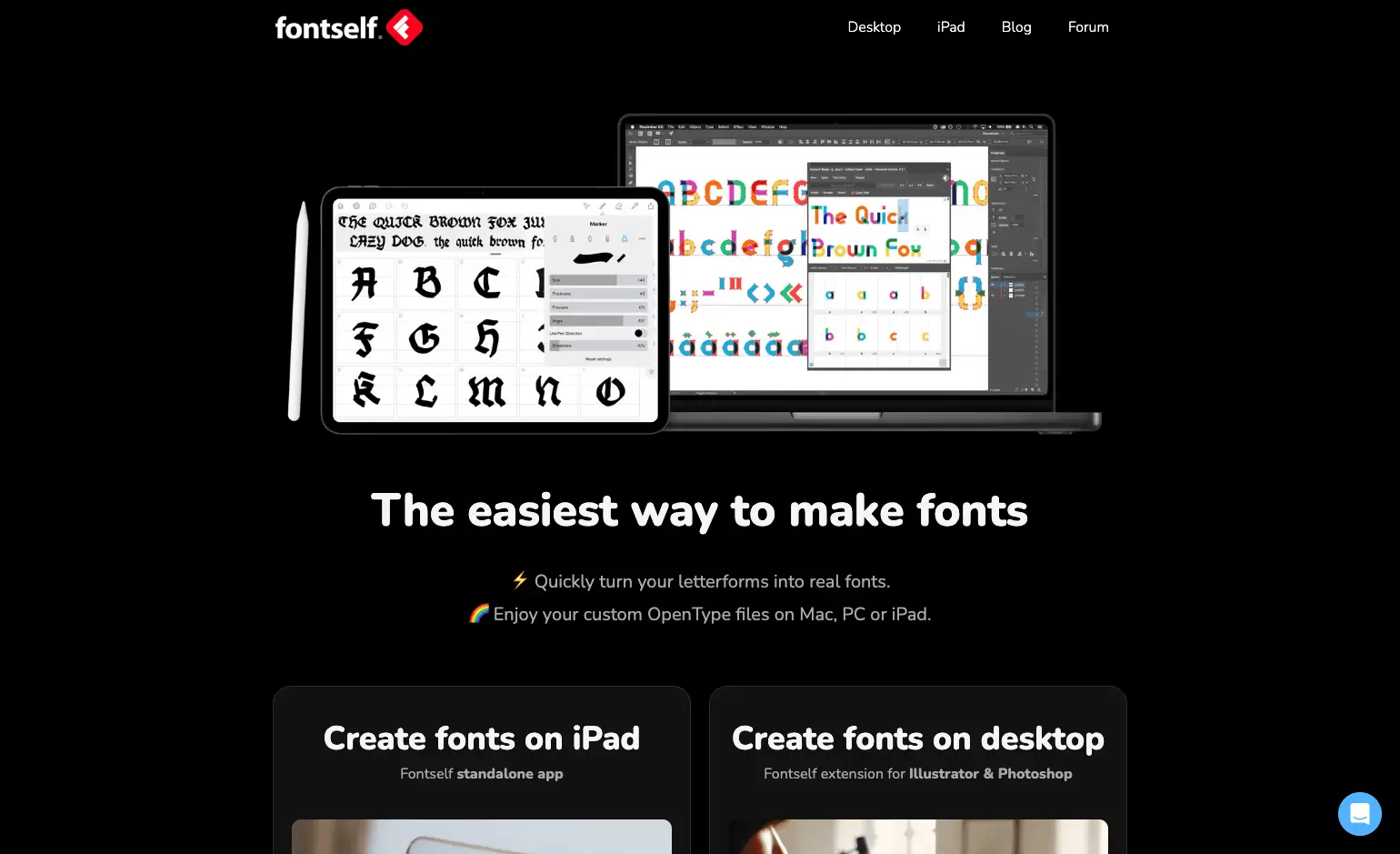
Fontself is one of the easiest tools to make your own fonts. It lets designers turn letterforms into real OpenType fonts without complex software. You can create fonts on desktop using Illustrator or Photoshop, or draw them directly on iPad with Apple Pencil.
On desktop, Fontself works as an extension inside Illustrator and Photoshop. You drag and drop shapes or letters to create glyphs, adjust spacing and kerning, add ligatures, alternates, and even color fonts.
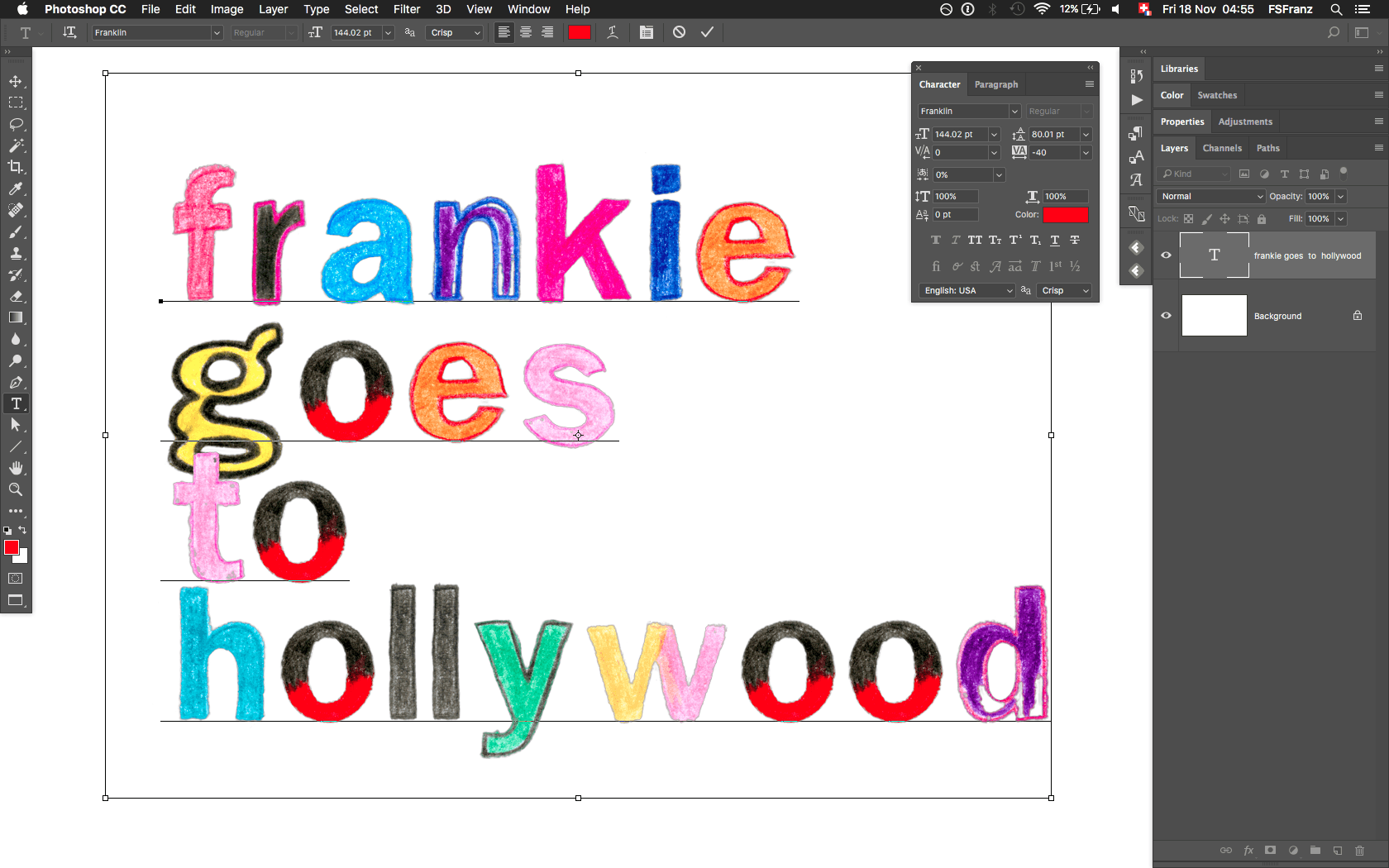
You can export real OTF files that work on both Mac and PC. This makes it ideal for branding, custom typography, and experimental type work.
On iPad, Fontself works as a standalone app. You draw letters using vector brushes, refine them with Bezier controls, and set font metrics like x-height and ascenders.
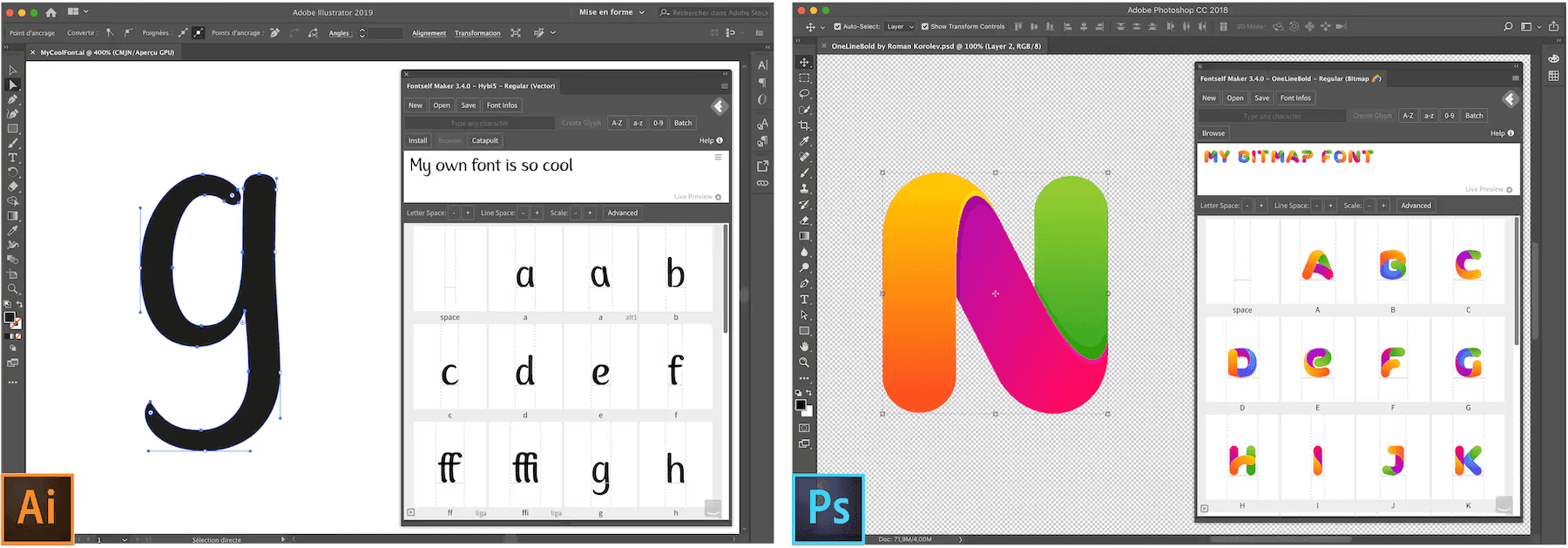
Fonts can be installed directly on iPad and used in apps like Procreate and Keynote. Fontself is best for designers who want full creative control and want to turn lettering ideas into usable fonts fast.
And That's a Wrap
You now have a solid set of typography tools to design with clarity and confidence. Use them to find better fonts, test type faster, and build strong typography systems.
You can find more typography tools on Toolfolio, and do not forget to check out more design and creative resources to keep improving your work.
You May Also Like













Featured Tools







Newest Additions




















AI Image & Video Generation

































Vibe Coding Library




























































Screenshot & Screen Recording Tools
















